1. Pengenalan
The Zebronics ZEB-BS2H1000 is a high-performance 2D handheld barcode scanner designed for efficient and accurate data capture. It supports USB connectivity, making it compatible with various systems such as desktops and laptops. This manual provides essential information for setting up, operating, and maintaining your scanner.
2. Produk Lebihview
Familiarize yourself with the components of your ZEB-BS2H1000 barcode scanner.
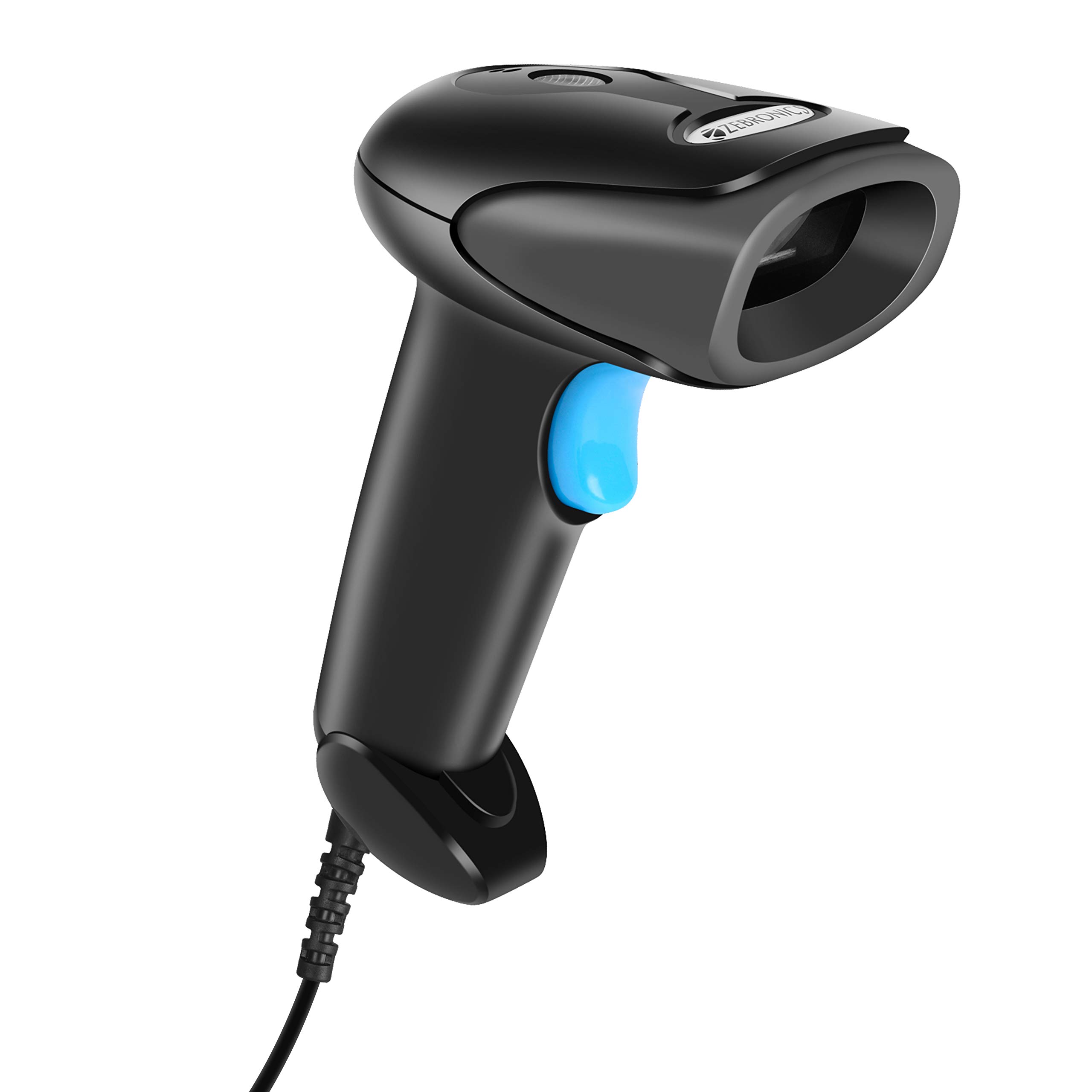
Depan view of the Zebronics ZEB-BS2H1000 2D Handheld Barcode Scanner.

Key features of the scanner: 2D scanning capability, USB interface for connectivity, trigger for operation, and an LED indicator for status.

The scanner includes a speaker for audible feedback and a light source for illuminating barcodes during scanning.

Ergonomic hand grip for comfortable use and a prominent trigger button for initiating scans.
3. Persediaan
Follow these steps to set up your Zebronics ZEB-BS2H1000 barcode scanner.
- Buka Pengimbas: Carefully remove the scanner and its USB cable from the packaging.
- Sambung ke Komputer: Plug the USB cable from the scanner into an available USB port on your desktop or laptop computer.
- Pemasangan Pemandu: The scanner is typically plug-and-play. Your operating system should automatically detect and install the necessary drivers. No manual driver installation is usually required.
- Pengesahan: Once connected, the scanner's LED indicator may light up, and you might hear a short beep, indicating it is ready for use.
4. Arahan Operasi
Learn how to effectively use your ZEB-BS2H1000 scanner for barcode reading.

The scanner being used to read a QR code on a package, demonstrating its application in inventory or shipping.
- Hold the Scanner: Grip the scanner comfortably in your hand.
- Aim at Barcode: Point the scanner's light source directly at the barcode you wish to scan. Ensure the entire barcode is within the scanning area.
- Press the Trigger: Press and hold the trigger button. The scanner will emit a light beam.
- Scan Confirmation: Upon a successful scan, the scanner will typically emit a beep (from the speaker) and the LED indicator will flash. The scanned data will appear in the active application on your connected computer.
- Pengimbasan Kod Bar 2D: This scanner is capable of reading both 1D and 2D barcodes, including QR codes.
The ZEB-BS2H1000 is suitable for various applications:
- Airport / Hotels Check-in
- Tempat Jualan (POS)
- Pengurusan Gudang
- Perpustakaan
- Cargo & Shipping
- Attendance & Biometrics
- Courier Services
- Super Markets
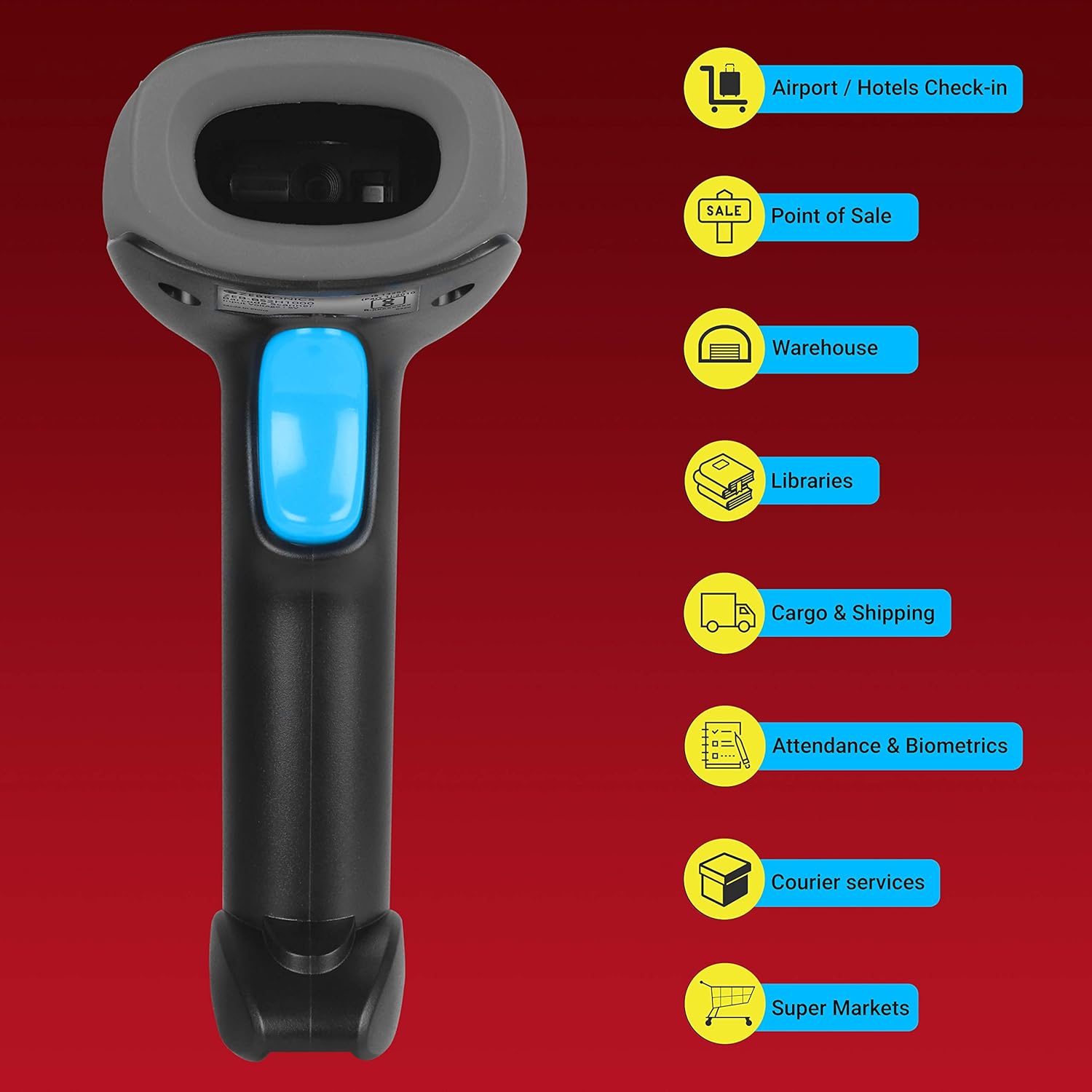
Visual representation of common environments where the ZEB-BS2H1000 barcode scanner can be effectively utilized.
5. Penyelenggaraan
Penyelenggaraan yang betul memastikan jangka hayat dan prestasi pengimbas anda yang optimum.
- Pembersihan: Use a soft, dry, lint-free cloth to clean the scanner's exterior. For the scanning window, use a soft cloth lightly dampdicairkan dengan air atau pembersih yang lembut dan tidak kasar. Elakkan bahan kimia yang keras atau bahan yang kasar.
- Storan: Simpan pengimbas di tempat yang sejuk dan kering, jauh daripada cahaya matahari langsung dan suhu yang melampau.
- Penjagaan Kabel: Elakkan membengkokkan atau memusingkan kabel USB secara berlebihan untuk mengelakkan kerosakan dalaman.
6. Penyelesaian masalah
Jika anda menghadapi masalah dengan pengimbas anda, rujuk masalah dan penyelesaian biasa berikut.
| Masalah | Kemungkinan Punca | Penyelesaian |
|---|---|---|
| Pengimbas tidak dapat dihidupkan atau bertindak balas. | Kabel USB tidak disambungkan dengan betul atau port USB rosak. | Ensure the USB cable is securely plugged into both the scanner and the computer. Try a different USB port. |
| Pengimbas tidak membaca kod bar. | Barcode is damaged, poorly printed, or scanner is not aimed correctly. | Ensure the barcode is clear and undamaged. Aim the scanner directly at the center of the barcode. Try scanning a different, known-good barcode. |
| Data yang diimbas tidak betul atau tidak lengkap. | Partial scan or incorrect scanner settings. | Ensure the entire barcode is scanned. If issues persist, consult the product support for advanced configuration options. |
| No beep or LED flash after scanning. | Scanner feedback settings disabled or scanner malfunction. | Check if the scanner is successfully transmitting data to the computer. If so, feedback settings might be off. If not, refer to power-on troubleshooting. |
7. Spesifikasi
Technical specifications for the Zebronics ZEB-BS2H1000 barcode scanner.
- Jenama: ZEBRONIK
- model: ZEB-BS2H1000
- Jenis Peranti: Pengimbas Kod Bar 2D Pegang Tangan
- Teknologi Ketersambungan: Kabel USB
- Peranti Serasi: Desktop, Komputer riba
- Dimensi Produk: 8.6 x 6.5 x 16.5 cm
- Berat Barang: 120 g
- Perkakasan Pemasangan: Barcode Scanner - 1 unit
- Bateri Diperlukan: Tidak
8. Waranti dan Sokongan
For warranty information or technical assistance, please contact Zebronics customer support. Details can typically be found on the official Zebronics webtapak atau pada pembungkusan produk.


