pengenalan
This manual provides detailed instructions for the installation, operation, and maintenance of your GLOBE Electric Wi-Fi Smart Indoor/Outdoor Security Camera. This device is designed to enhance home security by providing remote monitoring capabilities, motion detection, and two-way audio communication.
Sila baca manual ini dengan teliti sebelum menggunakan produk ini untuk memastikan fungsi dan keselamatan yang betul.
Kandungan Pakej
Sahkan bahawa semua item terdapat dalam pakej:
- Kamera Pintar
- Penyesuai Kuasa
- Mounting Accessories (wall anchors and screws)
- Panduan Mula Pantas (manual ini)
Persediaan
1. Keperluan Sistem
- Mobile device running iOS 8.0 or higher / Android 4.1 or higher.
- Wi-Fi router with 2.4 GHz network connection for initial setup. The camera can operate on 2.4 GHz or 5 GHz after connection.
2. Download the GLOBE SUITE App
Download the free GLOBE SUITE App from your mobile device's app store. This app is essential for controlling and monitoring your smart camera.

Image: GLOBE brand logo, representing the required app for camera operation.
3. Hidupkan dan Sambungkan
- Plug in the camera using the provided power adaptor.
- Open the GLOBE SUITE App on your smartphone.
- Follow the in-app instructions to add a new device and connect your smart security camera to your home Wi-Fi network. Ensure your phone is connected to a 2.4 GHz Wi-Fi network during the initial pairing process.
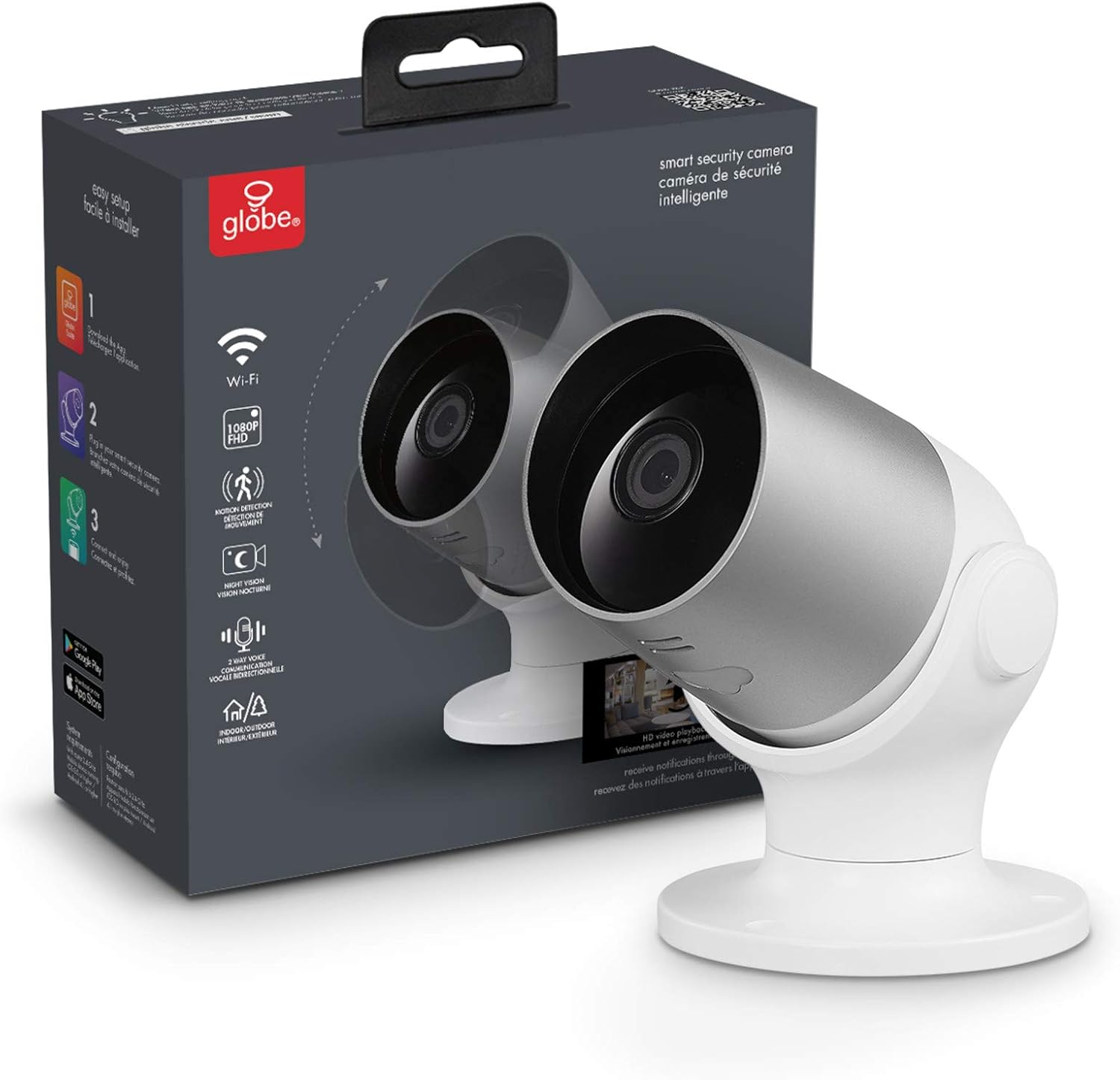
Image: The GLOBE Electric Wi-Fi Smart Indoor/Outdoor Security Camera shown with its retail packaging. This illustrates the product as it appears out of the box.

Imej: A terperinci view of the GLOBE Smart Camera, highlighting its compact design and indicating key features such as Wi-Fi connectivity, 1080p FHD resolution, motion detection, night vision, two-way voice communication, and indoor/outdoor use. The text "No hub required" is also visible.
4. Memasang Kamera
The camera can be attached to a wall using the included indoor-rated wall anchors and screws. The pivoting base allows for 355 degrees of adjustment, and the head can pivot 90 degrees, providing a 100-degree field of view.
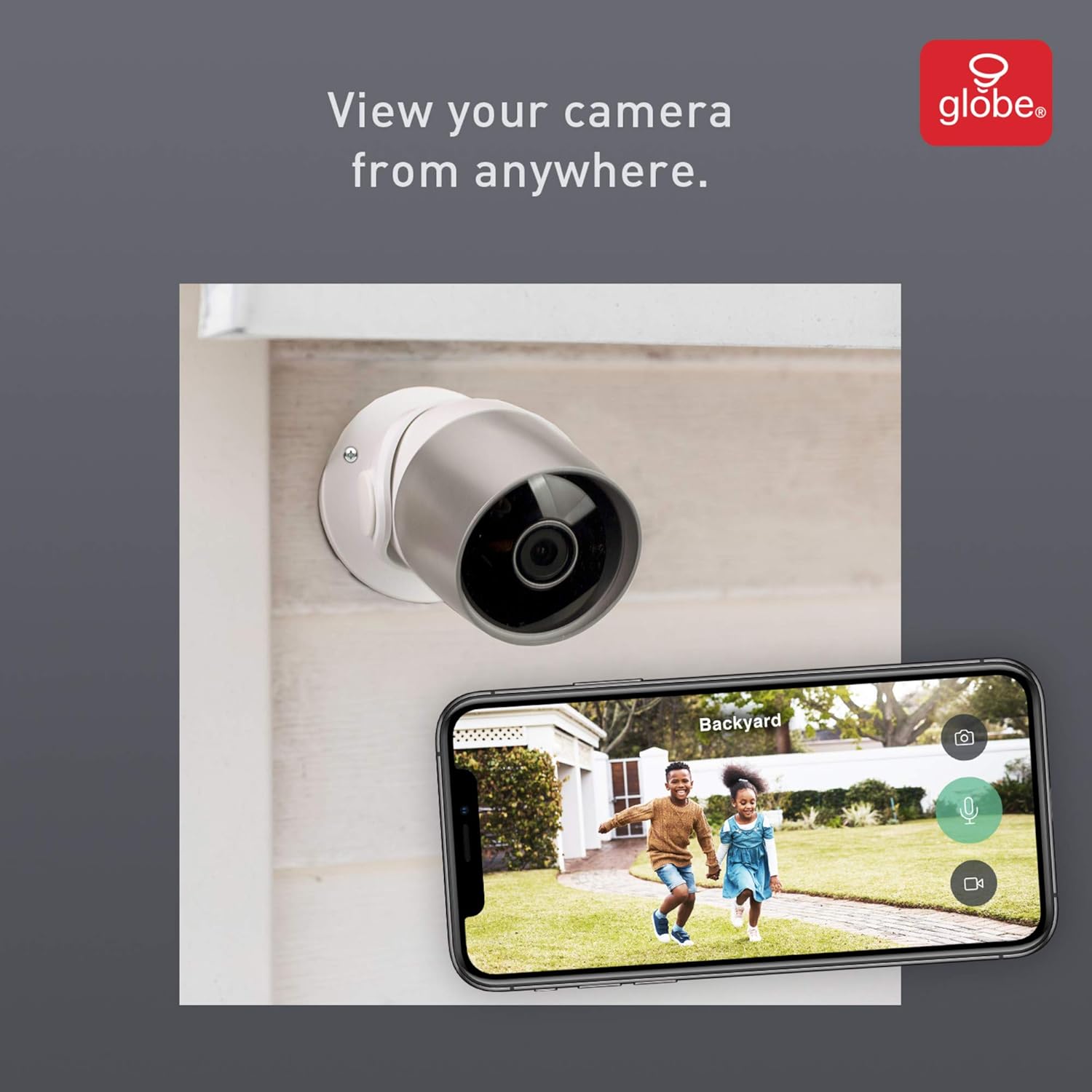
Image: A smartphone displaying a live feed from the security camera, showing a backyard scene with children playing. This demonstrates the ability to view kamera dari mana-mana sahaja.
Arahan Operasi
1. Hidup View dan Pemantauan Jauh
Access the live video feed from your camera anytime, anywhere, through the GLOBE SUITE App. This allows you to monitor your home or property remotely.
2. Two-Way Voice Communication
The camera features a built-in microphone and speaker, enabling two-way audio communication. You can speak to and hear anyone within the camera's range directly through the app.
3. Pengesanan Gerakan dan Pemberitahuan
The camera can detect motion up to 26.25 feet (8 meters). When motion is detected, you will receive instant notifications on your smartphone via the GLOBE SUITE App. This feature helps you stay informed about activity around your home.

Image: A smartphone displaying a "Motion Detection" notification from the GLOBE SUITE App, with a dog visible in the background. This illustrates how users receive alerts when movement is detected by the camera.
4. Penglihatan Malam
The camera is equipped with automatic night vision, allowing for clear monitoring even in low-light or dark conditions. The IR distance is up to 10 meters.

Image: A smartphone displaying a black and white night vision feed from the camera, showing a baby sleeping in a crib. This highlights the camera's night vision capability for monitoring in dark environments.
5. Video Playback and Storage
Insert a microSD card (up to 128GB max size) into the camera to locally store up to 24 days of video footage. You can play back recorded videos and view screenshots at any time through the app. The camera supports both SD and HD image settings.
Penyelenggaraan
To ensure optimal performance and longevity of your camera, follow these maintenance guidelines:
- Pembersihan: Lap perlahan-lahan lensa kamera dan badan dengan kain lembut dan kering. Elakkan menggunakan bahan kimia yang keras atau pembersih yang kasar.
- Kemas kini Firmware: Regularly check the GLOBE SUITE App for available firmware updates to ensure your camera has the latest features and security enhancements.
- Keadaan Persekitaran: While designed for indoor/outdoor use, avoid exposing the camera to extreme temperatures or direct water submersion.
Menyelesaikan masalah
If you encounter issues with your GLOBE Electric Smart Camera, refer to the following common solutions:
| Masalah | Penyelesaian yang Mungkin |
|---|---|
| Kamera tidak bersambung ke Wi-Fi: | Ensure your Wi-Fi router is operating on a 2.4 GHz frequency during initial setup. Verify the Wi-Fi password is correct. Move the camera closer to the router to improve signal strength. |
| No motion detection notifications: | Check the motion detection settings in the GLOBE SUITE App. Ensure notifications are enabled for the camera and for the app in your phone's system settings. Verify the camera's field of view meliputi kawasan yang dikehendaki. |
| Kualiti video yang lemah: | Check your internet connection speed. Ensure the camera lens is clean. Adjust image settings (SD/HD) in the app if necessary. |
| Audio dua hala tidak berfungsi: | Ensure microphone and speaker permissions are granted to the GLOBE SUITE App on your mobile device. Check the volume settings on both your phone and within the app. |
For further assistance, please refer to the support section or contact customer service.
Spesifikasi
| Ciri | Perincian |
|---|---|
| Nombor Model | 50108 |
| Penggunaan Dalaman/Luar | Dalaman, Luaran |
| Resolusi Tangkapan Video | 1080p |
| Viewsudut | 100 darjah |
| Penderia Imej | CMOS 1/4" |
| Jarak IR (Penglihatan Malam) | 10M |
| Julat Pengesanan Pergerakan | Sehingga 26.25 kaki (8 meter) |
| Teknologi Ketersambungan | Wi-Fi (2.4 GHz for setup, 2.4 GHz or 5 GHz after connection) |
| Penyimpanan | Supports microSD Card (Max 128GB) |
| Output Kuasa | DC12V, 1A |
| Voltage | 120 Volt |
| Dimensi (L x W x H) | 3.12 x 3.1 x 5.19 inci |
| Berat Barang | 0.73 paun (11.7 auns) |
| bahan | plastik |
| Penilaian Perlindungan Antarabangsa | IP65 |
Waranti dan Sokongan
Waranti: This product comes with a 2-year manufacturer's limited warranty. Please retain your proof of purchase for warranty claims.
Sokongan: For technical support, troubleshooting assistance, or warranty inquiries, please visit the official GLOBE Electric website or contact their customer service. Refer to the GLOBE SUITE App for additional resources and FAQs.
Anda juga boleh melawat GLOBE Store on Amazon untuk maklumat lanjut dan produk.


