pengenalan
This manual provides comprehensive instructions for the safe and efficient use of your TUINYO TP19 Bluetooth Wireless Over-Ear Headphones. Please read this manual thoroughly before operating the device and retain it for future reference.

Image: TUINYO TP19 Bluetooth Wireless Over-Ear Headphones, showcasing the sleek design in black and blue.
Maklumat Keselamatan
- Elakkan pendedahan berpanjangan kepada paras volum tinggi untuk mengelakkan kerosakan pendengaran.
- Jangan gunakan fon kepala semasa memandu, berbasikal atau dalam situasi di mana ketidakupayaan untuk mendengar bunyi ambien boleh membahayakan.
- Jauhkan peranti daripada air, kelembapan dan suhu yang melampau.
- Jangan cuba membuka atau mengubah suai fon kepala. Ini boleh membatalkan jaminan dan menyebabkan kerosakan.
- Clean the headphones with a soft, dry cloth. Avoid using harsh chemicals.
Kandungan Pakej
- TUINYO TP19 Bluetooth Wireless Over-Ear Headphones
- Kabel Pengecas USB Mikro
- Kabel Audio 3.5mm
- Kes Pelindung
- Manual Pengguna (dokumen ini)

Image: All items included in the TUINYO TP19 headphone package: the headphones, a protective case, a micro USB charging cable, and a 3.5mm audio cable.
Produk Selesaiview
The TUINYO TP19 headphones feature a comfortable over-ear design with soft memory-protein earmuffs and an adjustable stainless steel headband for a perfect fit. Controls are intuitively placed on the earcup.

Imej: Terperinci view of the headphone's ergonomic features: leather-padded headband, adjustable headband mechanism, soft memory-protein earmuffs, and the equalizer (EQ) button.
Ciri-ciri Utama:
- High Fidelity Stereo Sound: Powered by 40mm neodymium drivers for immersive audio.
- Reka bentuk yang selesa: Memory-protein ear cushions and adjustable headband for extended wear.
- Mod Dwi: Supports both wireless Bluetooth and wired 3.5mm audio connections.
- Hayat Bateri yang Panjang: Sehingga 40 jam masa bermain dengan sekali caj.
- Mikrofon terbina dalam: Untuk panggilan bebas tangan dan arahan suara.
- Reka Bentuk Lipat: Untuk mudah alih dan penyimpanan.
Persediaan
1. Mengecas Fon Kepala
- Connect the micro USB charging cable to the charging port on the headphones.
- Sambungkan hujung kabel yang satu lagi ke penyesuai kuasa USB (tidak disertakan) atau port USB komputer.
- The LED indicator will show charging status (typically red while charging, off or blue when fully charged).
- A full charge takes approximately 2-2.5 hours and provides up to 40 hours of music playtime.

Image: Graphic illustrating the impressive battery duration, highlighting up to 35 hours of battery life and a quick charge feature where 15 minutes of charging provides 3 hours of playtime.
2. Hidupkan/Mati Kuasa
- Hidupkan kuasa: Press and hold the Power button (usually the multi-function button) for a few seconds until the LED indicator lights up and you hear a power-on prompt.
- Matikan: Press and hold the Power button again for a few seconds until the LED indicator turns off and you hear a power-off prompt.
3. Berpasangan Bluetooth
- Pastikan fon kepala dimatikan.
- Tekan dan tahan butang Kuasa selama lebih kurang 5-7 saat sehingga penunjuk LED berkelip merah dan biru secara berselang-seli, menunjukkan mod berpasangan.
- Pada peranti anda (telefon pintar, tablet, PC), dayakan Bluetooth dan cari peranti yang tersedia.
- Select "TP 19" from the list of devices.
- Once paired, the LED indicator will flash blue slowly, and you will hear a connection confirmation.
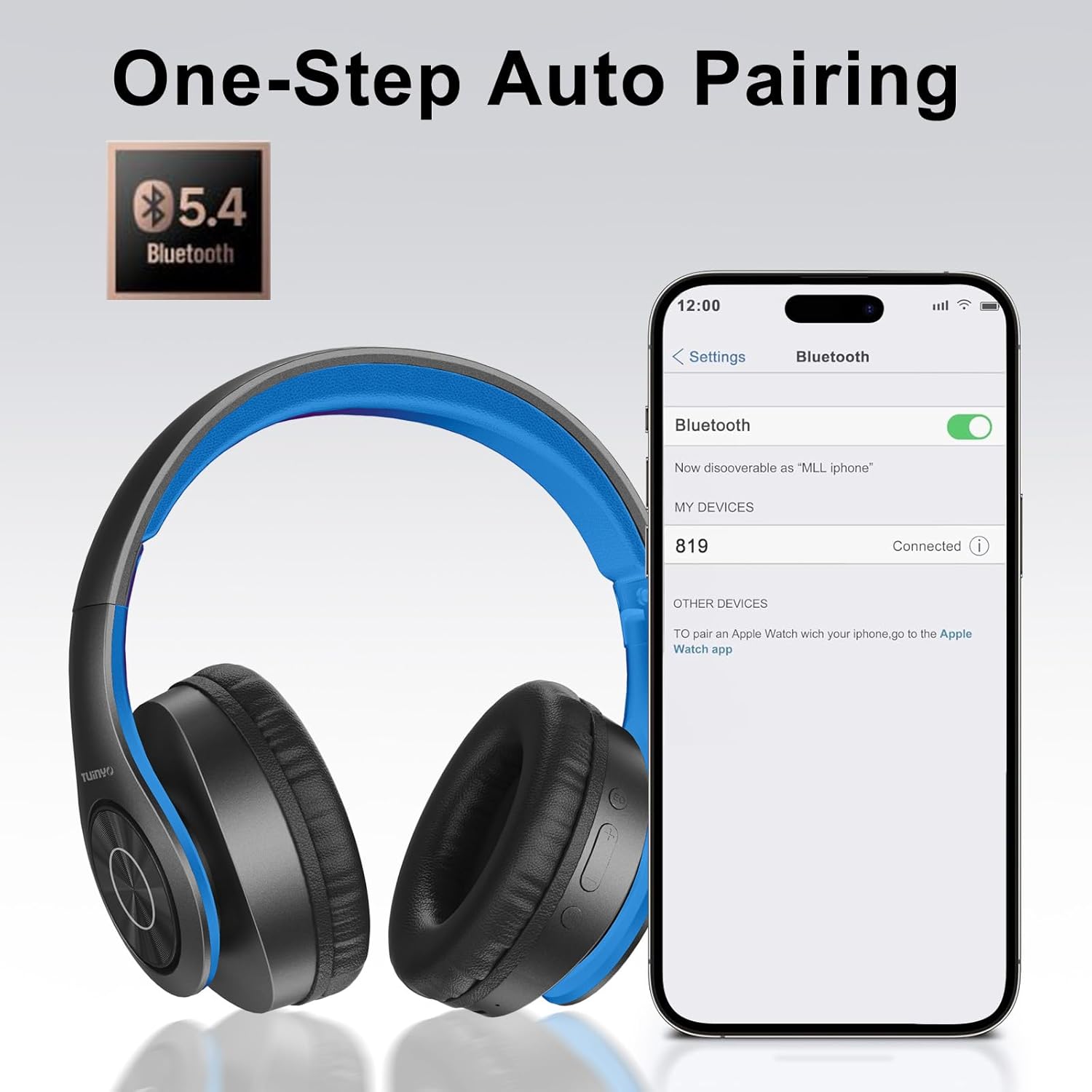
Image: A smartphone screen displaying the Bluetooth settings, showing the "819" (representing the TP19 headphones) successfully connected, illustrating the one-step auto pairing feature.
Video: An official TUINYO video demonstrating the Bluetooth pairing process and showing the headphones in use. This video highlights the ease of connecting the headphones to a device.
Arahan Operasi
1. Wireless Mode
- Main/Jeda: Tekan butang Pelbagai fungsi sekali.
- Kelantangan: Tekan butang "+".
- Perlahankan suara: Tekan butang "-".
- Lagu Seterusnya: Tekan dan tahan butang "+".
- Trek Sebelumnya: Tekan dan tahan butang "-".
2. Mod Berwayar
When the battery is low or if you prefer a wired connection, you can use the included 3.5mm audio cable.
- Sambungkan satu hujung kabel audio 3.5mm ke port input audio pada fon kepala.
- Connect the other end to your audio device's 3.5mm jack.
- In wired mode, controls on the headphones may be limited, and playback will be controlled by your connected device.
3. Fungsi Panggilan
- Jawab/Tamatkan Panggilan: Tekan butang Pelbagai fungsi sekali.
- Tolak Panggilan: Tekan dan tahan butang Berbilang fungsi selama 2 saat.
- Dail Semula Nombor Terakhir: Tekan dua kali butang Berbilang fungsi.
4. Pembantu Suara
The headphones support voice-enabled assistants like Siri. Press the Multi-function button twice to activate your device's voice assistant.
5. Sound Effects (EQ Mode)
The headphones feature multiple sound effects (EQ modes) to customize your listening experience. Press the EQ button (often labeled "EQ" or a similar icon) to cycle through available modes such as Normal, Rock, Pop, Classic, Jazz, and Country.
Video: An official TUINYO video showcasing the various sound modes and controls on the headphones, demonstrating how to switch between different equalizer settings.
Penyelenggaraan
- Store the headphones in the protective case when not in use to prevent damage.
- Pastikan port pengecasan dan bicu audio bebas daripada habuk dan serpihan.
- Avoid exposing the headphones to direct sunlight or extreme heat for extended periods.
- Do not use abrasive cleaners or solvents on the headphones.
Menyelesaikan masalah
| Masalah | Penyelesaian |
|---|---|
| Fon kepala tidak dapat dihidupkan. | Pastikan fon kepala dicas sepenuhnya. Sambungkan ke sumber kuasa dan cuba lagi. |
| Tidak boleh berpasangan dengan peranti. |
|
| Tiada bunyi dalam mod wayarles. |
|
| Tiada bunyi dalam mod berwayar. |
|
Spesifikasi
| Ciri | Perincian |
|---|---|
| Nama Model | TP 19 |
| Teknologi Ketersambungan | Wayarles (Bluetooth) |
| Teknologi Komunikasi Tanpa Wayar | Bluetooth 5.1 |
| Julat Bluetooth | 10 Meter |
| Jenis Pemacu Audio | Pemandu Dinamik |
| Saiz Pemacu Audio | 40 Milimeter |
| Respons Kekerapan | 20 KHz |
| Impedans | 32 ohm |
| Hayat Bateri | 40 Jam |
| Masa Mengecas | 2.5 Jam |
| Jack Fon Kepala | Jack 3.5 mm |
| Jenis Kawalan | Kawalan Suara, Sentuh |
| Ciri Khas | Boleh dilipat |
| Berat Barang | 8.9 auns (251 Gram) |
| Dimensi Produk | 6.85 x 3.9 x 9.72 inci |
| bahan | plastik |
| Komponen yang Disertakan | Cable, Protective Case, micro usb cable |
Waranti dan Sokongan
By choosing TUINYO, you are covered by a 30-day hassle-free return policy and a one-year warranty. For any inquiries or assistance, please contact our prompt and friendly customer service, available 24/7.
For further support, visit the official TUINYO store: TUINYO Store


