pengenalan
This manual provides comprehensive instructions for the setup, operation, maintenance, and troubleshooting of your Amazon Echo Buds with Active Noise Cancellation. Please read this manual carefully to ensure proper use and to maximize the performance of your device.
Produk Selesaiview
The Amazon Echo Buds are wireless earbuds designed to deliver dynamic audio with active noise cancellation. They feature hands-free Alexa integration, a compact and comfortable design, and a long-lasting battery.

Image: Amazon Echo Buds (black) with their charging case open, showing the earbuds nestled inside. The case is compact and dark-colored.

Imej: Dari dekat view of two black Amazon Echo Buds, highlighting their sleek design and the Amazon smile logo on each earbud.
Apa yang Termasuk
Your Amazon Echo Buds package includes:
- Echo Buds (Generasi Kedua)
- Kes pengecasan
- 4 pasang hujung telinga
- 2 pasang hujung sayap
- Kabel USB-C
- Panduan Mula Pantas
Persediaan
1. Charging Your Echo Buds
Before first use, fully charge your Echo Buds and the charging case. Connect the USB-C cable to the charging case and a power source. The LED indicator on the case will show charging status.
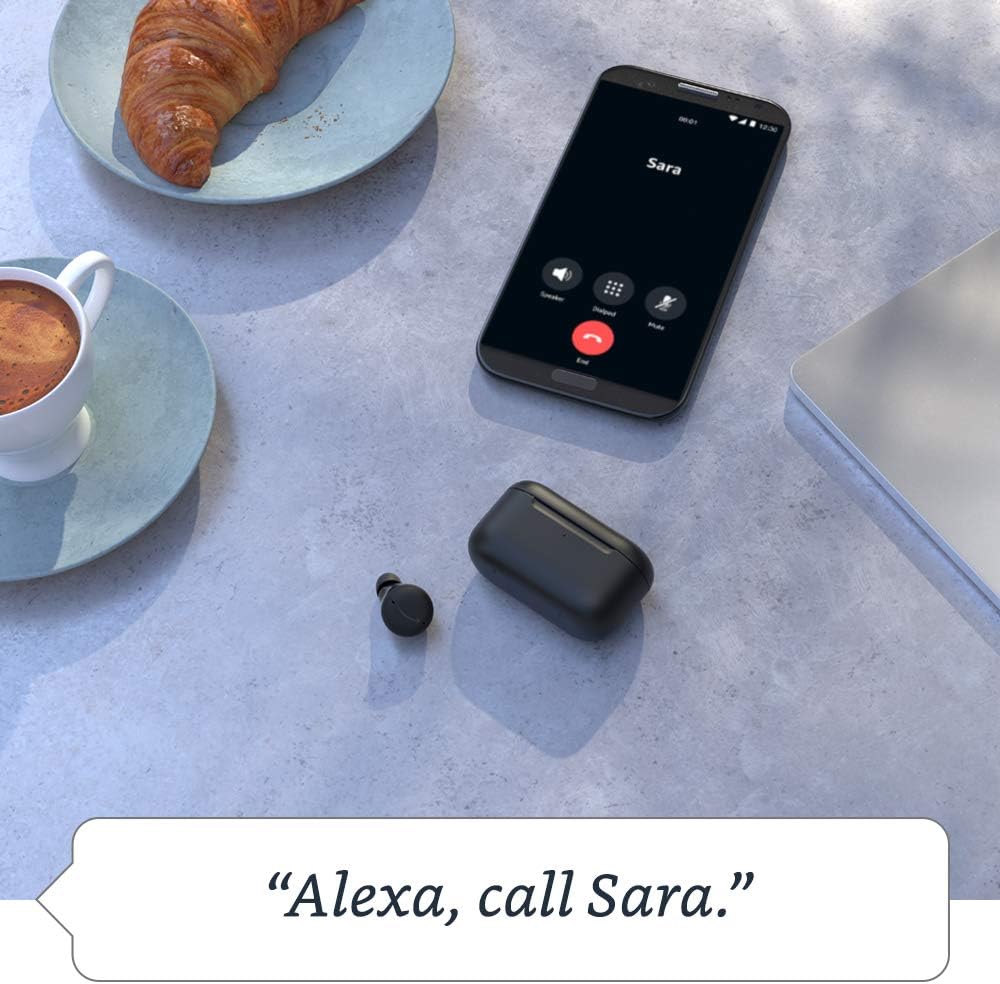
Image: The Echo Buds charging case resting on a wooden table next to a pair of glasses and a notebook, illustrating its compact size and portability.
2. Berpasangan dengan Peranti Anda
- Open the charging case with the Echo Buds inside.
- Pastikan Bluetooth didayakan pada telefon pintar atau tablet anda.
- Open the Alexa app. If you don't have it, download it from your device's app store.
- Follow the on-screen instructions in the Alexa app to complete the pairing process.
3. Mencari Kesesuaian Anda
Proper fit is crucial for optimal sound quality and Active Noise Cancellation (ANC) performance. Experiment with the included ear tips and wing tips to find the most secure and comfortable fit for your ears.
- Masukkan earbud ke saluran telinga anda.
- Gently twist the earbud until it feels secure and forms a good seal.
- Use the "Ear Tip Fit Test" in the Alexa app to verify your fit.
Operating Your Echo Buds
Pembatalan Bising Aktif (ANC)
The Echo Buds feature Active Noise Cancellation to reduce background noise. You can toggle ANC on/off or adjust its intensity via the Alexa app.

Image: A single black Echo Bud shown with a visual representation of sound waves, illustrating the concept of active noise cancellation.
Alexa Bebas Tangan
Access Alexa by simply saying "Alexa" followed by your command. You can use Alexa to:
- Stream music, podcasts, and Audible audiobooks.
- Buat panggilan dan hantar mesej.
- Set reminders and add items to your shopping list.
- Kawal peranti rumah pintar.
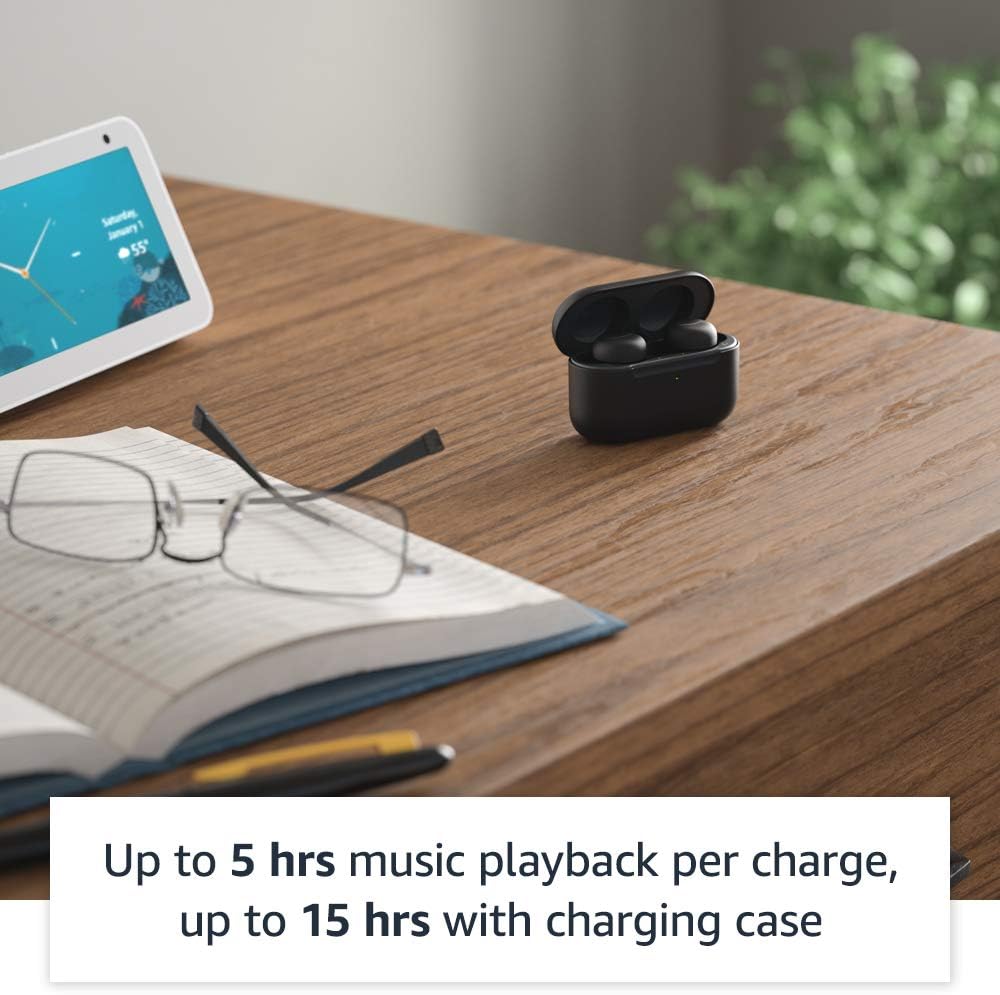
Image: A smartphone screen displaying a call interface with the text "Alexa, call Sara." below it, demonstrating the voice command feature of the Echo Buds.
Kawalan Sentuh
The Echo Buds feature customizable touch controls for playback, calls, and activating voice assistants. You can configure these settings within the Alexa app.
Berpasangan Pelbagai Titik
The Echo Buds support multipoint pairing, allowing them to connect to two devices simultaneously and seamlessly switch between them.
Penyelenggaraan
Cleaning Your Echo Buds
Regularly clean your Echo Buds and charging case to maintain optimal performance and hygiene.
- Gunakan kain lembut, kering dan tidak berbulu untuk mengelap fon telinga dan sarungnya.
- Tanggalkan hujung telinga dan bersihkannya dengan sabun lembut dan air, kemudian keringkan dengan teliti sebelum disambungkan semula.
- Do not use abrasive cleaners or submerge the earbuds or case in water.
Hayat Bateri
Untuk memaksimumkan hayat bateri:
- Store the earbuds in the charging case when not in use.
- Charge the case regularly.
- A 15-minute quick charge provides up to 2 hours of music playback.
Menyelesaikan masalah
Isu dan Penyelesaian Biasa
| Isu | Kemungkinan Punca | Penyelesaian |
|---|---|---|
| Tiada bunyi dari fon telinga | Low battery, not paired, incorrect audio output selected. | Charge earbuds, re-pair with device, check device's audio settings. |
| ANC tidak berkesan | Poor earbud fit, ANC disabled. | Adjust earbud fit, perform Ear Tip Fit Test in Alexa app, enable ANC in Alexa app. |
| Alexa tidak menjawab | Microphones muted, no internet connection, app issue. | Ensure mics are not muted in Alexa app, check Wi-Fi/data connection, restart Alexa app or phone. |
| Fon telinga tidak dicas | Improper placement in case, dirty charging contacts, faulty cable/charger. | Ensure earbuds are seated correctly, clean charging contacts, try a different USB-C cable/charger. |
Resetting Your Echo Buds
If issues persist, you may need to reset your Echo Buds. Refer to the Alexa app for specific instructions on performing a factory reset.
Spesifikasi
- Saiz (Earbud): 20.0 x 19.1 x 19.1 mm (without ear tip or wing tip)
- Size (Case): 66.8 x 28.6 x 39.1 mm
- Weight (Earbud): 5.7 g (without ear tip or wing tip)
- Weight (Case): 44.4 g (47.6 g for wireless charging case)
- Ketersambungan: Bluetooth 5.0, Wi-Fi or mobile data connection (via Alexa app)
- Penceramah: Pemacu dinamik 5.7 mm
- Mikrofon: 3 per earbud (2 external beamforming + 1 internal)
- Penarafan IPX: IPX4 (earbuds only) - tested to withstand water splashing
- Hayat Bateri: Up to 5 hours music playback with ANC/Hands-Free Alexa; up to 15 hours total with charging case. Up to 2 hours with 15-minute quick charge.
- Pemproses: Realtek RTL8763C Bluetooth System on Chip, NXP Digital Signal Processor
Waranti dan Sokongan
Your Amazon Echo Buds come with a 1-year limited warranty and service. Extended warranties may be available for purchase separately.
Untuk bantuan lanjut, lawati Sokongan Peranti Amazon page or contact Amazon Customer Service.
Ciri Privasi
Amazon Echo Buds are designed with multiple layers of privacy controls, including wake word technology, a streaming indicator, a mute button in the Alexa app, and the ability to view and delete your voice recordings. For more details, visit the Hab Privasi Alexa.


