1. Pengenalan
Thank you for choosing the AIRMATE Standing Pedestal Fan. This manual provides essential information for the safe and efficient operation of your new fan. Please read it thoroughly before use and retain it for future reference.
Ciri-ciri Utama:
- LED Light with 3 Adjustable Colors: Integrated LED light offering warm white, white, and blue color temperature options for ambiance or practical lighting.
- Customizable Oscillation & Height Adjustment: Three oscillation angles (60°, 90°, 120°) and adjustable height from 12” to 39” for versatile use.
- Powerful Airflow Circulation: Max wind speed of 26.5 ft/s, fan speed up to 1700 RPM, delivering airflow up to 92 ft with 1000 CFM.
- Operasi Ultra-Senyap: Operates at just 25 decibels, ideal for quiet environments.
- 16 Speeds, Remote Control & 12H Timer: Precision speed control, programmable timer, and intuitive remote for convenient operation.
2. Arahan Keselamatan
Sila patuhi langkah berjaga-jaga keselamatan berikut untuk mengurangkan risiko kebakaran, kejutan elektrik atau kecederaan.
- Sentiasa cabut plag kipas sebelum membersihkan atau melakukan sebarang penyelenggaraan.
- Do not insert fingers or any objects through the grille when the fan is operating.
- Pastikan kipas diletakkan pada permukaan yang stabil dan rata untuk mengelakkan terbalik.
- Jauhkan kord kuasa daripada permukaan yang dipanaskan.
- Jangan kendalikan kipas dengan kord atau palam yang rosak.
- Perkakas ini adalah untuk kegunaan dalaman sahaja.
3. Kandungan Pakej
Sahkan bahawa semua komponen terdapat dalam pakej:
- Perhimpunan Ketua Kipas
- Pedestal Pole (Adjustable)
- Pangkalan
- Alat Kawalan Jauh
- Penyesuai Kuasa
- Base Screw and Washer
- Screwdriver/Allen Wrench
- Manual Pengguna
4. Persediaan dan Pemasangan
Follow these steps to assemble your AIRMATE Standing Pedestal Fan:
- Buka Pembungkusan Komponen: Keluarkan semua bahagian dari bungkusan dengan berhati-hati.
- Attach Base to Pedestal: Turn the fan upside down. Align the jutting point in the base with the base cutout on the pedestal pole. Insert the base into the pedestal. Make sure the base doesn't move when rotating it.
- Selamatkan Pangkalan: Align the flat washer with the hole at the bottom of the base. Insert the base screw through the flat washer and fasten it using the included screwdriver.
- Attach Remote Control Holder: Turn the fan upright. Attach the remote control holder to the pedestal pole at a convenient height.
- Sambungkan Kuasa: Plug the power adapter into the fan's power port and then into a suitable power outlet.
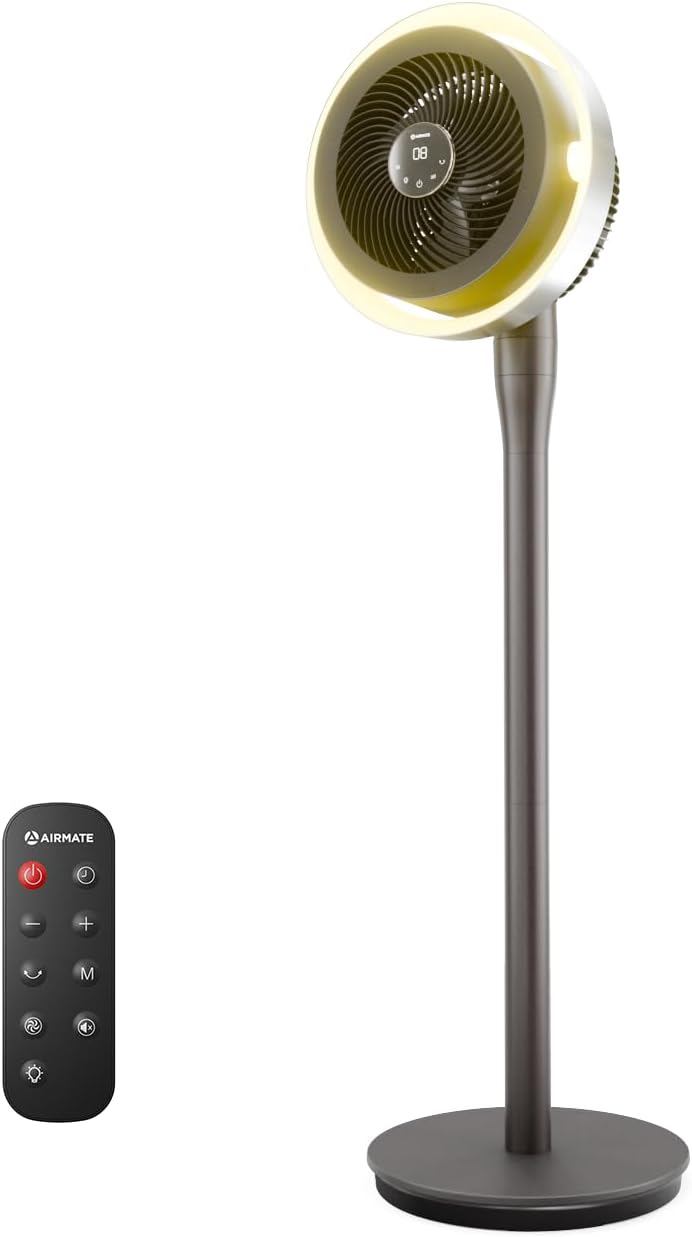
Figure 1: AIRMATE Standing Pedestal Fan with Remote Control.

Figure 2: All components included in the AIRMATE Standing Pedestal Fan package.
5. Arahan Operasi
Your fan can be operated using the digital touch display on the pedestal or the included remote control.
Paparan Sentuh Digital:
- Butang Kuasa: Press to turn the fan On/Off.
- Speed/Mode Button: Press to cycle through 16 speed settings and various modes (Normal, Auto, Sleep, Natural).
- Butang Ayun: Press to activate/deactivate oscillation and adjust oscillation angles (60°, 90°, 120°).
- Timer/Light Button: Press to set the 12-hour timer or change the LED light color.
Kawalan Jauh:
The remote control provides full functionality from a distance. Ensure the remote has active batteries (pull tab to activate).
- All functions available on the digital display are also accessible via the remote control.
- Point the remote directly at the fan's display for optimal response.

Figure 3: Digital touch display and remote control for the AIRMATE fan.
LED Light Functionality:
The integrated LED light offers three color options: warm white, white, and blue. Cycle through these options using the Timer/Light button on the fan or remote. This feature is ideal for creating ambiance or providing subtle illumination.
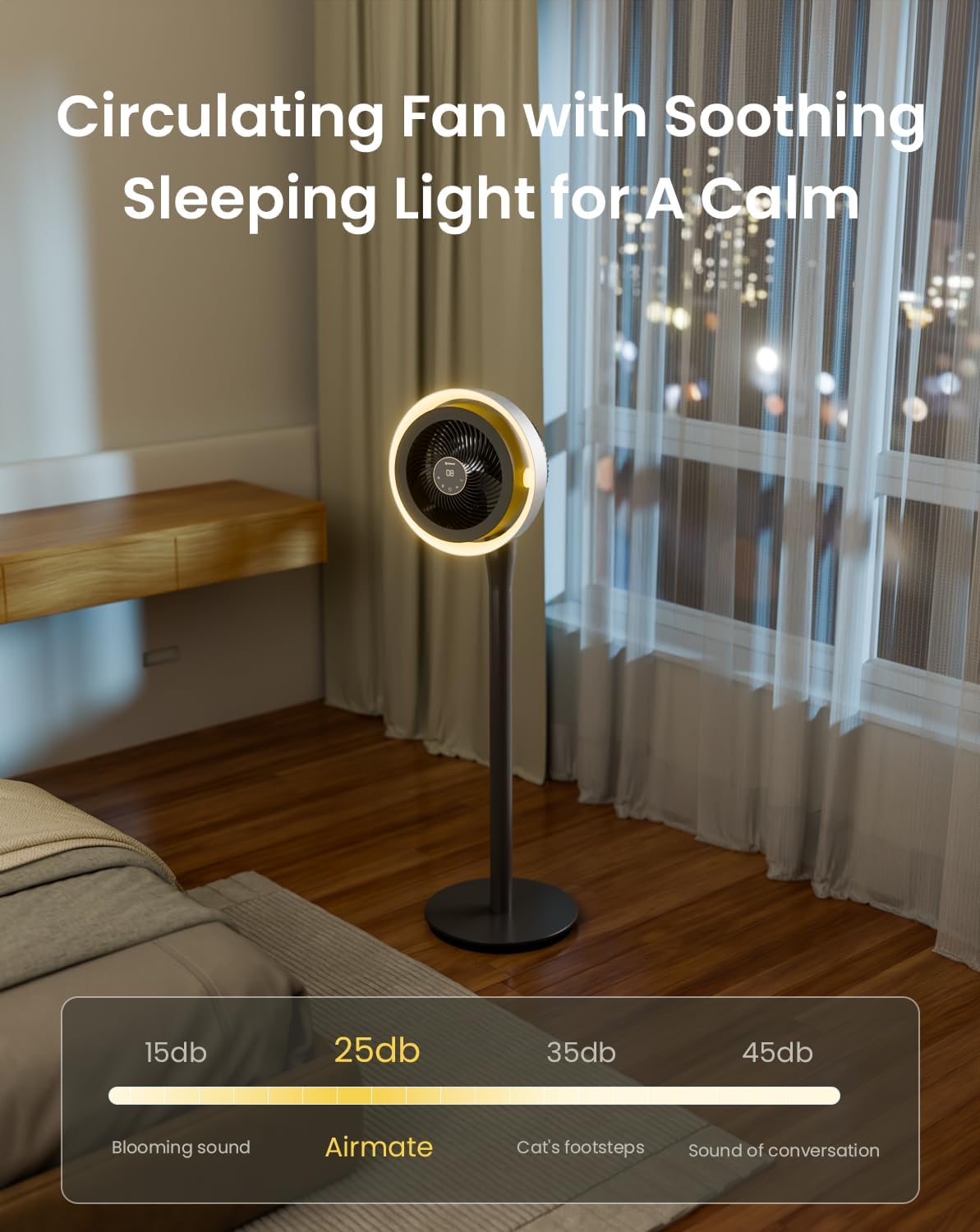
Figure 4: The fan's LED light can be adjusted to three different colors: warm white, white, and blue.
Height and Oscillation Adjustment:
The fan's height is adjustable from 12 inches (tabletop) to 39 inches (pedestal). To adjust, rotate the adjustment collar counterclockwise to loosen, set to desired height, and then rotate clockwise to tighten. The fan head also offers 60°, 90°, or 120° horizontal oscillation and can be manually tilted vertically.

Figure 5: The fan offers wide oscillation angles and vertical tilt for comprehensive airflow coverage.
6. Penyelenggaraan
Regular cleaning ensures optimal performance and longevity of your fan.
Membersihkan Kipas:
- Sentiasa cabut plag kipas sebelum membersihkan.
- The fan features a detachable design for easy cleaning of the blades and grilles. Refer to the quick start guide for detailed disassembly instructions.
- Lap permukaan luar dengan lembut, damp kain. Jangan gunakan pembersih atau pelarut yang melelas.
- Ensure all parts are completely dry before reassembling and plugging in the fan.
7. Penyelesaian masalah
Jika anda menghadapi sebarang masalah dengan kipas anda, sila rujuk masalah dan penyelesaian biasa berikut:
- Kipas tidak dihidupkan: Ensure the power cord is securely plugged into a working outlet. Check if the power button has been pressed.
- Aliran udara yang lemah: Verify that the fan speed is set to a higher level. Ensure the grilles are not obstructed and are clean.
- Kipas bising: Check for any obstructions in the fan blades. Ensure the fan is on a stable surface.
- Alat kawalan jauh tidak berfungsi: Check the batteries in the remote control. Ensure there are no obstructions between the remote and the fan.
For further assistance, please contact AIRMATE customer support.
8. Spesifikasi
| Jenama | AIRMATE |
| Nama Model | FB20187R |
| warna | DarkGrey |
| Reka Bentuk Kipas Elektrik | Kipas lantai |
| Sumber Kuasa | DC |
| Dimensi Produk | 13"D x 13"W x 45"H |
| Ketinggian Boleh Laras | 12" hingga 39" |
| Tahap Kebisingan | 25 Desibel |
| Wattage | 20 watt |
| Kapasiti Aliran Udara | 1000 Kaki Kubik Seminit |
| Kelajuan | 1980 RPM (16 tahap) |
| Voltage | 230 Volt |
| Kaedah Kawalan | Alat Kawalan Jauh, Kawalan Sentuh |
| Ciri Khas | Adjustable Height, LED Light, Oscillating, Timer |
9. Waranti dan Sokongan
For warranty information or technical support, please contact AIRMATE USA directly. Refer to the contact details provided in your product packaging or visit the official AIRMATE webtapak.
AIRMATE USA
Webtapak: AIRMATE Store on Amazon


