pengenalan
The Explore Scientific RPW3008 is a sophisticated projection clock designed to provide accurate time, weather forecasts, and temperature readings. It features a radio-controlled time function, dual alarms, a USB port for charging mobile devices, and an included external temperature sensor. The projection feature allows you to display the time and outdoor temperature on a wall or ceiling, with a 180-degree rotation capability for optimal viewing. Its clear and uniform backlight ensures readability even at night.
Ciri-ciri Produk
- Radio-controlled projection clock with DCF reception.
- Dual alarm with snooze function.
- Selectable 12/24 hour format with calendar display.
- Paparan ramalan cuaca.
- Indoor/outdoor temperature display, switchable between °C/°F.
- Weekday display in five languages.
- Time projection with 180-degree flip capability.
- Clear and uniform backlight.
- Supports up to 3 external sensors (one sensor included).
- Low battery indicator for indoor/outdoor sensor.
- USB port for charging mobile devices.
Kandungan Pakej
Sila semak kandungan bungkusan dengan teliti. Jika ada barang yang hilang atau rosak, hubungi peruncit anda.
- Explore Scientific RPW3008 Projection Clock Unit
- 1 x Sensor Suhu Luaran
- 4 x Bateri AAA
- Penyesuai Kuasa AC
- Manual Pengguna (dokumen ini)
Persediaan
1. Powering On the Main Unit
- Open the battery compartment on the back of the main unit.
- Insert the provided AAA batteries, observing the correct polarity (+/-).
- Alternatively, connect the AC power adapter to the main unit and plug it into a wall outlet. The unit can operate on batteries or AC power.
2. External Sensor Setup
- Open the battery compartment of the external sensor.
- Insert two AAA batteries (not included for the sensor, only for the main unit as per product description, user should provide).
- Place the external sensor in a sheltered outdoor location, away from direct sunlight and rain, to ensure accurate temperature readings. Ensure it is within range of the main unit.
3. Initial Time Synchronization (DCF)
Upon powering on, the clock will automatically attempt to synchronize with the DCF radio signal to set the time. This process may take several minutes. Ensure the unit is placed in an area with good signal reception, away from electronic interference.

Image: The Explore Scientific RPW3008 projection clock main unit and its accompanying external temperature sensor. The clock displays 12:38, Wednesday, indoor temperature of 25.8°C, and outdoor temperature of 30.5°C, along with a sun icon indicating weather forecast.
Arahan Operasi
1. Paparan Masa dan Tarikh
- The main display shows the current time, day of the week, and date.
- Press the '12/24H' button to switch between 12-hour and 24-hour time formats.
- The day of the week can be displayed in five different languages. Refer to the specific buttons on your device for language selection.
2. Paparan Suhu
- The display shows both indoor ('IN') and outdoor ('OUT') temperatures.
- Press the '°C/°F' button to toggle between Celsius and Fahrenheit units.
- The clock supports up to three external sensors. Use the 'CHANNEL' button to cycle through readings from multiple sensors if connected.
3. Fungsi Unjuran
- To activate the projection, press the 'PROJECT' button. The time and outdoor temperature will be projected onto a nearby surface.
- The projection arm can be adjusted to direct the image.
- To rotate the projected image by 180 degrees, press and hold the 'PROJECT' button. This is useful for viewing the projection from different angles (e.g., on a ceiling while lying down).

Imej: Dari dekat view of the Explore Scientific RPW3008 projection clock, showing the time '12:38' being projected in red onto a surface from the side projector arm.
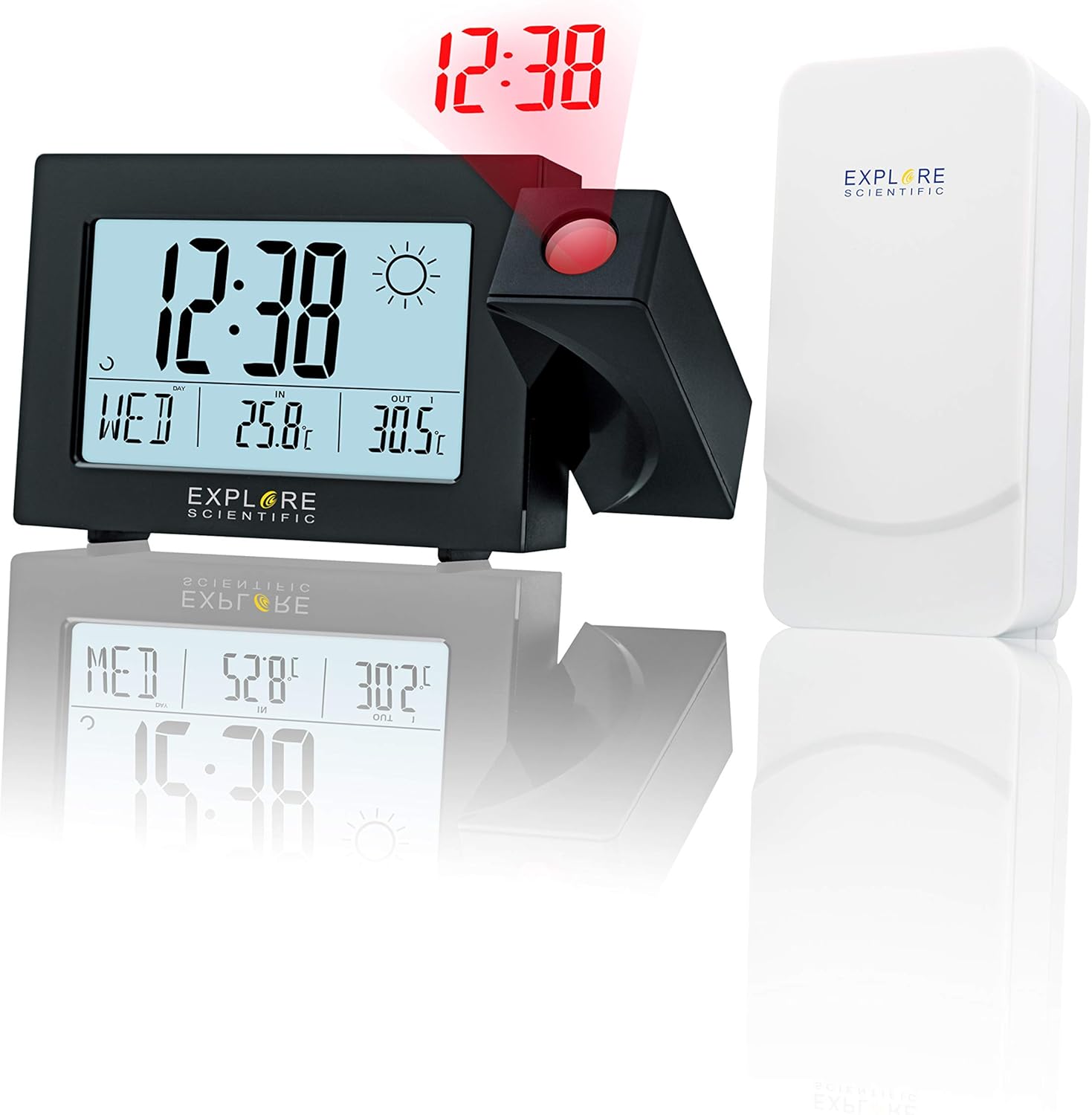
Image: The Explore Scientific RPW3008 projection clock and its external sensor, with the time '12:38' projected in red. The image also shows a reflection of the clock's display, indicating its clear screen and the projection feature in action.
4. Tetapan Penggera
- The clock features dual alarms (Alarm 1 and Alarm 2).
- To set an alarm, press the 'ALARM' button repeatedly to select Alarm 1 or Alarm 2.
- Use the '+' and '-' buttons to adjust the alarm time.
- Tekan 'ALARM' sekali lagi untuk mengesahkan.
- When an alarm sounds, press the 'SNOOZE' button to temporarily silence it. The alarm will sound again after a set interval.
5. Port Pengecasan USB
A USB port is located on the side of the main unit. Connect your smartphone or other compatible device using a USB cable to charge it. Note that charging speed may vary depending on the device and cable used.
Penyelenggaraan
Pembersihan
Wipe the clock and sensor surfaces with a soft, damp cloth. Do not use abrasive cleaners or solvents, as these may damage the finish or electronic components.
Penggantian Bateri
When the low battery indicator appears on the display for either the main unit or the external sensor, replace the batteries promptly. Ensure correct polarity when inserting new batteries.
Menyelesaikan masalah
| Masalah | Kemungkinan Punca | Penyelesaian |
|---|---|---|
| No display / Unit not powering on | Batteries are depleted or incorrectly inserted; AC adapter not connected or faulty. | Replace batteries, ensuring correct polarity. Check AC adapter connection and try a different outlet. |
| Incorrect time / Time not synchronizing | Poor DCF signal reception; unit too close to electronic interference. | Relocate the unit to an area with better signal reception, away from other electronic devices. Allow several minutes for synchronization. |
| No external sensor reading | Sensor batteries depleted; sensor out of range; interference. | Replace sensor batteries. Move sensor closer to the main unit. Ensure no large metal objects are blocking the signal. |
| Projection is blurry or unclear | Distance to projection surface is too far or too close; lens is dirty. | Adjust the distance of the unit from the projection surface. Clean the projection lens gently with a soft cloth. |
Spesifikasi
| Ciri | Perincian |
|---|---|
| Jenama | Terokai Saintifik |
| Nombor Model | RPW3008CM3000 |
| warna | Hitam |
| Dimensi Produk (L x W x H) | 5.2 x 21.4 x 12.8 cm |
| Berat Barang | 440 g |
| bahan | plastik |
| Ciri Khas | Temperature Display, Alarm, Radio (DCF) |
| Sumber Kuasa | Battery Powered (4x AAA included for main unit) / AC Adapter |
| Jenis Paparan | digital |
| Julat Suhu Dalaman | 5°C hingga 50°C |
| Julat Suhu Luar | -20°C hingga 60°C |
| Putaran Unjuran | 180 darjah |
Waranti dan Sokongan
Explore Scientific products are designed for reliability and performance. This product comes with a standard manufacturer's warranty. For detailed warranty information, please refer to the warranty card included in your product packaging or visit the official Explore Scientific webtapak.
If you encounter any issues or require technical assistance, please contact Explore Scientific customer support through their official channels. Have your model number (RPW3008CM3000) and purchase details ready when contacting support.


