pengenalan
This user manual provides comprehensive instructions for the operation and maintenance of your BLU Studio Mini - 5.5HD Smartphone. Designed for ease of use, the Studio Mini offers a compact form factor with essential smartphone functionalities. Please read this manual thoroughly to ensure proper usage and to maximize your device's capabilities.
Apa yang ada dalam Kotak
Sahkan bahawa semua item yang disenaraikan di bawah terdapat dalam pembungkusan produk anda:
- BLU Studio Mini - 5.5HD Smartphone
- Panduan Cepat
- Pengecas
- Kabel USB
- Bateri (3000 mAh)
- Screen Protector / Silicone Case (may vary by region)

Image: All components included in the BLU Studio Mini retail packaging. This includes the smartphone, a quick start guide, a wall charger, a USB cable, the removable battery, and a screen protector/silicone case.
Persediaan
1. Memasukkan Kad SIM dan Bateri
- Carefully remove the back cover of the phone. Locate the small indentation on the lower right corner to pry it open.
- Insert your Nano SIM card(s) into the designated slot(s) with the gold contacts facing down. Ensure it clicks into place.
- If using a microSD card for expanded storage (up to 64GB), insert it into the dedicated microSD slot.
- Align the battery with the battery compartment and gently press it down until it is securely seated.
- Replace the back cover, pressing firmly around the edges until it snaps shut.

Imej: Belakang view of the BLU Studio Mini, illustrating the textured back cover and the camera module. This cover needs to be removed to access the SIM and battery compartments.
2. Mengecas Peranti
Before first use, fully charge your BLU Studio Mini. Connect the USB cable to the phone's charging port and the other end to the provided wall charger. Plug the charger into a power outlet. The battery indicator on the screen will show charging status.
3. Hidupkan dan Konfigurasi Awal
Press and hold the Power button (located on the right side of the device) until the BLU logo appears. Follow the on-screen prompts to select your language, connect to Wi-Fi, and set up your Google account. This process may include downloading system updates.
Arahan Operasi
Hidupkan/Mati Kuasa
- Untuk Menghidupkan: Tekan dan tahan butang Power sehingga skrin menyala.
- Untuk Mematikan: Press and hold the Power button until the power options menu appears. Select "Power off".
- Untuk Mulakan Semula: Daripada menu pilihan kuasa, pilih "Mulakan semula".
Navigasi Asas
The BLU Studio Mini operates on Android 9 Pie. Use touch gestures to navigate:
- Ketik: Untuk memilih item atau membuka aplikasi.
- Leret: Untuk menatal melalui skrin atau senarai.
- Cubit: Untuk mengezum masuk atau keluar pada imej atau web muka surat.
- Tekan lama: Untuk mengakses menu kontekstual atau mengalihkan ikon.
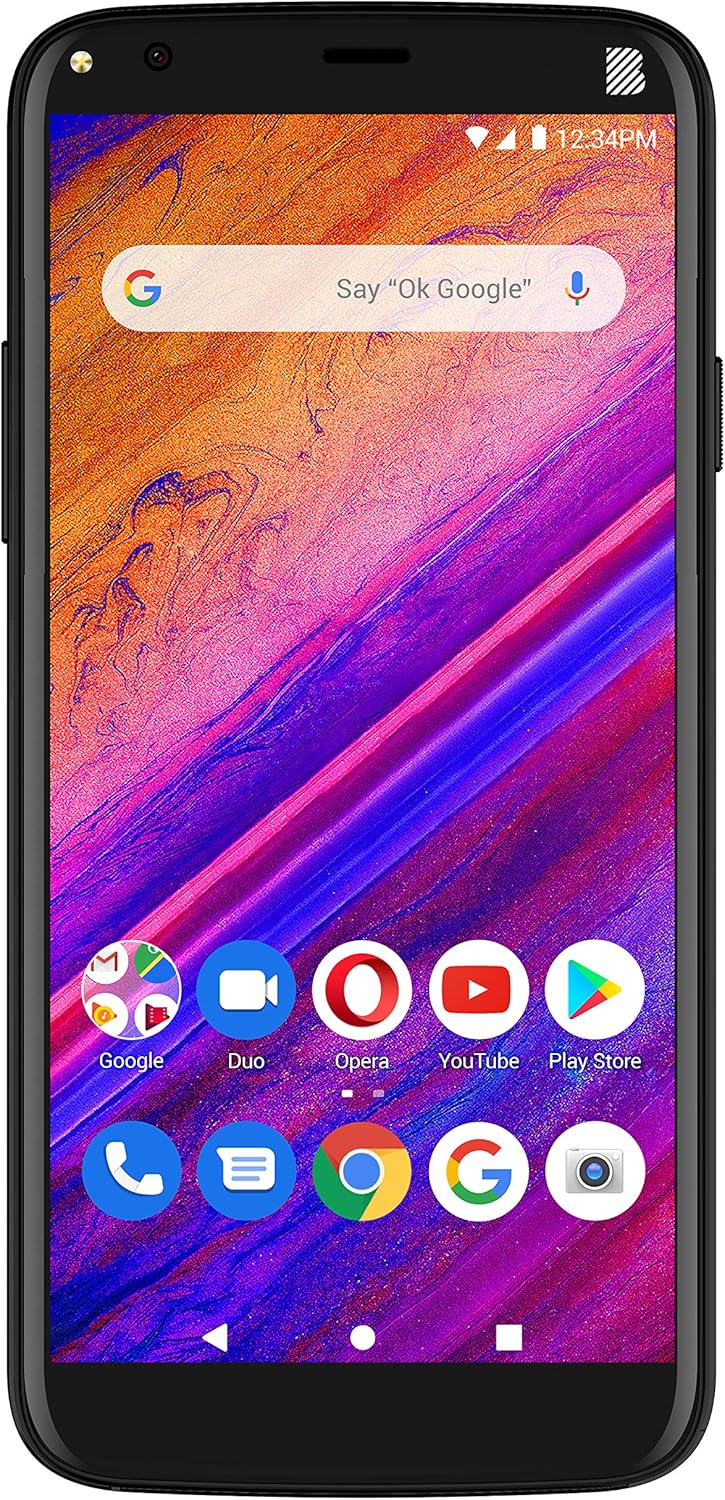
Imej: Depan view of the BLU Studio Mini, showing its 5.5-inch HD+ display with a typical Android home screen layout, including a Google search bar and various app icons.
Membuat Panggilan
Tap the Phone icon on the home screen. Enter the number using the dial pad or select a contact from your address book. Tap the call button to initiate the call.
Menggunakan Kamera
Tap the Camera icon to open the camera application. The BLU Studio Mini features a 13MP main camera with LED flash and an 8MP selfie camera with LED flash. Tap the shutter button to take a photo or switch to video mode to record. Use the on-screen toggle to switch between front and rear cameras.
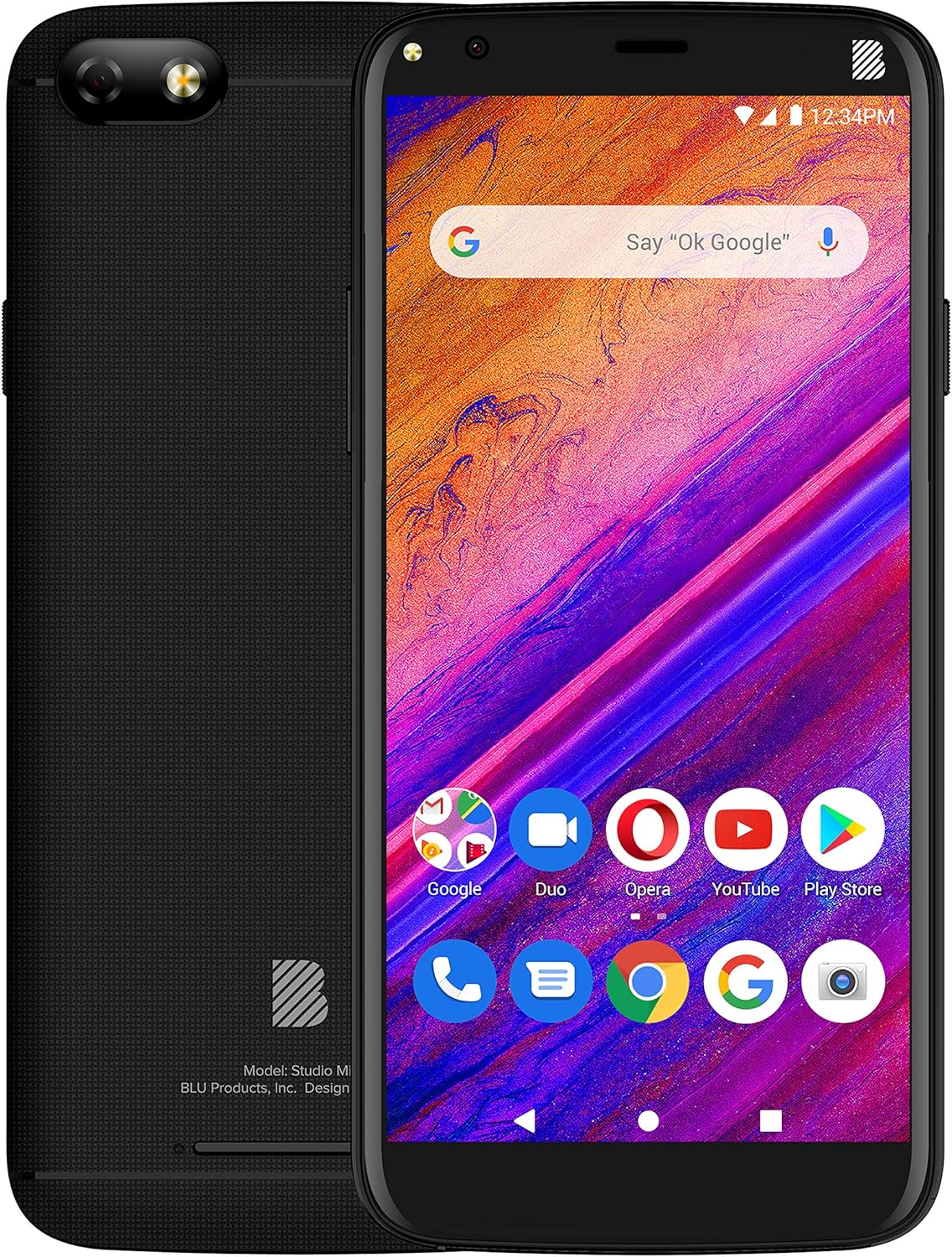
Imej: komprehensif view of the BLU Studio Mini, showing both the front display with its user interface and the textured back panel with the main camera and BLU logo.
Penyelenggaraan
- Pembersihan: Gunakan kain lembut dan tidak berbulu untuk membersihkan skrin dan badan telefon. Elakkan menggunakan bahan kimia yang keras atau bahan yang melelas.
- Penjagaan Bateri: To prolong battery life, avoid extreme temperatures. Do not leave the phone charging for extended periods after it is fully charged.
- Kemas Kini Perisian: Regularly check for and install software updates to ensure optimal performance and security. Go to Settings > System > Advanced > System update.
- Pengurusan Storan: Kosongkan secara berkala yang tidak perlu files and apps to free up internal storage (32GB internal, expandable up to 64GB via microSD).
Menyelesaikan masalah
| Masalah | Penyelesaian |
|---|---|
| Telefon tidak dihidupkan. | Ensure the battery is properly inserted and fully charged. Connect the charger and wait a few minutes before attempting to power on. |
| Tidak dapat menyambung ke Wi-Fi. | Semak sama ada Wi-Fi didayakan dalam tetapan. Mulakan semula penghala Wi-Fi anda. Lupakan rangkaian dan sambung semula. |
| Poor call quality or no signal. | Ensure SIM card is correctly inserted. Check network coverage in your area. Try restarting the phone. |
| Apps are crashing or phone is slow. | Close background apps. Clear app cache. Free up storage space. Consider a factory reset as a last resort (back up data first). |
Spesifikasi
| Ciri | Perincian |
|---|---|
| Paparan | 5.5-inch HD+ 18:9 Curved Glass (720x1440 resolution) |
| Pemproses | Octa-Core 1.6GHz with ARM Cortex-A55 chipset |
| RAM | 2GB |
| Storan Dalaman | 32GB (expandable via Micro SD up to 64GB) |
| Kamera Utama | 13MP with LED flash |
| Kamera Depan | 8MP with LED flash |
| Bateri | 3,000mAh Litium Ion |
| Sistem Operasi | Android 9 Pie |
| Ketersambungan | 4G LTE (1/3/4/5/7/28), 3G (850/1900/2100), Wi-Fi 802.11b/g/n, Bluetooth 3.0, USB 2.0 - Micro |
| Dimensi | 0.4 x 2.8 x 5.4 inci |
| Berat badan | 8 auns |
Waranti dan Sokongan
BLU Products offers a limited warranty for its devices. Please refer to the warranty card included in your product packaging for specific terms and conditions. For technical support, customer service, or warranty claims, please contact BLU customer support.
Pengeluar: BLU
Tarikh Mula-mula Tersedia: 6 Disember 2019
For the most up-to-date support information, visit the official BLU Products website or refer to the contact details provided in your quick guide.


