pengenalan
The Boogie Board Dash Kids Portable Drawing Tablet Activity Kit is designed to provide a reusable and mess-free drawing and gaming experience for children. This kit includes an 8-inch drawing board, a stylus, and four double-sided game templates, making it suitable for various activities at home or during travel.
Persediaan
- Buka bungkusan Kit: Carefully remove all components from the packaging, including the Boogie Board Dash tablet, stylus, and game templates.
- Pasang Stylus: The stylus can be stored in the integrated holder at the top of the tablet for convenience and to prevent loss.
- Insert Game Templates: The Boogie Board Dash features a transparent drawing surface. To use the included game templates (5 in a Row, Dots & Boxes, Tic-Tac-Toe, and Search & Find), slide a desired template into the slot behind the drawing surface. Ensure it is securely in place.
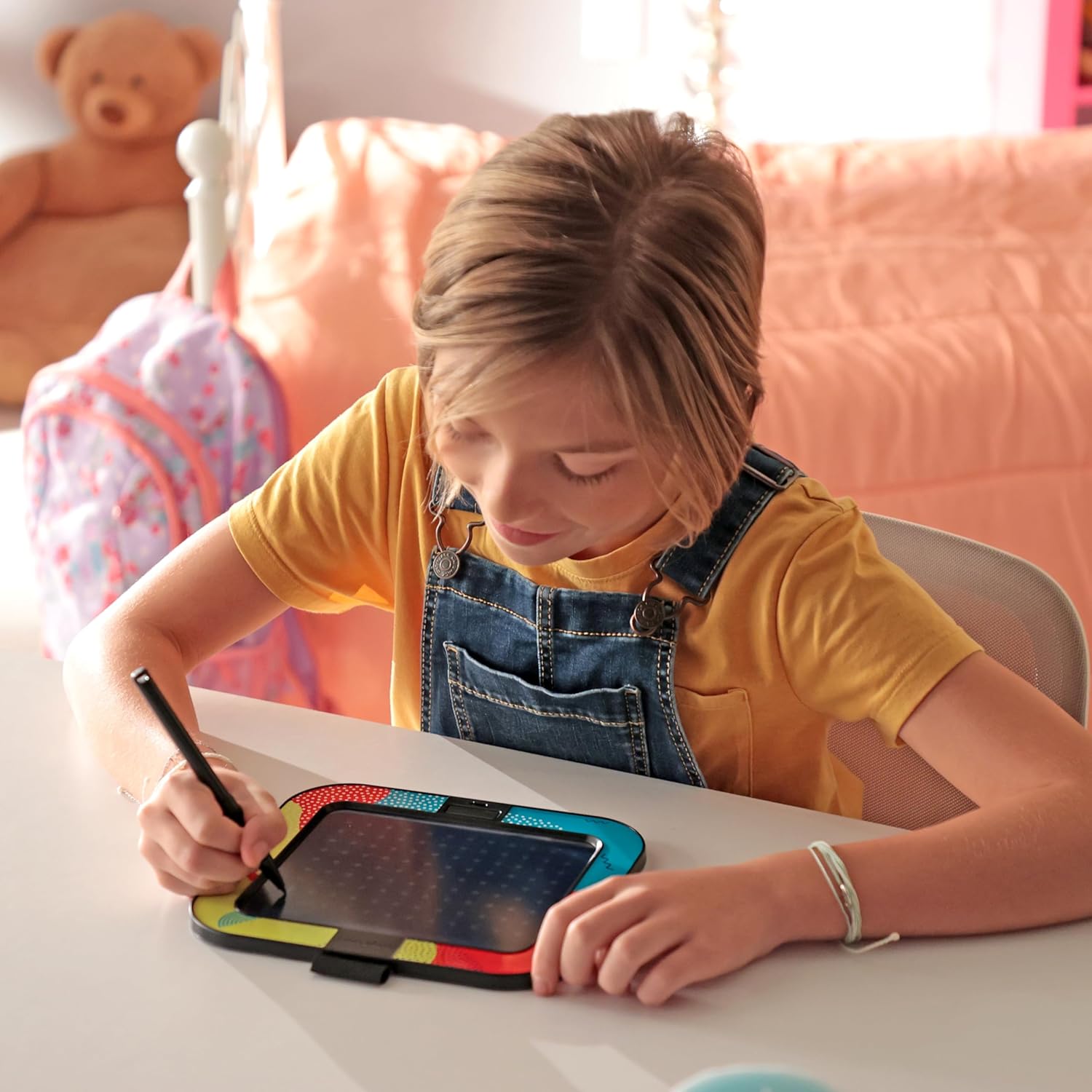
Image: A child actively drawing on the Boogie Board Dash tablet with the stylus.

Image: The Boogie Board Dash tablet being stored in a child's backpack, demonstrating its portability.
Arahan Operasi
- Lukisan: Use the provided stylus to draw or write directly on the tablet's surface. The pressure-sensitive screen will display lines in various colors, mimicking a rainbow effect.
- Erasing: To clear the entire screen, press the circular button located at the bottom center of the tablet. The screen will instantly clear, allowing for new drawings or games.
- Erase-Lock Feature: On the back of the tablet, locate the erase-lock switch. Slide this switch to the 'locked' position to prevent accidental erasing of your drawing. While locked, you can still draw on the screen, but the clear button will be disabled. Slide the switch back to the 'unlocked' position to enable the clear button again.
- Using Game Templates: With a template inserted, use the stylus to play games like Tic-Tac-Toe or fill in the blanks for Search & Find. The transparent screen allows you to see the template underneath your drawings.
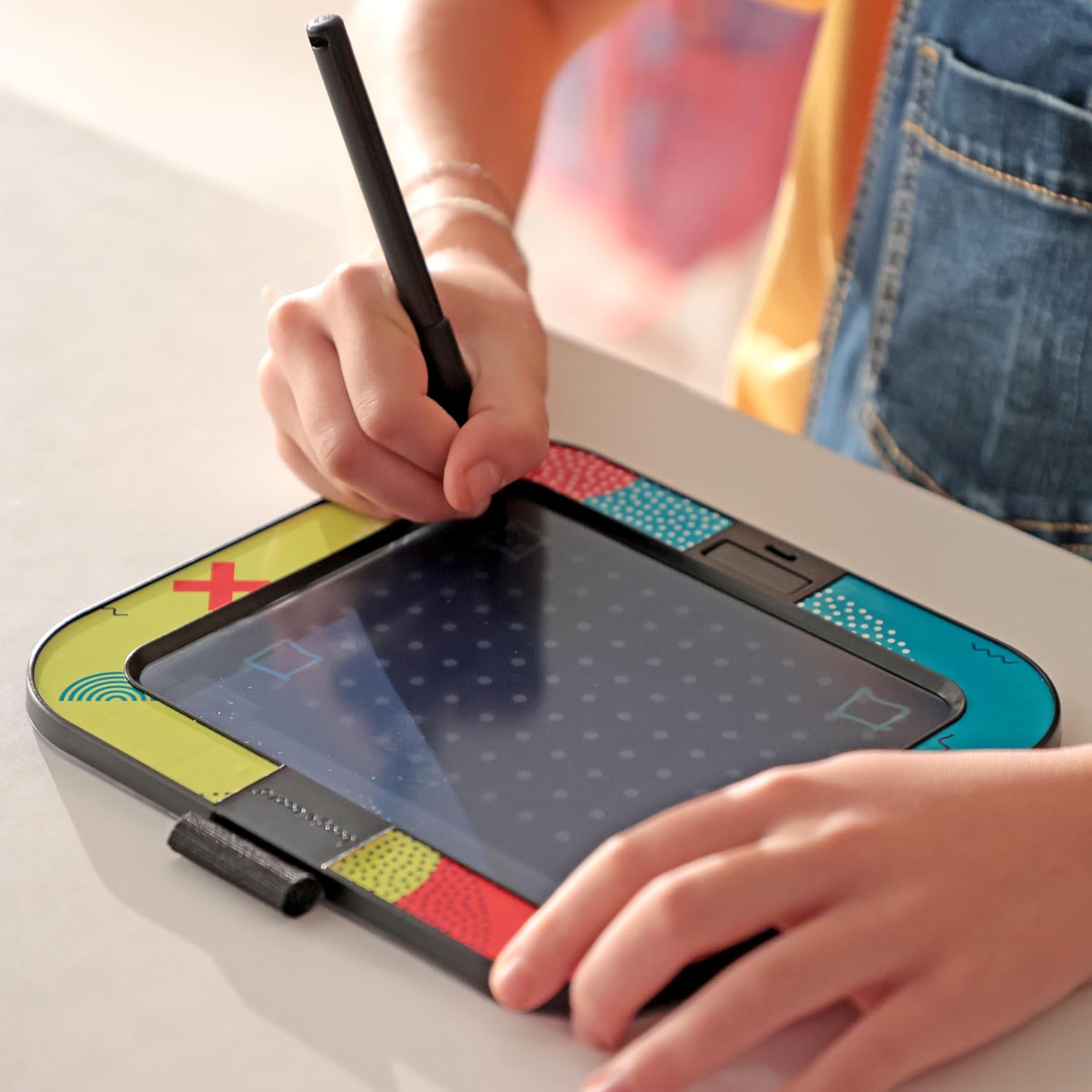
Imej: Dari dekat view of a hand holding the stylus and drawing on the tablet's surface.

Image: The Boogie Board Dash tablet displaying an inserted game template, with labels pointing to the erase-lock switch and the clear button.

Image: A child using the Boogie Board Dash tablet comfortably in a car, highlighting its travel-friendly design.
Video Produk Rasmi
Video: An official product video demonstrating the features and use of the Boogie Board Dash Kids Portable Drawing Tablet Activity Kit.
Penyelenggaraan
- Pembersihan: To clean the screen, gently wipe it with a soft, lint-free cloth. Avoid using abrasive cleaners or solvents, as these may damage the screen surface.
- Penggantian Bateri: The tablet includes a built-in replaceable CR2 battery. If the screen becomes dim or unresponsive, the battery may need to be replaced. Refer to the battery compartment on the back of the device for instructions on how to access and replace the battery.
- Storan: When not in use, store the tablet and stylus in a safe place to prevent damage. The stylus can be secured in its holder.
Menyelesaikan masalah
- Screen Not Clearing: Check the erase-lock switch on the back of the tablet. Ensure it is in the 'unlocked' position before pressing the clear button.
- Faint or No Lines: If lines appear faint or the screen is unresponsive, the battery may be low. Replace the CR2 battery as described in the Maintenance section.
- Stylus Tidak Berfungsi: Ensure you are using the provided stylus or a similar non-abrasive tool. Avoid using sharp objects that could scratch the screen.
Spesifikasi
| Ciri | Perincian |
|---|---|
| Dimensi Produk | 4 x 1 x 7 inci |
| Berat Barang | 7.2 auns |
| Nombor Model Item | DMD010001 |
| Umur Disyorkan Pengilang | 4 bulan dan ke atas |
| Bateri | 1 CR2 battery (included, replaceable) |
| bahan | plastik |

Image: A diagram illustrating the physical dimensions of the Boogie Board Dash tablet.
Waranti
This product is covered by the manufacturer's standard warranty. For specific details regarding warranty coverage, duration, and claims process, please refer to the documentation included with your purchase or visit the official Boogie Board webtapak.
Sokongan
For further assistance, product information, or to purchase accessories, please visit the official Boogie Board website or contact their customer support. Contact details can typically be found on the product packaging or the brand's webtapak.


