pengenalan
Welcome to the Ausounds AU-Stream True Wireless Bluetooth Earbuds instruction manual. This guide provides essential information for setting up, operating, and maintaining your earbuds to ensure optimal performance and longevity. The AU-Stream earbuds are designed for high-quality audio and convenience, featuring advanced technologies for an enhanced listening experience.
Apa yang ada dalam Kotak
Upon unboxing your Ausounds AU-Stream earbuds, you will find the following items:
- Ausounds AU-Stream True Wireless Earbuds (Left and Right)
- Kes Pengecasan
- Kabel Pengecas USB-C
- Multiple sets of Silicone Ear Tips (Small, Medium, Large)
- Manual Pengguna
- Panduan Mula Pantas
- Kad Waranti
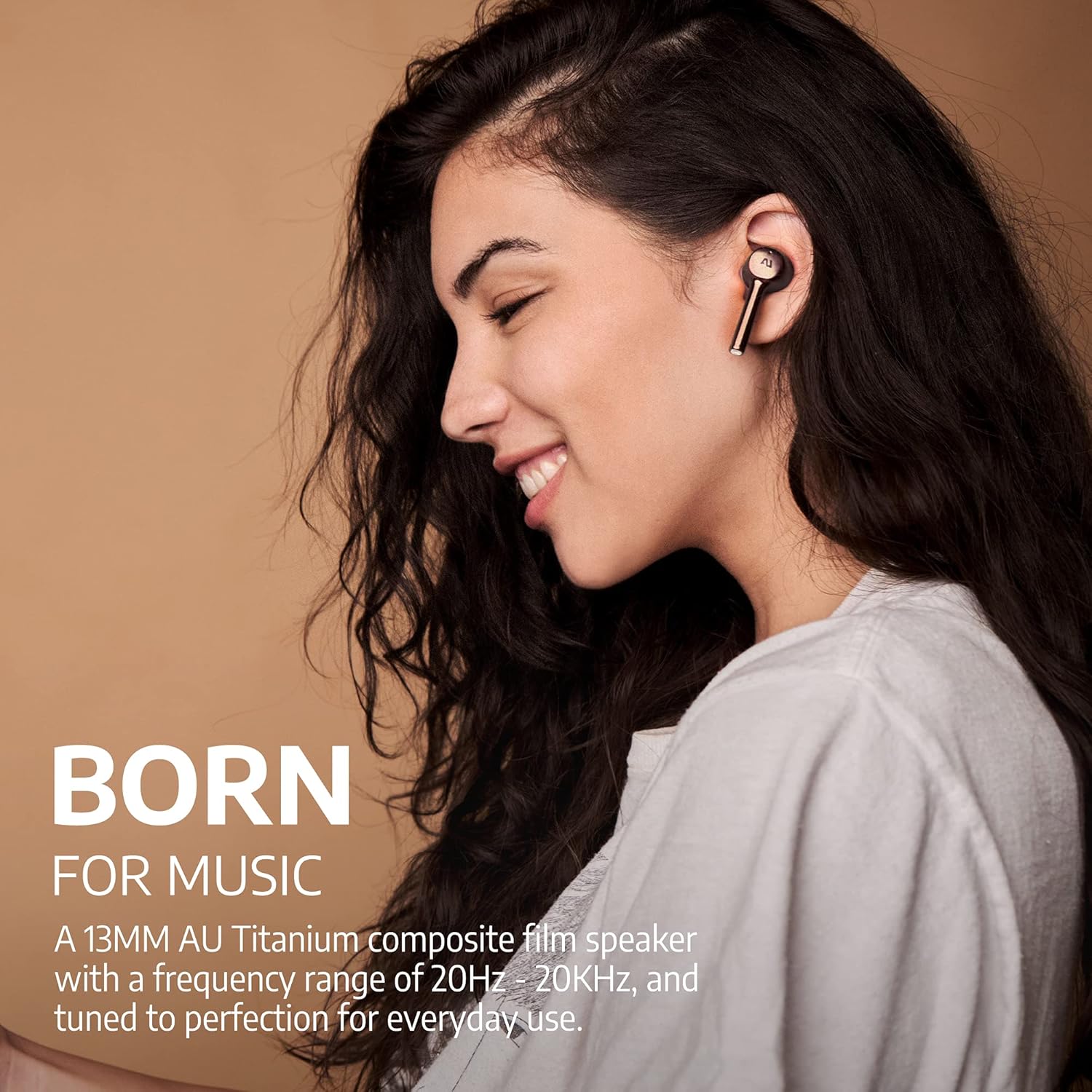
Image: Ausounds AU-Stream True Wireless Earbuds in Gold, showcasing reka bentuk yang anggun.
Video: Official Ausounds AU-Stream Unboxing Video, demonstrating the contents of the product packaging.
Ciri-ciri Produk
- Pembatalan Bunyi Aktif Hibrid (ANC): Mengurangkan bunyi ambien untuk pengalaman mendengar yang mengasyikkan.
- Bluetooth 5.0: Provides stable and efficient wireless connectivity with smart pairing.
- High-Performance AU Titanium Driver: Delivers rich audio quality with clear mids, highs, and warm bass.
- Jangka Hayat Bateri: Sehingga 20 jam jumlah hayat bateri dengan kes pengecasan.
- Rapid Wireless Charging: Conveniently charge the case using a Qi-certified wireless charger.
- Panggilan Bebas Tangan yang Jelas: Equipped with dual microphones for clear voice transmission.
- Tahan Air IPX5: Resistant to sustained, low-pressure water jets and sweat, suitable for sports and exercise.
- Sokongan Pembantu Suara: Compatible with popular voice assistants like Siri, Google Assistant, and Alexa.
- Kawalan Sentuh: Manage playback, calls, and noise modes directly from the earbuds.
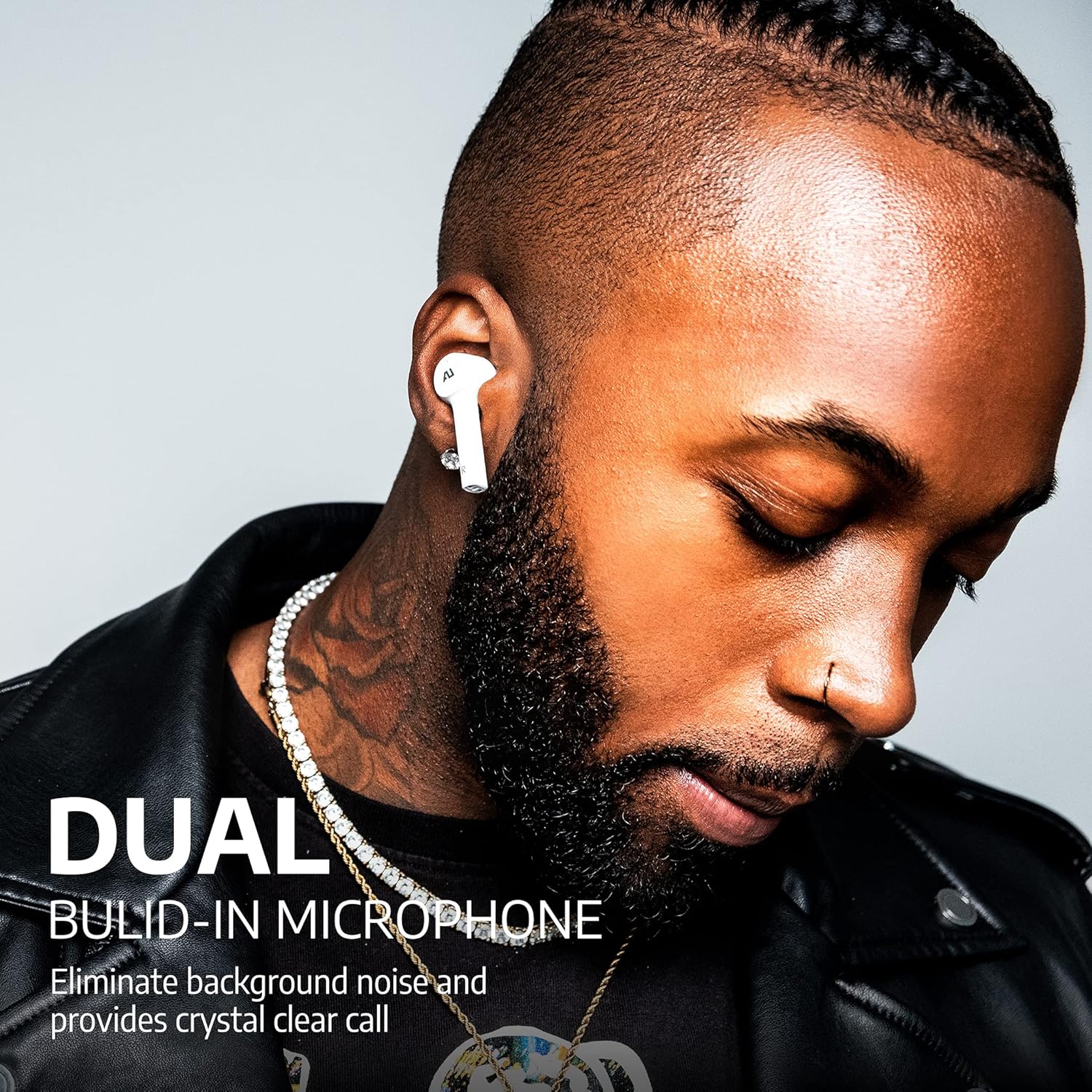
Image: Man wearing white Ausounds AU-Stream earbuds, emphasizing the dual built-in microphone for clear calls.
Persediaan dan Berpasangan
- Cas fon telinga: Before first use, ensure both earbuds and the charging case are fully charged. Place the earbuds in the case and connect the USB-C cable or place the case on a wireless charging pad. The LED indicators on the case will show the charging status.
- Hidupkan kuasa: Fon telinga akan dihidupkan secara automatik apabila dikeluarkan daripada bekas pengecasan.
- Aktifkan Bluetooth: Pada telefon pintar atau peranti audio anda, dayakan Bluetooth.
- Berpasangan: Open the charging case with the earbuds inside. The earbuds will enter pairing mode automatically. On your device, search for "AU-STREAM" in the Bluetooth device list and select it to connect.
- Sambungan Berjaya: A voice prompt will confirm successful pairing. The earbuds are now ready for use.
Note: If pairing issues occur, ensure the earbuds are charged and within range of your device. Restarting your device may also resolve connectivity problems.

Image: A smartphone displaying a successful Bluetooth connection to the 'AU-STREAM' device, with the charging case and earbuds nearby.
Arahan Operasi
The Ausounds AU-Stream earbuds feature intuitive touch controls for various functions:
- Main/Jeda: Ketik sekali pada salah satu fon telinga.
- Lagu Seterusnya: Ketik dua kali pada fon telinga kanan.
- Trek Sebelumnya: Ketik dua kali pada fon telinga kiri.
- Jawab/Tamatkan Panggilan: Ketik sekali pada salah satu fon telinga.
- Tolak Panggilan: Tekan dan tahan salah satu fon telinga selama 2 saat.
- Aktifkan Pembantu Suara: Ketik tiga kali pada salah satu fon telinga.
- Toggle Noise Control Modes (ANC/Transparency/Normal): Press and hold either earbud for 3 seconds. A voice prompt will announce the current mode.
Note: Ensure ear tips provide a good seal for optimal noise cancellation and audio quality.
Kualiti Panggilan
The AU-Stream earbuds are designed to provide clear hands-free calling. In quiet environments, call quality is excellent, ensuring your voice is transmitted clearly. In noisy environments, the dual microphones work to reduce background noise, maintaining good call clarity, though some ambient sounds may still be present.
Video: Official Ausounds video titled 'AU-Stream ANC "Your Music, Less Noise"', demonstrating the noise cancellation feature in various settings.
Prestasi Audio
Equipped with high-performance AU Titanium drivers, the AU-Stream earbuds deliver a balanced and dynamic audio experience. Users can expect crisp, clear mids and highs, complemented by a warm and impactful bass. The soundstage is well-defined, providing an enjoyable listening experience across various music genres.

Imej: Meletup view of the internal components of an AU-Stream earbud, alongside a frequency response curve graph illustrating its audio performance.
Mengecas
The AU-Stream earbuds and charging case offer flexible charging options:
- Pengecasan USB-C: Sambungkan kabel USB-C yang disediakan ke port pengecasan pada bekas dan ke sumber kuasa.
- Pengecasan Tanpa Wayar: Place the charging case on any Qi-certified wireless charging pad.
The charging case features LED indicators on the front to display the battery level of the case and the charging status of the earbuds. A full charge provides up to 20 hours of total playback time.

Image: The Ausounds AU-Stream charging case resting on a wireless charging pad, illustrating its wireless charging capability.
Tahan Air
The Ausounds AU-Stream earbuds are rated IPX5 water resistant. This means they can withstand a sustained, low-pressure water jet spray and sweat, making them suitable for workouts and outdoor activities. However, they are not designed for submersion in water.
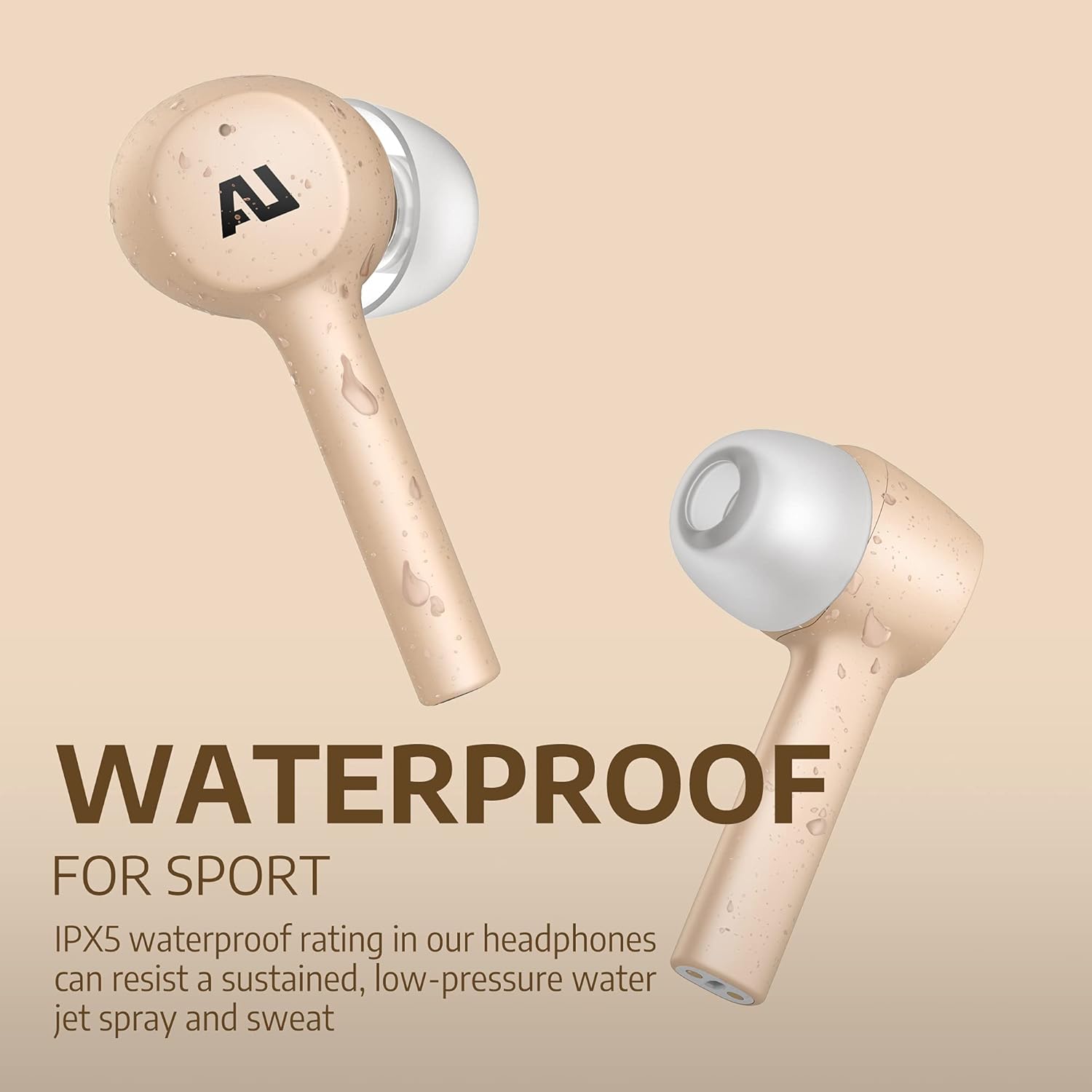
Image: Gold Ausounds AU-Stream earbuds with visible water droplets, highlighting their IPX5 water-resistant feature, suitable for sports.
Spesifikasi
| Ciri | Perincian |
|---|---|
| Nombor Model | AUS101 |
| Teknologi Komunikasi Tanpa Wayar | Bluetooth 5.0 |
| Penempatan Telinga | Di Telinga |
| Faktor Bentuk | Di Telinga |
| Kawalan Bunyi | Pembatalan Bunyi Aktif |
| Ciri Khas | Microphone Included, Noise Cancellation, Water-Resistant, Wireless |
| Tahap Ketahanan Air | IPX5 |
| Berat Barang | 3.52 auns (0.1 Kilogram) |
| Dimensi Produk | 4 x 4 x 2.1 inci |
| bahan | silikon |
| UPC | 860002195834 |
Menyelesaikan masalah
If you encounter issues with your Ausounds AU-Stream earbuds, consider the following:
- Tiada Bunyi/Audio Lemah: Ensure earbuds are properly seated in your ears and a good seal is achieved with the correct size ear tips. Check device volume and Bluetooth connection.
- Isu Berpasangan: Make sure Bluetooth is enabled on your device and the earbuds are in pairing mode. Try forgetting the device in your Bluetooth settings and re-pairing. Ensure earbuds are charged.
- Masalah Pengecasan: Verify the USB-C cable is securely connected or the charging case is correctly placed on the wireless charging pad. Check LED indicators for charging status.
- Active Noise Cancellation (ANC) Ineffective: A proper fit with the correct ear tip size is crucial for effective ANC. Ensure the earbuds are firmly in your ear canal to create a seal.
Waranti dan Sokongan
Ausounds provides a Jaminan wang dikembalikan 30 hari dan a Waranti terhad 1 tahun for the AU-Stream True Wireless Bluetooth Earbuds. For warranty claims, technical support, or further assistance, please refer to the contact information provided in your warranty card or visit the official Ausounds webtapak.


