1. Pengenalan
The LaCie Rugged Mini is a portable external hard drive designed for robust data storage and transport. It features a durable, rubberized casing that provides resistance against shock, drops, rain, and pressure, making it suitable for various environments. This compact device offers 5TB of storage capacity and utilizes USB 3.0 connectivity for fast data transfers, compatible with both PC and Mac operating systems.
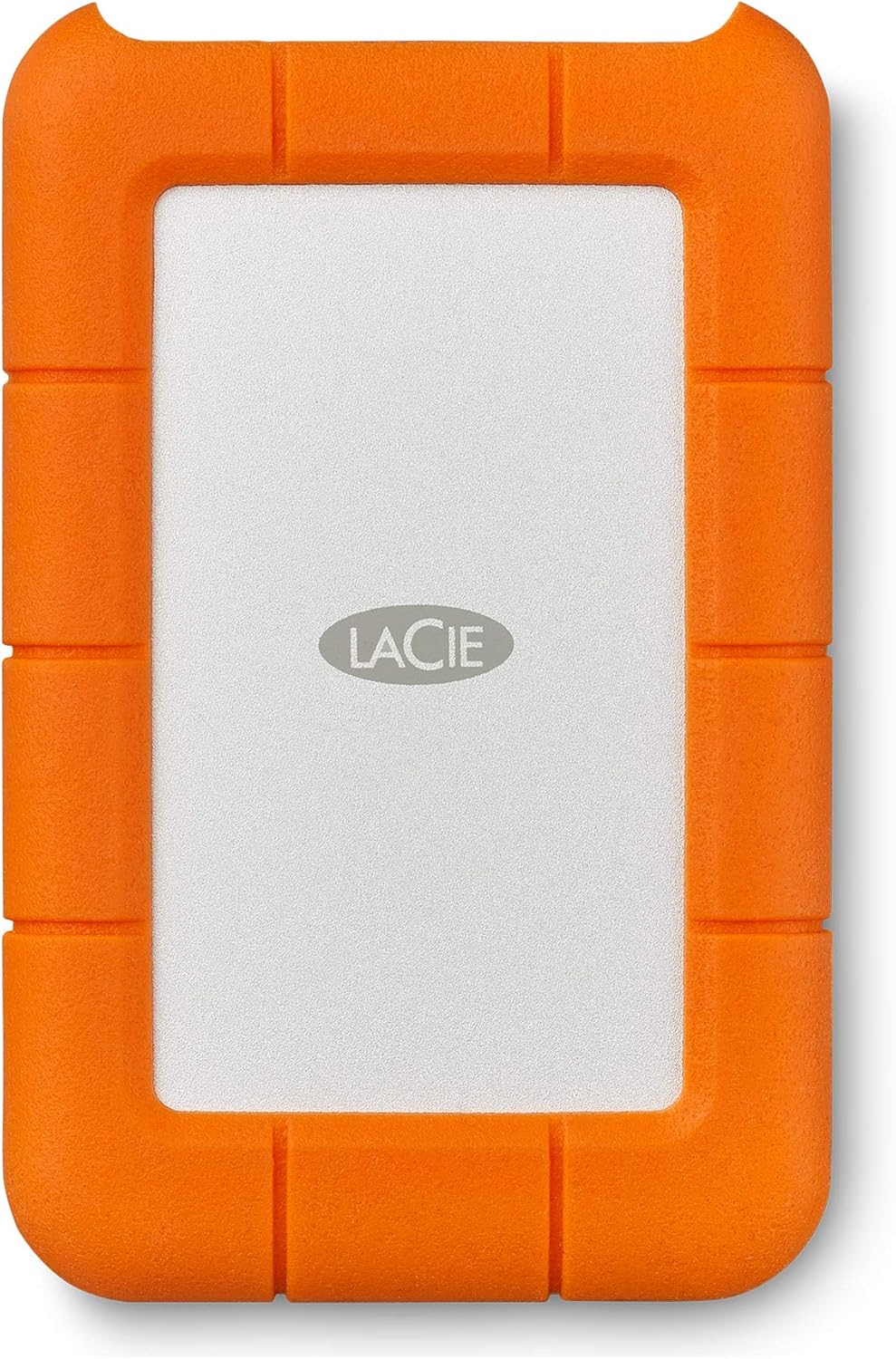
Imej 1.1: Depan view of the LaCie Rugged Mini external hard drive, showcasing its orange and grey design.
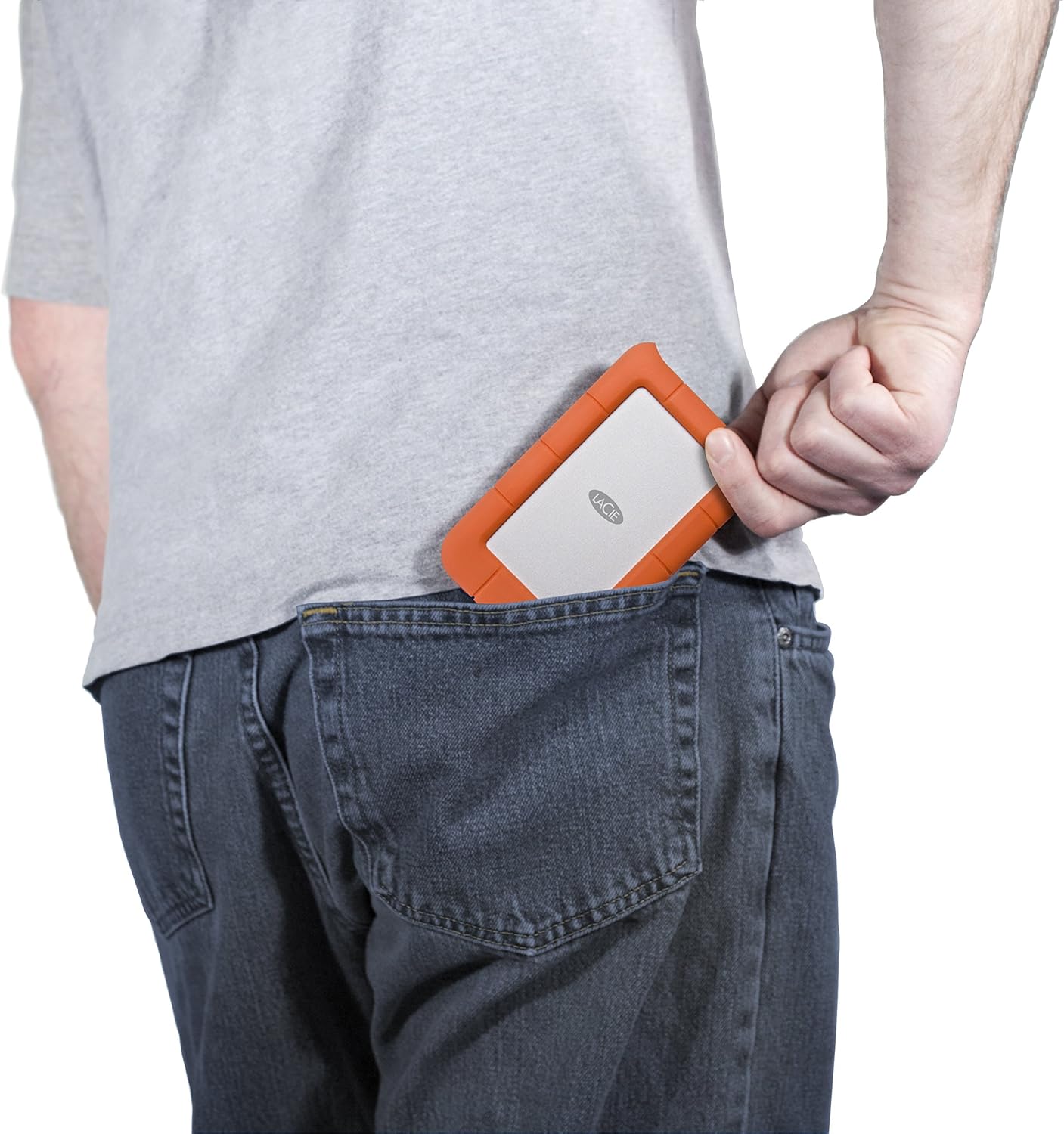
Image 1.2: The LaCie Rugged Mini being placed into a back pocket, illustrating its compact size and portability.
Ciri-ciri Utama:
- Ketahanan: Shock, drop, rain, and pressure resistant rubberized casing.
- kapasiti: 5TB of storage for large files dan sandaran.
- Ketersambungan: USB 3.0 interface for high-speed data transfer.
- Keserasian: Works with both Windows PC and Mac systems.
- mudah alih: Compact 2.5-inch form factor for easy transport.
2. Kandungan Pakej
Sahkan bahawa semua item terdapat dalam pembungkusan produk anda:
- LaCie Rugged Mini 5TB Pemacu Keras Luaran
- USB 3.0 Cable
- Panduan Mula Pantas (tidak disertakan dalam manual ini)
3. Persediaan
3.1 Menyambungkan Pemacu
- Locate the USB 3.0 port on your LaCie Rugged Mini.
- Connect one end of the provided USB 3.0 cable to the drive's port.
- Connect the other end of the USB 3.0 cable to an available USB 3.0 port on your computer (PC or Mac).
- The drive will power on automatically via the USB connection.

Imej 3.1: Jarak dekat view of the LaCie Rugged Mini, highlighting the USB 3.0 port for connection.

Image 3.2: The LaCie Rugged Mini connected to a laptop via its USB cable, demonstrating a typical setup.
3.2 Initial Software and Formatting
Upon initial connection, your computer may prompt you to install LaCie software. This software can assist with drive management, security features (such as encryption), and cross-platform compatibility. It is recommended to follow the on-screen instructions for installation.
The drive comes pre-formatted for general use. If you need to reformat the drive for specific operating system requirements or partitioning, use your computer's disk utility (Disk Management for Windows, Disk Utility for Mac). Be aware that reformatting will erase all data on the drive.
4. Mengendalikan Peranti
4.1 Memindahkan Files
Untuk memindahkan files, simply drag and drop them to and from the LaCie Rugged Mini icon that appears on your desktop or in your file explorer/finder window. The USB 3.0 interface ensures efficient transfer speeds for large files.
4.2 Ejection Selamat
Always safely eject the LaCie Rugged Mini before disconnecting it from your computer to prevent data corruption.
- Windows: Right-click the drive icon in 'This PC' or the system tray and select 'Eject'.
- Mac: Drag the drive icon to the Trash, or click the Eject button next to the drive in a Finder window.
4.3 Perlindungan Data
The LaCie Rugged Mini's robust design provides physical protection. For enhanced data security, consider utilizing the encryption features available through LaCie's bundled software, if installed.
5. Penyelenggaraan
5.1 Penjagaan dan Pengendalian
While the LaCie Rugged Mini is designed for durability, proper care extends its lifespan:
- Elakkan mendedahkan pemacu kepada suhu yang melampau atau cahaya matahari langsung untuk tempoh yang lama.
- Ensure the USB port is free from dust and debris before connecting the cable.
- Jangan cuba membuka pemacu casing, as this will void the warranty and may damage the device.
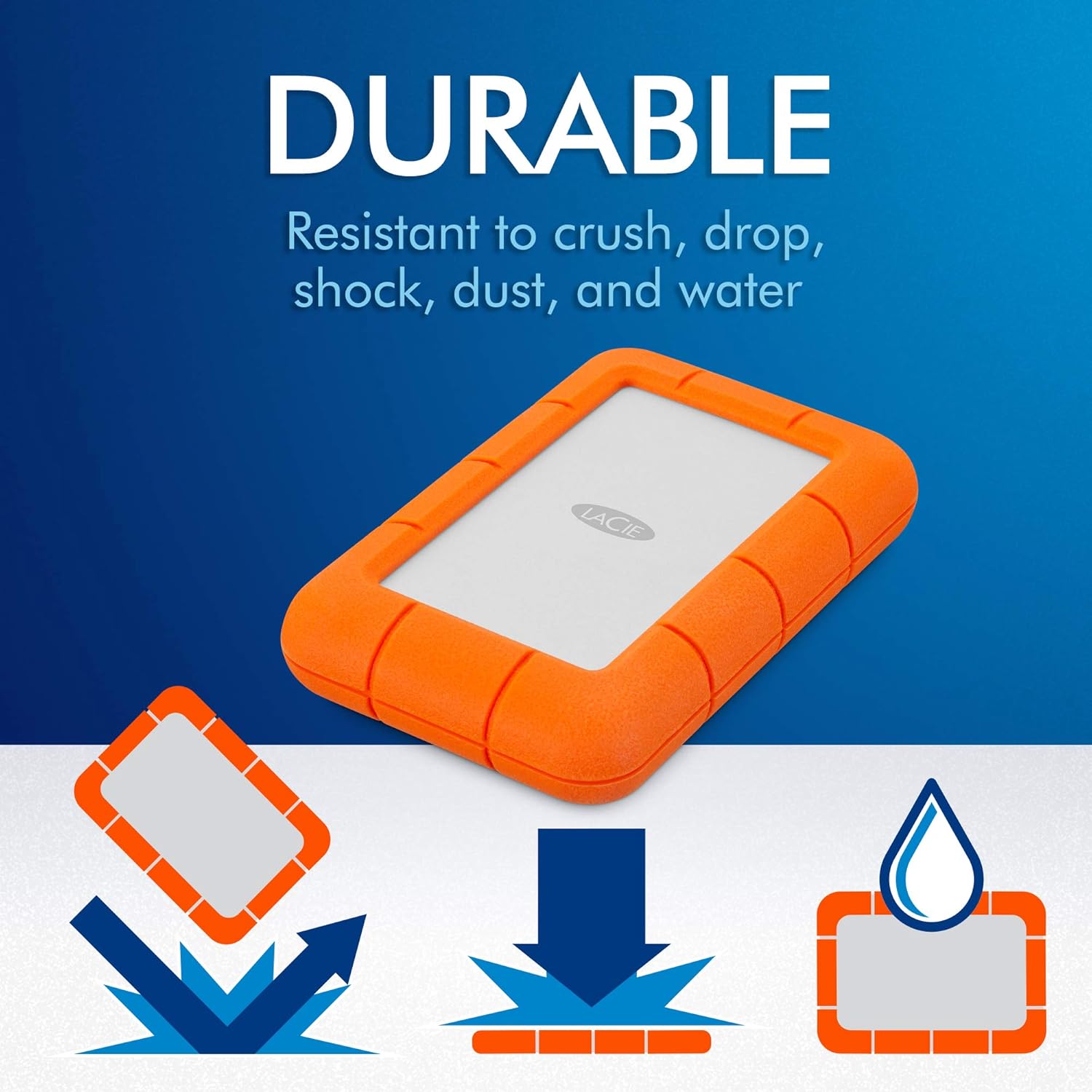
Image 5.1: Icons depicting the LaCie Rugged Mini's resistance to drops, crushing, shock, dust, and water.
5.2 Pembersihan
To clean the exterior of the drive, use a soft, dry, lint-free cloth. Do not use harsh chemicals or abrasive materials.
6. Penyelesaian masalah
If you encounter issues with your LaCie Rugged Mini, consider the following:
- Pemanduan Tidak Dikenali:
- Pastikan kabel USB disambungkan dengan selamat ke kedua-dua pemacu dan komputer.
- Cuba sambungkan ke port USB lain pada komputer anda.
- Uji pemacu dengan kabel USB yang berbeza jika tersedia.
- Mulakan semula komputer anda.
- Check your computer's Disk Management (Windows) or Disk Utility (Mac) to see if the drive is detected but unformatted or has a drive letter conflict.
- Kelajuan Pemindahan Lambat:
- Pastikan anda disambungkan ke port USB 3.0 pada komputer anda. Port USB 2.0 akan menyebabkan kelajuan lebih perlahan.
- Tutup sebarang aplikasi yang tidak perlu berjalan di latar belakang.
- Verify your computer's drivers are up to date.
- Pemacu Terputus Secara Rawak:
- Pastikan kabel USB tidak longgar.
- Disable USB selective suspend settings in Windows Power Options if applicable.
- Ensure your computer's power supply is adequate.
If issues persist, refer to the LaCie support webtapak untuk bantuan lanjut.
7. Spesifikasi
| Ciri | Spesifikasi |
|---|---|
| Nombor Model | STJJ5000400 |
| Kapasiti Storan Digital | 5 TB |
| Antara Muka Cakera Keras | USB 3.0 |
| Teknologi Ketersambungan | USB |
| Faktor Bentuk Cakera Keras | 2.5 Inci |
| Peranti Serasi | PC, Mac |
| Berat Barang | 11.6 auns (lebih kurang 329 gram) |
| Kelajuan Putaran Cakera Keras | 5400 RPM |
| warna | Orange/Grey |
8. Waranti dan Sokongan
8.1 LaCie Rescue Data Recovery Services
The LaCie Rugged Mini includes Rescue Data Recovery Services, providing an additional layer of protection for your data against unexpected loss due to technical faults, viruses, or natural disasters. This service aims to restore valuable personal images, videos, and documents.

Image 8.1: Information graphic about LaCie Rescue Data Recovery Services, explaining how data can be recovered.
For more details on how to utilize these services, please refer to the documentation included with your product or visit the official LaCie support webtapak.
8.2 Sokongan Teknikal
For further technical assistance, product registration, or warranty information, please visit the official LaCie support website. You can typically find FAQs, driver downloads, and contact options for customer service there.


