1. Pengenalan
The SHADA idinio Smart Ceiling Lamp Ufo 1400 is an intelligent lighting solution designed to enhance your living space. This 18-watt dimmable lamp offers adjustable light color temperatures from 3000K (warm white) to 6500K (cool white), providing versatile illumination for any mood or activity. It connects via Wi-Fi and can be controlled conveniently through a dedicated mobile application or voice commands using Amazon Alexa and Google Assistant.
2. Maklumat Keselamatan
Please read all safety instructions before installation and use. Improper installation or use can lead to electric shock, fire, or other hazards. Always ensure the power supply is disconnected before installation or maintenance. Installation should be performed by a qualified electrician if you are unsure about electrical wiring.
- Jangan cuba membaiki atau mengubah suai peranti sendiri.
- Pastikan lamp is securely mounted to the ceiling.
- Jauhkan peranti daripada air dan kelembapan yang tinggi.
3. Persediaan
3.1 Pemasangan Fizikal
- Putuskan Kuasa: Before starting, switch off the main power supply at your circuit breaker to prevent electric shock.
- Pasang Lamp: Securely attach the ceiling lamp base to the ceiling using the provided mounting hardware. Ensure it is firmly fixed.
- Sambungan Pendawaian: Connect the electrical wires from your ceiling to the lamp's terminals according to local electrical codes. Typically, this involves connecting live, neutral, and ground wires.
- Lampirkan Lamp Badan: Once wiring is complete and secure, attach the main body of the lamp ke pangkalan.
- Pulihkan Kuasa: Turn the main power supply back on. The lamp should now be ready for pairing.
3.2 Muat Turun dan Pemasangan Apl
The idinio Smart Ceiling Lamp is controlled via the idinio app, available for iOS and Android devices. No additional hardware is required.

Image: The idinio Smart Ceiling Lamp shown with logos for Amazon Alexa, Apple App Store, and Google Play Store, indicating compatibility and app availability.
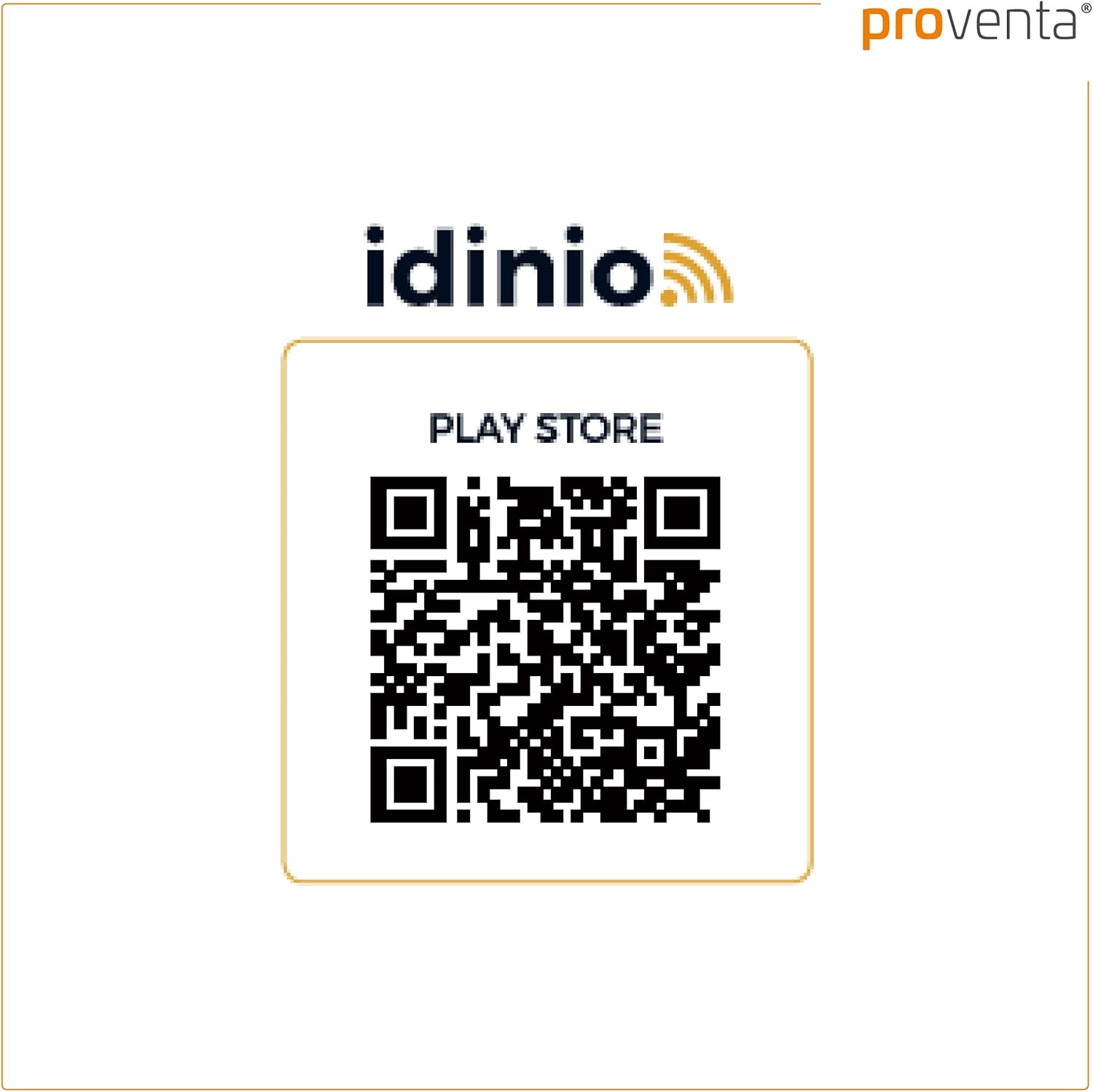
You can download the app using the QR codes below or by searching for "idinio" in your device's app store:

3.3 Berpasangan Peranti
- Buka Apl: Launch the idinio app on your smartphone or tablet.
- Daftar/Log Masuk: If you are a new user, register an account. Otherwise, log in with your existing credentials.
- Tambah Peranti: Ketik ikon "+" atau pilihan "Tambah Peranti" dalam apl.
- Pilih Jenis Peranti: Choose "Lighting" or "Ceiling Lamp" from the list of available device types.
- Sambungan Wi-Fi: Ensure your smartphone is connected to a 2.4 GHz Wi-Fi network. The idinio lamp requires a 2.4 GHz network for initial setup.
- Tetapkan semula Lamp (jika diperlukan): Jika lamp does not automatically enter pairing mode (often indicated by flashing light), you may need to power cycle it a few times (turn off/on) until it starts flashing rapidly. Follow the app's instructions for specific reset procedures.
- Sahkan Berkelip: Confirm in the app that the lamp sedang berkelip.
- Masukkan Kata Laluan Wi-Fi: Enter your Wi-Fi network password into the app.
- Proses Berpasangan: The app will now attempt to connect to the lamp. This may take a few moments. Once connected, the lamp will stop flashing and remain steadily lit.
- Namakan semula Peranti: You can rename your lamp within the app for easier identification (e.g., "Living Room Ceiling Lamp").
4. Operating the Smart Ceiling Lamp
Once paired, you can control your idinio Smart Ceiling Lamp menggunakan apl atau arahan suara.

Image: A hand holding a smartphone with the idinio app open, demonstrating app control of the smart ceiling lamp.
4.1 Kawalan Apl
The idinio app provides full control over your lamp:
- Hidup/Mati: Togol lamp's power directly from the app.
- Peredupan: Adjust the brightness level continuously from 1% to 100%.
- Suhu Warna: Change the light color from warm white (3000K) to cool white (6500K) to suit your preference or activity.
- Penjadualan: Set timers or schedules for the lamp to turn on/off or change settings at specific times.
- Adegan: Create custom lighting scenes for different occasions (e.g., "Reading Mode," "Movie Night").
- Perkongsian Peranti: Share control of the lamp with family members or friends through the app. This allows multiple users to manage the lamp from their own devices.
4.2 Kawalan Suara
The idinio Smart Ceiling Lamp serasi dengan Amazon Alexa dan Google Assistant. Untuk mendayakan kawalan suara:
- Pautkan Akaun: In your Alexa or Google Home app, search for the "idinio" skill/service.
- Dayakan Kemahiran: Enable the idinio skill and link it to your idinio account.
- Cari Peranti: Minta pembantu suara anda untuk menemui peranti baharu.
- Perintah Suara: Anda kini boleh menggunakan arahan suara seperti:
- "Alexa, hidupkan Ruang Tamu Lamp."
- "Hey Google, set Living Room Lamp to 50% brightness."
- "Alexa, change Living Room Lamp menjadi putih hangat."
5. Penyelenggaraan
To ensure the longevity and optimal performance of your idinio Smart Ceiling Lamp, ikut garis panduan penyelenggaraan mudah ini:
- Pembersihan: Putuskan sambungan kuasa sebelum membersihkan. Gunakan yang lembut, kering, atau sedikit damp kain untuk mengelap permukaan lamp. Do not use abrasive cleaners, solvents, or harsh chemicals, as these can damage the finish.
- Tiada Bahagian Boleh Diservis Pengguna: Lamp contains no user-serviceable parts. Do not attempt to open or disassemble the unit.
6. Penyelesaian masalah
If you encounter issues with your idinio Smart Ceiling Lamp, rujuk kepada masalah dan penyelesaian biasa berikut:
- Lamp tidak dihidupkan:
- Periksa sama ada bekalan kuasa disambungkan dan pemutus litar dihidupkan.
- Pastikan lamp is correctly wired and securely installed.
- Sahkan bahawa lamp is not switched off via the app or voice command.
- Lamp does not connect to Wi-Fi/App:
- Ensure your Wi-Fi network is 2.4 GHz. The lamp does not support 5 GHz networks.
- Check your Wi-Fi signal strength at the lamplokasi.
- Make sure your smartphone is connected to the same 2.4 GHz Wi-Fi network during pairing.
- Try power cycling the lamp (turn off and on several times) to put it into pairing mode (flashing light).
- Mulakan semula penghala Wi-Fi anda.
- Ensure you have entered the correct Wi-Fi password in the app.
- Kawalan suara tidak berfungsi:
- Verify that the idinio skill is enabled and linked correctly in your Alexa or Google Home app.
- Pastikan peranti pembantu suara anda disambungkan ke internet.
- Semak sama ada lamp is online and responsive in the idinio app.
- Use the exact device name you assigned in the idinio app for voice commands.
- Lamp settings reset after power off:
- Lamp is designed to retain its last settings. If settings are lost, ensure the lamp is properly paired and connected to the app. A brief power interruption should not cause a full reset. If this persists, try re-pairing the device.
7. Spesifikasi
| Jenama | SHADA |
| Model | Ufo 1400 |
| Gaya | moden |
| Wattage | 18 Watt |
| Jenis Sumber Cahaya | LED |
| Suhu Warna | 3000K - 6500K (Boleh Laras) |
| Ciri Khas | Dimmable, Smart Control (App/Voice) |
| Ketersambungan | Wi-Fi (2.4 GHz) |
| Sumber Kuasa | Elektrik Bertali |
| Jenis Pemasangan | Pemasangan Siling |
| Komponen yang Disertakan | Bahan Pemasangan |
| ASIN | B07VS4DJK1 |
8. Maklumat Waranti
Specific warranty details for the SHADA idinio Smart Ceiling Lamp Ufo 1400 were not provided in the product data. Please refer to the retailer or manufacturer's official webtapak untuk terma dan syarat jaminan semasa.
9. Sokongan Pelanggan
Customer support contact information for the SHADA idinio Smart Ceiling Lamp Ufo 1400 was not provided in the product data. For assistance, please visit the SHADA official website or contact your product retailer.


