1. Produk Lebihview
The Wansview W4 outdoor security camera provides reliable home surveillance with its 1080P Full HD resolution and 2-megapixel lens, ensuring clear video day and night. Designed for outdoor use, it features an IP66 waterproof rating, making it suitable for various weather conditions. This camera operates on 2.4G WiFi networks only (5G is not supported) and requires continuous power. It integrates seamlessly with Alexa for convenient voice control and offers advanced night vision up to 60 feet using 24 built-in infrared LEDs. Key functionalities include motion detection with real-time alerts and secure cloud storage options for privacy protection.

A Wansview W4 outdoor security camera, white in color, with its antenna visible. This image highlights the camera's design and key features like 1080P HD, IP66 Waterproof, Live Video, Remote Access, Works with Alexa, Night Vision, Motion Sensor, and Cloud Storage.
2. Apa yang ada di dalam Kotak
- 2 x Wansview Kamera Keselamatan Luar W4
- 2 x Bekalan Kuasa
3. Panduan Persediaan
3.1 Menghidupkan Kamera
- Unpack the camera and power supply from the box.
- Connect the power supply to the camera's power input port.
- Pasangkan penyesuai kuasa ke soket elektrik standard. Kamera akan dihidupkan dan memulakan urutan permulaannya.
3.2 Muat Turun Apl dan Pendaftaran Akaun
- Download the "Wansview Cloud" app from your smartphone's app store (iOS App Store or Google Play Store).
- Open the app and follow the on-screen instructions to create a new account. Ensure you use a valid email address for registration.
3.3 Menyambung ke Wi-Fi
- In the Wansview Cloud app, tap the "+" icon to add a new camera.
- Select your camera model (W4) and follow the in-app instructions for Wi-Fi configuration.
- Ensure your smartphone is connected to a 2.4GHz Wi-Fi network. The W4 camera does not support 5GHz Wi-Fi.
- Position your phone near the camera and follow the audio prompts from the camera to complete the connection.
3.4 Memasang Kamera
- Choose a suitable outdoor location for mounting, ensuring good Wi-Fi signal strength and a clear view kawasan yang anda ingin pantau.
- Use the provided mounting screws and anchors to securely attach the camera to a wall or ceiling.
- Laraskan sudut kamera untuk mencapai sudut yang diingini viewliputan dalam.

The Wansview W4 camera mounted outdoors, demonstrating its IP66 waterproof rating by functioning effectively during rainfall. This image emphasizes its durability in harsh weather conditions.
4. Arahan Operasi
4.1 Langsung View
- Buka Wansview Apl awan.
- Tap on the camera's name in the device list to access the live video feed.
- You can pinch to zoom, take screenshots, or record video directly from the live view skrin.

A smartphone screen showing a 1080P HD live video feed from a Wansview camera, overlooking a house with a pool. This demonstrates the remote viewing feature and high-definition video quality.
4.2 Pengesanan Gerakan dan Makluman
- Navigasi ke tetapan kamera dalam aplikasi.
- Enable motion detection and adjust the sensitivity level as needed to minimize false alarms.
- Configure alert notifications to receive real-time alerts on your smartphone when motion is detected.

A Wansview W4 camera monitoring a doorway, with a person approaching. The image illustrates the camera's motion detection capability, indicating it can capture activity and send alerts.
4.3 Penglihatan Malam
- Kamera secara automatik bertukar kepada mod penglihatan malam dalam keadaan cahaya malap.
- The 24 built-in infrared LEDs provide clear black-and-white video up to 60 feet.

An overhead black and white view of a garden at night, highlighting the camera's advanced night vision capabilities with built-in infrared lights, providing clear surveillance in low-light conditions.
4.4 Integrasi Alexa
- Dayakan Wansview skill in your Alexa app.
- Link your Wansview Cloud account with Alexa.
- Use voice commands like "Alexa, show me the [Camera Name]" on compatible devices (e.g., Echo Show) to view suapan langsung.
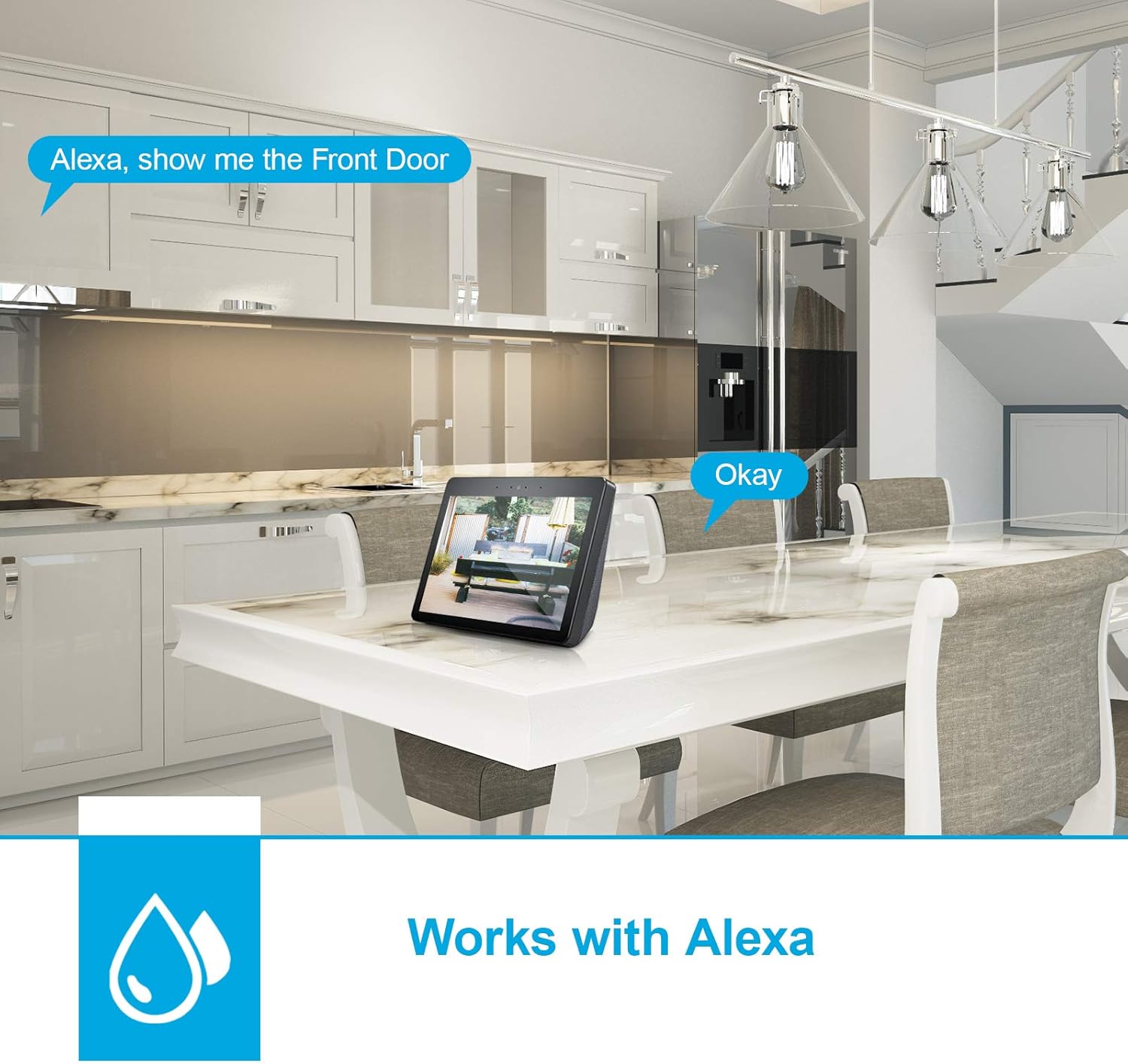
An Amazon Echo Show device displaying a live feed from a Wansview camera, demonstrating its compatibility with Alexa for voice-controlled viewing.
5. Penyelenggaraan
- Membersihkan Lensa: Kerap mengelap lensa kamera dengan lembut, damp cloth to ensure optimal image clarity. Avoid abrasive cleaners.
- Menyemak Sambungan: Periodically inspect all cable connections (power, network) to ensure they are secure and free from damage.
- Kemas kini Firmware: Check the Wansview Cloud app for available firmware updates. Keeping your camera's firmware updated ensures optimal performance and security.
- Perlindungan Alam Sekitar: While the camera is IP66 waterproof, avoid directing high-pressure water jets directly at it. Ensure proper drainage around the mounting area.
6. Penyelesaian masalah
- Kamera Luar Talian: Check the power supply and Wi-Fi connection. Ensure the camera is within range of your 2.4GHz router. Restarting the camera and router may resolve the issue.
- Kualiti Imej Lemah: Bersihkan lensa kamera. Pastikan tiada halangan dalam bidang kamera view. Check your internet speed, as low bandwidth can affect streaming quality.
- Pengesanan Pergerakan Tidak Berfungsi: Verify that motion detection is enabled in the app settings. Adjust the sensitivity level. Ensure the camera's view tidak terhalang.
- Tiada Penglihatan Malam: Check if the infrared LEDs are functioning. Ensure the camera is in a dark environment for night vision to activate automatically.
- Cannot Connect to Alexa: Ensure the Wansview skill is enabled in the Alexa app and your accounts are correctly linked. Verify your Alexa device is online.
7. Spesifikasi
| Nama Model | Outdoor Security Camera Wansview 1080 P Wireless Wifi Home Surveillance Waterproof With Night (W4) |
| Jenama | Wansview |
| Teknologi Ketersambungan | Wayarles (Wi-Fi) |
| Teknologi Komunikasi Tanpa Wayar | Wi-Fi (2.4GHz sahaja) |
| Resolusi Tangkapan Video | 1080p |
| Resolusi Pegun Berkesan | 4 MP |
| Julat Penglihatan Malam | 60 Kaki |
| Penilaian Perlindungan Antarabangsa | IP66 (kalis air) |
| Peranti Serasi | Alexa |
| Sumber Kuasa | Plug-in (AC Powered) |
| Jenis Pemasangan | Lekap di dinding |
| bahan | aluminium |
| Dimensi Item (L x W x H) | 6.22 x 2.36 x 2.36 inci |
| Berat Barang | 2.2 paun |
| Penggunaan Dalaman/Luar | Luar |
8. Waranti dan Sokongan
For warranty information, technical support, or any product-related inquiries, please refer to the official Wansview website or contact their customer service directly. Contact details are typically available on the product packaging or within the Wansview Cloud application.


