Produk Selesaiview
The Amazon Basics Classic Home Office Computer Desk with Shelves is designed for home office, dorm room, study area, or computer workstation use. It features a durable metal frame and a wide desktop with two open-sided storage shelves. The shelves can be assembled on either the left or right side to suit your space and needs.
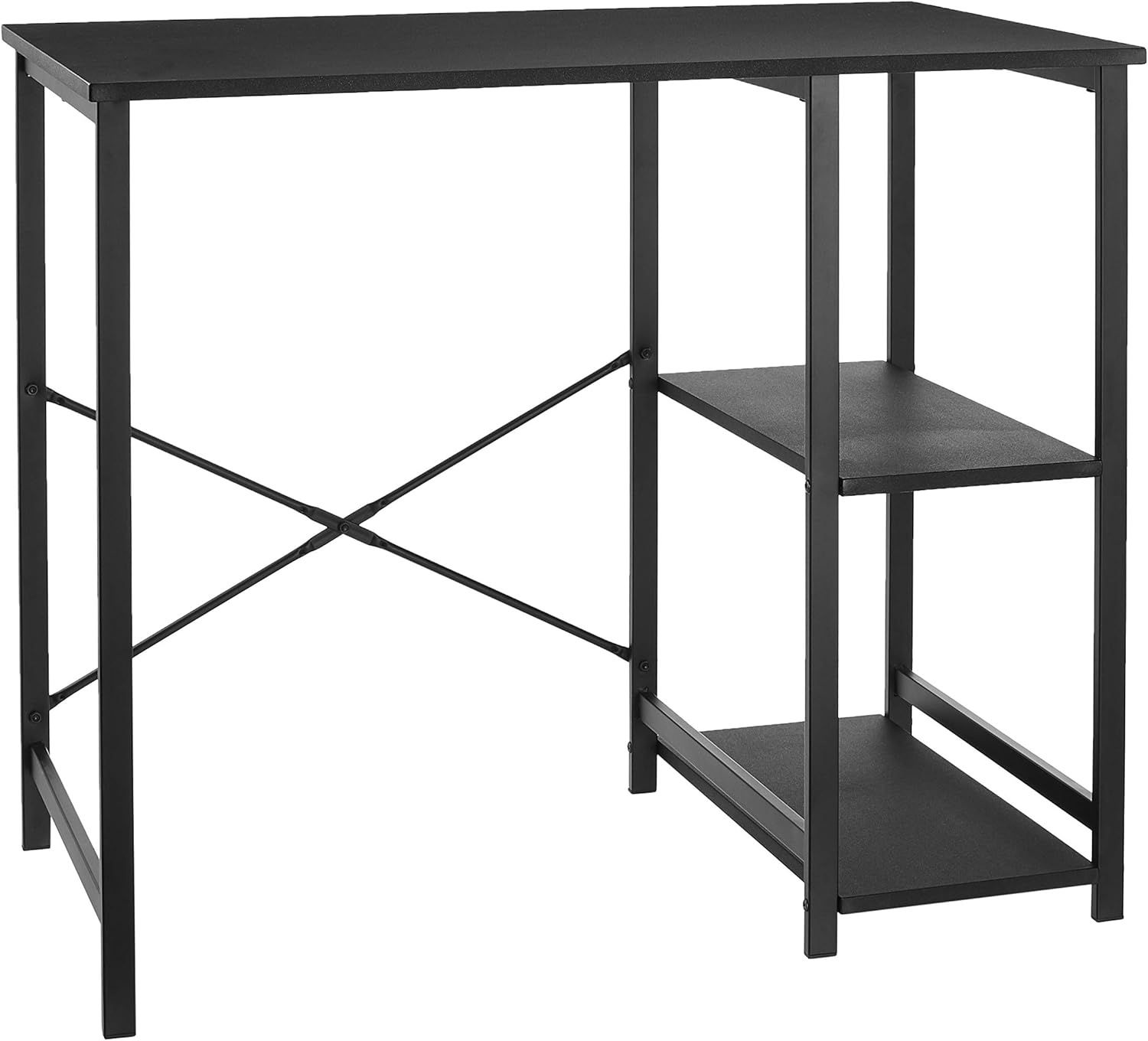
Figure 1: Assembled Amazon Basics Classic Home Office Computer Desk.
Kandungan Pakej
Before assembly, ensure all components are present and undamaged. Refer to the included instruction manual for a detailed list of parts and hardware.
- Panel Desktop
- Metal Frame Components (legs, crossbars)
- Panel Rak (2)
- Assembly Hardware (screws, nuts, plastic inserts)
- Instruction Manual (PDF available online: Manual Pengguna (PDF))

Figure 2: All components laid out before assembly. Verify all parts are present.
Persediaan dan Perhimpunan
Easy assembly is a key feature of this desk. Hardware and instructions are included. A screwdriver is required for assembly (not included).
- Sediakan Ruang Kerja: Clear a spacious area for assembly. Lay out all components and hardware, ensuring easy access.
- Assemble the Crossbars: Connect the two crossbar pieces using the provided screw and nut. This forms the X-shaped support for the back of the desk.
- Attach Shelf Frames: Identify the two shelf frames. These are the metal structures that will hold the wooden shelves.
- Pasang Rak: Secure the wooden shelf panels to the metal shelf frames using the designated screws. Ensure the holes on the shelf panels face downwards for proper alignment with the frame.
- Connect Side Structures: Attach the assembled shelf unit to one side of the main desk frame. The design allows for the shelves to be positioned on either the left or right side of the desk.
- Secure Crossbar: Attach the assembled crossbar to the back of the desk frame, connecting the two main leg structures. Tighten all screws for stability.
- Lampirkan Desktop: Carefully place the desktop panel onto the assembled frame. Align the pre-drilled holes on the desktop with the corresponding holes on the frame. Secure the desktop using the remaining screws.
- Pengetatan Akhir: Once all components are in place, thoroughly tighten all screws to ensure the desk is stable and secure.
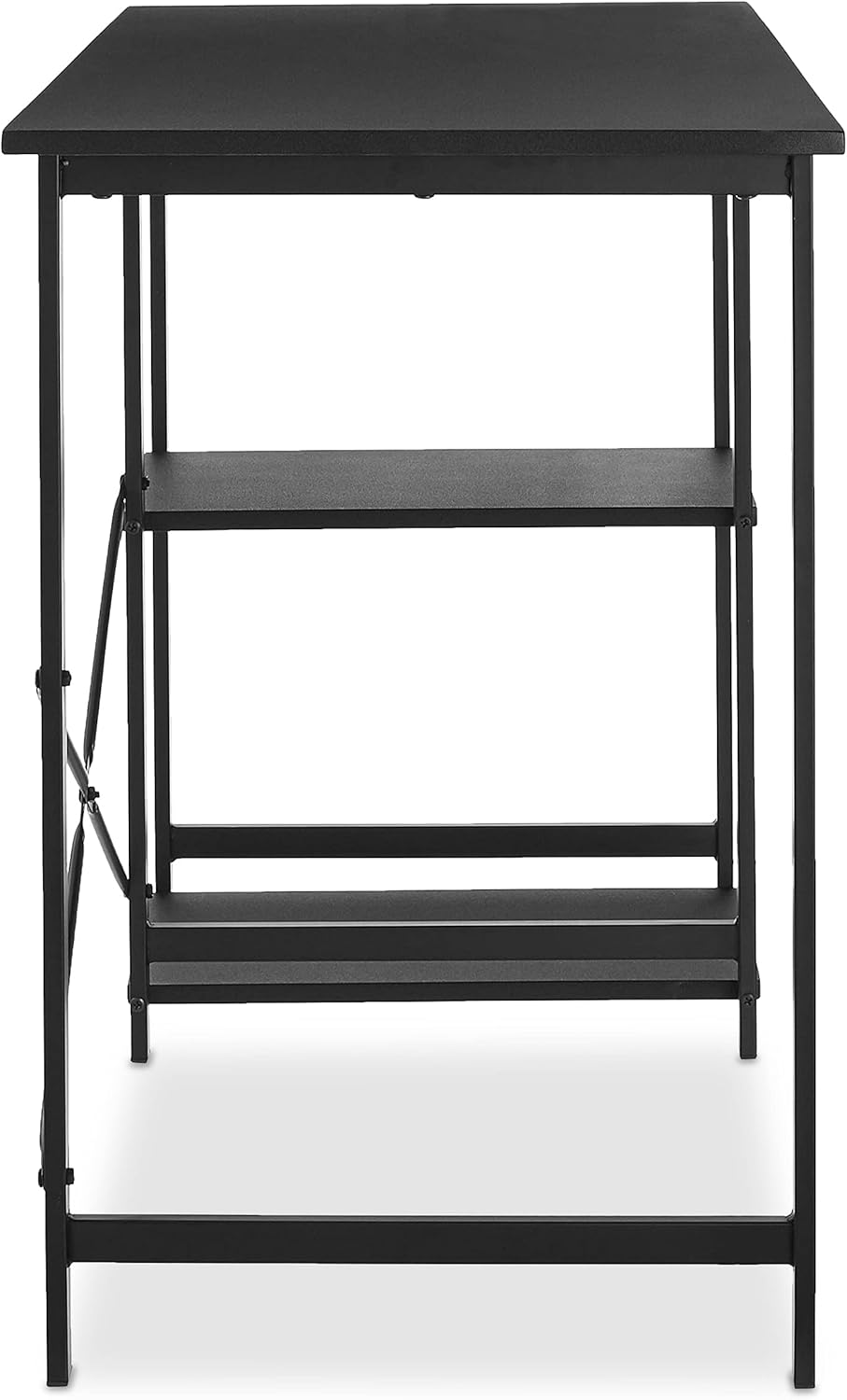
Figure 3: Illustrative assembly step. Note the customizable shelf placement.

Figure 4: Attaching the rear crossbar for enhanced stability.

Figure 5: The desk offers a customizable layout, allowing shelves to be on the left or right side.
Arahan Pengendalian (Penggunaan)
This desk is designed for versatile use in various settings. Its compact yet functional design makes it suitable for:
- Pejabat Rumah: Ideal for a laptop and a second monitor setup.
- Kawasan Kajian: Menyediakan ample space for books, stationery, and study materials on the desktop and shelves.
- Stesen Kerja Komputer: The shelves offer convenient storage for a tower PC, printer, or other peripherals.
- Kegunaan Umum: Can be used for various tasks requiring a stable surface and integrated storage.
The two open-sided storage shelves are perfect for organizing paperwork, books, or devices, keeping your workspace tidy and efficient.

Figure 6: The desk in a typical home office setup, showcasing its utility.
Penyelenggaraan
To ensure the longevity and appearance of your Amazon Basics Computer Desk, follow these maintenance guidelines:
- Pembersihan: Lap meja kerja dan bingkai logam dengan kain lembut,amp cloth. Avoid harsh chemicals or abrasive cleaners, as they may damage the finish. For stubborn marks, a mild soap solution can be used, followed by drying with a clean cloth.
- Elakkan calar: Use coasters for drinks and mouse pads for computer mice to prevent scratches on the desktop surface.
- Pengagihan Berat: Distribute weight evenly across the desktop and shelves. Avoid placing excessively heavy items on one side or corner. The maximum weight recommendation is 100 pounds.
- Pemeriksaan biasa: Periksa semua skru dan sambungan secara berkala untuk memastikan ia kekal ketat. Ketatkan semula jika perlu untuk mengekalkan kestabilan.
- Keadaan Persekitaran: Avoid prolonged exposure to direct sunlight or extreme temperatures, which can cause warping or fading of the wood finish.
Menyelesaikan masalah
Jika anda menghadapi sebarang masalah dengan meja anda, rujuk masalah dan penyelesaian biasa berikut:
- Meja goyah:
Ensure all screws are fully tightened. Check that the desk is placed on a flat, even surface. If on carpet, consider using a mat underneath for added stability.
- Holes Not Aligning / Missing Pre-drilled Holes:
While the product is designed for easy assembly, minor manufacturing variations can occur. If holes do not align perfectly, gently adjust the metal pieces. For seemingly missing holes on wooden shelves, they might be covered by paint; a screwdriver can typically penetrate these. If a screw doesn't fit, ensure you are using the correct screw size as indicated in the manual. Some users have found success using pliers or a drill for stubborn screws, but exercise caution to avoid damage.
- Damaged or Peeling Finish:
The desk features a durable finish, but wear and tear can occur over time. For minor scuffs, touch-up pens matching the black finish may be used. For significant peeling or damage, contact customer support for potential solutions or replacement parts.
- Missing or Incorrect Parts:
If any parts are missing or incorrect upon unboxing, immediately contact Amazon Basics customer support. Do not attempt to force incompatible parts or proceed with incomplete assembly.
Spesifikasi
| Jenama | Asas Amazon |
| Nombor Model | OD0007BLK |
| Dimensi (L x W x H) | 35.5 x 19.6 x 29.5 inci |
| warna | Hitam |
| bahan | Wood (desktop, shelves), Metal (frame) |
| Berat badan | 21.8 paun |
| Cadangan Berat Maksimum | 100 paun |
| Perhimpunan Diperlukan | ya |
| Pensijilan | BIFMA certified |

Rajah 7: Dimensi terperinci meja.
Waranti dan Sokongan
Amazon Basics products typically come with a limited warranty. For specific warranty details, claims, or technical support, please refer to the official Amazon Basics webtapak atau hubungi perkhidmatan pelanggan Amazon secara terus.
You can also find the official User Manual in PDF format here: Manual Pengguna (PDF)
For additional product information or to explore other Amazon Basics products, visit the Kedai Asas Amazon.


