1. Pengenalan
This manual provides detailed instructions for the installation, operation, maintenance, and troubleshooting of your Thermaltake Toughpower iRGB Plus 750W 80+ Gold Power Supply. This fully modular digital power supply features a patented 16.8 million-color Ring Duo 14 RGB fan and supports Smart Power Management (SPM) for advanced control and monitoring.

Imej 1.1: Depan view of the Thermaltake Toughpower iRGB Plus 750W Power Supply, showcasing its design and RGB fan.
2. Maklumat Keselamatan
Please read and follow these safety guidelines carefully to prevent injury and damage to your equipment:
- Putuskan Kuasa: Always disconnect the AC power cord from the wall outlet before installing, removing, or performing any maintenance on the power supply or other computer components.
- Jangan buka: The power supply unit contains high voltage components. Do not open the PSU casing. Tiada bahagian yang boleh diservis pengguna di dalamnya. Membuka casing voids the warranty.
- Pembumian yang betul: Ensure your computer system is properly grounded to prevent electrical shock.
- Pengudaraan: Ensure adequate ventilation around the power supply. Do not block the fan or ventilation openings.
- Kelembapan dan Suhu: Avoid exposing the power supply to moisture, high humidity, or extreme temperatures. Operate within the specified operating temperature range (0°C to +50°C).
- Correct Cables: Gunakan hanya kabel modular yang disediakan bersama bekalan kuasa ini. Penggunaan kabel yang tidak serasi boleh menyebabkan kerosakan pada PSU atau komponen yang disambungkan.
3. Ciri-ciri Produk
The Thermaltake Toughpower iRGB Plus 750W Power Supply offers several advanced features:
- Smart Power Management (SPM): Monitor real-time PSU, CPU, VGA, RAM, and HDD status, control lighting, and receive warning alerts via PC and mobile applications.
- Razer Chroma Compatibility: Synchronize gaming and RGB lighting effects with the Razer Chroma ecosystem for a unified lighting experience.
- Kawalan Suara Alexa: Control lighting or fan speed by speaking to an Alexa-enabled device.
- Smart Zero Fan: The fan activates only when the power supply reaches 30% of its rated load, minimizing noise during low-load operation.
- Built-in Ring Duo RGB Fan: Features a 16.8 million-color Ring Duo 140mm RGB fan with 18 addressable LEDs to customize your build's aesthetics.

Image 3.1: Two views of the power supply highlighting the built-in 140mm Riing Duo RGB fan with 18 addressable LEDs.

Imej 3.2: Atas-bawah view of the power supply fan, showing the RGB lighting capabilities.
4. Kandungan Pakej
Sahkan bahawa pakej anda mengandungi item berikut:
- Thermaltake Toughpower iRGB Plus 750W Power Supply Unit
- Kord Kuasa AC
- Set Kabel Modular (seperti butiran di bawah)
- Skru Pemasangan
- Manual Pengguna (dokumen ini)
Modular Cable Set:

Image 4.1: A table detailing the connector types, cable lengths, and quantities included with the 750W power supply.

Image 4.2: The power supply unit with its fully modular cable design, showing the various ports for connecting cables.
| Jenis Penyambung | Panjang Kabel | Kuantiti |
|---|---|---|
| Penyambung Kuasa Utama (24 Pin) | 600mm | 1 |
| ATX 12V (4 + 4 Pin) | 650mm | 1 |
| SATA (5Pin) | 500mm+150mm+150mm+150mm+150mm | 9 |
| PCI-E (6 + 2 Pin) | 500mm+150mm+150mm | 4 |
| Peripheral (4 Pin) | 500mm+150mm+150mm+150mm | 4 |
| Penyesuai Floppy (4 Pin) | 100mm | 1 |

Image 4.3: The power supply unit shown with a selection of its modular cables connected, demonstrating the flexibility of the design.
5. Persediaan dan Pemasangan
Follow these steps to install your power supply:
- Sediakan Sistem Anda: Pastikan komputer anda dimatikan sepenuhnya dan dicabut dari soket dinding. Buka bekas komputer anda.
- Keluarkan PSU Lama (jika berkenaan): Putuskan sambungan semua kabel daripada bekalan kuasa lama anda dan keluarkannya daripada kes itu.
- Pasang PSU Baharu: Place the Thermaltake Toughpower iRGB Plus 750W into the power supply bay of your computer case. Secure it with the provided mounting screws. Ensure the fan is facing the correct direction for optimal airflow (typically facing down if your case has a bottom vent, or up if it's a top-mounted PSU).
- Sambungkan Kabel Penting:
- Sambungkan 24-pin Main Power Connector ke papan induk anda.
- Sambungkan 4+4-pin ATX 12V Connector to your motherboard's CPU power socket.
- Sambungkan yang perlu 6+2-pin PCI-E Connectors to your graphics card(s).
- Sambung SATA Power Connectors to your storage drives (HDDs, SSDs) and optical drives.
- Sambung Peripheral (4-pin Molex) Connectors to any other components requiring them (e.g., case fans, fan controllers).
- Jika perlu, gunakan Penyesuai Floppy for older devices.
- Connect USB Cable for Digital Control: Locate the USB port on the power supply and connect one end of the provided USB cable. Connect the other end to an available USB 2.0 header on your motherboard. This connection is essential for Smart Power Management (SPM) and RGB control software.
- Pengurusan Kabel: Route cables neatly to improve airflow and aesthetics.
- Tutup Sarung dan Hidupkan: Close your computer case, connect the AC power cord to the power supply, and then plug it into a wall outlet. Flip the power switch on the back of the PSU to the 'ON' position.

Image 5.1: Rear panel of the power supply, indicating the AC power inlet and the main power switch.
6. Arahan Operasi
Once installed, you can utilize the advanced features of your power supply:
6.1. Smart Power Management (SPM)
The SPM platform allows you to monitor and manage your power supply digitally. Download and install the Thermaltake SPM software from the official Thermaltake website. This software provides:
- Real-time monitoring of power consumption, efficiency, voltage, dan suhu.
- Fan speed control and Smart Zero Fan mode management.
- Customizable warning alerts for abnormal conditions.
- Access via PC application and mobile app.
6.2. Kawalan Pencahayaan RGB
The iRGB Plus series offers extensive RGB lighting customization:
- TT RGB Plus Software: Use the Thermaltake TT RGB Plus software to customize the 16.8 million-color RGB fan. This software allows for various lighting modes, effects, and color synchronization with other compatible Thermaltake RGB products.
- Razer Chroma: Integrate your PSU's RGB lighting with the Razer Chroma ecosystem for synchronized effects across your Razer peripherals and other Chroma-compatible devices.
- Kawalan Suara Alexa: If configured, you can use voice commands through an Alexa-enabled device to change lighting colors, effects, or adjust fan speed.
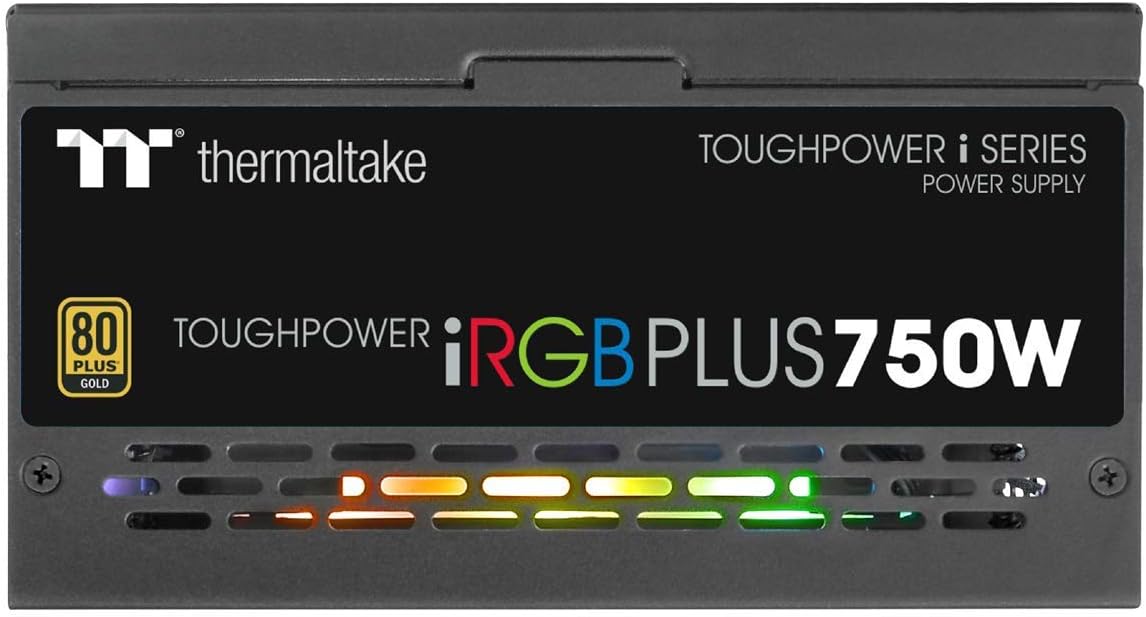
Imej 6.1: Sisi view of the power supply, illustrating the vibrant RGB lighting effects.
7. Penyelenggaraan
Penyelenggaraan berkala membantu memastikan jangka hayat dan prestasi optimum bekalan kuasa anda:
- Penyingkiran habuk: Periodically clean the power supply's fan and ventilation grilles using compressed air. Ensure the system is powered off and unplugged before cleaning.
- Pemeriksaan Kabel: Occasionally check all modular cable connections to ensure they are securely seated.
- Kemas Kini Perisian: Keep the Thermaltake SPM and TT RGB Plus software updated to the latest versions for improved features and stability.
8. Penyelesaian masalah
Jika anda menghadapi masalah dengan bekalan kuasa anda, rujuk langkah penyelesaian masalah biasa berikut:
- Tiada Kuasa:
- Pastikan kord kuasa AC dipasang dengan selamat pada kedua-dua PSU dan alur keluar dinding.
- Sahkan suis kuasa di belakang PSU berada dalam kedudukan 'HIDUP'.
- Check all modular cable connections, especially the 24-pin and 4+4-pin motherboard connectors.
- Uji alur keluar dinding dengan peranti lain untuk memastikan ia mempunyai kuasa.
- Pencahayaan RGB Tidak Berfungsi:
- Ensure the internal USB cable from the PSU is correctly connected to a USB 2.0 header on your motherboard.
- Install or update the Thermaltake TT RGB Plus software.
- Check software settings to ensure RGB lighting is enabled and configured.
- Mulakan semula komputer anda.
- Smart Zero Fan Not Functioning / Fan Always On:
- The Smart Zero Fan feature only activates the fan when the PSU load exceeds 30%. If your system load is consistently above this threshold, the fan will remain on.
- Check the SPM software settings to ensure Smart Zero Fan mode is enabled.
- Ensure the internal USB cable is connected for software control.
- Software Glitches (SPM/TT RGB Plus):
- Ensure you have the latest version of the software installed from the official Thermaltake webtapak.
- Temporarily disable any conflicting RGB software from other manufacturers.
- Check your firewall settings to ensure the software is not being blocked.
- Pasang semula perisian jika masalah berterusan.
9. Spesifikasi
Detailed technical specifications for the Thermaltake Toughpower iRGB Plus 750W Power Supply:
| Ciri | Spesifikasi |
|---|---|
| Nombor Model | PS-TPI-0750F3FDGU-1 |
| taip | ATX 12V V2.4 and EPS V2.92 |
| Maks. Kapasiti Output | 750W |
| Kapasiti Keluaran Puncak | 900W |
| Dimensi (W / H / D) | 150mm(W) x 86mm(H) x 160mm(D) |
| PFC (Pembetulan Faktor Kuasa) | PFC aktif |
| Kecekapan | 80 PLUS Gold at 115Vac Input |
| Sistem Penyejukan | Kipas galas hidraulik 14cm |
| MTBF (Masa Purata Antara Kegagalan) | 120,000 jam minimum |
| Kelulusan Keselamatan | CE/cTUVus/TUV/FCC/EAC/s-mark |
| Input Arus | Maksimum 10A |
| Julat Kekerapan Input | 50Hz - 60Hz |
| Input Voltage | 100V – 240V~ |
| Suhu Operasi | 0°C hingga +50°C |
| Kelembapan Operasi | 20% hingga 90%, tidak terkondensasi |
| Suhu Penyimpanan | -20°C hingga +70°C |
| Kelembapan Penyimpanan | 5% hingga 95%, tidak terkondensasi |
| Kapasitor | 100% Japanese 105°C/221°F |
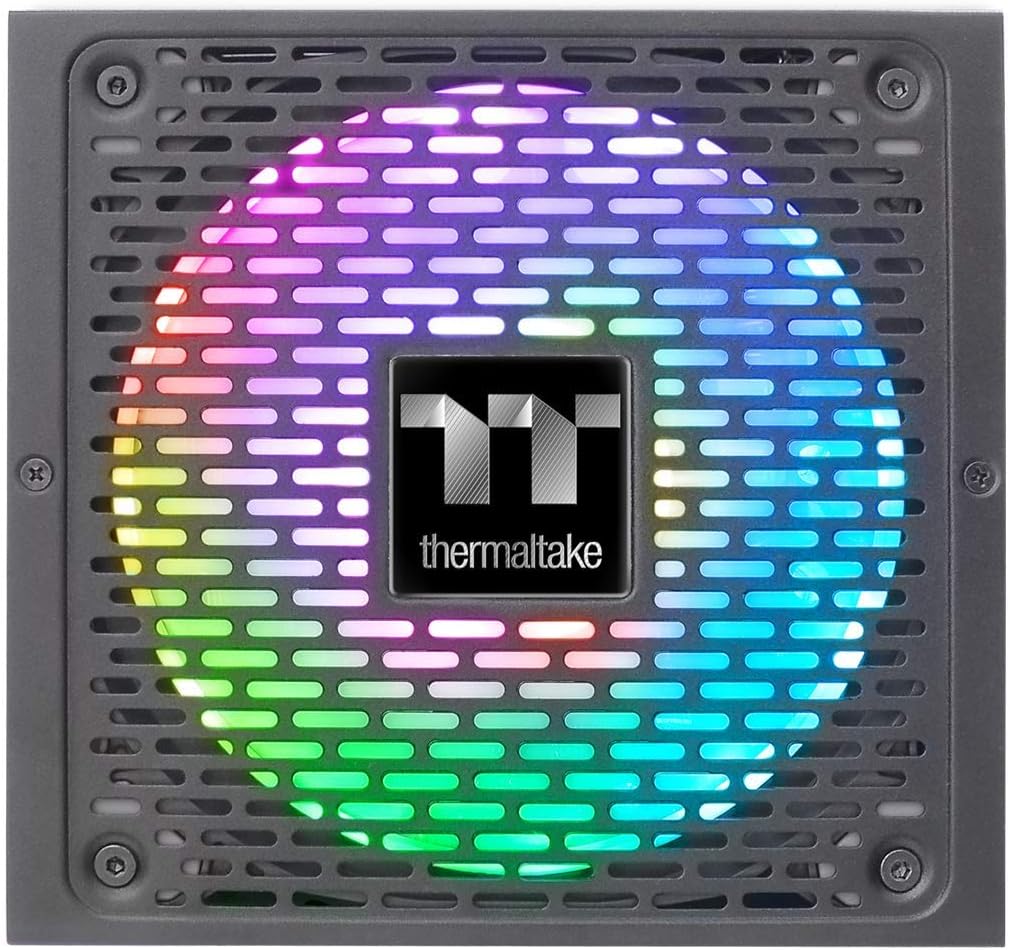
Image 9.1: Product label showing model number, input/output specifications, and safety warnings.

Image 9.2: Close-up internal view of the power supply, highlighting the 100% Japanese 105°C/221°F capacitors for enhanced durability and stability.

Imej 9.3: Satu dalaman view of the power supply's circuit board and components, demonstrating quality construction.
10. Maklumat Waranti
The Thermaltake Toughpower iRGB Plus 750W Power Supply comes with a Waranti 10 tahun. This warranty covers defects in materials and workmanship under normal use. Please retain your proof of purchase for warranty claims. For full warranty terms and conditions, please refer to the official Thermaltake webtapak atau hubungi sokongan pelanggan mereka.
11. Sokongan
For further assistance, technical support, or to download the latest software and drivers, please visit the official Thermaltake webtapak:
Anda juga boleh menemui sumber dan Soalan Lazim yang berguna di halaman sokongan mereka.
Video Produk Rasmi:
Video 11.1: An official product video demonstrating features and functionality of the Thermaltake Toughpower iRGB Plus Power Supply. This video provides a visual overview untuk pengguna.


