pengenalan
This manual provides instructions for the setup, operation, and maintenance of your LG 32QN600-B QHD 32-inch IPS monitor. Please read this manual thoroughly before operating your device to ensure safe and optimal performance. Keep this manual for future reference.
Maklumat Keselamatan Penting
Sentiasa patuhi langkah berjaga-jaga keselamatan asas semasa menggunakan produk ini untuk mengurangkan risiko kebakaran, kejutan elektrik dan kecederaan kepada orang ramai. Ini termasuk, tetapi tidak terhad kepada:
- Jangan menyekat bukaan pengudaraan.
- Jangan pasang berhampiran mana-mana sumber haba.
- Lindungi kord kuasa daripada berjalan atau tersepit.
- Hanya gunakan lampiran/aksesori yang ditentukan oleh pengilang.
- Rujuk semua servis kepada kakitangan perkhidmatan yang berkelayakan.
Persediaan
1. Membongkar
Carefully remove all components from the packaging. Ensure all parts listed in the packing list are present and undamaged. Keep packaging materials for future transport or return.
2. Stand Assembly / Wall Mounting
The monitor can be set up using its adjustable Edge-ArcLine stand or mounted to a wall using a VESA compatible mount (100 x 100 mm). Follow the instructions provided with the stand or wall mount kit for proper assembly.

Imej: Belakang view of the LG 32QN600-B monitor with its Edge-ArcLine stand attached. The stand provides stability and allows for tilt and height adjustments.
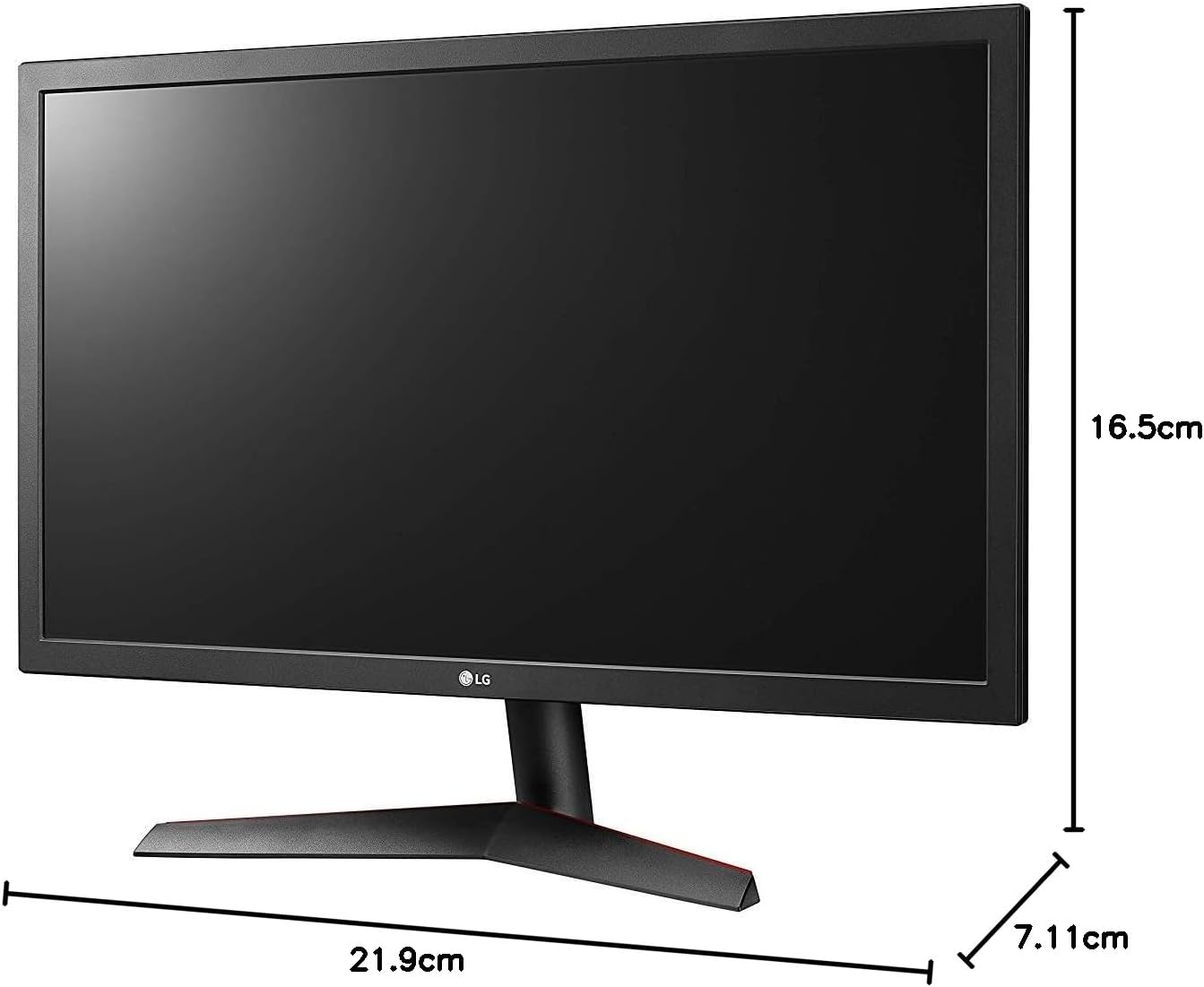
Image: Diagram illustrating the approximate dimensions of a similar LG monitor, showing width, height, and depth. Note: Specific dimensions for the 32QN600-B model are not provided in the available data.
3. Menyambung ke Komputer
Connect the monitor to your computer using one of the following cable types. Ensure the monitor and computer are powered off before making connections.
- Sambungan HDMI: Use an HDMI cable to connect the monitor's HDMI port to the HDMI port on your computer's graphics card. This monitor supports 2 HDMI inputs.
- Sambungan DisplayPort: Use a DisplayPort cable to connect the monitor's DisplayPort to the DisplayPort on your computer's graphics card. This monitor supports 1 DisplayPort input.

Image: Close-up of the rear panel of the LG 32QN600-B monitor, displaying the available input ports including HDMI and DisplayPort connections.
4. Sambungan Kuasa
Sambungkan penyesuai kuasa ke input kuasa monitor, kemudian palamkan kord kuasa ke salur keluar dinding.
Mengendalikan Monitor
1. Hidupkan/Mati Kuasa

Imej: Depan view of the LG 32QN600-B QHD 32-inch IPS monitor, showing the display and stand.
Press the power button (usually a joystick-style button located on the bottom center of the monitor) to turn the monitor on or off.
2. Navigasi Menu Paparan Pada Skrin (OSD).
The OSD menu allows you to adjust various monitor settings. Use the joystick button to navigate the menu:
- Tekan butang kayu bedik untuk membuka menu OSD utama.
- Gerakkan kayu bedik ke atas/bawah/kiri/kanan untuk menavigasi melalui pilihan menu.
- Tekan butang kayu bedik untuk memilih pilihan atau mengesahkan tetapan.
- Move the joystick left to exit a sub-menu or the OSD.
3. Tetapan Gambar
Laraskan tetapan paparan untuk optimum viewpengalaman:
- Kecerahan: Mengawal kecerahan keseluruhan skrin.
- Kontras: Melaraskan perbezaan antara kawasan terang dan gelap.
- Suhu Warna: Changes the color warmth or coolness.
- Gamma: Adjusts the mid-tone luminance.
4. Ciri-ciri Khas
The LG 32QN600-B monitor includes several features to enhance your viewpengalaman bermain dan permainan:
- HDR 10 Compatibility: Supports High Dynamic Range content for enhanced contrast and color detail.
- Mod Pembaca: Mengurangkan pelepasan cahaya biru untuk mengurangkan ketegangan mata semasa sesi membaca yang panjang.
- Flicker Safe: Virtually eliminates screen flicker to reduce eye fatigue.
- AMD FreeSync: Synchronizes the monitor's refresh rate with compatible AMD graphics cards to reduce screen tearing and stuttering for smoother gameplay.
- Penyegerakan Tindakan Dinamik (DAS): Minimizes input lag, allowing for quicker responses in fast-paced games.
- Penstabil Hitam: Automatically brightens dark areas in games, making it easier to spot objects or enemies hidden in shadows.
Penyelenggaraan
Membersihkan Monitor
To clean the monitor, ensure it is powered off and unplugged from the power outlet. Use a soft, lint-free cloth lightly dampened with water or a mild, non-abrasive screen cleaner. Do not spray cleaner directly onto the screen. Avoid using harsh chemicals, abrasives, or solvents.
Penjagaan Am
Avoid placing heavy objects on the monitor or its cables. Do not expose the monitor to direct sunlight, high humidity, or extreme temperatures. Ensure adequate ventilation around the monitor.
Menyelesaikan masalah
If you experience issues with your monitor, refer to the following common problems and solutions:
| Masalah | Kemungkinan Punca / Penyelesaian |
|---|---|
| Tiada kuasa | Ensure the power cord is securely connected to the monitor and a working power outlet. Check if the power adapter is functioning. |
| Tiada isyarat / Skrin kosong | Verify that the video cable (HDMI or DisplayPort) is securely connected to both the monitor and the computer. Ensure the correct input source is selected in the OSD menu. Check if the computer is powered on and not in sleep mode. |
| Imej kabur atau herot | Adjust the resolution settings on your computer to match the monitor's native resolution (2560 x 1440). Check the video cable for damage. Perform an auto-adjustment or reset picture settings in the OSD menu. |
| Warna tidak betul | Adjust color settings (color temperature, gamma) in the OSD menu. Ensure your graphics card drivers are up to date. |
| Skrin terkoyak atau tergagap (semasa permainan) | Ensure AMD FreeSync is enabled on both the monitor (via OSD) and your compatible AMD graphics card settings. |
If the problem persists after trying these solutions, contact LG customer support.
Spesifikasi
| Nama Model | LG 32QN600-B |
| Saiz Skrin | 32 Inci |
| Jenis Panel | IPS |
| Resolusi | QHD (2560 x 1440) |
| Nisbah Aspek | 16:9 |
| Sokongan HDR | HDR 10 Serasi |
| Kecerahan (Lazim) | 350 nits |
| Warna Gamut | DCI-P3 90% (Lazim) |
| Teknologi Penyegerakan Adaptif | AMD FreeSync |
| Ketersambungan | 2 x HDMI, 1 x DisplayPort |
| Pemasangan Dinding VESA | 100 x 100 mm |
| Ciri Khas | Reader Mode, Flicker Safe, Dynamic Action Sync, Black Stabilizer |
| Input Kuasa | 100-240 Volt |
| Dimensi (W x H x D) | Specific dimensions for the 32-inch model are not available in the provided data. |
| Berat badan | Specific weight for the 32-inch model is not available in the provided data. |
Maklumat Waranti
LG monitors typically come with a limited manufacturer's warranty. For detailed information regarding your product's warranty period, coverage, and terms and conditions, please refer to the warranty card included with your product or visit the official LG webtapak. Simpan bukti pembelian anda untuk tuntutan waranti.
Sokongan Pelanggan
For technical assistance, troubleshooting beyond this manual, or service inquiries, please contact LG Customer Support:
- Webtapak: Lawati LG rasmi website for support resources, FAQs, and driver downloads.
- telefon: Rujuk dokumentasi produk anda atau LG webtapak untuk nombor hubungan serantau.