1. Pengenalan
The MARATHON 100 Hour Direct Entry Digital Tabletop Timer is designed to assist with precise time management for various tasks. Featuring a large, easy-to-read LCD display and a direct entry keypad, this timer offers both countdown and count-up functionalities, a clock mode, and memory presets for repetitive events. Its robust design includes a magnetic back and an integrated kickstand for versatile placement.
2. Produk Lebihview
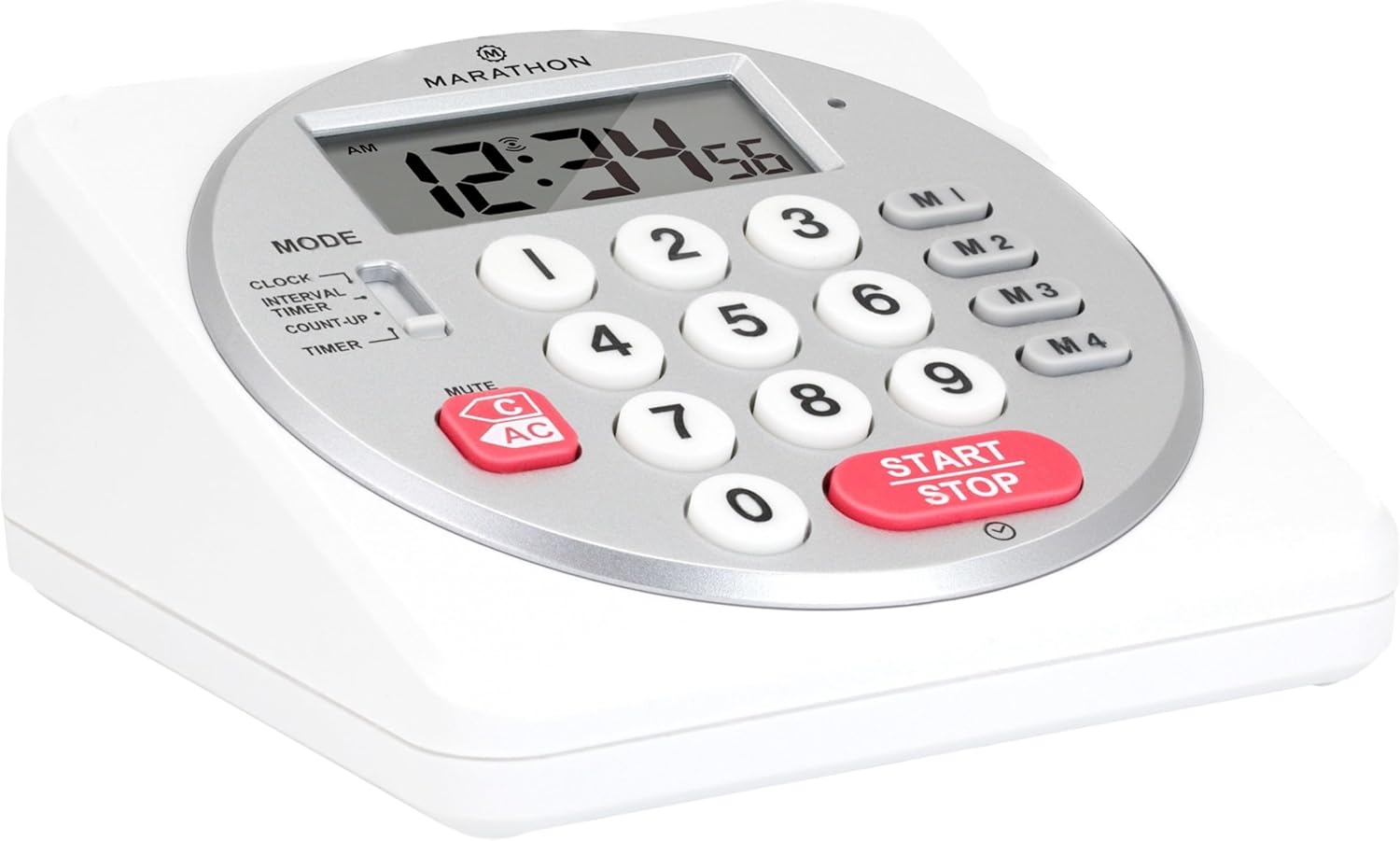
Rajah 1: Depan view of the Marathon Digital Timer.
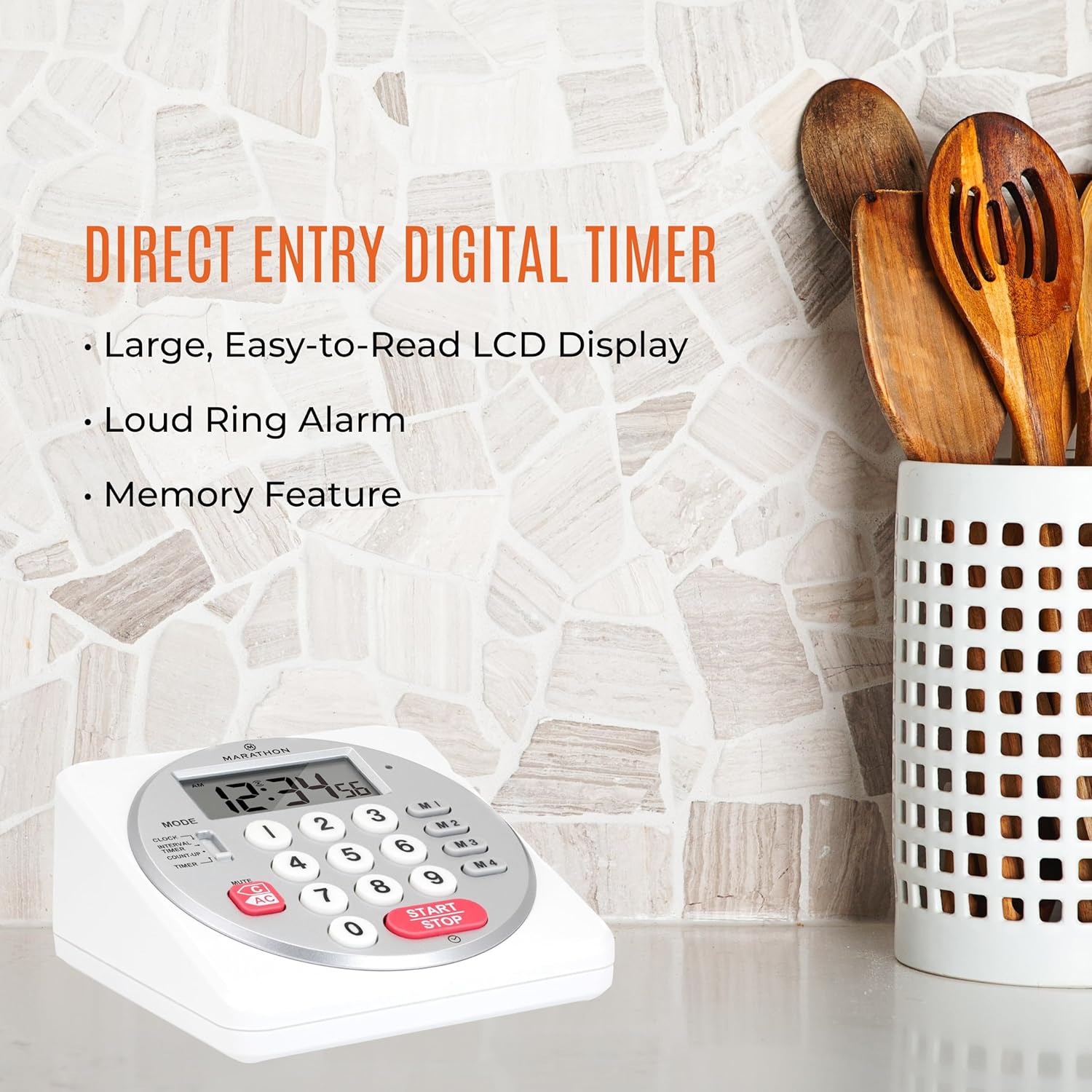
Figure 2: Timer on a kitchen counter, highlighting large display and loud alarm.

Figure 3: Timer showcasing dual function, included batteries, and versatile memory.
Ciri-ciri Utama:
- Direct Entry Keypad: For quick and precise time setting.
- Paparan LCD Besar: Easy-to-read numbers for clear visibility.
- Dual Function Alarm: Supports both countdown and count-up timing up to 99 hours, 59 minutes, and 59 seconds.
- Loud Ring Alarm: Audible across a room.
- Penunjuk LED: Flashing light for silent alarm or hearing impairment assistance.
- Clock Feature: Displays time in 12-hour or 24-hour format when not in timer mode.
- Built-in Memory Function: Stores up to four consecutive times for interval timing and four memory presets for repetitive events.
- Peletakan Serbaguna: Integrated kickstand for tabletop use and magnetic back for attachment to metal surfaces.
- Bateri Termasuk: Didatangkan dengan 2 bateri AA.
3. Persediaan
3.1. Pemasangan Bateri
- Cari penutup petak bateri di bahagian belakang pemasa.
- Luncurkan penutup terbuka.
- Insert two (2) AA batteries, ensuring correct polarity (+/-) as indicated inside the compartment. The timer comes with batteries included.
- Gantikan penutup petak bateri dengan selamat.

Rajah 4: Belakang view with battery compartment and kickstand.
4. Arahan Operasi
4.1. Pemilihan Mod
Gunakan MODE switch located on the side of the timer to select between different functions:
- JAM: Memaparkan masa semasa.
- INTERVAL TIMER: For setting multiple consecutive timers.
- COUNT-UP: Functions as a stopwatch.
- PEMASA: For setting a single countdown timer.

Figure 5: MODE switch for function selection.
4.2. Menetapkan Jam
- Luncurkan MODE bertukar kepada JAM.
- Tekan dan tahan butang SET butang sehingga digit masa mula berkelip.
- Use the number keypad (0-9) to enter the desired time (HH:MM).
- Tekan SET sekali lagi untuk mengesahkan dan keluar dari mod tetapan jam.
- Untuk bertukar antara format 12 jam dan 24 jam, tekan butang 12/24J button (if available, or refer to specific model instructions).
4.3. Setting a Countdown Timer (TIMER Mode)
- Luncurkan MODE bertukar kepada PEMASA.
- Use the number keypad (0-9) to directly enter the desired countdown time (HH:MM:SS). The timer supports up to 99 hours, 59 minutes, 59 seconds.
- Tekan ke MULA/BERHENTI butang untuk memulakan kira detik.
- To pause the timer, press MULA/BERHENTI sekali lagi. Tekan sekali lagi untuk menyambung semula.
- When the countdown reaches zero, the alarm will sound, and the LED indicator will flash. The timer will then automatically begin counting up to show elapsed time since the alarm.
- To stop the alarm and clear the display, press the JELAS butang.
4.4. Using the Count-Up Timer (COUNT-UP Mode)
- Luncurkan MODE bertukar kepada MENGIRA.
- Ensure the display shows 00:00:00. If not, press JELAS.
- Tekan ke MULA/BERHENTI butang untuk mula mengira.
- To pause the count-up, press MULA/BERHENTI sekali lagi. Tekan sekali lagi untuk menyambung semula.
- To reset the count-up timer to zero, press JELAS.
4.5. Using Memory Functions (M1-M4 Presets)
The timer features four memory buttons (M1, M2, M3, M4) for storing and recalling frequently used times or for interval timing.
- In PEMASA mode, enter the desired time using the number keypad.
- Press and hold one of the memory buttons (M1-M4) until the display confirms the time has been saved.
- To recall a saved time, simply press the corresponding memory button (M1-M4). The saved time will appear on the display, ready to start.
- For interval timing, set the first interval, save it to M1. Then set the second interval, save it to M2, and so on. You can then cycle through these presets as needed.
4.6. Adjusting Alarm Volume
The timer features a volume switch, typically located on the side or back, allowing you to select between different alarm levels (e.g., High, Low, Mute) or a flashing LED indicator for silent operation.
5. Penyelenggaraan
- Bersihkan pemasa dengan lembut, damp kain. Jangan gunakan pembersih yang melelas atau rendam unit di dalam air.
- Avoid exposing the timer to extreme temperatures or direct sunlight for prolonged periods.
- If the display becomes dim or the alarm weakens, replace the batteries promptly.
6. Penyelesaian masalah
| Masalah | Kemungkinan Punca | Penyelesaian |
|---|---|---|
| Timer not turning on. | Bateri mati atau tidak dipasang dengan betul. | Periksa kekutuban bateri atau gantikan dengan bateri AA baharu. |
| Paparan redup. | Kuasa bateri rendah. | Gantikan bateri. |
| Penggera tidak berbunyi. | Alarm volume is set to mute or low. | Check the alarm volume switch and adjust as needed. |
| Pemasa tidak bertindak balas terhadap tekanan butang. | Unit may be in a locked state (if applicable) or requires a reset. | Remove and reinsert batteries to perform a hard reset. Check for any lock switches. |
7. Spesifikasi
- model: TI030018WH
- Jenama: MARATHON
- Bahan: plastik
- Dimensi: 4.45 x 2.64 x 4.45 inci
- Berat Barang: 7.1 auns
- Sumber Kuasa: 2 x bateri AA (termasuk)
- Max Timer Duration: 99 jam, 59 minit, 59 saat
- ciri-ciri: Direct Entry, Dual Function (Count-up/Count-down), Clock, Memory Presets, LED Indicator, Magnetic Back, Kickstand
- UPC: 063442000342

Rajah 6: Dimensi produk.
8. Waranti dan Sokongan
Untuk maklumat jaminan atau sokongan teknikal, sila rujuk kepada pihak berkuasa rasmi pengeluar webtapak atau hubungi bahagian perkhidmatan pelanggan mereka. Simpan resit pembelian anda sebagai bukti pembelian.


