1. Pengenalan dan Lebihview
The Aputure Light Dome mini II is a compact and versatile light modifier designed to provide soft, even illumination for photography and videography. Its parabolic shape and silver interior maximize light output, while its quick setup and breakdown make it ideal for both studio and on-location use. Compatible with Bowens mount fixtures, this softbox is an essential tool for shaping light effectively.
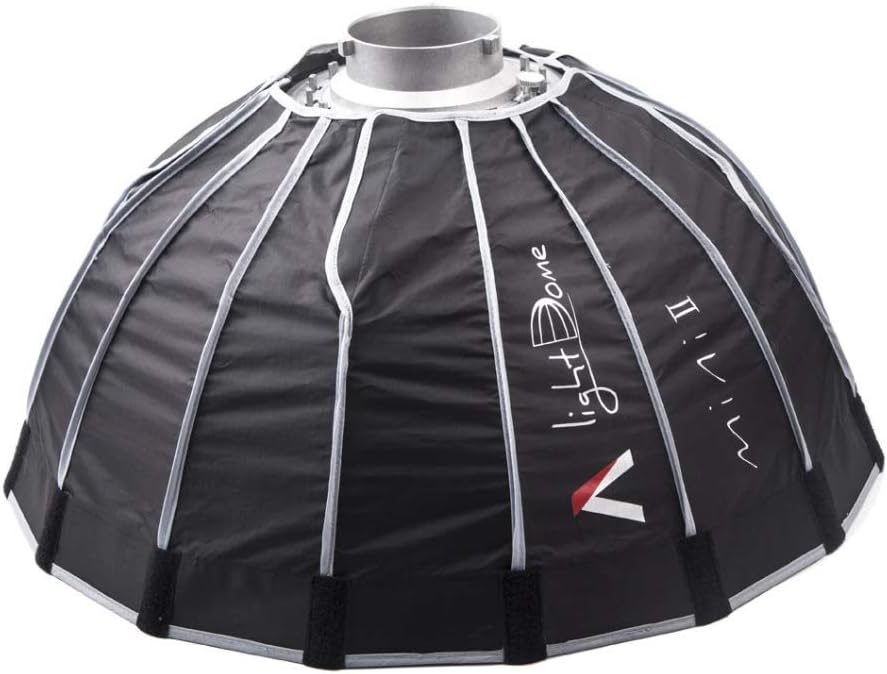
Figure 1: The Aputure Light Dome mini II, a compact parabolic softbox.
2. Komponen Produk
The Aputure Light Dome mini II package includes the following components:
- Light Dome mini II Softbox: The main parabolic softbox with a Bowens mount.
- 40° Fabric Grid: Attaches to the front of the softbox to control light spill and narrow the beam angle.
- Gel Holder: Allows for the insertion of color gels to modify the light's color temperature or add creative effects.
- Inner Diffuser: A circular diffusion fabric that attaches inside the softbox for softer light.
- Outer Diffuser: A larger circular diffusion fabric that attaches to the front for maximum softness.
- Membawa beg: A durable bag for convenient storage and transport of all components.
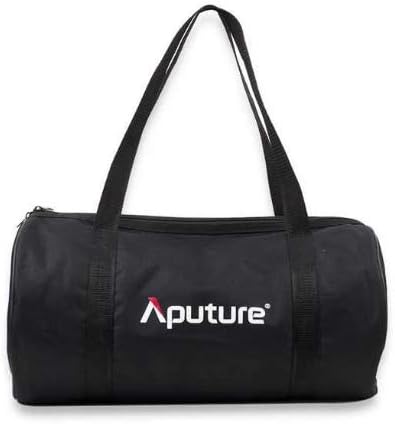
Figure 2: Included carrying bag for portability.
3. Arahan Persediaan
3.1 Memasang Kotak Lembut
- Unfold the Light Dome mini II from its collapsed state.
- Locate the metal rods that form the frame of the softbox. Gently pull each rod outwards until it clicks securely into place, forming the parabolic shape. Ensure all rods are fully extended and locked.
- Attach the softbox to your compatible Bowens mount LED light (e.g., Aputure Light Storm 120 or 300 series) by aligning the mount and twisting until it locks.

Figure 3: The softbox features a quick-release mechanism for rapid setup.
3.2 Attaching Diffusers and Grid
- Inner Diffuser: Secure the inner diffuser to the internal velcro tabs within the softbox. This helps to further soften the light and eliminate hot spots.
- Gel Holder: If using color gels, insert the gel into the magnetic gel holder and attach it to the central light fixture.
- Outer Diffuser: Attach the outer diffuser to the outer velcro rim of the softbox for maximum light diffusion.
- Fabric Grid: For more directional light and reduced spill, attach the 40° fabric grid to the outer velcro rim of the softbox, over the outer diffuser if desired.
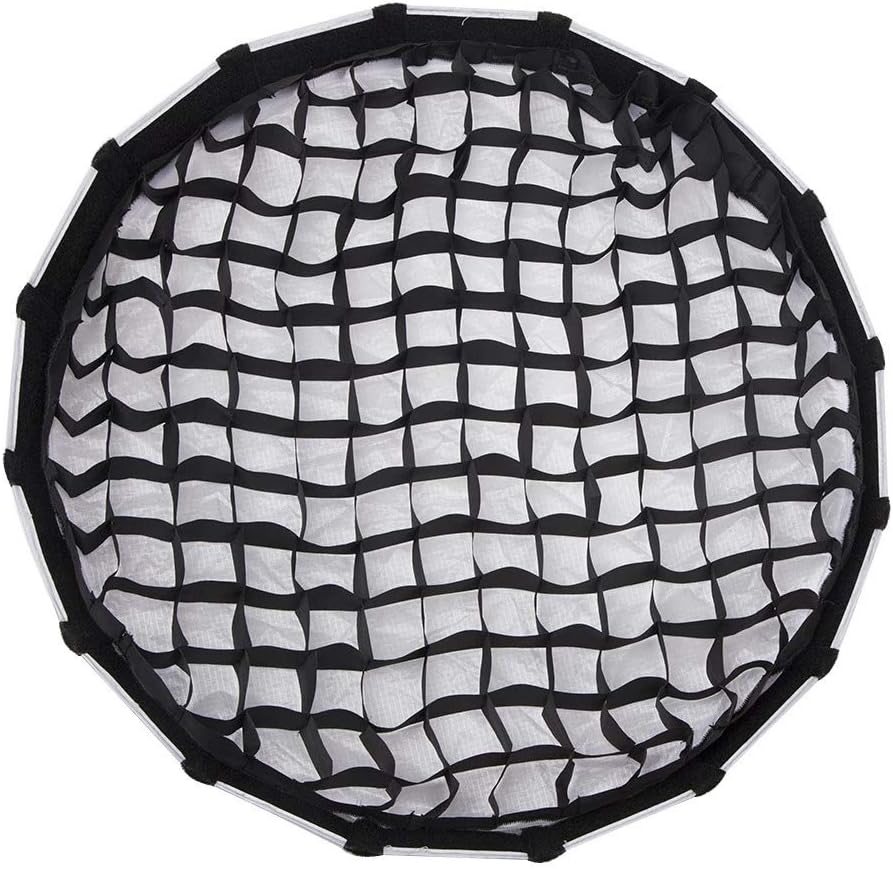
Figure 4: The 40° fabric grid provides directional control over the light.
4. Arahan Operasi
The Aputure Light Dome mini II is designed for intuitive operation once assembled. The primary function is to modify the harsh light from your LED fixture into a softer, more flattering source.
- Softness Control: Use the inner and outer diffusers in combination or individually to achieve your desired level of light softness. The outer diffuser provides the broadest and softest light.
- Arah Cahaya: The parabolic shape naturally focuses light forward. The optional 40° fabric grid further narrows the beam, allowing for precise light placement and minimizing spill onto unwanted areas.
- Color Modification: The integrated gel holder allows for quick changes of color gels, enabling creative lighting effects or color correction.
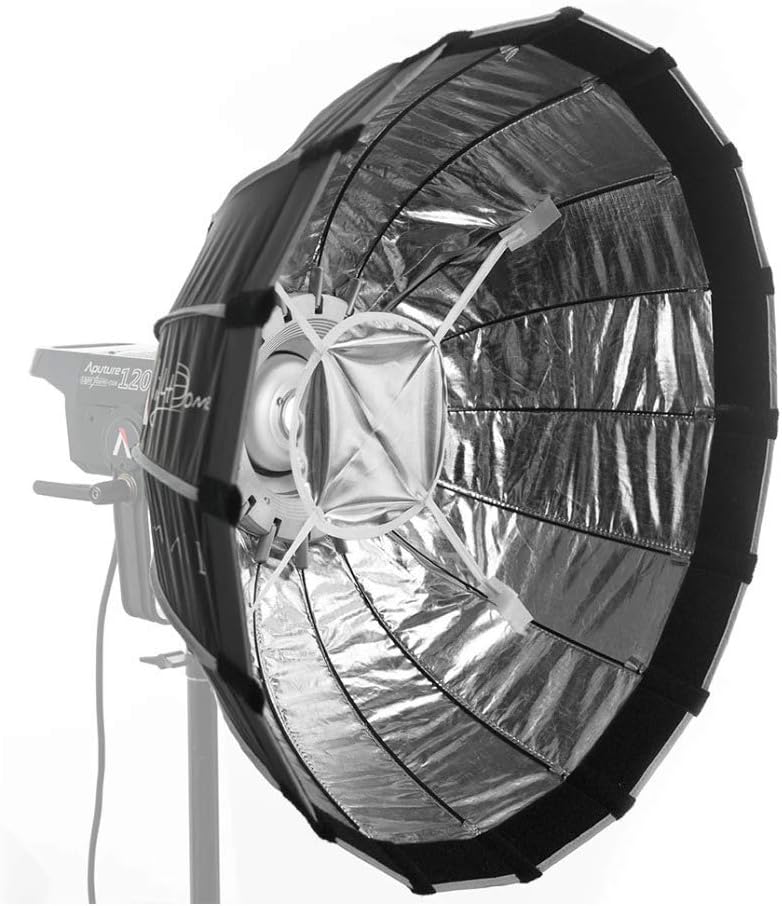
Figure 5: The Light Dome mini II mounted on an Aputure 120d, demonstrating its compact profile.
5. Penyelenggaraan
Proper maintenance ensures the longevity and performance of your Light Dome mini II:
- Pembersihan: Gently wipe the exterior fabric with a soft, damp cloth. For the silver interior, use a dry, lint-free cloth. Avoid abrasive cleaners or solvents.
- Storan: When not in use, collapse the softbox and store all components in the provided carrying bag. This protects the fabric and internal rods from damage and dust.
- Pengendalian: Avoid excessive force when assembling or disassembling the softbox to prevent bending or breaking the support rods.
6. Penyelesaian masalah
| Masalah | Kemungkinan Punca | Penyelesaian |
|---|---|---|
| Softbox does not hold its shape. | Rods not fully extended/locked. | Ensure each rod clicks into its locking mechanism. |
| Light is not soft enough. | Diffusers not installed or incorrectly installed. | Verify both inner and outer diffusers are properly attached. |
| Excessive light spill. | Fabric grid not attached or misaligned. | Attach the 40° fabric grid to the front of the softbox. |
7. Spesifikasi
| Ciri | Perincian |
|---|---|
| Dimensi Produk | 11.81 x 5.91 x 11.81 inci |
| Berat Barang | 2.2 paun |
| Jenis Gunung | Gunung Bowens |
| bentuk | Parabolic/Circular |
| Included Grid | 40° Fabric Grid |
| Kemasan Dalaman | Perak |
| Nombor Model | 6947214409561 |
| Pengeluar | Aputure |
8. Waranti dan Sokongan
Aputure products are designed and manufactured to the highest standards. For warranty information and technical support, please refer to the official Aputure webtapak atau hubungi perkhidmatan pelanggan mereka secara langsung. Simpan resit pembelian anda sebagai bukti pembelian untuk sebarang tuntutan waranti.


