1. Pengenalan
This manual provides detailed instructions for the safe and effective use of your GLIDiC Sound Air TW-7000 SB-WS72-MRTW wireless earbuds. Please read this manual thoroughly before using the product and keep it for future reference.
2. Maklumat Keselamatan
Untuk memastikan operasi yang selamat dan mengelakkan kerosakan, patuhi langkah berjaga-jaga berikut:
- Jangan buka, baiki atau ubah suai produk.
- Jauhkan produk daripada air, kelembapan dan suhu yang melampau.
- Elakkan daripada menjatuhkan atau meletakkan produk kepada kesan yang kuat.
- Do not expose the charging case or earbuds to open flames or direct sunlight for extended periods.
- Gunakan hanya kabel pengecasan dan penyesuai kuasa yang ditentukan.
- Pendedahan berpanjangan kepada bunyi yang kuat boleh menyebabkan kerosakan pendengaran. Laraskan kelantangan ke tahap yang selamat.
3. Kandungan Pakej
Sahkan bahawa semua item terdapat dalam pakej:
- GLIDiC Sound Air TW-7000 Earbuds (Left and Right)
- Kes Pengecasan
- Kabel Pengecas USB
- Telinga (pelbagai saiz)
- Manual Pengguna (dokumen ini)
4. Produk Lebihview
Familiarize yourself with the components of your GLIDiC Sound Air TW-7000 earbuds and charging case.
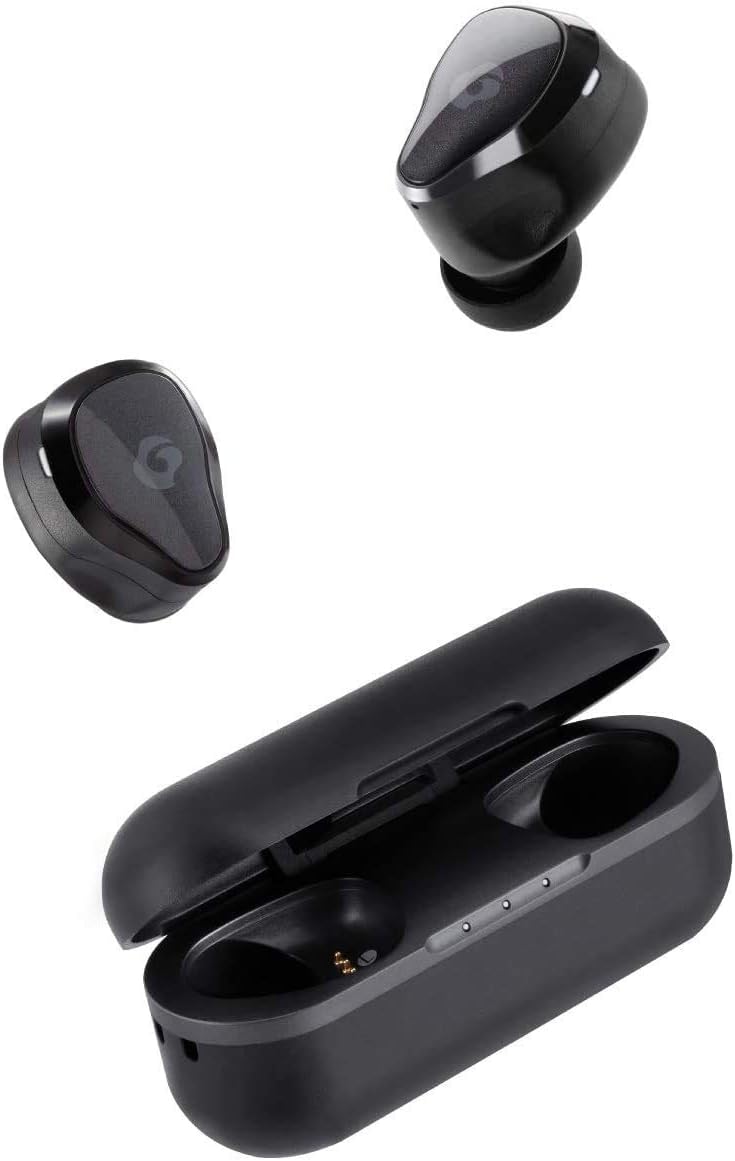
Image: GLIDiC Sound Air TW-7000 earbuds and their charging case. The earbuds are shown both inside and outside the case, highlighting their compact design.

Imej: Dari dekat view of a single GLIDiC Sound Air TW-7000 earbud, emphasizing its ergonomic 'Just Fit' design for comfortable wear. This design is supervised by Canal Works.
5. Persediaan
5.1 Mengecas Fon telinga dan Sarung
Sebelum penggunaan pertama, cas sepenuhnya fon telinga dan bekas pengecas.
- Letakkan kedua earbud ke dalam cas pengecasan.
- Sambungkan kabel pengecas USB ke port pengecasan pada bekas dan sumber kuasa.
- Lampu penunjuk pada kes akan menunjukkan status pengecasan.

Image: Illustration of the Fast Charge feature. Charging the earbuds in the case for 10 minutes provides up to 2 hours of playback time. The image shows the earbuds in their charging case next to a coffee setup.
5.2 Hidupkan/Mati Kuasa
The earbuds automatically power on and off when removed from or placed into the charging case.
- Hidupkan kuasa: Remove the earbuds from the charging case. They will automatically power on and enter pairing mode.
- Matikan: Letakkan semula fon telinga ke dalam bekas pengecas. Ia akan dimatikan secara automatik dan mula dicas.
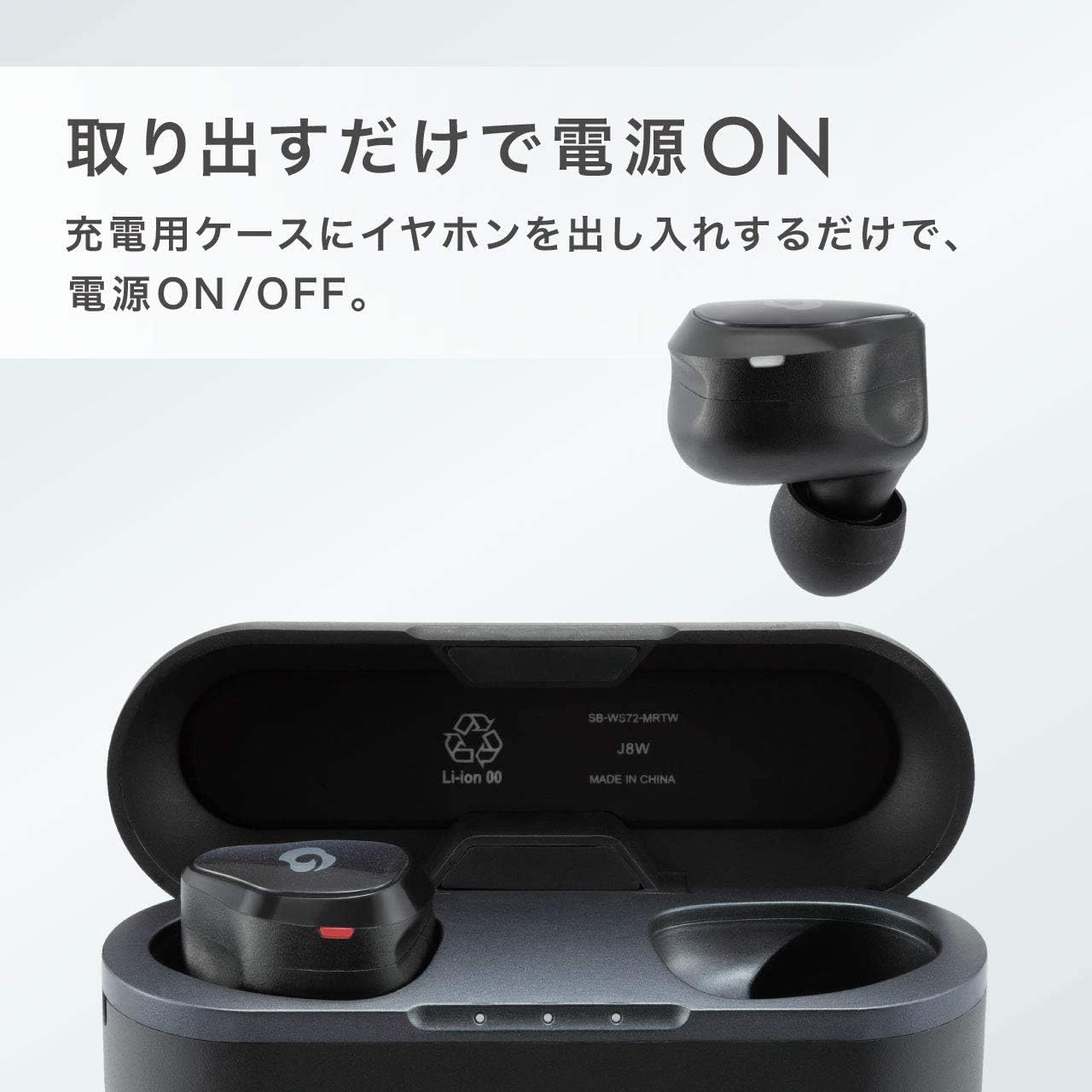
Image: Demonstrates the automatic power on/off function. The earbuds power on simply by being taken out of the charging case, and power off when returned to the case.
5.3 Berpasangan Bluetooth
Untuk menyambungkan fon telinga anda kepada peranti:
- Ensure the earbuds are charged and removed from the case. They will enter pairing mode (indicator light will flash).
- Pada peranti anda (telefon pintar, tablet, dll.), dayakan Bluetooth.
- Cari untuk available Bluetooth devices and select "GLIDiC Sound Air TW-7000" from the list.
- Once connected, the indicator light on the earbuds will change, and you will hear a confirmation tone.
6. Arahan Operasi
6.1 Main Balik Audio
Control music and other audio playback using the touch sensors on the earbuds:
- Main/Jeda: Ketik sekali pada salah satu fon telinga.
- Lagu Seterusnya: Ketik dua kali pada fon telinga kanan.
- Trek Sebelumnya: Ketik dua kali pada fon telinga kiri.
- Kelantangan: Ketik tiga kali pada fon telinga kanan.
- Perlahankan suara: Ketik tiga kali pada fon telinga kiri.
6.2 Pengurusan Panggilan
Manage phone calls with the earbud controls:
- Jawab/Tamatkan Panggilan: Ketik sekali pada sama ada fon telinga semasa panggilan masuk atau panggilan aktif.
- Tolak Panggilan: Tekan dan tahan salah satu fon telinga selama 2 saat semasa panggilan masuk.
6.3 Multi-communication Mode
The Multi-communication Mode allows you to hear ambient sounds while listening to music, enabling conversations without removing your earbuds.
- Aktifkan/Nyahaktifkan: Press and hold the touch sensor on the left earbud for 2 seconds.

Image: A man wearing the GLIDiC Sound Air TW-7000 earbuds, demonstrating the 'External Sound Capture Function' or 'Multi-communication Mode', which allows users to converse while listening to music.
6.4 Hayat Bateri
The earbuds offer extended playback time on a single charge.
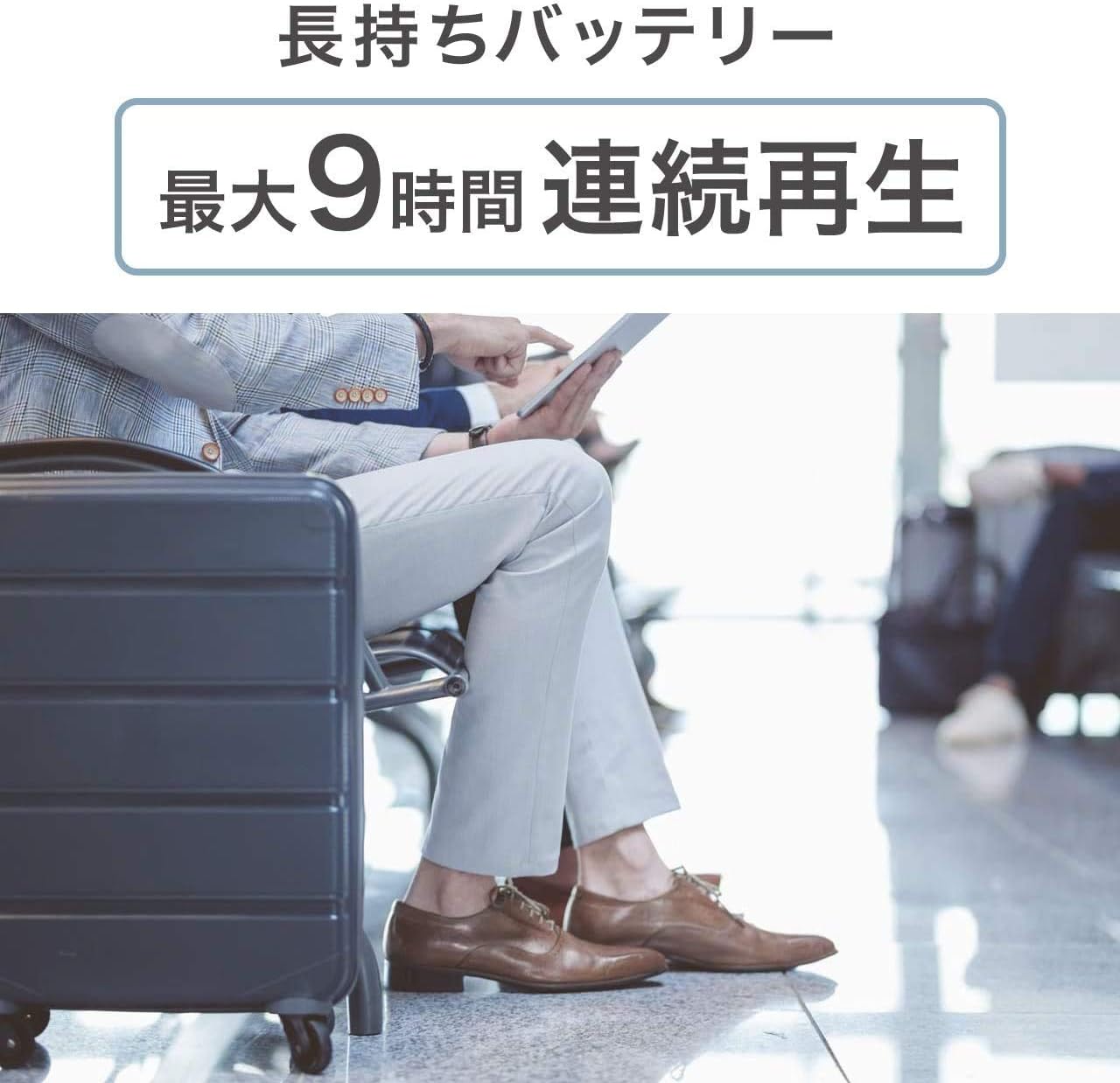
Image: A person sitting in an airport lounge, illustrating the long-lasting battery feature of the GLIDiC Sound Air TW-7000, which provides a maximum of 9 hours of continuous playback.
7. Penyelenggaraan
Penyelenggaraan yang betul memastikan jangka hayat dan prestasi fon telinga anda:
- Pembersihan: Gunakan kain lembut, kering, bebas serabut untuk membersihkan fon telinga dan bekas pengecas. Jangan gunakan bahan kimia yang keras atau bahan yang melelas.
- Telinga: Kerap keluarkan dan bersihkan bahagian telinga dengan iklanamp kain. Pastikan ia benar-benar kering sebelum dipasang semula.
- Storan: Apabila tidak digunakan, simpan fon telinga dalam bekas pengecasnya untuk melindunginya dan memastikan ia dicas.
- Elakkan Keadaan Melampau: Do not expose the product to extreme temperatures, humidity, or dust.
8. Penyelesaian masalah
Jika anda menghadapi masalah, rujuk kepada masalah dan penyelesaian biasa berikut:
| Masalah | Penyelesaian |
|---|---|
| Fon telinga tidak dihidupkan. | Ensure earbuds are charged. Place them in the charging case and then remove them. |
| Earbuds do not pair with device. | Ensure Bluetooth is enabled on your device. Forget the device in your Bluetooth settings and try pairing again. Ensure earbuds are in pairing mode. |
| Tiada bunyi atau kelantangan rendah. | Check volume levels on both earbuds and your connected device. Ensure earbuds are properly seated in your ears. |
| Satu fon telinga tiada bunyi. | Letakkan kedua-dua fon telinga kembali ke dalam bekas pengecas, tutup penutup, tunggu beberapa saat, kemudian keluarkannya semula. Ini sering menyegerakkan semula mereka. |
| Kes pengecas tidak dicas. | Check the USB cable and power adapter connection. Try a different cable or power source. |
9. Spesifikasi
| Ciri | Perincian |
|---|---|
| Teknologi Komunikasi Tanpa Wayar | Bluetooth |
| Komponen yang Disertakan | Sarung Pengecas Tanpa Wayar |
| Khalayak Sasaran | Dewasa |
| Product Use/Method | Peribadi |
| Jenis Kawalan | Bluetooth |
| Ciri Kabel | Boleh ditarik balik |
| Berat Produk | 280 gram |
| warna | Hitam Bandar |
| Jenis Penyambung | Bluetooth |
| ASIN | B07KNK8XCP |
| Jenama | GLIDiC |
| Penempatan Telinga | Dalam Telinga |
| Faktor Bentuk Fon Kepala | Dalam Telinga |
| Teknologi Ketersambungan | Tanpa wayar |
10. Waranti dan Sokongan
For warranty information and customer support, please refer to the warranty card included with your product or visit the official GLIDiC webtapak. Simpan bukti pembelian anda untuk tuntutan waranti.


