1. Pengenalan
Thank you for choosing the Leitz IQ Office Shredder Security P5, Model 80020000. This document provides essential information for the proper setup, operation, maintenance, and troubleshooting of your new shredder. Please read this manual thoroughly before using the device to ensure safe and efficient performance.
This shredder is designed for micro-cut shredding of paper documents, offering a high level of security (DIN P5) suitable for sensitive information in small office environments.
2. Maklumat Keselamatan
AMARAN: Failure to follow these safety instructions may result in fire, electric shock, or other injury or damage.
- Keep hands, hair, loose clothing, ties, and jewelry away from the paper entry slot.
- Jangan masukkan jari atau bahagian badan yang lain ke dalam bukaan mesin pencincang.
- Jauhkan kanak-kanak dan haiwan peliharaan dari mesin pencincang.
- Cabut palam mesin pencincang sebelum mengalihkan, membersihkan atau mengosongkan tong sampah.
- Do not use the shredder near water or in wet conditions.
- Do not shred metal objects, large paper clips, or adhesive labels as this may damage the cutting mechanism. Small staples and paper clips are generally acceptable, but it is recommended to remove them for optimal performance and longevity.
- Do not attempt to shred more sheets than the specified maximum capacity (10 sheets).
- Pastikan kord kuasa tidak rosak dan dibumikan dengan betul.
- Do not open the shredder housing; there are no user-serviceable parts inside.
3. Ciri-ciri Produk
- Micro Cut Security (DIN P5): Shreds documents into tiny particles for enhanced data protection.
- Kapasiti Lembaran: Up to 10 sheets of A4 paper (80gsm) per pass.
- Kapasiti Tong Sampah: 23-liter pull-out bin for shredded material.
- Masa Larian Lanjutan: Operates continuously for up to 120 minutes.
- Anti-Jam Technology: Automatically reverses paper if too much is inserted, preventing jams.
- Operasi senyap: Designed for low noise levels (55 dB) suitable for office environments.
- Kawalan Sentuhan Intuitif: Easy-to-use touch panel for operation.

Image 1: Leitz IQ Office Shredder highlighting 10-sheet capacity and 23-liter waste bin.

Image 2: Leitz IQ Office Shredder illustrating its 120-minute continuous run time.

Image 3: Icons indicating the Anti-Jam feature and the 2+1 year guarantee for the shredder.
4. Persediaan
- Buka Pencincang: Keluarkan mesin pencincang dari pembungkusannya dengan berhati-hati. Simpan bahan pembungkusan untuk pengangkutan atau penyimpanan pada masa hadapan.
- Letakkan Mesin Penghancur: Place the shredder on a flat, stable surface. Ensure there is adequate space around the unit for ventilation and access to the waste bin. Avoid placing it directly against a wall to allow for proper airflow.
- Sambungkan Kuasa: Palamkan kord kuasa ke salur keluar elektrik yang dibumikan. Pastikan voltage matches the requirements specified on the shredder's rating label.
- Check Waste Bin: Ensure the waste bin is correctly inserted into the shredder housing. The shredder will not operate if the bin is not properly seated.
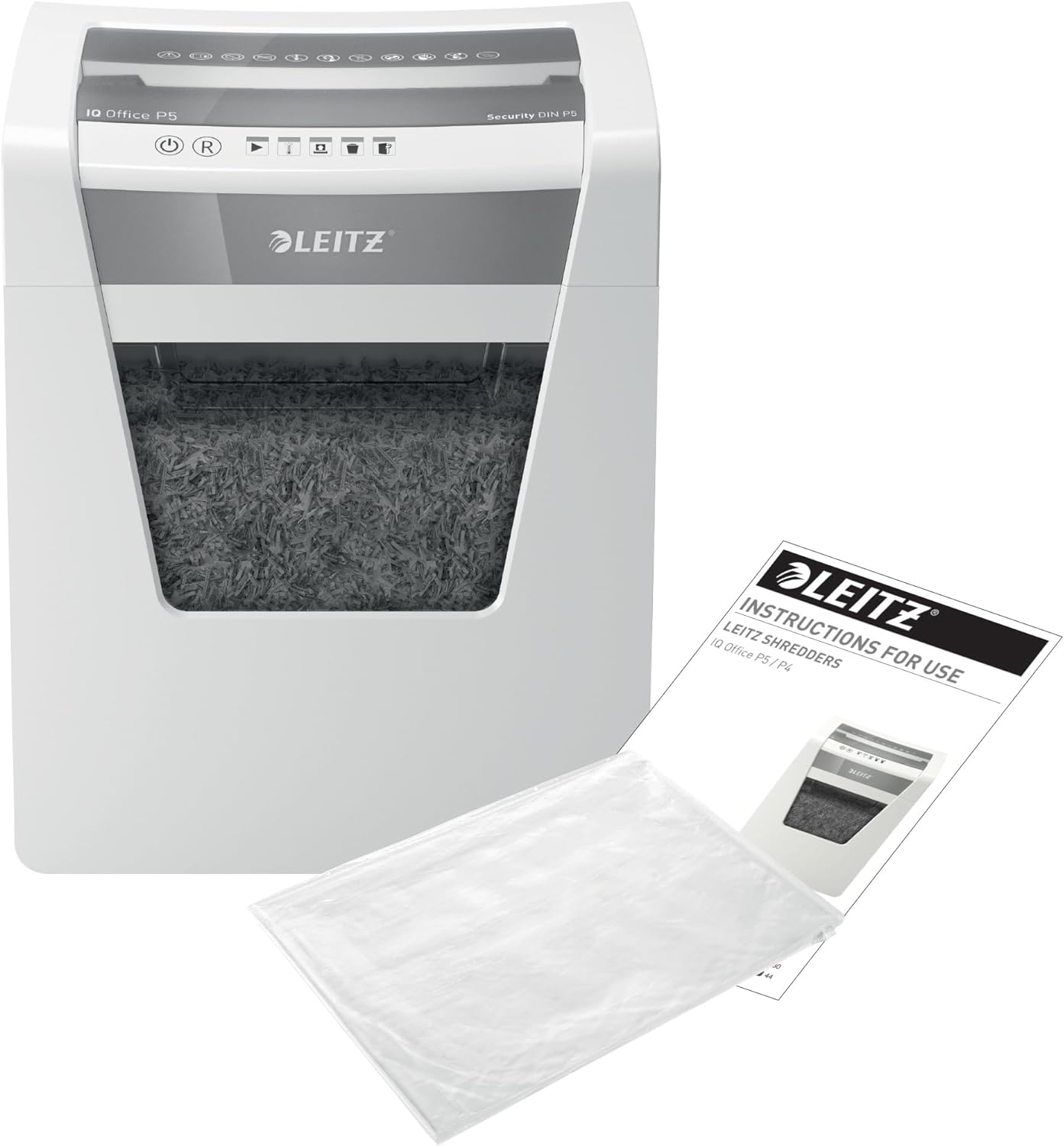
Image 4: Leitz IQ Office Shredder shown with its instruction manual, indicating initial setup.

Imej 5: Cthample placement of the Leitz IQ Office Shredder in a typical office setting.
5. Arahan Operasi
5.1 Hidupkan/Mati Kuasa
- To turn on the shredder, press the power button (usually indicated by a circle with a vertical line). The shredder will enter standby mode.
- To turn off the shredder, press the power button again.
5.2 Penghancuran Dokumen
- Ensure the shredder is powered on and in standby mode.
- Gather the documents to be shredded. Remove any large paper clips or binders. Small staples are generally acceptable.
- Insert up to 10 sheets of A4 paper (80gsm) into the paper entry slot. The shredder will automatically detect the paper and begin shredding.
- Once shredding is complete, the shredder will return to standby mode.
- Wait for the shredder to cool down if it has been operating for an extended period (e.g., after 120 minutes of continuous use).

Imej 6: Terperinci view of the shredder's touch control panel and the micro-cut shredded paper in the bin.
5.3 Mengosongkan Tong Sampah
- When the waste bin is full, the shredder may indicate this via an indicator light or stop operating.
- Pull out the 23-liter waste bin from the front of the shredder.
- Buang kertas yang telah dicarik-carik.
- Slide the waste bin back into the shredder until it clicks securely into place. Ensure it is fully inserted for the shredder to operate.
6. Penyelenggaraan
Penyelenggaraan yang kerap memastikan jangka hayat dan prestasi optimum mesin pencincang anda.
- Pembersihan: Cabut plag mesin pencincang sebelum membersihkan. Gunakan kain lembut dan kering untuk mengelap bahagian luar. Jangan gunakan pembersih atau pelarut yang kasar.
- Oiling the Cutters: To maintain optimal performance and extend the life of the shredder, it is recommended to oil the cutting blades regularly, especially after emptying the waste bin several times or after heavy use. Use a shredder oil sheet or liquid shredder oil applied to a sheet of paper and shred it. Follow the oil manufacturer's instructions.
- Perlindungan Terlalu Panas: The shredder is equipped with an overheat protection system. If the shredder operates continuously for too long, it will automatically shut down to prevent damage. Allow it to cool down for approximately 30-60 minutes before resuming operation.
7. Penyelesaian masalah
| Masalah | Kemungkinan Punca | Penyelesaian |
|---|---|---|
| Shredder tidak boleh dihidupkan. |
|
|
| Kertas jem. |
|
|
| Mesin penghancur berhenti semasa operasi. |
|
|
8. Spesifikasi
- model: Leitz IQ Office Shredder Security P5 (80020000)
- Jenis Carik: Potongan Mikro
- Tahap keselamatan: DIN P5
- Kapasiti Lembaran: 10 sheets (A4, 80gsm)
- Kapasiti Tong Sampah: 23 Liter
- Masa Larian Berterusan: 120 minit
- Tahap Bunyi: 55 Desibel
- Dimensi (D x W x H): 29 x 37 x 50 cm (lebih kurang)
- Berat: 12.5 kg
- Sumber Kuasa: Elektrik Bertali
- Ciri Khas: Jam Proof (Anti-Jam)

Imej 7: Dimensi lebihview of the Leitz IQ Office Shredder.

Image 8: Visual representation of different DIN security levels for shredders, highlighting P5.
9. Waranti dan Sokongan
The Leitz IQ Office Shredder Security P5 comes with a standard Jaminan 2 tahun. Tambahan 1-year extended guarantee is available upon product registration. Please refer to the official Leitz website or the included warranty card for details on how to register your product and for full warranty terms and conditions.
For technical support, spare parts, or warranty claims, please contact Leitz customer service through their official webtapak atau maklumat hubungan yang diberikan dalam pembungkusan produk anda.


