pengenalan
Thank you for choosing the Bestisan 28-Inch 80W Soundbar. This soundbar is designed to enhance your home theater experience with powerful audio. Featuring multiple connectivity options including HDMI-ARC, Bluetooth 5.0, Optical, Coaxial, USB, and AUX, it offers broad compatibility with various devices. The soundbar includes four 20W full-range speakers and two bass reflex tubes, delivering crystal clear sound and deep bass. Specialized 3 EQ modes (Music, Movie, Dialogue) allow for optimized audio for different content types.
Apa yang ada dalam Kotak
- Bestisan Soundbar (28-Inch)
- Kord Kuasa
- Alat Kawalan Jauh
- Wall Mounting Kit (brackets and screws)
- Manual Pengguna
- HDMI-ARC Cable
- Kabel Optik Digital
- Kabel Audio 3.5mm ke RCA
Video: Unboxing and demonstration of the Bestisan Soundbar, showing included accessories and initial setup.
Produk Selesaiview
The Bestisan Soundbar features a sleek, ultra-slim design, measuring 2.8 inches high, allowing it to fit easily under most TVs and desktop monitors. It is suitable for TVs ranging from 32 to 75 inches. The soundbar integrates 4 powerful full-range speakers and 2 bass reflex tubes for a dynamic audio experience. Control is available via the included remote or the physical buttons located on the soundbar itself.

Image: The Bestisan Soundbar with its front grille removed, revealing two 3-inch full-range speakers and two bass reflex tubes, designed to deliver powerful deep bass and clear audio.
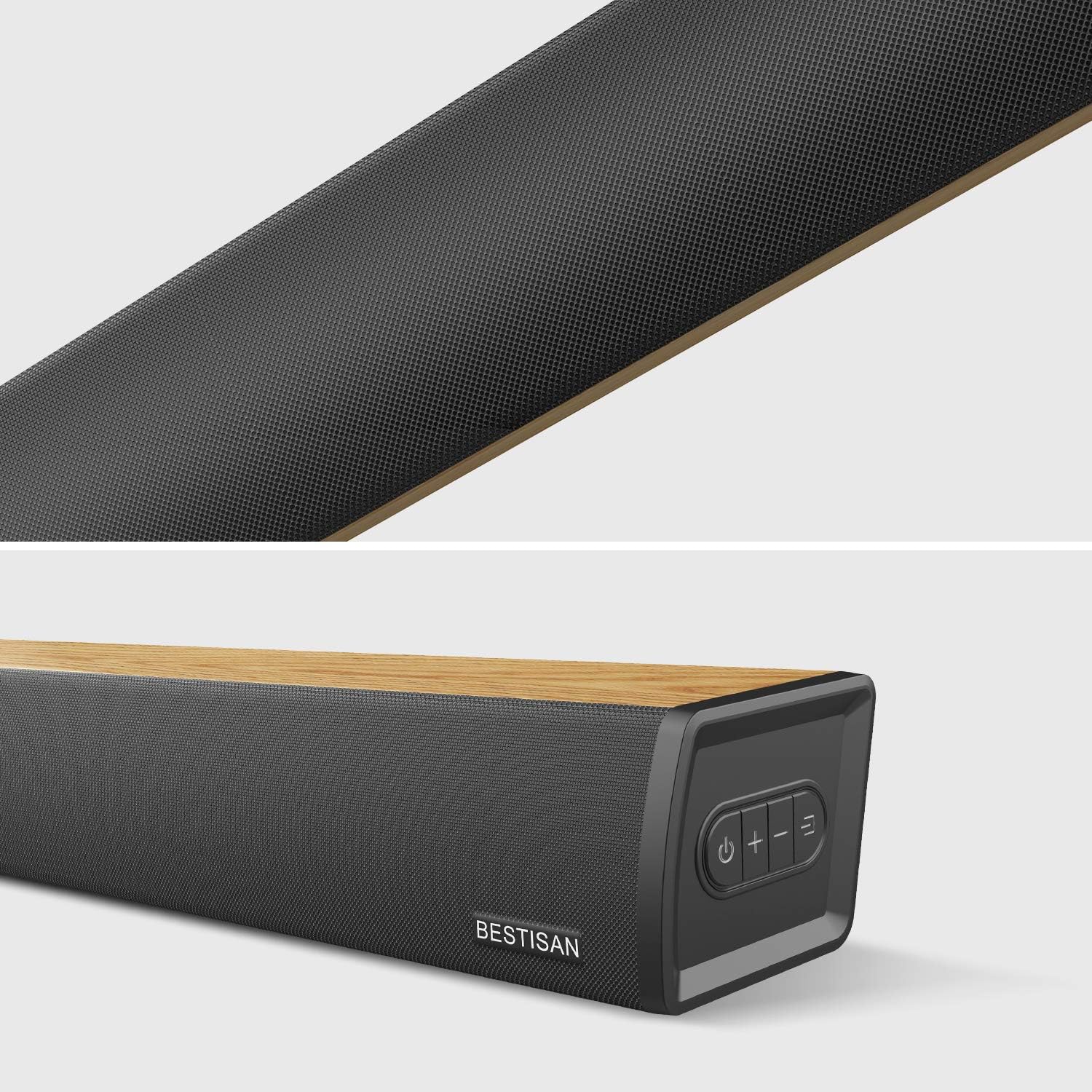
Imej: Dari dekat view of the Bestisan Soundbar, highlighting the textured front grille and the integrated control buttons on the top surface.
Kawalan & Penunjuk
- Butang Kuasa: Menghidupkan/mematikan bar bunyi.
- Butang Kelantangan (+/-): Melaraskan kelantangan induk.
- Pemilihan Input: Cycles through available input modes (HDMI-ARC, Optical, Coaxial, USB, AUX, Bluetooth).
- Penunjuk LED: Small LEDs on the front panel provide visual confirmation of the current input mode and status (Standby, Optical, Coaxial, Bluetooth, USB In, AUX).
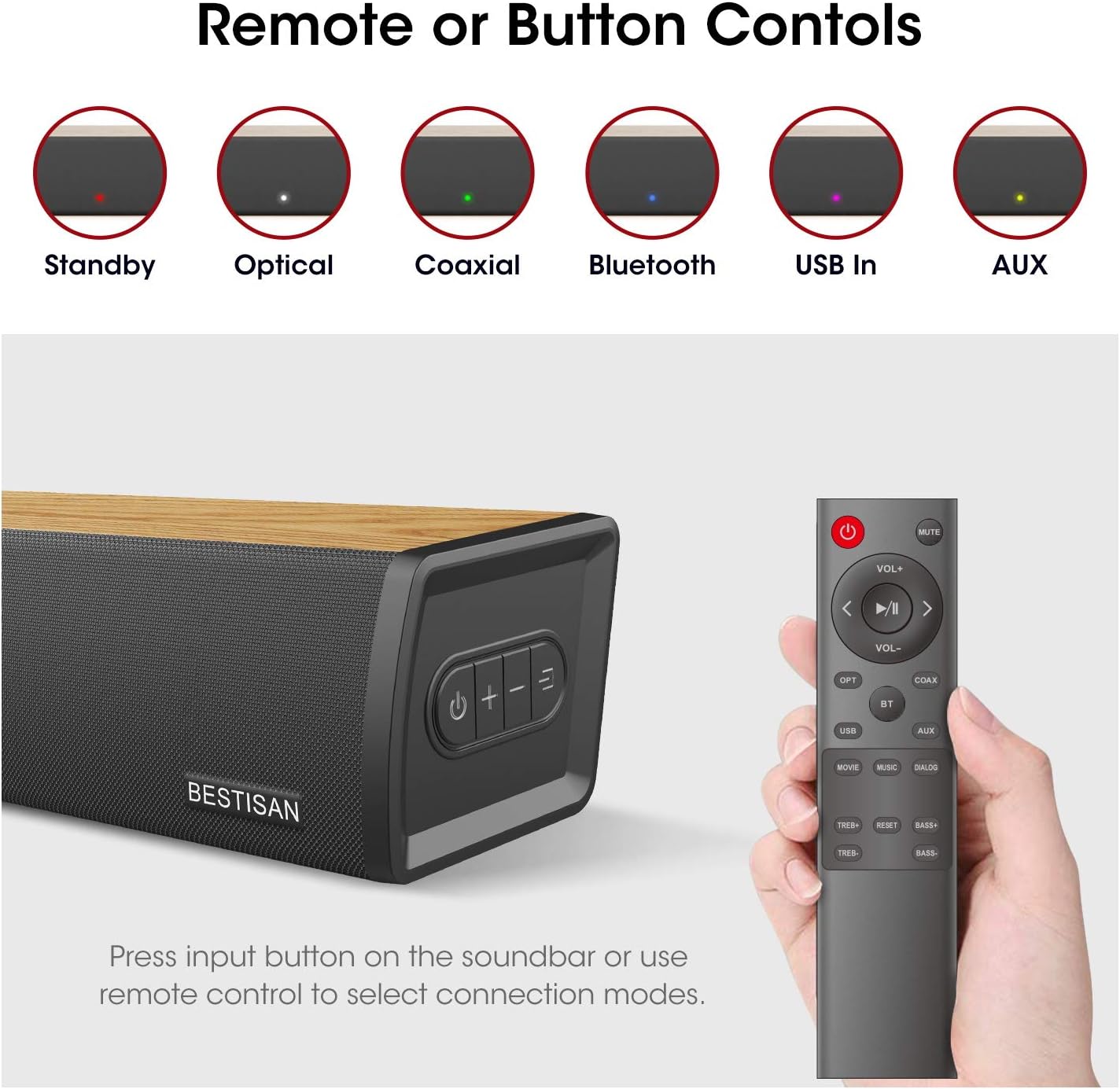
Image: The Bestisan Soundbar remote control is displayed alongside the soundbar, illustrating the LED indicators for various input modes such as Standby (red), Optical (white), Coaxial (green), Bluetooth (blue), USB In (purple), and AUX (yellow).
Persediaan & Sambungan
The Bestisan Soundbar offers multiple ways to connect to your television and other devices. Choose the connection method that best suits your setup.
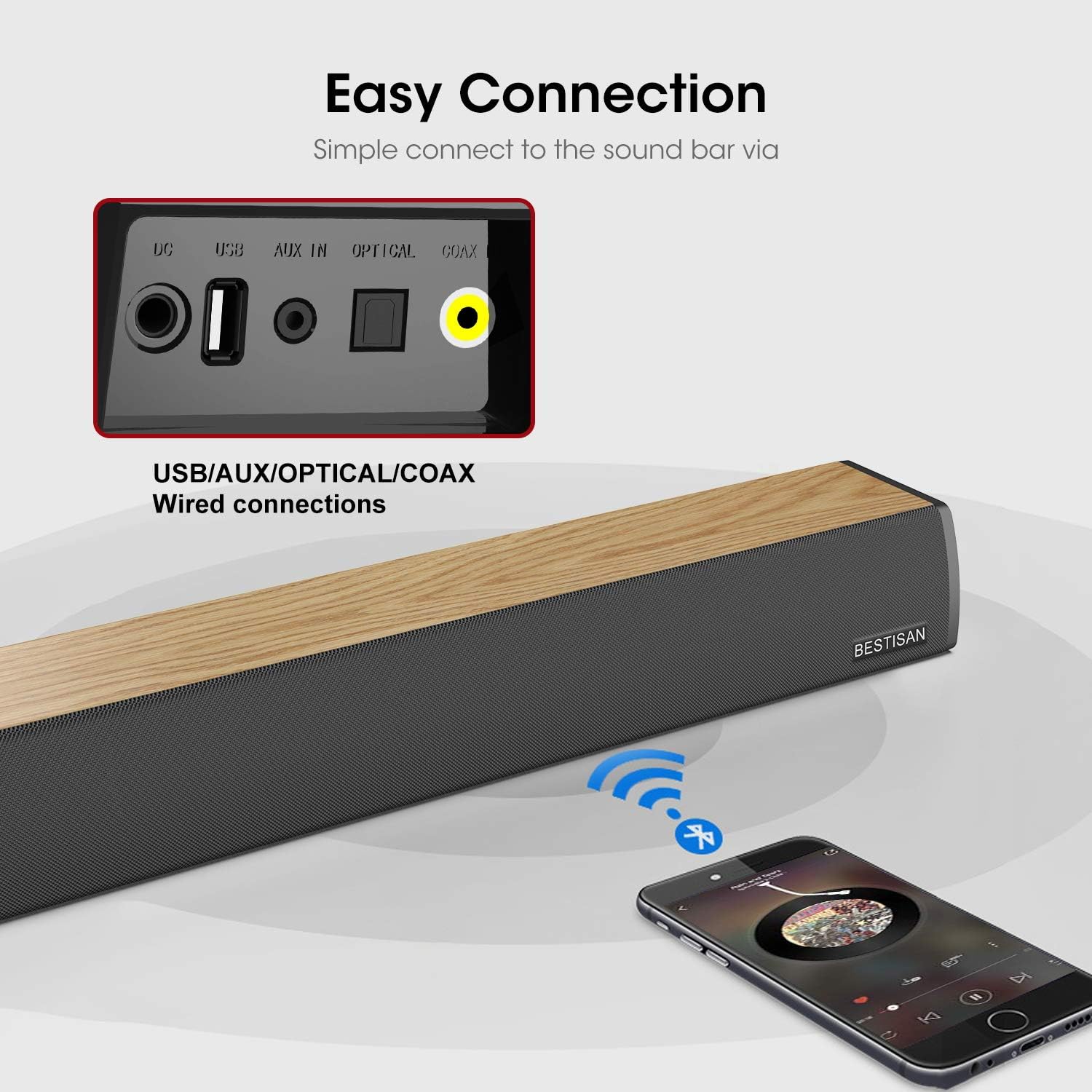
Imej: A terperinci view of the rear panel of the Bestisan Soundbar, highlighting the DC power input, USB port, AUX IN, Optical port, Coaxial port, and HDMI-ARC port. A graphic also indicates wireless Bluetooth connectivity from a smartphone.
1. HDMI-ARC Connection (Preferred)
- Locate the HDMI-ARC port on your TV. This port is usually labeled
Dokumen Berkaitan - S7020

Panduan Mula Pantas Bar Bunyi BESTISAN S7020
Panduan permulaan pantas untuk Bar Bunyi BESTISAN S7020, meliputi kandungan kotak, penunjuk LED, fungsi kawalan jauh, gambar rajah sambungan, arahan persediaan untuk peranti TV dan Bluetooth, pelekap di dinding, penyelesaian masalah dan pernyataan FCC.
Manual Pengguna Bar Bunyi BESTISAN S7020
Manual pengguna untuk Bar Bunyi BESTISAN S7020 ini membimbing pengguna melalui persediaan, sambungan, operasi, pemadanan Bluetooth dan penyelesaian masalah. Ketahui cara mempertingkatkan pengalaman audio rumah anda dengan arahan yang jelas dan petua yang berguna.
Manual dan Spesifikasi Pengguna Hab USB C HATOKU 9-dalam-1
Panduan komprehensif untuk Hab USB C 9-dalam-1 HATOKU, memperincikan ciri, spesifikasi dan soalan lazimnya. Hab ini mengembangkan sambungan untuk komputer riba dan peranti lain dengan port USB-C, menawarkan HDMI, USB 3.0, USB 2.0, pembaca kad SD/TF dan output audio.
Denver Bluetooth Jukebox ART. 5090 Arahan & Panduan Operasi
Arahan dan panduan pengendalian yang komprehensif untuk Denver Bluetooth Jukebox (ART. 5090), meliputi persediaan, pasangan Bluetooth, pilihan main balik muzik, fungsi cahaya, penggunaan alat kawalan jauh dan maklumat keselamatan yang penting.
Senarai Alat Ganti GE500M Pencuci Pinggan Jenis Undercounter
Senarai alat ganti yang komprehensif dan meletup view rajah untuk Mesin Cuci Pinggan Jenis Undercounter GE500M, memperincikan kod produk dan nama komponen untuk penyelenggaraan dan pembaikan yang cekap.
Kebidumei BYL-2201 12合1 USB-C扩展坞 详细规格与兼容设备列表
了解Kebidumei BYL-2201 12合1 USB-C扩展坞的全面规格,包括HDMI 4K输出、千兆网口、USB 3.0高速传输和100W PD充电。兼容MacBook、iPad、Surface等多种设备。