1. Pengenalan
The BESTEK 150W Power Inverter converts 12V DC power from your vehicle's battery into 110V AC household power and provides 4.2A (2.4A Max per port) via dual USB ports. This compact device is designed for charging small electronics and mobile devices on the go.
Ciri-ciri Utama:
- Provides 150W continuous DC to AC power and 250W instantaneous power.
- Features 1 AC outlet and 2 USB ports.
- Patented Isolation Voltage Protection with low and high pressure isolation and a 25-amp fius.
- Fast charging via 110V AC outlet for laptops and tablets, and 2 USB ports (0-2.4A) for USB-compatible devices.
- Ultra-compact and lightweight design (3.2 x 2.5 x 1.5 inches, 8 oz+).
- 32-inch cord for convenient use.
- ETL certified durable metal housing with an integrated silent cooling fan.
2. Apa yang ada di dalam Kotak
- 1 x BESTEK 150W Power Inverter (Model MRI1511AU)
- 1 x 32-inch long power cable with cigarette lighter plug
- 1 x Manual Pengguna
3. Maklumat Keselamatan
Read all instructions and warnings before using the power inverter. Failure to follow these instructions may result in electrical shock, fire, or serious injury.
- jangan connect the inverter to AC distribution wiring.
- jangan use with appliances that exceed 150W continuous power.
- jangan expose the inverter to water, rain, or excessive moisture.
- Ensure proper ventilation to prevent overheating. The integrated fan helps, but do not block air vents.
- Jauhkan daripada kanak-kanak.
- Sentiasa sambungkan inverter kepada sumber kuasa 12V DC sahaja.
- Putuskan sambungan inverter daripada sumber kuasa apabila tidak digunakan.
- The inverter is designed for use in vehicles.
4. Persediaan
- Sambungkan Kabel Kuasa: Insert the small end of the provided 32-inch power cable into the DC input port on the side of the inverter.
- Palamkan ke dalam Kenderaan: Insert the cigarette lighter plug end of the power cable firmly into your vehicle's 12V cigarette lighter socket. Ensure a secure connection.
- Sahkan Kuasa: A green LED indicator on the inverter will illuminate, indicating that the inverter is receiving power and is ready for use.

Figure 1: BESTEK 150W Power Inverter in use, connected to a car's cigarette lighter socket and charging a smartphone via USB.
5. Arahan Operasi
Menggunakan Outlet AC:
- Ensure the inverter is properly connected to your vehicle's 12V DC socket and the green LED is on.
- Plug your AC-powered device (e.g., laptop charger, small fan) into the 110V AC outlet on the inverter.
- Turn on your device. The inverter will provide up to 150W of continuous power.
Menggunakan Port USB:
- Ensure the inverter is properly connected to your vehicle's 12V DC socket and the green LED is on.
- Connect your USB-powered device (e.g., smartphone, tablet) to one of the two USB ports. The ports provide up to 2.4A per port, with a total maximum of 4.2A.
- The inverter will automatically detect and deliver the optimal charging current for your device.

Figure 2: The inverter features two standard AC outlets and two USB charging ports for versatile power options.
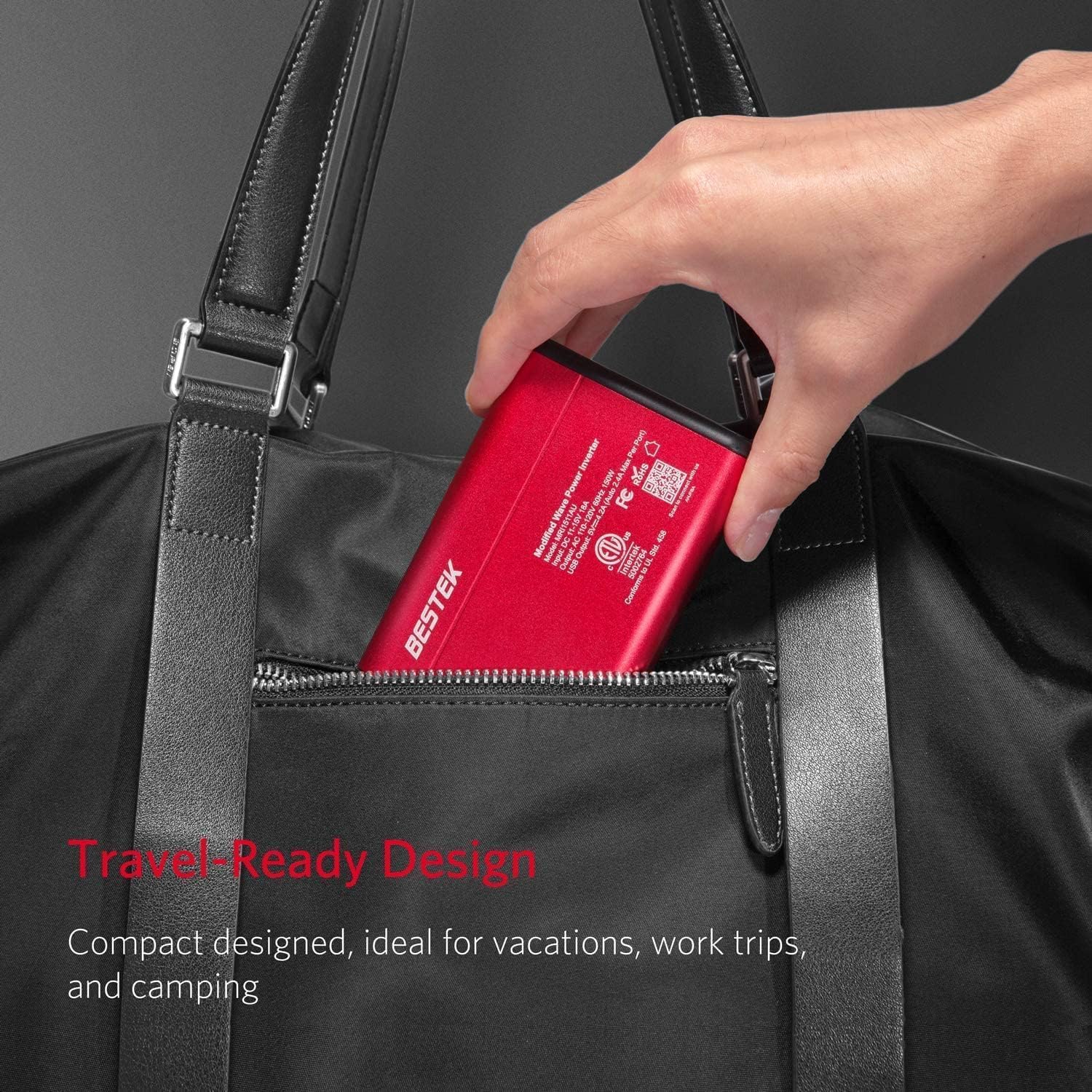
Figure 3: The USB ports offer fast charging with up to 2.4A per port, ensuring quick power delivery to compatible devices.
Nota Penting:
- For optimal performance, it is recommended to keep your vehicle's engine running when using the inverter for extended periods or with high-power devices.
- The inverter is equipped with multiple protection features (overheating, under/over voltage, short circuiting, overloads) to safeguard your devices.

Figure 4: Patented Isolation Voltage Protection ensures safety against various electrical issues, protecting both the inverter and connected devices.
Video Arahan:
Video 1: This video provides a step-by-step guide on how to use the 150W power inverter effectively in various scenarios.
6. Penyelenggaraan
- Pastikan inverter bersih dan bebas daripada habuk dan serpihan.
- Ensure the ventilation openings are not blocked to allow proper airflow for the cooling fan.
- Simpan penyongsang di tempat yang sejuk dan kering apabila tidak digunakan.
- Periksa kabel kuasa secara berkala untuk sebarang tanda kerosakan.
7. Penyelesaian masalah
| Masalah | Kemungkinan Punca | Penyelesaian |
|---|---|---|
| Tiada output kuasa | Inverter not properly connected; vehicle's 12V socket not working; device power draw too high. | Check connections; test vehicle's socket; reduce load or use a lower-power device. |
| Terlalu panas | Pengudaraan yang disekat; beban yang berlebihan. | Ensure vents are clear; reduce connected load. |
| Peranti tidak mengecas melalui USB | Faulty USB cable; device incompatibility. | Try a different USB cable; check device's charging requirements. |
8. Spesifikasi
| Ciri | Spesifikasi |
|---|---|
| Nama Model | MRI1511AU |
| Kuasa Berterusan | 150W |
| Kuasa Serta-merta | 250W |
| Input Voltage | DC 12V |
| Output AC | 110V AC, 60Hz |
| Output USB | 5V DC, 4.2A (2.4A Max Per Port) |
| Dimensi Produk | 4.21 x 2.8 x 1.3 inci |
| Berat Barang | 8 auns |
| Pensijilan | Tersenarai ETL |
9. Waranti dan Sokongan
The BESTEK 150W Power Inverter comes with an 18-month warranty. For any product inquiries, technical support, or warranty claims, please contact BESTEK customer support.
Maklumat Hubungan:
- Refer to the contact details provided in the product packaging or visit the official BESTEK webtapak untuk mendapatkan maklumat sokongan yang paling terkini.


