pengenalan
The AfterShokz Air Open Ear Wireless Bone Conduction Headphones (Model AS650CR) utilize patented bone conduction technology to deliver audio through your cheekbones, leaving your ears open to your surroundings. This design enhances situational awareness, making them ideal for outdoor activities and daily use where hearing ambient sounds is crucial for safety and connection.
These headphones are designed for comfort, durability, and a reliable wireless experience, featuring a lightweight titanium frame and IP55 sweat resistance.
Kandungan Pakej
Sebelum anda memulakan, sila pastikan semua item terdapat dalam pakej anda:
- AfterShokz Air Wireless Bone Conduction Headphones
- Kabel Pengecasan Magnetik
- Membawa Sarung
- Earplugs (for enhanced audio in quiet environments)

Image: Contents of the AfterShokz Air package, showing the headphones, charging cable, carrying case, and a pair of earplugs.
Persediaan
1. Mengecas Fon Kepala Anda
Before first use, fully charge your AfterShokz Air headphones. Connect the magnetic charging cable to the charging port on the headphones and plug the USB end into a compatible USB power adapter or computer USB port. The LED indicator will show charging status.
- mengecas: LED Merah Pepejal
- Dicas Penuh: LED Biru Pepejal
A full charge provides approximately 6 hours of continuous music and calls.

Image: The AfterShokz Air headphones, highlighting their 6-hour battery life for music and calls, and Bluetooth V4.2 connectivity.
2. Berpasangan dengan Peranti Bluetooth
The AfterShokz Air headphones use Bluetooth for wireless connectivity. Follow these steps to pair them with your smartphone, tablet, or computer:
- Hidupkan kuasa: Press and hold the power button (usually the multifunction button) for 3-5 seconds until the LED indicator flashes red and blue, and you hear "pairing."
- Aktifkan Bluetooth: On your device (smartphone, tablet, etc.), go to the Bluetooth settings and ensure Bluetooth is turned on.
- Pilih Peranti: Look for "AfterShokz Air" or "AS650CR" in the list of available Bluetooth devices and select it.
- Sahkan Gandingan: Once successfully paired, the LED indicator will flash blue once, and you will hear "connected."
The headphones have a Bluetooth range of approximately 10 meters (33 feet).
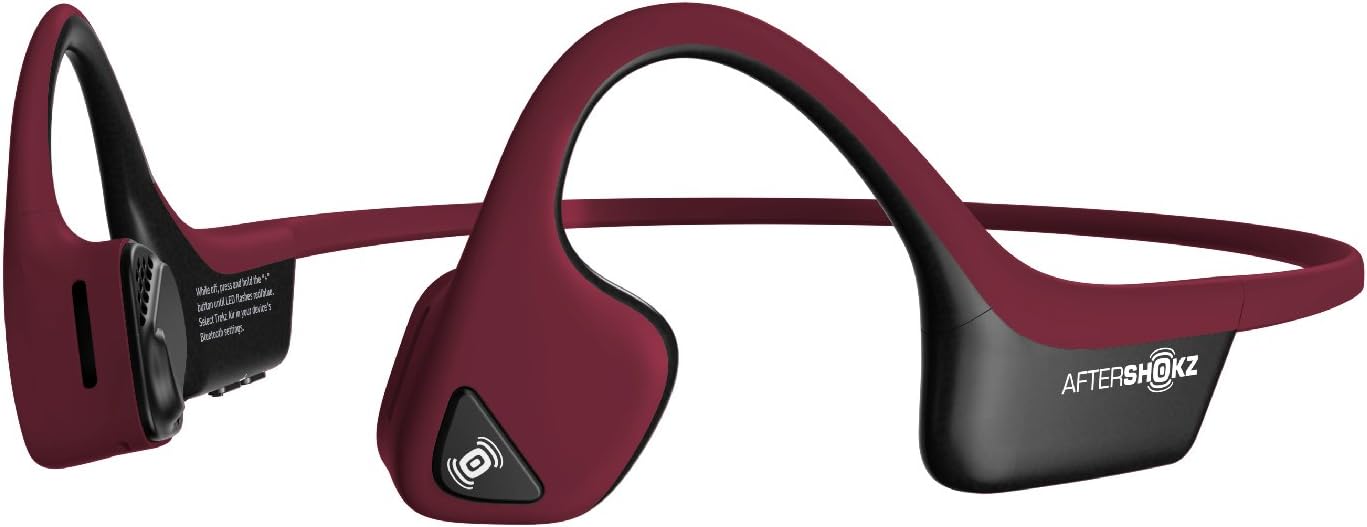
Image: The AfterShokz Air headphones, showcasing their open-ear design and flexible frame, ready for pairing.
Arahan Operasi
Memakai Fon Kepala
Place the headphones so that the transducers rest on your cheekbones, just in front of your ears. The band should wrap around the back of your head. Adjust for a comfortable and secure fit.

Image: A user wearing the AfterShokz Air headphones, illustrating how the open-ear design allows awareness of surroundings.
Kawalan Butang Pelbagai Fungsi
The multifunction button provides easy control over audio playback and calls:
- Main/Jeda: Tekan sekali.
- Langkau ke Hadapan: Tekan dua kali.
- Jawab/Tamatkan Panggilan: Tekan sekali.
- Tolak Panggilan: Tekan dan tahan selama 2 saat.
- Aktifkan Pembantu Suara (Siri/Google Assistant): Press and hold for 2 seconds (when not on a call).
Kawalan Kelantangan
Dedicated volume buttons allow you to adjust the audio level:
- Kelantangan: Tekan butang '+'.
- Perlahankan suara: Tekan butang '-'.
Kesedaran Situasi
The open-ear design allows you to hear ambient sounds, which is crucial for safety during outdoor activities like running or cycling. This feature ensures you remain aware of traffic and other environmental noises.

Image: A man cycling while wearing AfterShokz Air headphones, emphasizing the ability to hear both music and surrounding traffic for safer outdoor activities.
Penyelenggaraan
Pembersihan
Lap fon kepala dengan lembut, damp cloth after each use, especially after workouts, to remove sweat and dirt. Do not use harsh chemicals or abrasive cleaners.
Tahan Air
The AfterShokz Air headphones are IP55 certified, meaning they are sweatproof and resistant to light splashes of water. They are not designed for submersion in water. Ensure the charging port is dry before charging.
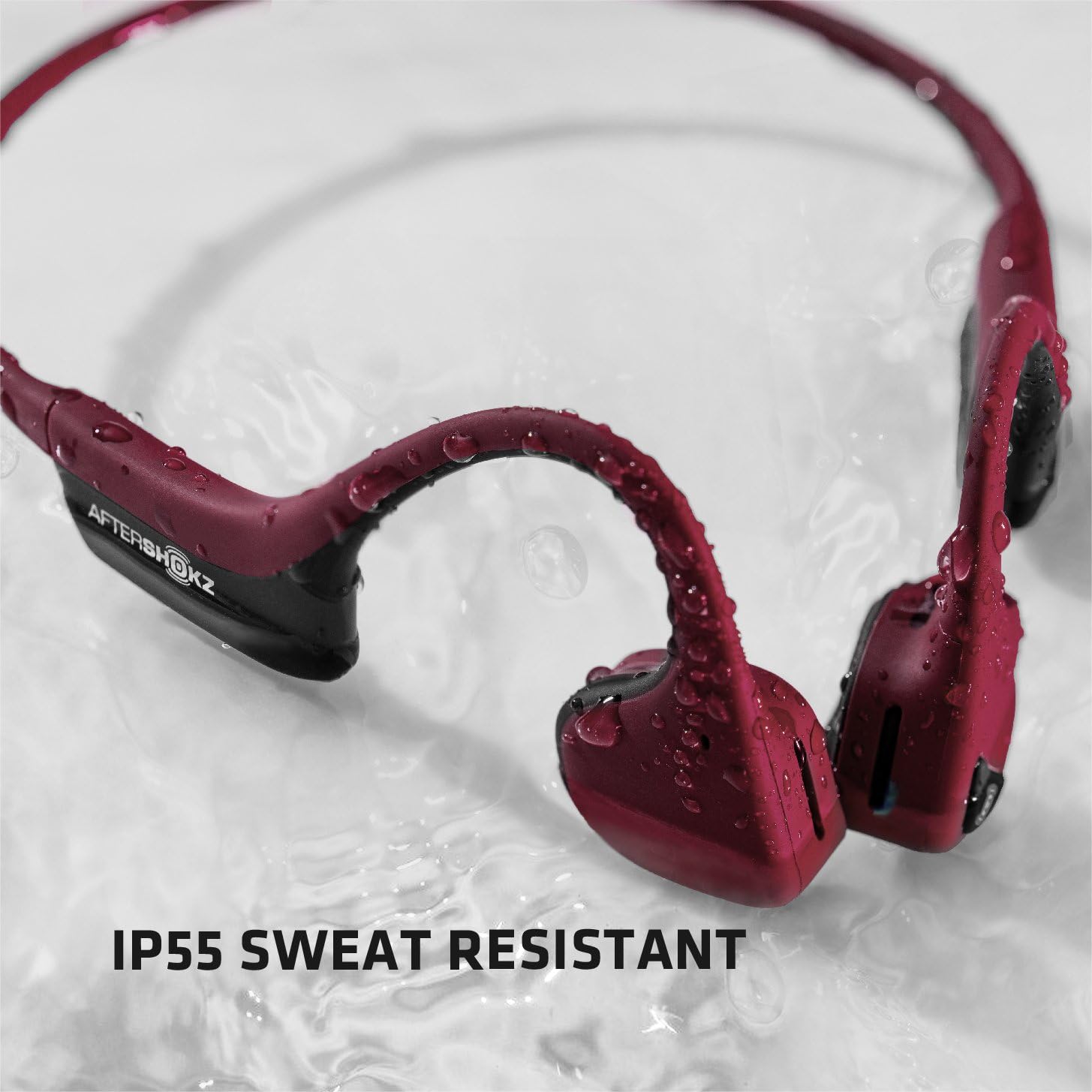
Image: The AfterShokz Air headphones covered in water droplets, demonstrating their IP55 sweat and water resistance.
Penyimpanan
Store your headphones in the provided carrying case when not in use to protect them from dust and damage. Avoid storing them in extreme temperatures.
Menyelesaikan masalah
Tiada Kuasa
- Pastikan fon kepala dicas sepenuhnya.
- Check the charging cable and power source for proper connection.
Tidak Boleh Berpasangan
- Make sure the headphones are in pairing mode (flashing red and blue LED).
- Pastikan Bluetooth didayakan pada peranti anda.
- Gerakkan fon kepala lebih dekat dengan peranti anda.
- Try turning off and on Bluetooth on your device, or restarting your device.
- Jika telah dipasangkan sebelum ini, cuba "lupakan" peranti tersebut dalam tetapan Bluetooth anda dan pasangkan semula.
Poor Sound Quality or Low Volume
- Laraskan kelantangan pada kedua-dua fon kepala dan peranti anda yang disambungkan.
- Pastikan transduser diletakkan dengan betul pada tulang pipi anda.
- Bergerak lebih dekat ke peranti anda yang disambungkan untuk mengelakkan gangguan Bluetooth.
- In noisy environments, consider using the included earplugs to enhance audio perception.
Spesifikasi
| Nama Model | AS650CR |
| Teknologi Ketersambungan | Bluetooth |
| Versi Bluetooth | V4.2 |
| Julat Bluetooth | Sehingga 10 meter (33 kaki) |
| Jenis Pemacu Audio | Pemacu Pengaliran Tulang |
| Respons Kekerapan | 20 Hz - 20,000 Hz |
| Hayat Bateri | Up to 6 hours of continuous music and calls |
| Tahan Air | IP55 (Sweatproof, water-resistant) |
| Berat badan | 31.8 Gram (1.12 auns) |
| bahan | Titanium frame |
| Ciri Khas | Microphone Included, Wind Noise Reduction (for calls) |
Waranti dan Sokongan
AfterShokz (now Shokz) products typically come with a manufacturer's warranty. Please refer to the official AfterShokz/Shokz webtapak atau dokumentasi pembelian anda untuk terma dan syarat waranti tertentu.
For technical support, troubleshooting assistance, or warranty claims, please visit the official AfterShokz/Shokz support page or contact their customer service directly. Keep your proof of purchase handy.
rasmi Webtapak: shokz.com


