pengenalan
This manual provides comprehensive instructions for the operation and maintenance of your Marathon Adanac 4000 Digital Stopwatch Timer. Please read this manual thoroughly to ensure proper use and to maximize the lifespan of your device.
Produk Selesaiview
The Marathon Adanac 4000 is a high-precision digital stopwatch designed for various timing needs. It features a clear display, durable construction, and multiple timing modes.
Ciri-ciri Utama:
- High precision accuracy to 1/100th seconds.
- Water, dust, and shock resistant design.
- Multiple operating modes: Stopwatch, Time-Out, Split, and Time/Calendar with alarm.
- Large, easy-to-read digital display.
- Includes a 46-inch lanyard for convenient carrying.
Komponen:

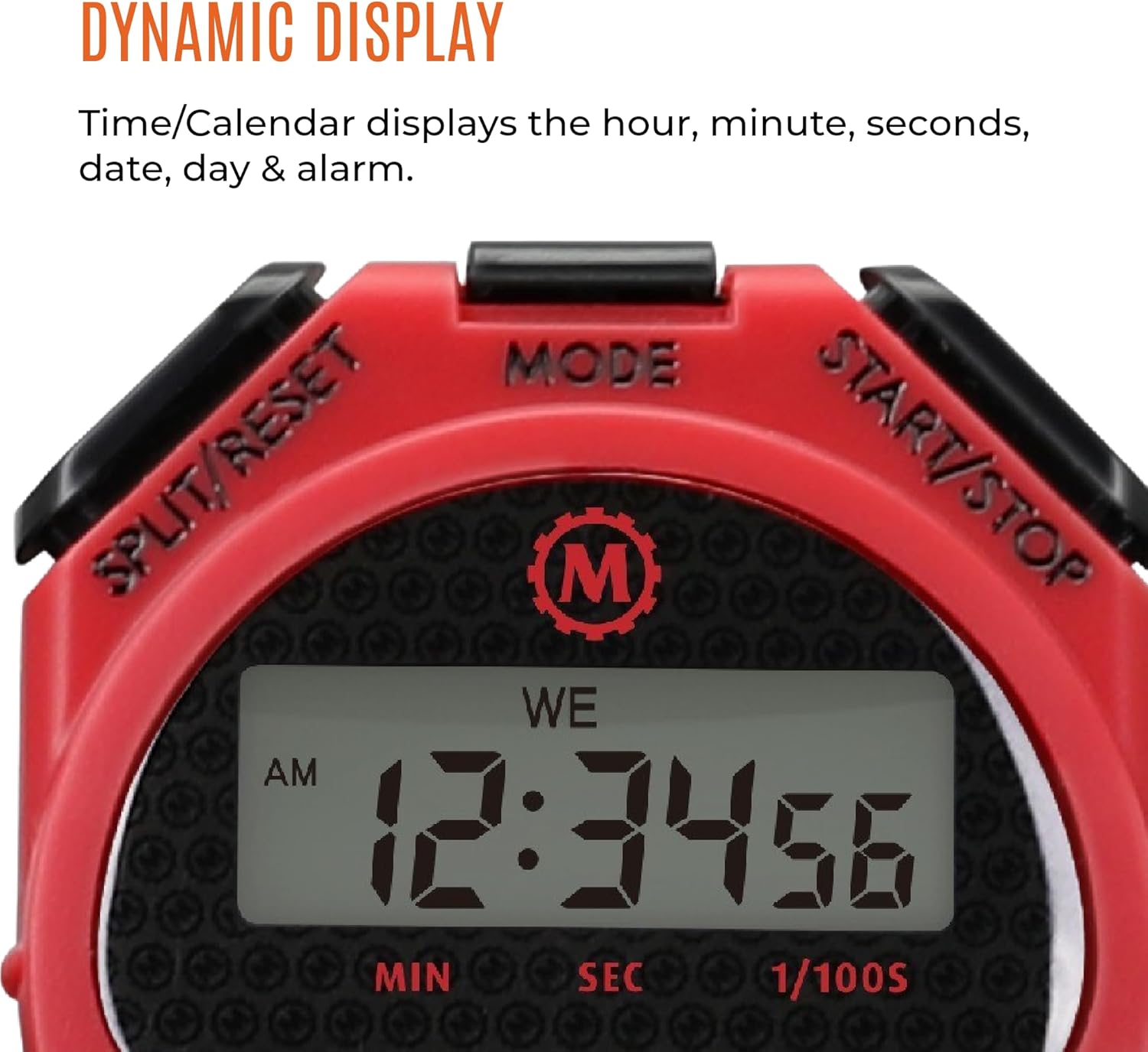
- Butang MULA/BERHENTI: Initiates and pauses timing functions.
- Butang PISAH/SET SEMULA: Merekodkan pembahagian masa dan menetapkan semula pemasa.
- Butang MOD: Cycles through different operating modes (Stopwatch, Time/Calendar).
- paparan: Shows time, date, and stopwatch readings.
- Lanyard: For secure and convenient carrying.
Persediaan
Pemasangan Bateri:
The Marathon Adanac 4000 uses one LR44 battery (included). To install or replace the battery:
- Locate the battery compartment on the back of the stopwatch.
- Carefully open the compartment using a small screwdriver.
- Insert the LR44 battery with the correct polarity (+/-).
- Tutup petak bateri dengan selamat.
Note: Ensure the compartment is sealed properly to maintain water resistance.
Menetapkan Masa dan Tarikh:
Untuk menetapkan masa dan tarikh semasa:
- Tekan ke MODE button repeatedly until the Time/Calendar display is shown.
- Tekan dan tahan butang SPLIT / RESET butang sehingga digit masa mula berkelip.
- Gunakan MULA/BERHENTI button to adjust the flashing digit (hours, minutes, seconds, month, day, year).
- Tekan ke MODE button to move to the next digit or setting.
- Setelah semua tetapan betul, tekan SPLIT / RESET untuk keluar dari mod tetapan.
Mod Pengendalian
1. Mod Jam Rangki:
This mode is used for precise timing of events.
- Tekan ke MODE button until the stopwatch display (00:00:00) appears.
- Tekan MULA/BERHENTI untuk memulakan masa.
- Tekan MULA/BERHENTI sekali lagi untuk menjeda pemasa.
- To resume timing, press MULA/BERHENTI.
- To reset the stopwatch to zero, ensure it is paused, then press SPLIT / RESET.
2. Split Time Mode:
This function allows you to record intermediate times while the main timer continues to run.
- Start the stopwatch as described above.
- During timing, press SPLIT / RESET to record a split time. The display will momentarily freeze to show the split time, while the internal timer continues.
- Tekan SPLIT / RESET again to return to the running total time.
- Repeat to record multiple split times.
- Tekan MULA/BERHENTI untuk menamatkan masa.
- Tekan SPLIT / RESET kepada view the final time, then again to reset.

3. Time-Out Mode:
This mode allows for pausing and resuming the timer without losing the accumulated time.
- Start the stopwatch.
- Tekan MULA/BERHENTI to pause the timer (time-out).
- Tekan MULA/BERHENTI sekali lagi untuk menyambung masa.
- To reset the timer after stopping, press SPLIT / RESET.
4. Time/Calendar Mode:
This mode displays the current time, date, and day of the week. It also allows for setting an alarm.
- Tekan ke MODE button until the time and date are displayed.
- To set the alarm: In Time/Calendar mode, press MULA/BERHENTI to toggle the alarm on/off. When the alarm icon is visible, the alarm is active.
- To adjust the alarm time: While in Time/Calendar mode, press and hold MODE until the alarm time flashes. Use MULA/BERHENTI to adjust digits and SPLIT / RESET to move between hours and minutes. Press MODE untuk menyimpan.
Penyelenggaraan
Pembersihan:
Lap jam randik dengan kain lembut,amp cloth. Avoid using harsh chemicals or abrasive cleaners, as these can damage the casing atau paparan.
Tahan Air:
The Adanac 4000 is designed to be water resistant. However, it is not intended for prolonged submersion. Ensure the battery compartment is securely closed to maintain water resistance. Avoid pressing buttons while the stopwatch is wet or submerged to prevent water ingress.
Storan:
Store the stopwatch in a cool, dry place when not in use. Avoid extreme temperatures and direct sunlight.
Menyelesaikan masalah
| Masalah | Kemungkinan Punca | Penyelesaian |
|---|---|---|
| Paparan kosong atau malap. | Bateri lemah atau mati. | Gantikan bateri LR44. |
| Butang tidak bertindak balas. | Temporary software glitch or moisture. | Remove and reinsert the battery. Ensure the stopwatch is dry. |
| Masa/tarikh yang dipaparkan salah. | Masa/tarikh tidak ditetapkan dengan betul. | Rujuk bahagian "Menetapkan Masa dan Tarikh" untuk melaraskan semula. |
| Stopwatch not timing accurately. | Rare internal malfunction. | Contact customer support if battery replacement and reset do not resolve the issue. |
Spesifikasi
- model: ST083009-RD
- Ketepatan: 1/100 saat
- Bahan: plastik
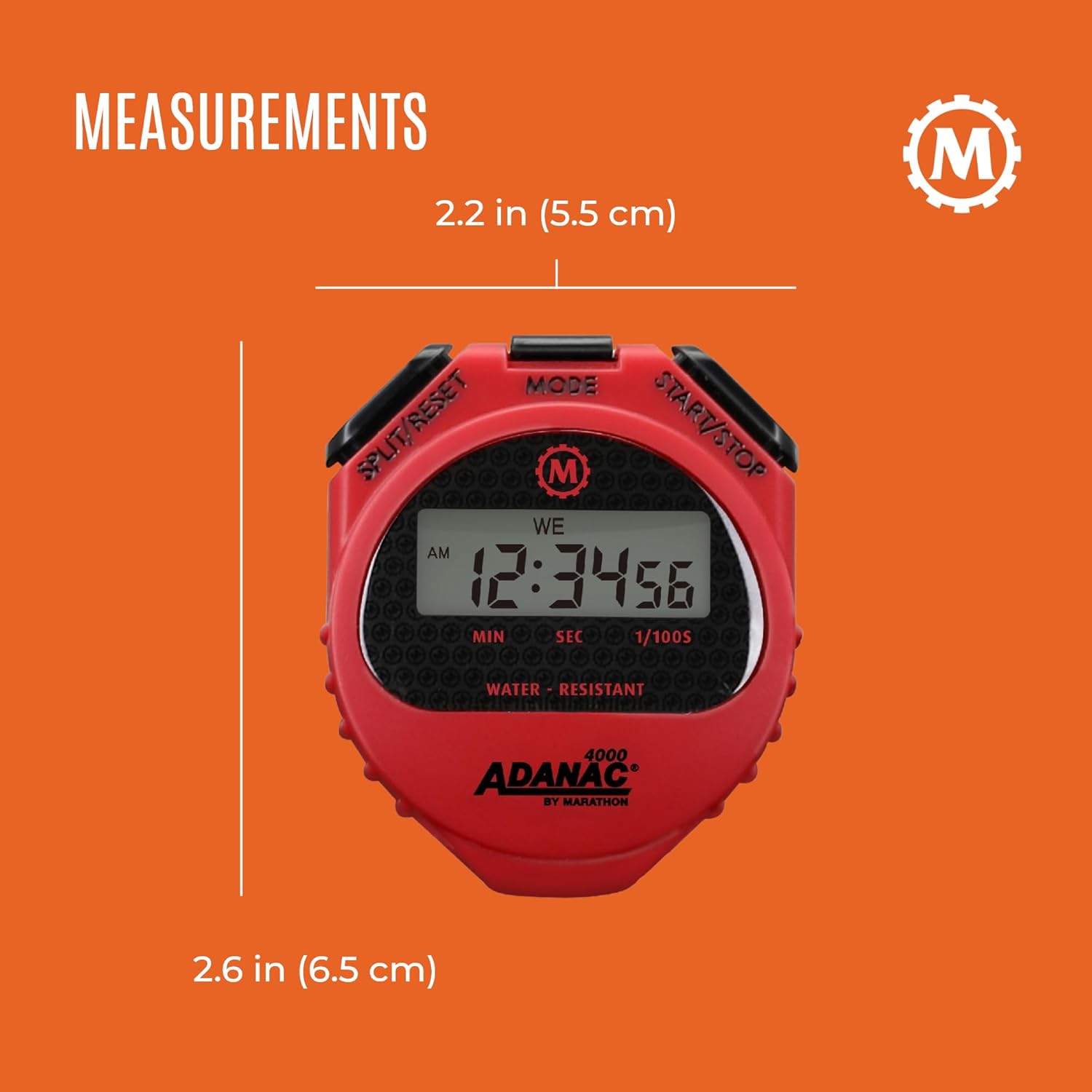
- Dimensi: 0.59 x 2.24 x 2.64 inci (1.5 x 5.7 x 6.7 cm)
- Berat: 0.64 auns (18.14 gram)
- Bateri: 1 x LR44 (termasuk)
- ciri-ciri: Water, dust, and shock resistant
- Lanyard Length: 46 inci (116.8 cm)
Waranti dan Sokongan
For warranty information or technical support, please refer to the official Marathon product website or contact their customer service department. Details are typically provided with the product packaging or on the manufacturer's webtapak.
Marathon has been manufacturing precision timing instruments since 1941, upholding a legacy of quality and craftsmanship.


