Produk Selesaiview
The Amazon Basics Full Size Ergonomic Wireless Mouse is designed for comfort and seamless functionality, ideal for right-hand use. This black wireless mouse provides reliable performance for both laptops and PCs, enhancing your computing experience with its advanced features.
Key features include fast-scrolling capabilities, a clickable scroll wheel, and convenient forward/back thumb buttons for streamlined navigation. It connects via a compact USB receiver, allowing for a tidy workspace without occupying additional ports. The optical sensor offers a 1600 DPI resolution for smooth and accurate tracking on most surfaces. An integrated on/off switch helps extend battery life, making it a dependable choice for continuous use. The mouse operates on a stable 2.4 GHz non-Bluetooth wireless connection and comes with 2 AA batteries and a battery LED light for user convenience.
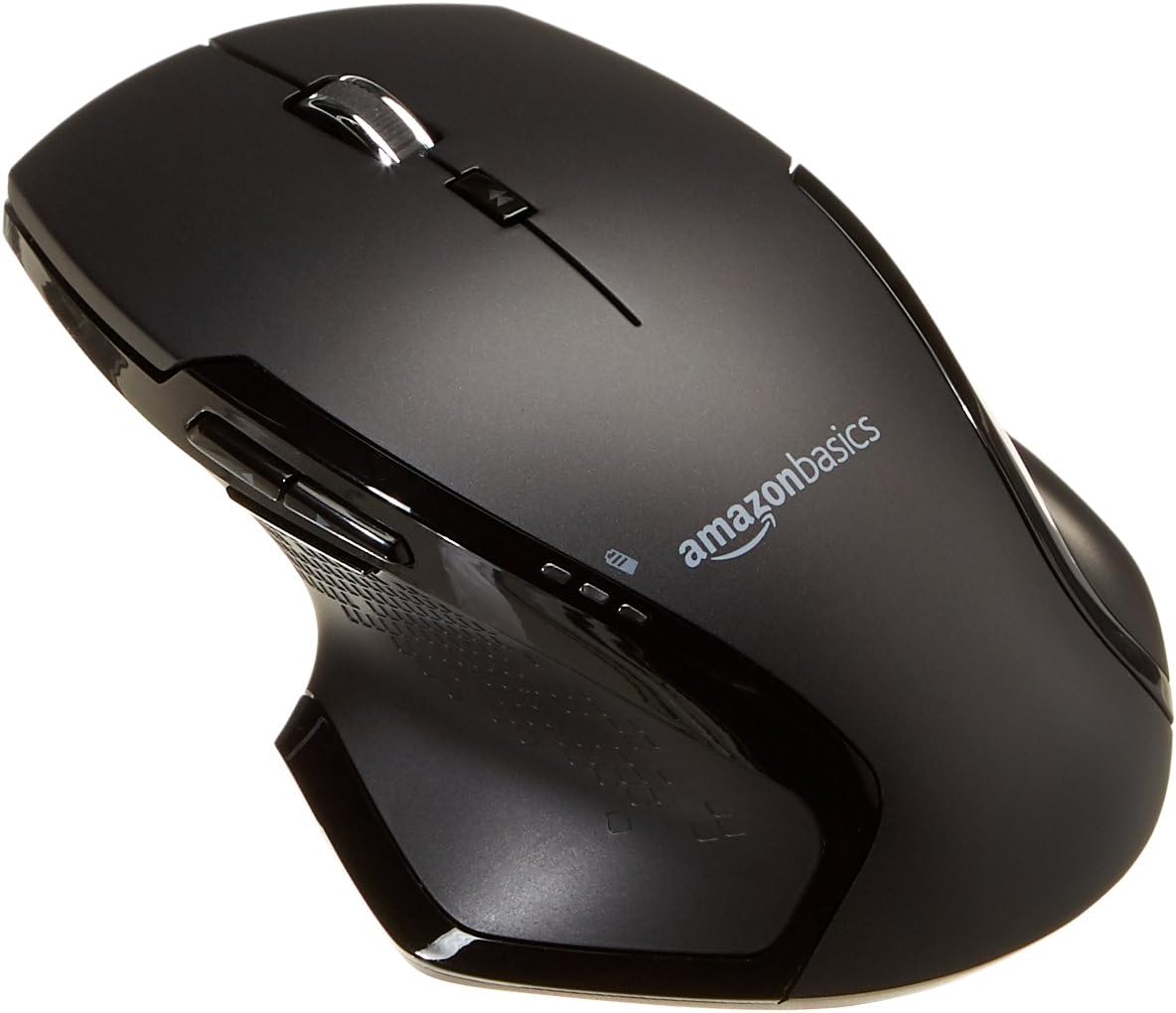
Imej: Atas view of the Amazon Basics Full Size Ergonomic Wireless Mouse, showcasinkemasan hitam dan reka bentuk ergonomiknya.
Kandungan Pakej
Pastikan semua item ada sebelum meneruskan persediaan:
- Tetikus Tanpa Wayar
- 2 x Bateri AA
- Penerima USB
Persediaan
1. Memasang Bateri
- Turn the mouse upside down.
- Cari penutup petak bateri di bahagian bawah tetikus.
- Luncurkan penutup terbuka.
- Insert the two (2) AA batteries, ensuring correct polarity (+/-) as indicated inside the compartment.
- Tutup penutup petak bateri dengan selamat.

Image: Underside of the mouse with the battery compartment open, showing the slots for two AA batteries and the stored USB receiver.
2. Menyambungkan Penerima USB
- Remove the USB receiver from its storage slot within the battery compartment of the mouse.
- Pasangkan penerima USB ke port USB yang tersedia pada komputer anda (PC atau Mac).
- Putar tetikus ON using the on/off switch located on the underside of the mouse.
- Komputer anda harus secara automatik mengesan dan memasang pemacu yang diperlukan. Ini mungkin mengambil masa beberapa saat.

Image: The Amazon Basics wireless mouse positioned next to a laptop, illustrating a typical setup.
The mouse is plug-and-play and does not require additional software installation. For pointer speed adjustments, refer to your operating system's system settings.
Arahan Operasi
Fungsi Asas
- Klik Kiri: Butang utama untuk memilih item, membuka files, and interacting with software.
- Klik kanan: Butang sekunder untuk mengakses menu konteks dan pilihan tambahan.
- Roda Tatal: Tatal ke atas atau ke bawah melalui dokumen dan web pages. The wheel is also clickable for middle-click functions.

Imej: Sisi view of the Amazon Basics wireless mouse, highlighting its ergonomic contours and side buttons.
Advanced Functions (Thumb Buttons)
- Butang ke hadapan: Navigasi ke hadapan web pelayar atau file penjelajah.
- Butang Belakang: Navigasi ke belakang web pelayar atau file penjelajah.

Image: A hand demonstrating the ergonomic grip on the Amazon Basics wireless mouse, showing natural placement of fingers and thumb on the buttons.
Penyelenggaraan
- Pembersihan: Gunakan kain lembut dan kering untuk membersihkan tetikus. Untuk kotoran degil, sedikit damp Kain boleh digunakan, tetapi pastikan tiada kelembapan memasuki komponen dalaman.
- Penggantian Bateri: When the battery LED light indicates low power, replace both AA batteries promptly to ensure optimal performance.
- Storan: When not in use for extended periods, turn off the mouse using the on/off switch to conserve battery life. The USB receiver can be stored inside the battery compartment for safekeeping.
Menyelesaikan masalah
| Masalah | Kemungkinan Punca | Penyelesaian |
|---|---|---|
| Tetikus tidak bertindak balas. |
|
|
| Pergerakan kursor tidak menentu atau gelisah. |
|
|
| Forward/Back buttons not working on Mac. |
|
|
Spesifikasi
| Ciri | Perincian |
|---|---|
| Jenama | Asas Amazon |
| Nombor Model | GP8-BK |
| Teknologi Ketersambungan | Tanpa Wayar 2.4 GHz (Penerima USB) |
| Teknologi Pengesanan Pergerakan | Optik |
| Resolusi DPI | 1600 DPI |
| Sumber Kuasa | 2 x Bateri AA (termasuk) |
| warna | Hitam |
| Berat Barang | 8 auns (lebih kurang 227 gram) |
| Dimensi Produk (LxWxH) | 4.96 x 1.77 x 3.24 inci (lebih kurang 12.6 x 4.5 x 8.2 cm) |
| Sistem Operasi yang Serasi | PC (Windows 7 and above), Mac, Laptop, Chromebook |
Waranti & Sokongan
Untuk maklumat jaminan dan sokongan pelanggan, sila rujuk kepada Asas Amazon rasmi website or the documentation included with your product. You can also find additional resources and contact information via the following links:
Untuk bantuan lanjut, sila hubungi khidmat pelanggan Amazon Basics.


