pengenalan
This manual provides detailed instructions for the setup, operation, and maintenance of your 1MORE H1005 VR Gaming Headset. Designed for an immersive audio experience, this headset features 7.1 stereo surround sound, a dual-mic noise cancellation system, and customizable LED lighting. Please read this manual thoroughly to ensure proper use and to maximize your headset's performance.
Kandungan Pakej
Sahkan bahawa semua item terdapat dalam pakej anda:
- 1MORE Spearhead VR Gaming Headset
- Kabel Audio 3.5mm
- Kabel USB
- Manual Pengguna (dokumen ini)
- Beg Bawa Lembut

Imej: The 1MORE H1005 VR Gaming Headset displayed with its included accessories: a 3.5mm audio cable, a USB cable, and a soft carry bag.
Persediaan
1. Connecting to a PC (USB)
- Connect the USB cable to the USB port on your 1MORE H1005 headset.
- Palamkan hujung kabel USB yang lain ke dalam port USB yang tersedia pada komputer anda.
- Your computer should automatically detect the headset. For optimal performance and to customize LED lighting, download and install the 1MORE gaming software from the official 1MORE webtapak.
- Ensure the headset is selected as the default audio input and output device in your computer's sound settings.
2. Connecting to Other Devices (3.5mm Audio Jack)
- Connect the 3.5mm audio cable to the audio jack on your 1MORE H1005 headset.
- Plug the other end of the 3.5mm audio cable into the headphone jack of your device (e.g., smartphone, tablet, gaming console controller).
- Note that some advanced features like 7.1 surround sound and LED customization may not be available when connected via the 3.5mm audio jack, as these typically require a USB connection and specific software.

Imej: Menghadap ke hadapan view of the 1MORE H1005 VR Gaming Headset, highlighting its over-ear design and integrated microphone.
Arahan Operasi
1. Menyesuaikan diri untuk Keselesaan
- Pelarasan destar: The headset features an adjustable headband. Gently slide the earcups up or down to find a comfortable fit that rests securely on your head without excessive pressure.
- Alas Telinga: The memory-foam ear pads are designed for extended wear. Ensure they fully cover your ears for optimal sound isolation and comfort.
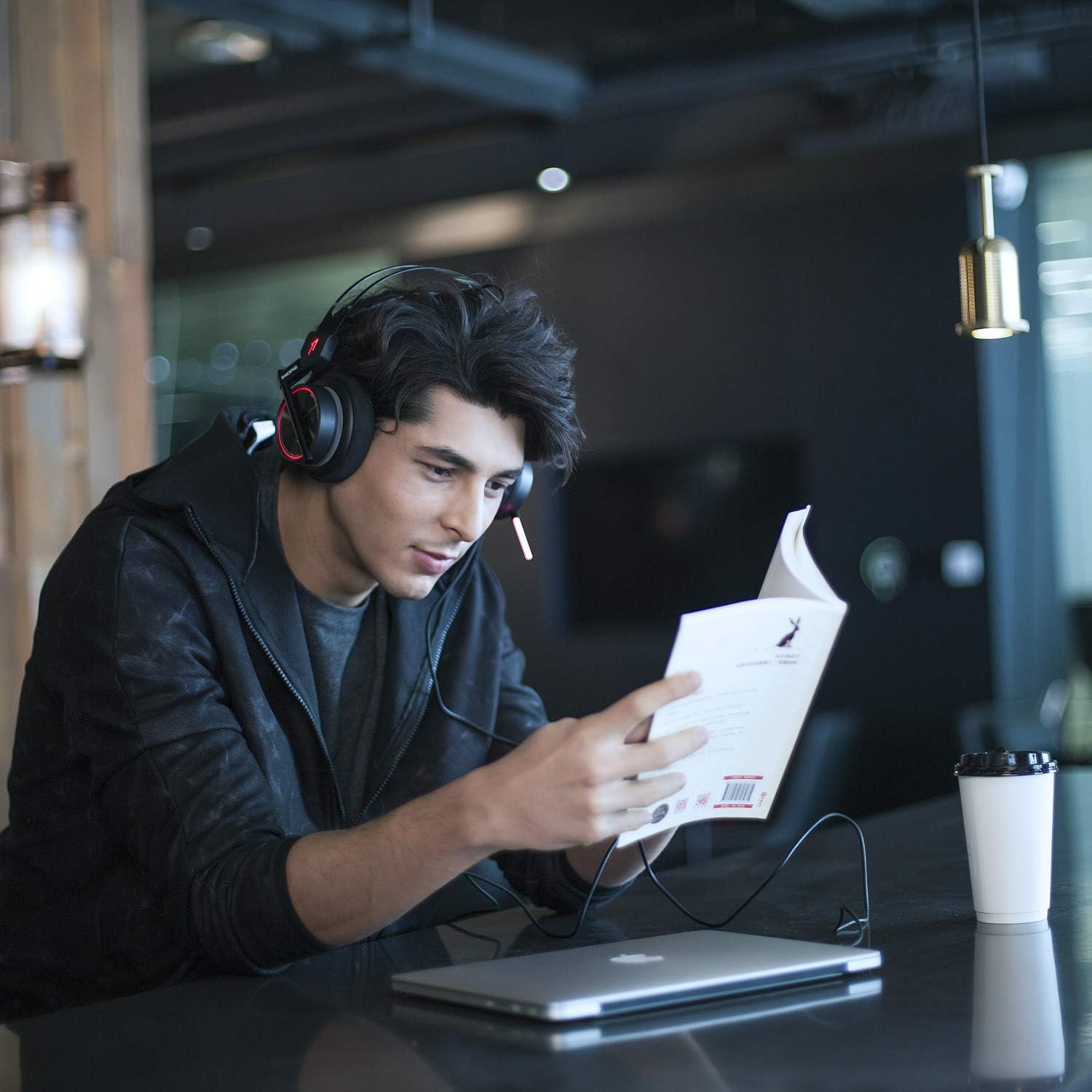
Imej: A person wearing the 1MORE H1005 VR Gaming Headset, demonstrating its comfortable fit during use.
2. Kawalan Audio
- Kawalan Kelantangan: Locate the volume wheel or buttons on the headset or inline control (if applicable) to adjust the audio output level.
- Redam Mikrofon: A dedicated button or switch on the headset allows you to mute or unmute the microphone.
3. Penggunaan Mikrofon
- The headset features a retractable microphone with dual-mic noise cancellation. Extend the microphone boom when speaking.
- Position the microphone approximately 1-2 inches from your mouth for clear voice pickup.
- Pastikan mikrofon tidak diredamkan.
4. LED Lighting Customization
- When connected via USB to a PC, the LED lights can be customized using the 1MORE gaming software.
- The software allows you to select colors and twinkling modes to personalize your headset's appearance.
Penyelenggaraan
- Pembersihan: Use a soft, dry cloth to wipe the headset. For ear pads, a slightly damp Kain boleh digunakan, tetapi pastikan ia benar-benar kering sebelum digunakan. Jangan gunakan bahan kimia yang keras atau pembersih yang kasar.
- Storan: Store the headset in the provided soft carry bag or a clean, dry place away from extreme temperatures and direct sunlight. Avoid placing heavy objects on the headset.
- Penjagaan Kabel: Elakkan selekoh tajam atau tarikan kabel yang berlebihan untuk mengelakkan kerosakan.
Menyelesaikan masalah
| Masalah | Kemungkinan Punca | Penyelesaian |
|---|---|---|
| Tiada bunyi dari set kepala |
|
|
| Mikrofon tidak berfungsi |
|
|
| LED lights not working/customizing |
|
|
If you encounter issues not listed here or if the suggested solutions do not resolve your problem, please contact 1MORE customer support for further assistance.
Spesifikasi
| Nama Model | H1005 |
| Teknologi Ketersambungan | Berwayar (USB, Bicu 3.5mm) |
| Kawalan Bunyi | Active Noise Cancellation (Dual-Mic) |
| Respons Kekerapan | 20Hz - 20kHz |
| Impedans | 32 Ohm |
| Jack Fon Kepala | Jack 3.5 mm |
| Peranti Serasi | PC, PS4, XBOX, Smartphones |
| bahan | Stainless Steel (frame) |
| Berat Barang | 16 auns (lebih kurang 453 gram) |
| Dimensi Produk (LxWxH) | 54 x 6 x 8 inches (Note: These dimensions may refer to packaging.) |
Catatan: Spesifikasi boleh berubah tanpa notis.
Waranti dan Sokongan
Your 1MORE H1005 VR Gaming Headset is covered by a limited warranty. For specific warranty terms and conditions, please refer to the warranty card included in your product packaging or visit the official 1MORE webtapak.
For technical support, troubleshooting assistance, or to inquire about warranty service, please contact 1MORE customer support through their official webtapak atau maklumat hubungan yang diberikan dalam dokumentasi produk anda.
Sumber Dalam Talian: Visit the 1MORE Store on Amazon


