pengenalan
This manual provides instructions for the installation and use of the Mount Plus MP-APM-06-01 Streaming Media Player Wall Mounting Bracket. This adjustable bracket is designed to securely hold small, narrow media devices such as Apple TV, Roku, and Fire TV, weighing up to 11 lbs. It allows for discreet mounting behind a television, contributing to a clean and organized entertainment area.
Maklumat Keselamatan
- Baca semua arahan dengan teliti sebelum pemasangan.
- Ensure the mounting surface can support the weight of the bracket and the device.
- Use appropriate tools and safety gear during installation.
- Jangan melebihi kapasiti berat maksimum 11 lbs (5 kg).
- Jauhkan bahagian kecil daripada kanak-kanak.
Kandungan Pakej
Sahkan bahawa semua komponen hadir sebelum memulakan pemasangan.
- 1x MP-APM-06-01 Wall Mounting Bracket
- 2x Drywall Screws
- 2x Drywall Sauh
- 1x Elastic Cord (for securing device)

Figure 1: Package Contents - Wall mounting bracket, screws, anchors, and elastic cord.
Persediaan dan Pemasangan
The bracket can be installed on various wall types. Ensure you select the appropriate mounting hardware for your wall material.
Langkah 1: Pilih Lokasi Pemasangan
Select a location on the wall where you intend to mount the bracket. This is typically behind your television for a concealed setup. Use a level to ensure the bracket is straight.
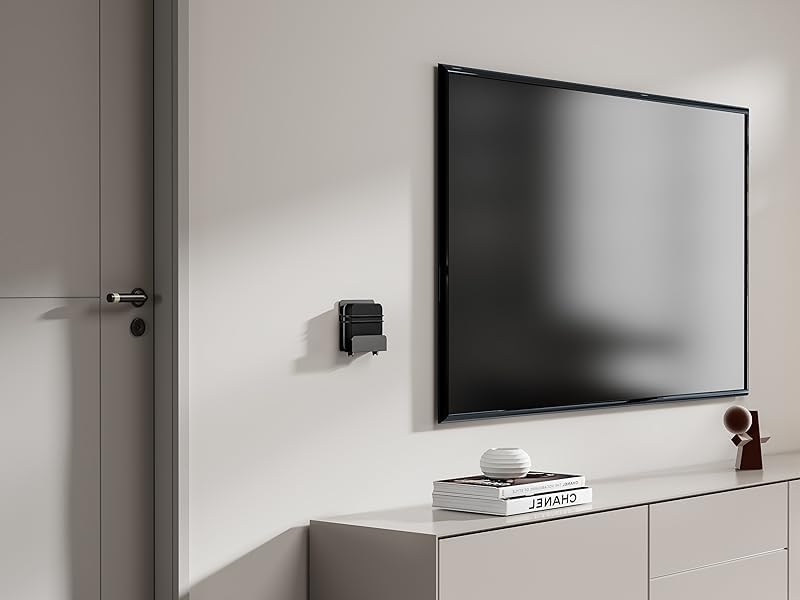
Gambar 2: Cthample of bracket mounted on a wall next to a television.
Step 2: Mark Drill Holes
Hold the bracket against the wall at the desired height and position. Use a pencil to mark the locations for the two mounting screws through the pre-drilled holes on the bracket.
Video 1: Pemasangan berakhirview showing marking drill holes for wall mounting.
Step 3: Drill Pilot Holes and Install Anchors (if applicable)
- Untuk Kancing Kayu: Drill pilot holes using a suitable drill bit (e.g., 1/8 inch or 3mm). Secure the bracket directly with the provided screws.
- Untuk Drywall: Drill pilot holes using a suitable drill bit for the provided drywall anchors. Insert the drywall anchors into the holes until flush with the wall surface.
- For Masonry/Concrete: Drill pilot holes using a masonry drill bit. Insert appropriate masonry anchors (not included) into the holes.
Langkah 4: Selamatkan Kurungan
Align the bracket with the pilot holes/anchors. Insert the screws and tighten them until the bracket is firmly secured to the wall. Do not overtighten.

Figure 3: Detail of the rotary knob for adjustment.
Arahan Operasi
Adjusting and Securing Your Device
- Laraskan Lebar: The bracket features a rotary knob design (Figure 3) that allows you to adjust the width to fit your device. Turn the knob to expand or contract the bracket's holding arms until it snugly fits your media player. The adjustable depth ranges from 23 mm to 37 mm.
- Letakkan Peranti: Carefully place your streaming media player into the adjusted bracket.
- Peranti Selamat: For added security, use the provided elastic cord to firmly hold your equipment within the bracket. Wrap the cord around the device and the bracket's securing points.
- Sambungkan Kabel: The open construction of the bracket allows for easy access to ports for connecting power, HDMI, and other necessary cables.

Gambar 4: Cthample of a device (Nintendo Switch) secured in the bracket.

Figure 5: Open construction allows for easy cable management.
The bracket's design ensures that remote control signals (Infrared, Radio Frequency, and Bluetooth) are not blocked when the device is mounted behind a TV.
Penyelenggaraan
- Periodically check the tightness of the mounting screws to ensure the bracket remains securely attached to the wall.
- Inspect the elastic cord for any signs of wear or damage. Replace if necessary.
- Clean the bracket with a soft, dry cloth. Avoid abrasive cleaners or solvents.
Menyelesaikan masalah
- Device does not fit: Ensure your device's width is within the adjustable range of 23 mm to 37 mm. The bracket's height is a maximum of 10 inches.
- Pendakap terasa longgar: Re-tighten the mounting screws. If mounted on drywall, ensure anchors are properly installed and not stripped. Consider relocating to a wood stud if possible for maximum stability.
- Remote control issues: The bracket is designed not to interfere with remote signals. Test your remote by holding your device behind the TV before final mounting to confirm functionality.
Spesifikasi
| Nombor Model | MP-APM-06-01 |
| Jenama | Gunung Plus |
| bahan | Keluli Tahan Karat |
| warna | Hitam |
| Jenis Pemasangan | Lekap di dinding |
| Kedalaman Boleh Laras | 23 mm - 37 mm (0.9 - 1.46 inches) |
| Maximum Vertical Height | 10 inci (254 mm) |
| Kapasiti Berat Maksimum | 11 paun (5 kg) |
| Berat Barang | 12 auns (0.34 kg) |
| Dimensi Pakej | 5.7 x 5.1 x 1.3 inci |
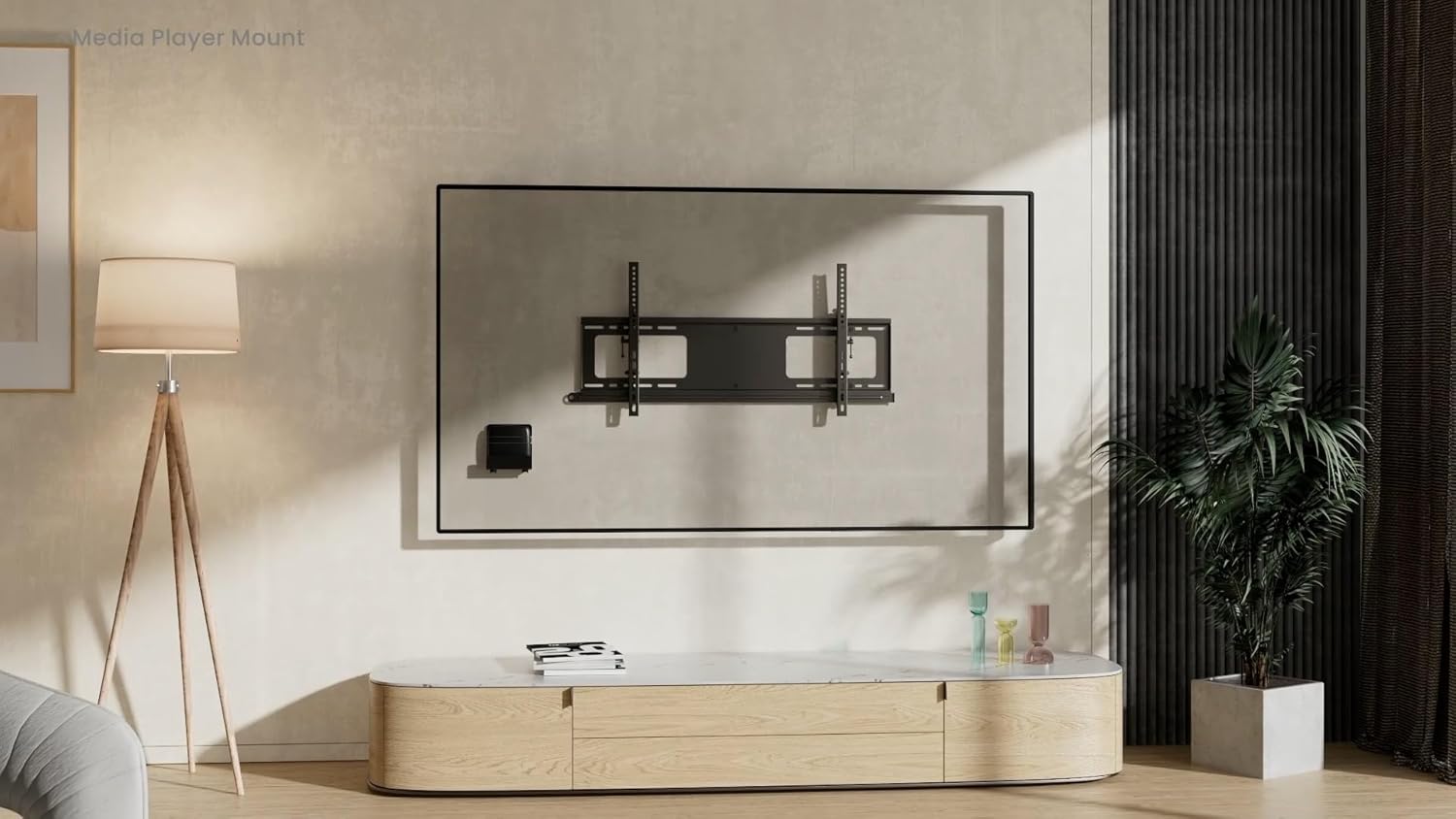
Figure 6: Dimensional drawing of the MP-APM-06-01 bracket.
Waranti dan Sokongan
Untuk maklumat jaminan atau sokongan teknikal, sila rujuk kepada pihak berkuasa rasmi pengeluar webtapak atau hubungi bahagian perkhidmatan pelanggan mereka. Simpan resit pembelian anda untuk tuntutan waranti.


