pengenalan
Thank you for choosing the Billboard Bluetooth Wireless Hook Over Earbuds. This manual provides essential information for setting up, operating, and maintaining your new earbuds. Please read these instructions carefully before use to ensure optimal performance and longevity of your device. Keep this manual for future reference.
Kandungan Pakej
Pastikan semua item ada dalam pakej:
- Billboard Bluetooth Wireless Hook Over Earbuds
- Kabel Pengecas USB Mikro
- Manual Pengguna (dokumen ini)
Produk Selesaiview
The Billboard Bluetooth Wireless Hook Over Earbuds are designed for comfortable and secure fit, featuring a tangle-free flat cord and integrated controls for music and calls.
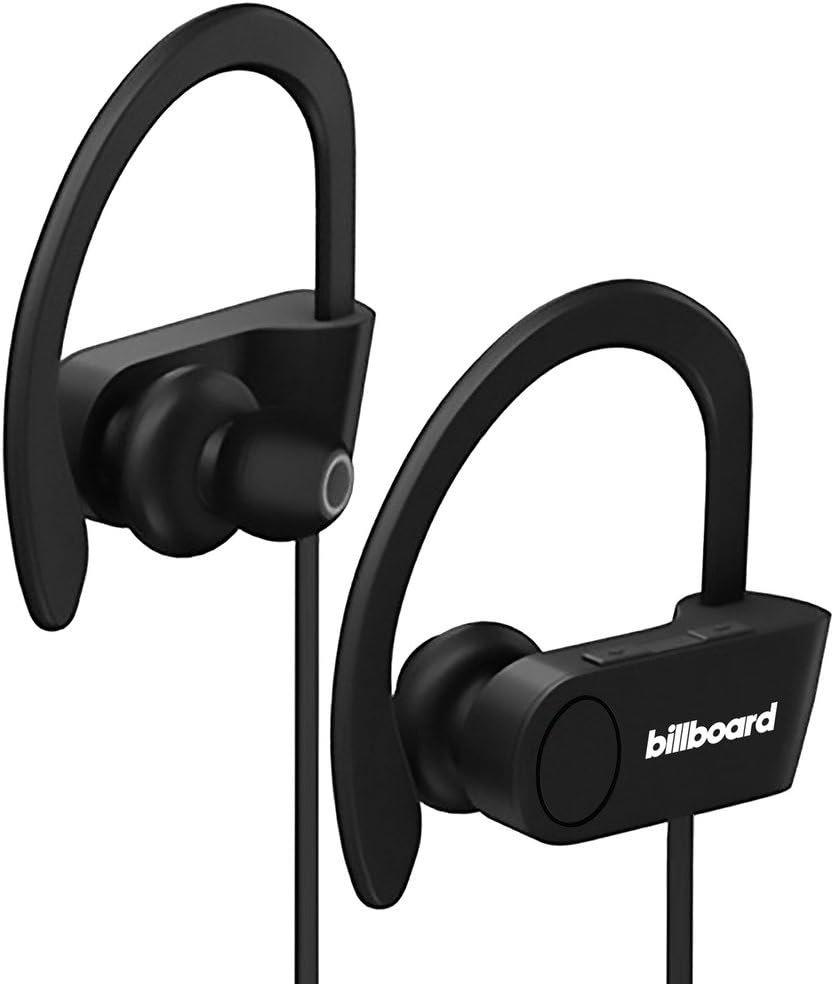
Image: Billboard Bluetooth Wireless Hook Over Earbuds, front view. These black earbuds feature an over-ear hook design for secure placement and a flat cord connecting the two earpieces.

Image: Billboard Bluetooth Wireless Hook Over Earbuds, showing the flat tangle-free cord. The design emphasizes a comfortable fit with the ear hooks and the practical flat cable.
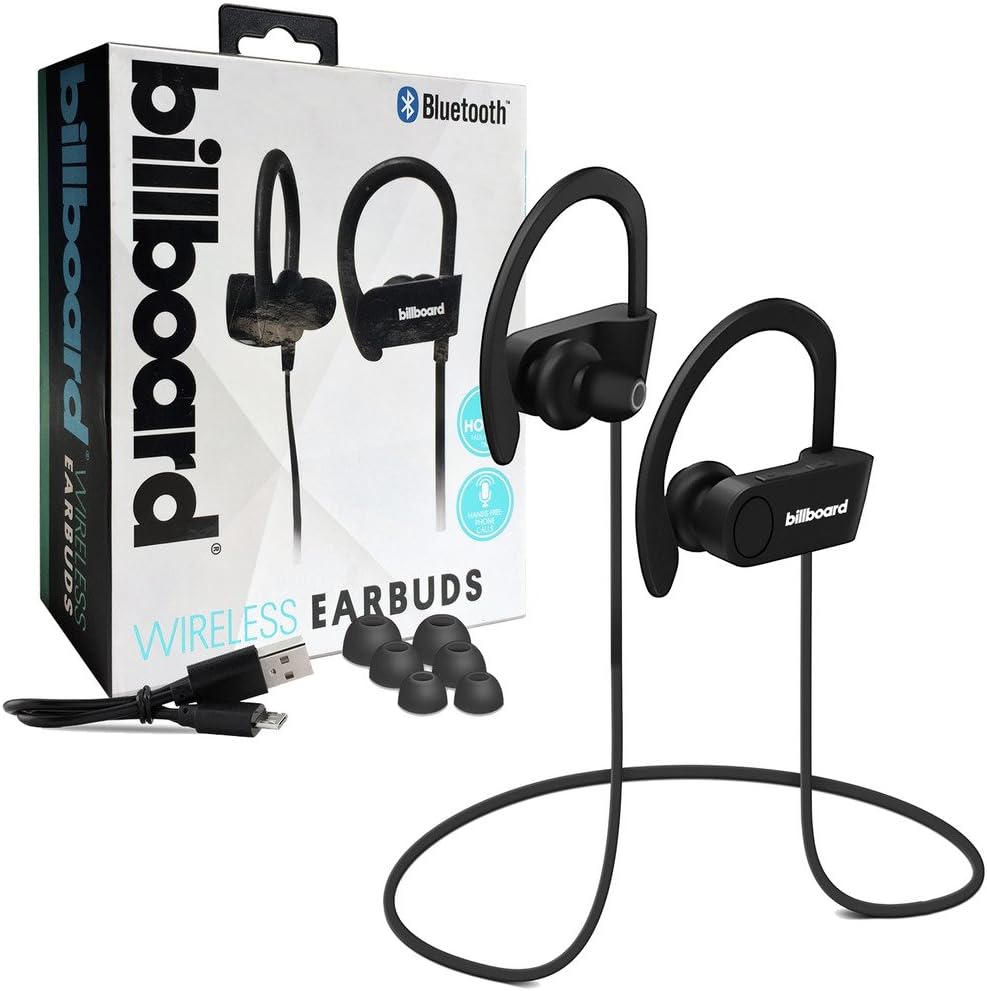
Image: Billboard Bluetooth Wireless Hook Over Earbuds packaging with included accessories. The box displays the earbuds, a charging cable, and additional ear tips, highlighting the product's features.
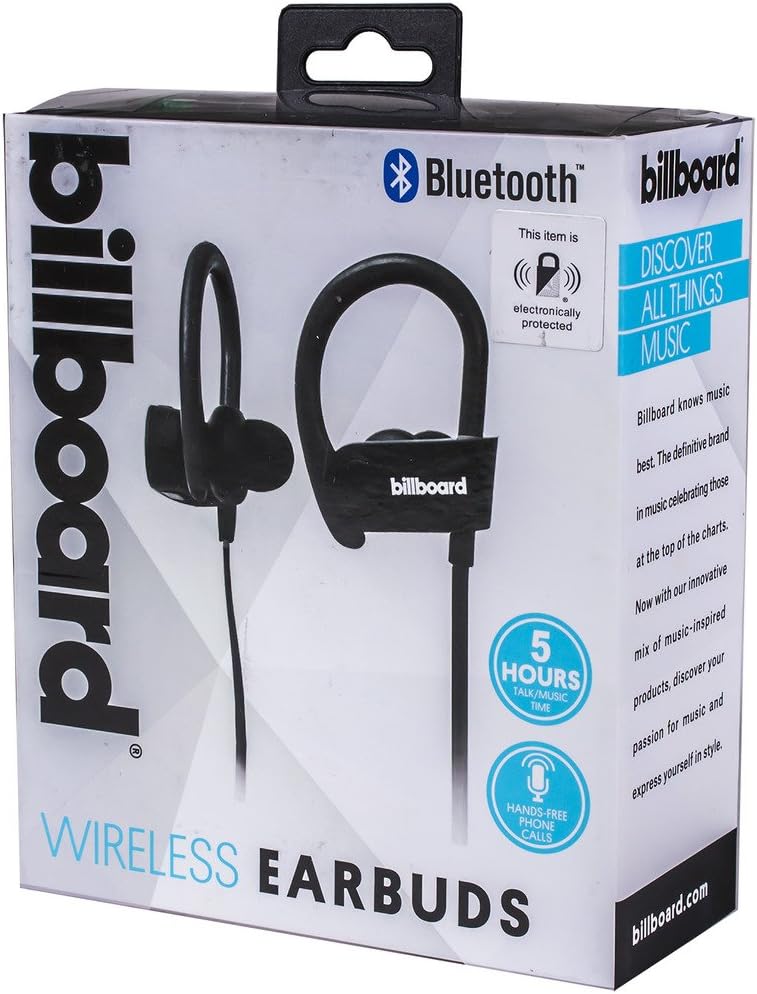
Image: Close-up of Billboard Bluetooth Wireless Hook Over Earbuds packaging, detailing features. The packaging highlights key features such as Bluetooth connectivity, 5 hours of talk/music time, and hands-free phone calls.
Persediaan
1. Mengecas Fon Telinga
- Locate the Micro USB charging port on one of the earbuds (typically on the control module).
- Connect the provided Micro USB charging cable to the earbud's charging port.
- Plug the other end of the USB cable into a USB power source (e.g., computer USB port, wall adapter).
- The LED indicator light will illuminate, typically red, to show that the earbuds are charging.
- Once fully charged, the LED indicator light will change color (e.g., turn blue or off). A full charge usually takes approximately 1-2 hours.
Nota: Ensure the earbuds are fully charged before first use for optimal battery life.
2. Berpasangan Bluetooth
- Hidupkan kuasa: Press and hold the Multi-function button (usually the center button on the control module) for a few seconds until the LED indicator light flashes blue and red alternately, indicating pairing mode.
- Aktifkan Bluetooth: On your smartphone or other Bluetooth-enabled device, go to the Bluetooth settings and ensure Bluetooth is turned on.
- Cari untuk Peranti: Your device will automatically search for nearby Bluetooth devices.
- Select Earbuds: From the list of available devices, select "Billboard Earbuds" or a similar name.
- Sahkan Gandingan: Once successfully paired, the LED indicator light on the earbuds will typically flash blue slowly or turn off, and you will hear an audible confirmation.
- Jika diminta kata laluan, masukkan "0000" (empat sifar).
Nota: The earbuds will automatically attempt to reconnect to the last paired device when powered on, if that device's Bluetooth is active and within range.
Arahan Operasi
Kawal Selesaiview
The control module on the earbud cord typically includes a Multi-function button (MFB) and Volume Up/Down buttons.
- Butang berbilang fungsi (MFB): Power On/Off, Play/Pause, Answer/End Call, Reject Call.
- Kelantangan Naik (+): Tingkatkan kelantangan, Trek seterusnya.
- Perlahankan suara (-): Kurangkan kelantangan, Trek sebelumnya.
Hidupkan/Mati Kuasa
- Hidupkan kuasa: Press and hold the MFB for approximately 3 seconds until the LED flashes blue and you hear a power-on prompt.
- Matikan: Press and hold the MFB for approximately 3-5 seconds until the LED flashes red and you hear a power-off prompt.
Main balik Muzik
- Main/Jeda: Tekan MFB sekali.
- Lagu Seterusnya: Tekan dan tahan butang Naik Kelantangan (+).
- Trek Sebelumnya: Tekan dan tahan butang Turun Kelantangan (-).
Pengurusan Panggilan
- Jawab/Tamatkan Panggilan: Press the MFB once during an incoming call or during an active call.
- Tolak Panggilan: Press and hold the MFB for approximately 2 seconds during an incoming call.
- Dail Semula Nombor Terakhir: Double-press the MFB when no call is active.
Kawalan Kelantangan
- Tingkatkan Kelantangan: Press the Volume Up (+) button repeatedly.
- Kurangkan Kelantangan: Press the Volume Down (-) button repeatedly.
Penyelenggaraan
- Pembersihan: Gunakan kain lembut dan kering untuk membersihkan fon telinga. Jangan gunakan pembersih atau pelarut yang melelas.
- Storan: Simpan fon telinga di tempat yang sejuk dan kering jauh dari cahaya matahari langsung dan suhu yang melampau.
- Penjagaan Bateri: To preserve battery life, charge the earbuds regularly, even if not in frequent use. Avoid fully discharging the battery for extended periods.
- Pendedahan Air: Fon telinga ini bukan kalis air. Elakkan pendedahan kepada air atau kelembapan berlebihan.
Menyelesaikan masalah
| Masalah | Penyelesaian |
|---|---|
| Earbuds will not power on. | Ensure the earbuds are fully charged. Connect to a power source and check the charging indicator light. |
| Tidak boleh berpasangan dengan peranti. | Make sure the earbuds are in pairing mode (flashing blue and red). Ensure Bluetooth is enabled on your device and it is within range (typically 10 meters). Try turning both devices off and on again. |
| Tiada bunyi atau kelantangan rendah. | Check the volume levels on both the earbuds and your connected device. Ensure the earbuds are properly paired and connected. Try playing different audio sources. |
| Sambungan terputus-putus. | Move closer to your connected device. Avoid obstacles between the earbuds and the device. Ensure there is no interference from other wireless devices. |
Spesifikasi
- Jenama: Papan iklan
- model: B073CCBSLL
- warna: Hitam
- Peletakan Telinga: In Ear (with Over-Ear Hook)
- Faktor Bentuk: Dua telinga
- Ketersambungan: Wayarles Bluetooth
- Port Pengecasan: USB mikro
- Battery Life (Talk/Music Time): Lebih kurang 5 jam
- Peranti Serasi: Universal/Smartphones
- ciri-ciri: Tangle-Free Flat Cord, Built-in Microphone, Integrated Controls
Waranti dan Sokongan
Untuk maklumat jaminan dan sokongan pelanggan, sila rujuk dokumentasi yang disertakan dengan pembelian anda atau lawati sokongan produk rasmi Billboard. webtapak. Simpan bukti pembelian anda untuk sebarang tuntutan waranti.
If you encounter issues not covered in this manual, please contact customer service for assistance.


