1. Pengenalan
This manual provides essential information for the safe and efficient operation, maintenance, and troubleshooting of your Gtech AirRAM 2 K9 Cordless Vacuum Cleaner. Please read it thoroughly before first use and retain it for future reference.
The Gtech AirRAM 2 K9 is a lightweight, cordless upright vacuum designed for effective cleaning of both carpet and hard floors, specifically engineered to tackle pet hair with its unique AirLOC technology and scented cartridges.
2. Maklumat Keselamatan Penting
- Always ensure the vacuum is switched off and unplugged before cleaning or performing maintenance.
- Jangan gunakan perkakas jika kord kuasa atau palam rosak.
- Jauhkan rambut, pakaian longgar, jari dan semua bahagian badan daripada bukaan dan bahagian yang bergerak.
- Jangan ambil bahan mudah terbakar atau mudah terbakar, abu panas atau benda tajam yang besar.
- Gunakan hanya seperti yang diterangkan dalam manual ini. Gunakan hanya lampiran yang disyorkan pengilang.
- Perkakas ini adalah untuk kegunaan domestik sahaja.
3. Kandungan Pakej
Sahkan bahawa semua komponen terdapat dalam pembungkusan:
- Gtech AirRAM 2 K9 Main Unit
- Mengendalikan Pemasangan
- Rechargeable 22V Lithium-ion Battery
- Pengecas Bateri
- Scented Cartridges (pre-installed or separate)
- Manual Pengguna (dokumen ini)

Image: Gtech AirRAM 2 K9 Cordless Vacuum Cleaner with its main components, including the upright unit, handle, and a close-up of the base with the battery inserted.
4. Persediaan dan Pengecasan Awal
4.1 Perhimpunan
- Keluarkan semua komponen dari pembungkusan dengan berhati-hati.
- Insert the handle assembly into the main vacuum body until it clicks securely into place.
- Ensure the scented cartridge is correctly installed in its designated slot (refer to the "Maintenance" section for details on cartridge replacement).
4.2 Caj Bateri Permulaan
Before first use, fully charge the 22V Lithium-ion battery. A full charge takes approximately 4 hours.
- Remove the battery from the vacuum by pressing the release button and sliding it out.
- Connect the charger to the battery and plug the charger into a suitable wall outlet.
- 4-stage LED indicator on the battery will illuminate to show charging progress. All four lights will be solid when fully charged.
- Once charged, disconnect the charger and reinsert the battery into the vacuum until it clicks.

Image: Close-up of the Gtech AirRAM 2 K9 battery being charged, showing the charger connected and the LED indicator.
5. Arahan Operasi
5.1 Menghidupkan/Mematikan
- To turn on, press the power button located on the main unit.
- Untuk mematikan, tekan butang kuasa sekali lagi.
5.2 Membersihkan Permukaan Berbeza
The AirRAM 2 K9 is designed to clean both carpet and hard floors without requiring manual setting changes. Its unique AirLOC technology picks up large debris when pushed forward and locks to suck up embedded pet hair when pulled backward.
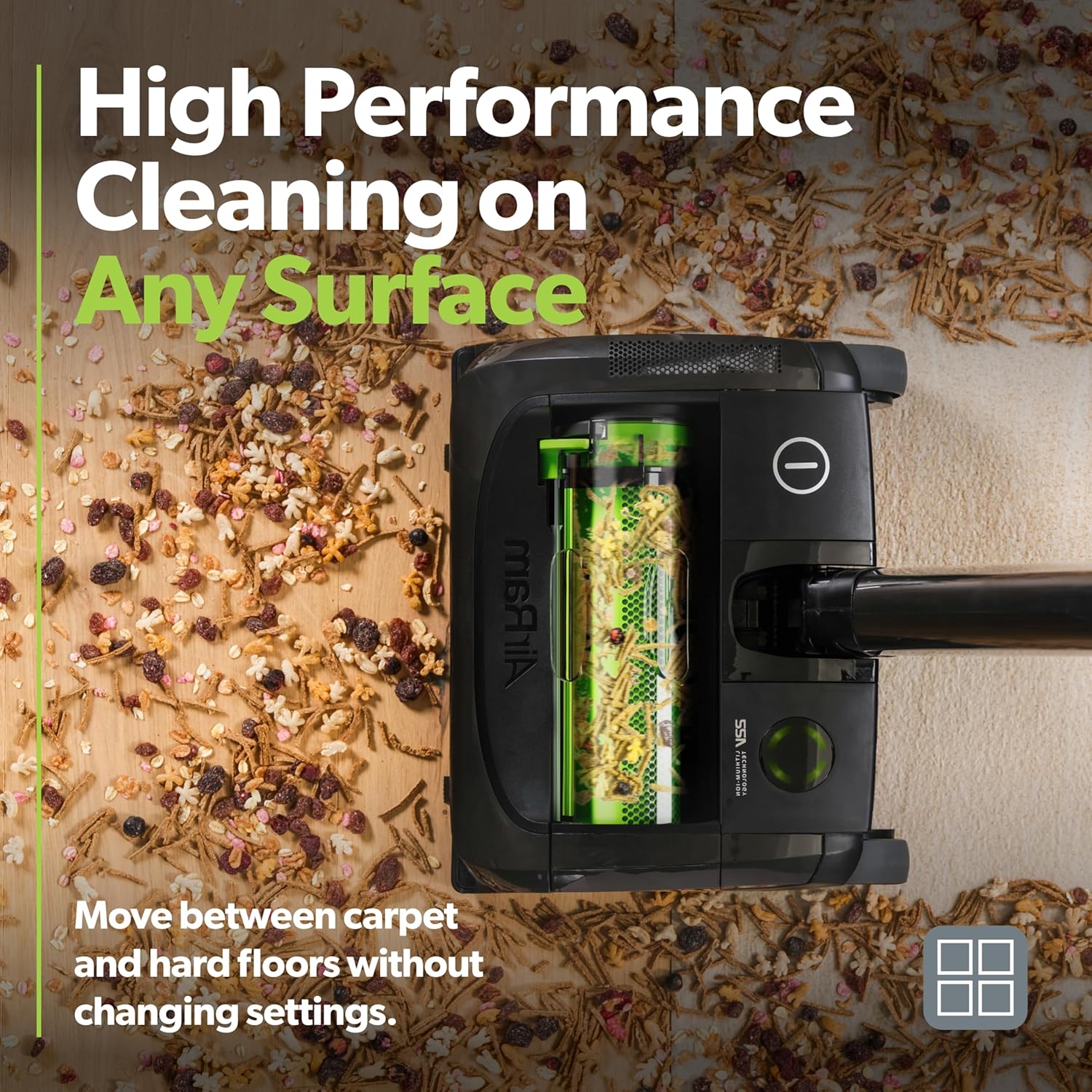
Image: The Gtech AirRAM 2 K9 vacuum cleaning a floor with various debris, demonstrating its ability to handle different types of dirt on multiple surfaces.
5.3 LED Headlights
The integrated LED headlights illuminate the cleaning path, making hidden dust and debris visible, especially under furniture or in dimly lit areas.
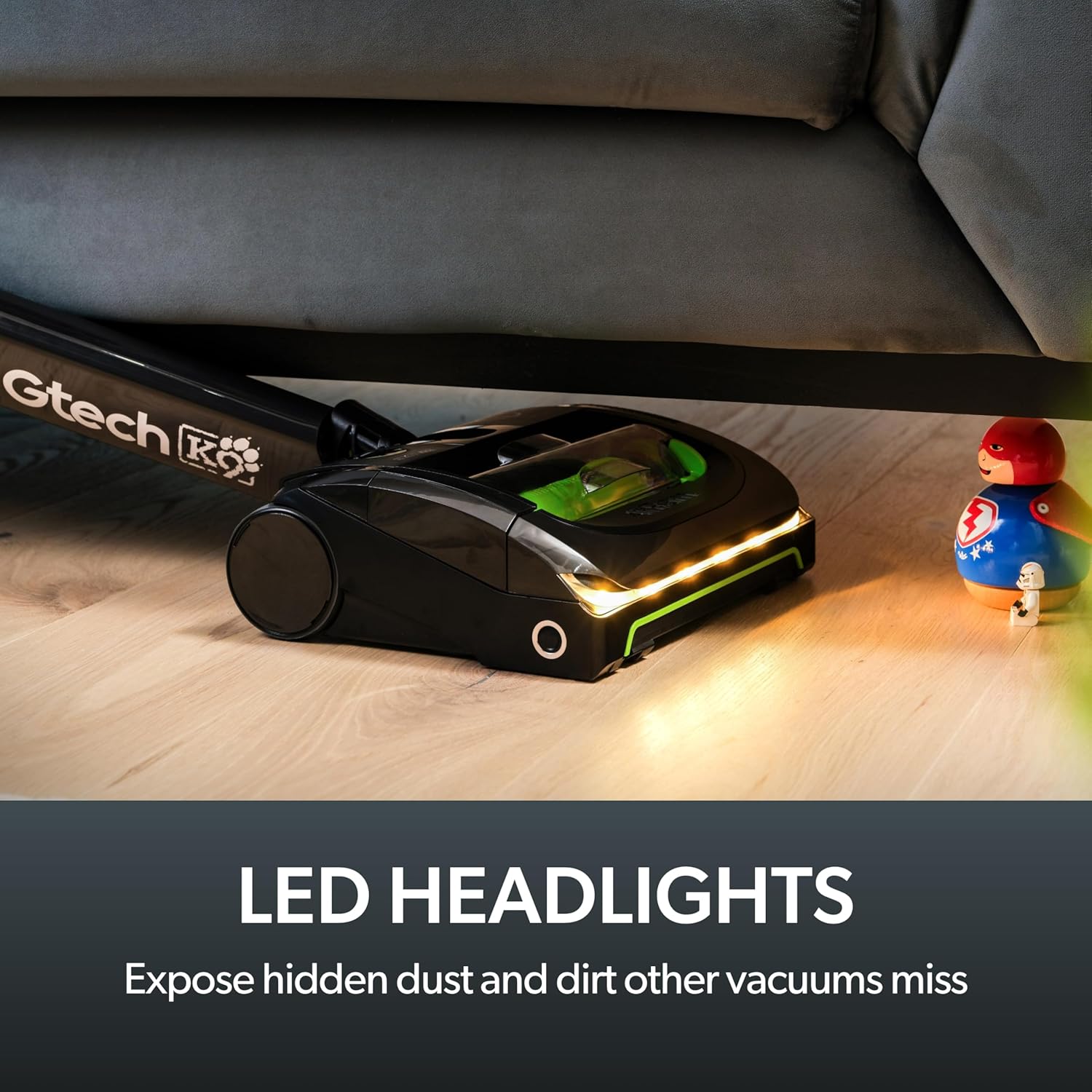
Image: The Gtech AirRAM 2 K9 vacuum operating with its LED headlights on, illuminating dust and debris on a hard floor near furniture.
5.4 Scented Cartridges
The vacuum includes scented cartridges to help neutralize pet odors and leave a fresh scent during cleaning. Ensure a cartridge is installed for this feature.
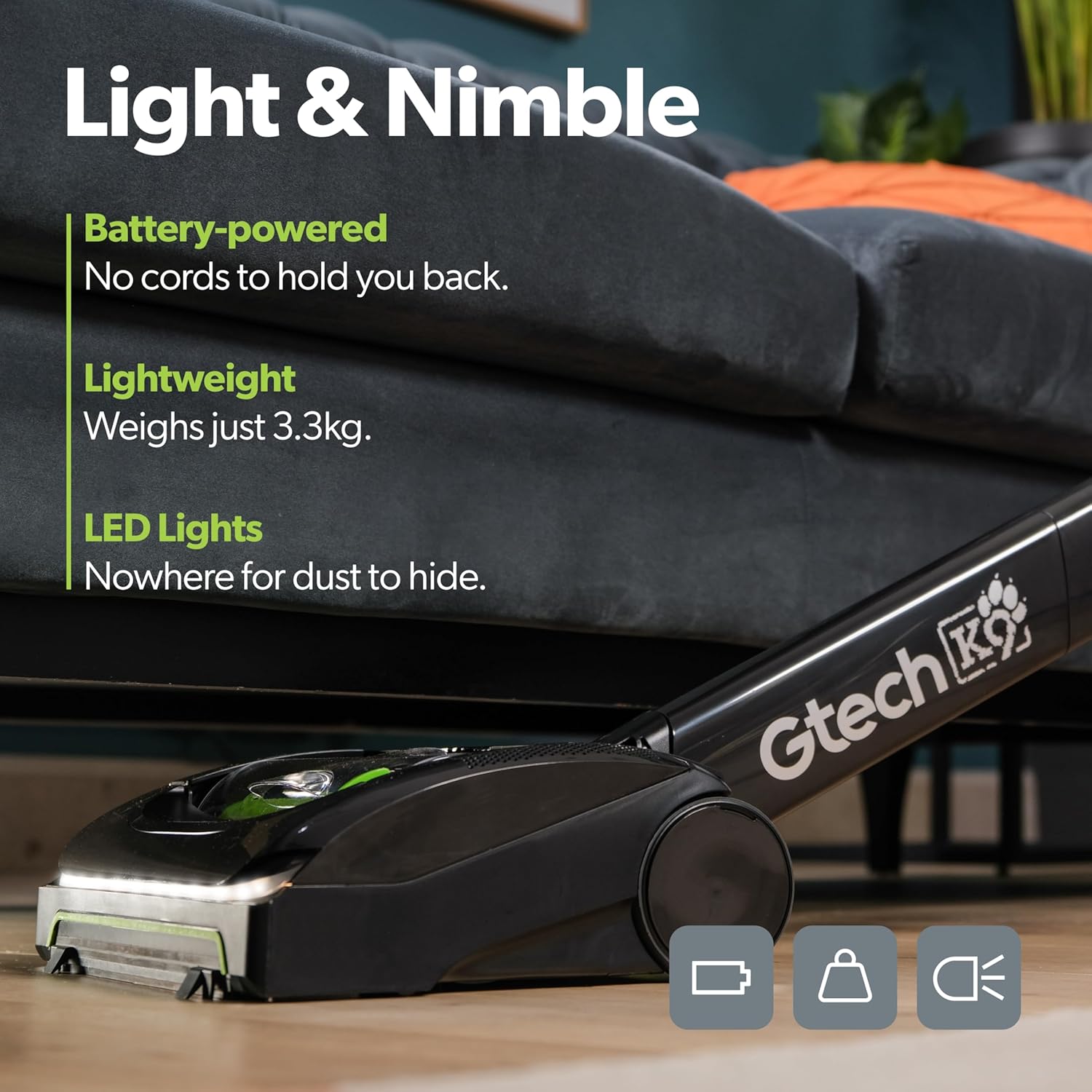
Image: A hand holding a Gtech scented cartridge, ready for insertion into the vacuum, highlighting the pet odor neutralization feature.
6. Penyelenggaraan
6.1 Emptying the Dirt Bin
The AirRAM 2 K9 features a bagless design with an easy-empty dirt bin. It is recommended to empty the bin after each use or when it reaches its maximum capacity.
- Pastikan vakum dimatikan.
- Locate the dirt bin release latch on the main unit.
- Press the latch and slide the ejector arm forward to compress and release the collected dirt and debris directly into a trash can.
- Close the bin securely until it clicks.
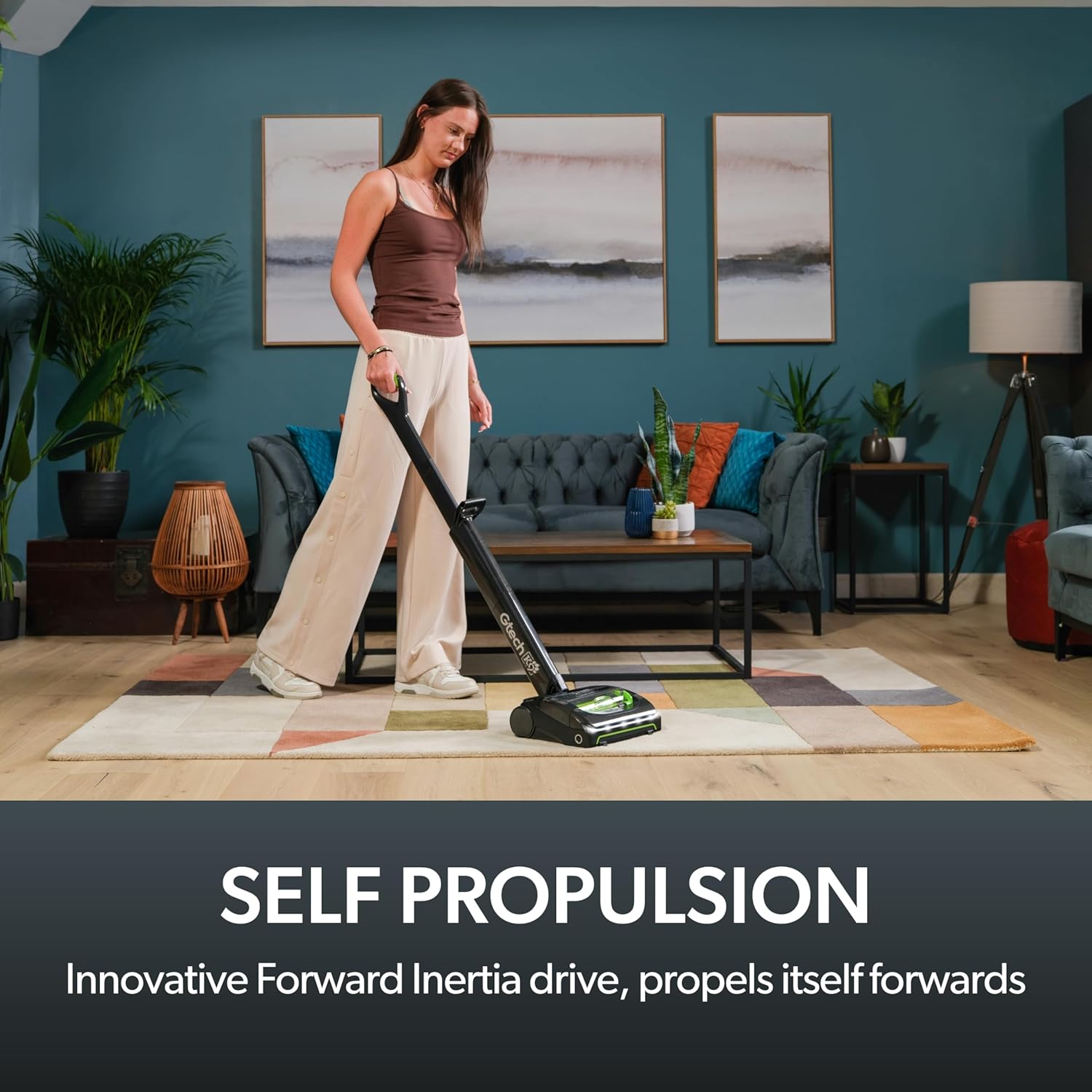
Image: A hand emptying the dirt bin of the Gtech AirRAM 2 K9 vacuum into a trash can, demonstrating the easy-empty mechanism.
6.2 Membersihkan Penapis
Regularly clean the HEPA filter to maintain optimal suction performance. The filter is washable.
- Keluarkan tong kotoran seperti yang diterangkan di atas.
- Carefully remove the filter from the bin.
- Ketik penapis perlahan-lahan di atas tong sampah untuk mengeluarkan habuk yang longgar.
- Bilas penapis di bawah air sejuk yang mengalir sehingga airnya jernih. Jangan gunakan detergen.
- Allow the filter to air dry completely for at least 24 hours before reinserting. Do not use the vacuum without a dry filter.
6.3 Membersihkan Bar Berus
Periodically check the brush bar for tangled hair or debris and remove it to ensure effective cleaning.
- Ensure the vacuum is switched off and the battery is removed.
- Turn the vacuum head over to access the brush bar.
- Use scissors or a brush to carefully cut and remove any tangled hair or fibers from the brush bar.
- Ensure the brush bar spins freely after cleaning.
7. Penyelesaian masalah
| Masalah | Kemungkinan Punca | Penyelesaian |
|---|---|---|
| Vakum tidak dihidupkan. | Bateri tidak dicas atau tidak dimasukkan dengan betul. | Pastikan bateri dicas sepenuhnya dan dimasukkan dengan selamat. |
| Kehilangan sedutan. | Dirt bin full, filter clogged, or brush bar obstructed. | Empty dirt bin, clean filter, clear brush bar of debris. |
| Vacuum not picking up large debris. | AirLOC technology not engaging properly. | Ensure the vacuum head is flat on the surface and move it forward to engage the debris pickup. |
| Scented cartridge not emitting scent. | Cartridge empty or incorrectly installed. | Replace the scented cartridge or ensure it is properly seated. |
8. Spesifikasi
- model: AR30
- Jenama: Gtech
- Sumber Kuasa: Bateri Lithium-Ion 22V
- Masa Pengecasan: Lebih kurang 4 jam
- Masa jalan: Sehingga 40 minit
- Berat: 7.04 paun (3.2 kg)
- kapasiti: 0.8 Liters (Bagless)
- Jenis Penapis: Penapis HEPA
- Tahap Bunyi: 68 dB
- Dimensi Produk: 17.36 x 4.65 x 17.36 inci
- Ciri Khas: AirLOC Technology, Scented Cartridges, LED Headlights
9. Waranti dan Sokongan
Your Gtech AirRAM 2 K9 Cordless Vacuum Cleaner is covered by a manufacturer's warranty. For specific warranty details, please refer to the documentation included with your purchase or visit the official Gtech webtapak.
For technical support, spare parts, or warranty claims, please contact Gtech customer service. Contact information can typically be found on the Gtech webtapak atau pada resit pembelian anda.
Optional extended protection plans may be available for purchase. For example, 2-Year and 3-Year Protection Plans are offered.


