pengenalan
This manual provides detailed instructions for the proper installation, operation, and maintenance of your new LUXOR WB6040W Wall-Mounted Magnetic Whiteboard. Please read all instructions carefully before beginning installation to ensure safe and correct setup. This whiteboard is designed for use in office and educational environments, offering a durable and versatile surface for writing and displaying magnetic items.
Apa yang ada dalam Kotak
- LUXOR WB6040W Whiteboard (60"W x 40"H)
- Pendakap Pemasangan (4x)
- Hardware (Screws and Drywall Anchors)
- Detachable Marker Tray
Alat Diperlukan (Tidak Termasuk)
- Pita Pengukur
- Garisan Kapur
- latih tubi
- 1/4 "Mata Bor
- Phillips Head Screwdriver (or Extended Drive)
- Hammer (or Soft Mallet)
Persediaan dan Pemasangan
Pemasangan Selesaiview Video
Watch this official Luxor video for a visual guide on installing your WB Series Whiteboard. This video demonstrates the key steps for a successful wall-mounted installation.
Video: Luxor 60"W x 40"H Wall-Mounted Magnetic Whiteboard Installation Guide.
Langkah Pemasangan Terperinci
Refer to the diagram below and follow these steps for proper installation. Note: Hardware provided is for drywall installation. If attaching to other material, such as concrete, other fasteners may be required.
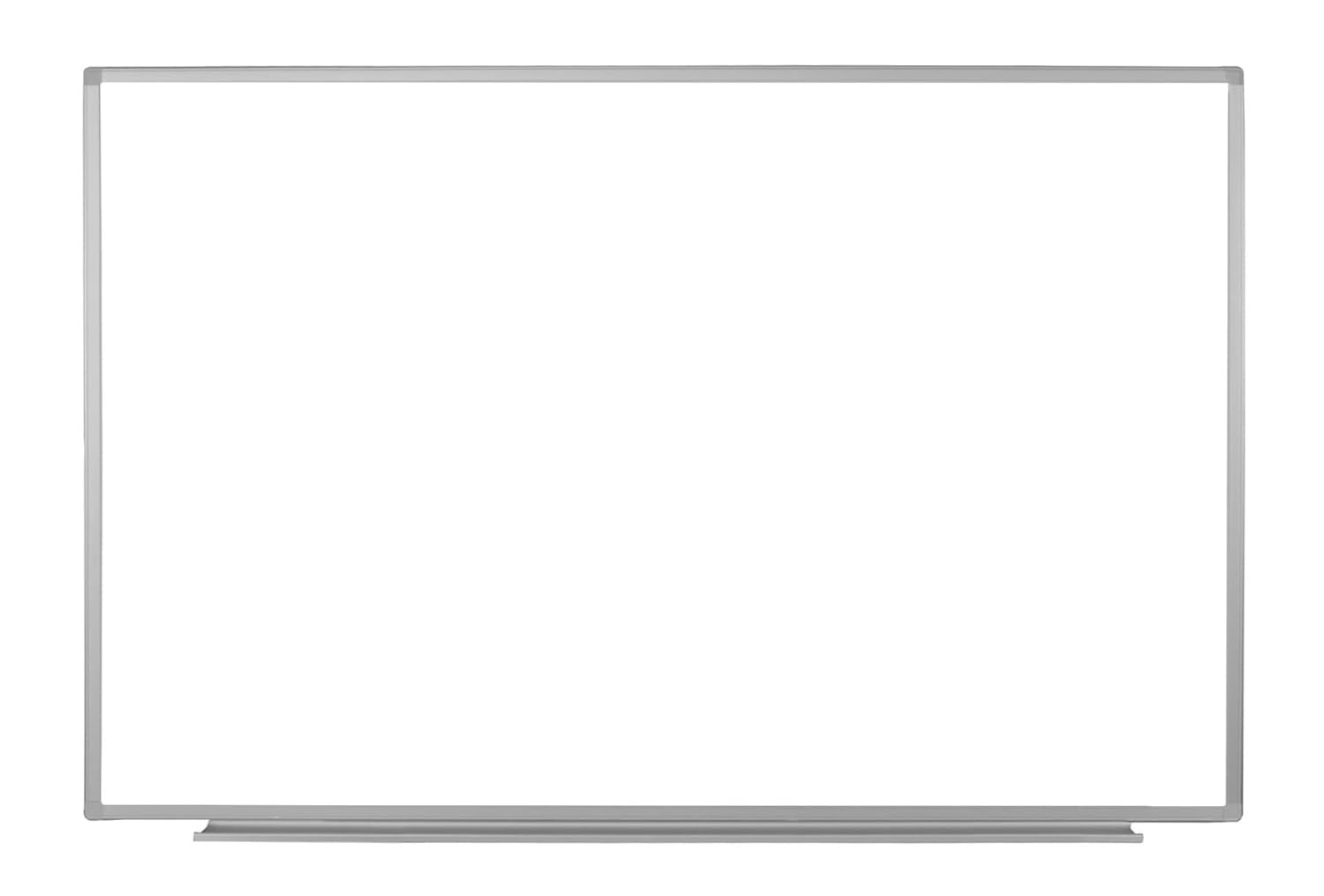
Image: Detailed installation diagram with measurements and hardware components.
- Insert Marker Tray: Insert the detachable marker tray into the bottom groove of your whiteboard. Slide the tray to the center.

Image: Attaching the marker tray to the whiteboard.
- Determine Placement & Mark Chalk Lines: Determine the general location for your whiteboard. Snap two horizontal chalk lines on the wall at the heights indicated in the installation diagram (refer to the diagram for specific measurements based on your whiteboard size).

Image: Whiteboard dimensions and general placement.
- Lubang gerudi: For drywall installation, drill four 1/4-inch holes at the marked locations as specified in the instruction sheet.

Image: The whiteboard itself, indicating where holes would be drilled on the wall behind it.
- Insert Drywall Anchors: Place the plastic drywall inserts into the pre-drilled holes. Use a soft mallet or hammer to gently tap the inserts until they are flush with the wall surface.
- Pasang Kurungan Bawah: Attach the bottom mounting brackets to the wall using the long screws provided. Ensure the brackets are attached at their lowest possible position to allow for adjustment.
- Pasang Kurungan Atas: Attach the top mounting brackets to the wall using the long screws provided. Ensure the brackets are attached at their highest possible position. These will be tapped down later.
- Place Whiteboard: Carefully place the whiteboard onto the lower brackets, ensuring it is centered with the middle lower bracket.
- Secure Upper Brackets: Tap the top brackets down so they are touching the top of the whiteboard. Then, attach the brackets to the whiteboard frame using the short screws provided.
- Keluarkan Filem Pelindung: Carefully remove the plastic protective film from the front surface of the whiteboard.
Arahan Operasi
Your Luxor WB6040W whiteboard is ready for use immediately after installation. Use only dry-erase markers on the whiteboard surface. The magnetic surface allows for attaching notes, documents, or other magnetic accessories.
- Penulisan: Use any standard dry-erase markers.
- Erasing: Use a dry-erase eraser or a soft cloth. For stubborn marks, use a specialized dry-erase board cleaner.
- Penggunaan magnet: Attach magnetic items directly to the board surface.
Penyelenggaraan
Proper maintenance will ensure the longevity and optimal performance of your whiteboard.
- Pembersihan tetap: Wipe the board clean with a dry-erase eraser after each use.
- Pembersihan Dalam: For ghosting or residue, use a dry-erase board cleaning spray and a soft cloth. Do not use abrasive cleaners or materials.
- Marker Tray: Keep the marker tray clean of dust and marker residue.
- Avoid Permanent Markers: Never use permanent markers or oil-based pens on the dry-erase surface.
Menyelesaikan masalah
If you encounter issues with your whiteboard, try the following solutions:
| Masalah | Penyelesaian |
|---|---|
| Hantu atau Noda: Marks remain after erasing. | Use a specialized dry-erase board cleaner. Ensure you are using only dry-erase markers. |
| Board is not level: Appears crooked on the wall. | Check the installation of the mounting brackets. Adjust the top brackets by tapping them further down or slightly loosening and re-tightening as needed. Ensure chalk lines were level during initial setup. |
| Markers not erasing cleanly: Ink is difficult to remove. | Ensure markers are fresh and specifically labeled as "dry-erase." Old or low-quality markers can leave residue. Clean the board thoroughly with dry-erase cleaner. |
Spesifikasi
| Ciri | Perincian |
|---|---|
| Nombor Model | WB6040W (FBA_WB6040W) |
| Dimensi (W x H) | 60 inci x 40 inci |
| Dimensi Produk (L x W x H) | 1 x 60 x 40 inci |
| Berat Barang | 29 paun |
| bahan | Aluminum Frame, Painted Steel Surface |
| Jenis Pemasangan | Lekap di dinding |
| warna | putih |
Waranti dan Sokongan
For warranty information, technical support, or to purchase replacement parts, please visit the official Luxor webtapak atau hubungi bahagian perkhidmatan pelanggan mereka. Simpan resit pembelian anda untuk tuntutan waranti.
rasmi Webtapak: www.luxorfurn.com


