1. Pengenalan
This manual provides detailed instructions for the safe and efficient operation of your UNIC UC50 Mini Projector. Please read this manual thoroughly before using the device and retain it for future reference.
The UNIC UC50 is a compact DLP projector designed for various multimedia applications, offering portability and ease of use.
2. Kandungan Pakej
Sahkan bahawa semua item yang disenaraikan di bawah disertakan dalam pakej anda. Jika ada barang yang hilang atau rosak, sila hubungi peruncit anda.
- 1x UNIC UC50 Projector
- 1x Manual Pengguna (dokumen ini)
- 1x Penyesuai Kuasa
- 1x Kabel
- 1x Alat Kawalan Jauh

Rajah 2.1: UNIC UC50 Mini Projector and included accessories. The image displays the compact projector unit along with its power adapter, remote control, and connecting cables, all neatly arranged.
3. Produk Lebihview
Familiarize yourself with the various components and ports of your UNIC UC50 Mini Projector.
3.1 Depan View

Rajah 3.1.1: Depan view of the UNIC UC50 Mini Projector with the lens cover open. This view highlights the projection lens and the sliding lens cover mechanism.

Rajah 3.1.2: Depan view of the UNIC UC50 Mini Projector with the lens cover closed. The sliding cover protects the lens when the projector is not in use.
3.2 Bahagian Views (Input/Output Ports)

Rajah 3.2.1: sebelah view of the UNIC UC50 Mini Projector, displaying the USB port and SD card slot for media input.

Rajah 3.2.2: Sebelah bertentangan view of the UNIC UC50 Mini Projector, featuring the HDMI input, AV input, and 3.5mm earphone output jack.
3.3 Belakang View

Rajah 3.3.1: belakang view of the UNIC UC50 Mini Projector. This side includes the focus adjustment wheel and the DC 5V 2A power input port.
3.4 Atas View
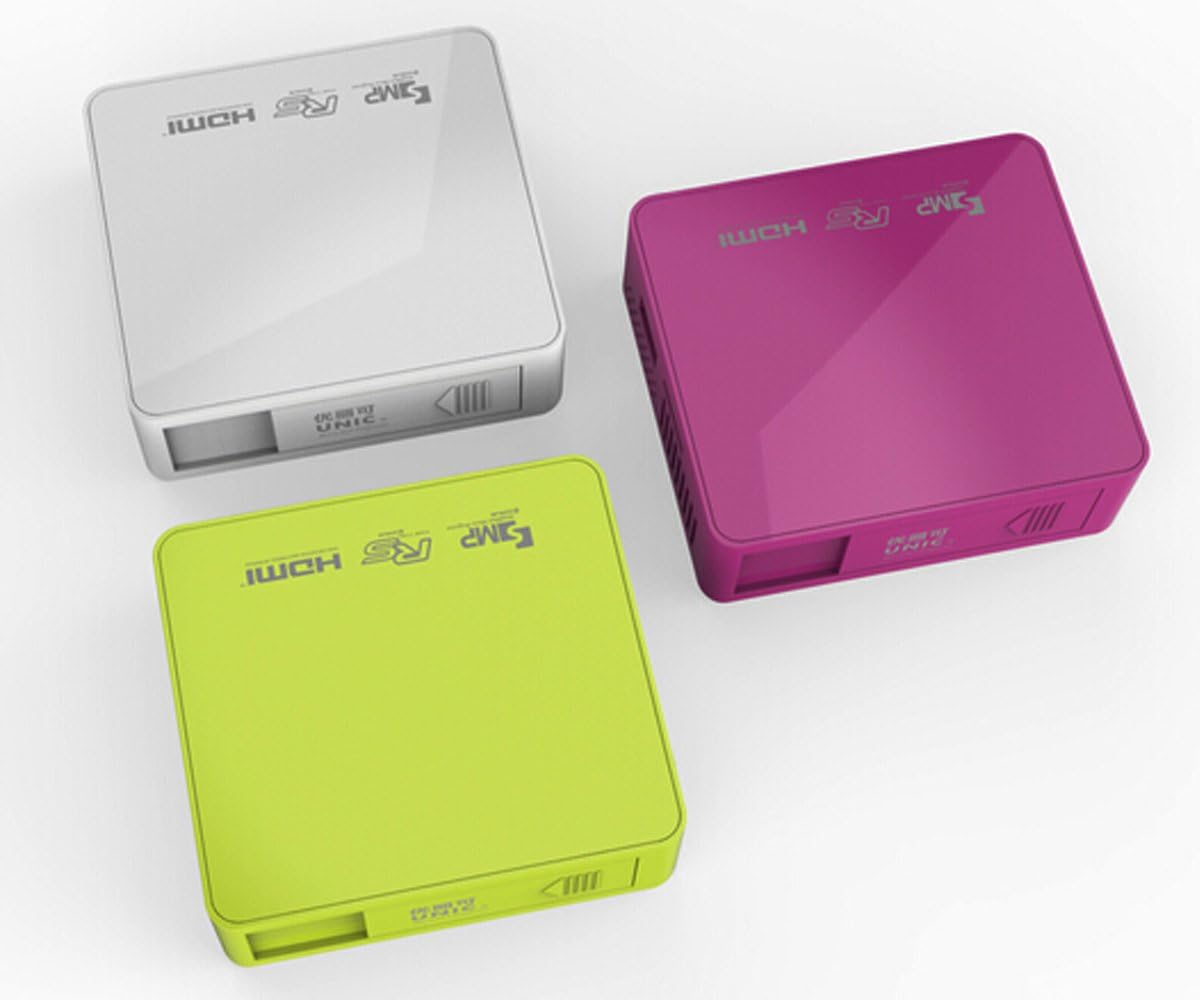
Rajah 3.4.1: Atas view of the UNIC UC50 Mini Projector, showing the minimalist design and branding.
4. Persediaan
4.1 Sambungan Kuasa
- Connect the provided power adaptor to the DC 5V 2A input port on the rear of the projector.
- Plug the power adaptor into a standard electrical outlet (AC 100-240V, 50/60Hz).
- The projector will power on automatically or can be turned on using the remote control.
4.2 Penempatan dan Unjuran
- Letakkan projektor di atas permukaan yang stabil dan rata.
- Ensure the projection surface (screen or wall) is clean and smooth.
- Adjust the projection distance between 35.5 cm and 430 cm to achieve the desired image size (14-150 inches).
- Untuk optimum viewing, operate the projector in a dimly lit room.
5. Arahan Operasi
5.1 Melaraskan Fokus
Rotate the focus adjustment wheel located on the rear of the projector until the projected image appears clear and sharp.
5.2 Pemilihan Sumber Input
The UNIC UC50 supports multiple input sources:
- USB: Masukkan pemacu kilat USB ke dalam port USB.
- SD: Insert an SD card into the SD card slot.
- DARI: Connect an AV cable to the AV input port.
- HDMI: Connect an HDMI cable to the HDMI input port.
Use the remote control to navigate the on-screen menu and select the desired input source.
5.3 Main Semula Multimedia
When a USB drive or SD card is inserted, the projector's UNIC Multimedia OS will allow you to browse and play supported file format:
- Format Video: MP4, AVI, MOV, VOB, DAT, MPEG, MPG, RM, RMVB (Video encoding: MPEG1/MPEG2/MPEG4/DivX/Xvid)
- Format Audio: MP3, WMA, WAV, AAC, OGG, ASF
- Format Imej: JPG, BMP, PNG
- Format Dokumen: TXT
Navigasi melalui files using the remote control and select the desired content for playback.
5.4 Keluaran Audio
The projector has built-in speakers (1.0W *2). For private listening or connecting external audio systems, use the 3.5mm earphone output jack.
6. Penyelenggaraan
6.1 Membersihkan Lensa
Gunakan kain lembut dan bebas bulu yang direka khas untuk kanta optik untuk mengelap kanta projektor dengan lembut. Elakkan menggunakan pembersih yang kasar atau daya yang berlebihan, kerana ini boleh menggaru kanta.
6.2 Membersihkan Badan Projektor
Wipe the exterior of the projector with a soft, dry cloth. Do not use liquid cleaners or solvents.
6.3 Penyimpanan
When not in use, store the projector in a cool, dry place, away from direct sunlight and extreme temperatures. Ensure the lens cover is closed to protect the lens from dust.
7. Penyelesaian masalah
| Masalah | Kemungkinan Punca | Penyelesaian |
|---|---|---|
| Tiada imej ditayangkan |
|
|
| Imej kabur |
|
|
| Tiada bunyi |
|
|
| Alat kawalan jauh tidak berfungsi |
|
|
8. Spesifikasi
| Ciri | Perincian |
|---|---|
| Sistem Imej | DLP |
| Lamp taip | LED |
| Resolusi Asli | 854 x 480 piksel |
| Resolusi Disokong | Up to 1920 x 1080 pixels (1080P) |
| Nisbah Aspek | 4:3 / 16:9 |
| Sistem Operasi | UNIC Multimedia OS |
| Kecerahan | 800 Lumen |
| Nisbah Kontras | 800:1 |
| Lensa | F=125 |
| Fokus | Manual |
| Lamp Waktu Bekerja | 20,000 jam |
| Saiz Imej | 14-150 Inci |
| Jarak Unjuran | 35.5 sm - 430 sm |
| Mod Tayangan | Unjuran Depan |
| Mod Operasi | Manual / Kawalan Jauh |
| Port Output | Fon telinga 3.5mm |
| Port Input | USB, SD, AV, HDMI, IR |
| Input Kuasa | AC 100-240V, 50/60Hz |
| Output Kuasa | DC 5V 2A |
| Penggunaan Kuasa | 10W |
| Penceramah | 1.0W x 2 |
| Berat badan | 130g |
| Dimensi (L x W x H) | 78 x 71 x 24.5 mm |
| OS Language | English, Polski, Russian, Deutsch, Spanish, Czech, etc. (23 Languages) |
| Ciri Khas | 3D-Sedia |
9. Waranti dan Sokongan
The UNIC UC50 Mini Projector comes with a standard manufacturer's warranty. Please refer to the warranty card included in your package for specific terms and conditions, including warranty period and coverage details.
For technical support, troubleshooting assistance beyond this manual, or warranty claims, please contact your original point of purchase or visit the official UNIC support weblaman web (jika ada).
Note: Specific warranty details and support contact information may vary by region and retailer.


