1. Pengenalan
Thank you for choosing the BLITZU Cyborg 168T Rear Bike Light. This USB rechargeable LED light is designed to enhance your visibility and safety during cycling, both day and night. This manual provides detailed instructions for the proper setup, operation, and maintenance of your new bike light.
2. Maklumat Keselamatan
- Sentiasa pastikan lampu dipasang dengan kukuh sebelum menunggang.
- Jangan melihat terus ke arah pancaran cahaya untuk mengelakkan gangguan penglihatan sementara.
- Keep the light clean and free from obstructions to maintain optimal visibility.
- While the light is water-resistant, avoid prolonged immersion in water.
- Regularly check the battery level and recharge as needed to prevent unexpected power loss.
- Adhere to all local traffic laws and regulations regarding bicycle lighting.
3. Apa yang ada di dalam Kotak
- BLITZU Cyborg 168T Rear Bike Light
- Kabel Pengecas USB
- Tali Pemasangan
- Manual Arahan
4. Ciri-ciri Produk
- Keterlihatan Tinggi: Emits 168 lumens with a 220° wide-angle beam, visible up to 0.7 miles, enhancing safety during both day and night.
- Pembinaan Tahan Lama: Mempunyai c aluminiumasing for strength and longevity, designed to withstand various weather conditions.
- Pemasangan Mudah: Mounts quickly without tools using a heavy-duty flexible rubber strap, compatible with seatposts, seatstays, helmets, saddle bags, backpacks, skateboards, scooters, strollers, wheelchairs, or dog collars.
- Pelbagai Mod Pencahayaan: Offers 6 distinct lighting modes to suit different riding conditions and preferences.
- USB boleh dicas semula: Conveniently recharges via USB, providing a runtime of up to 4 hours depending on the mode.
- Tahan Air: Rated IPX4 for water resistance, suitable for use in rain and other wet conditions.

Image: The BLITZU Cyborg 168T Rear Bike Light, showcasing its compact design and bright red illumination.

Image: The BLITZU Cyborg 168T Rear Bike Light mounted on a bicycle, illuminated at night to demonstrate visibility.
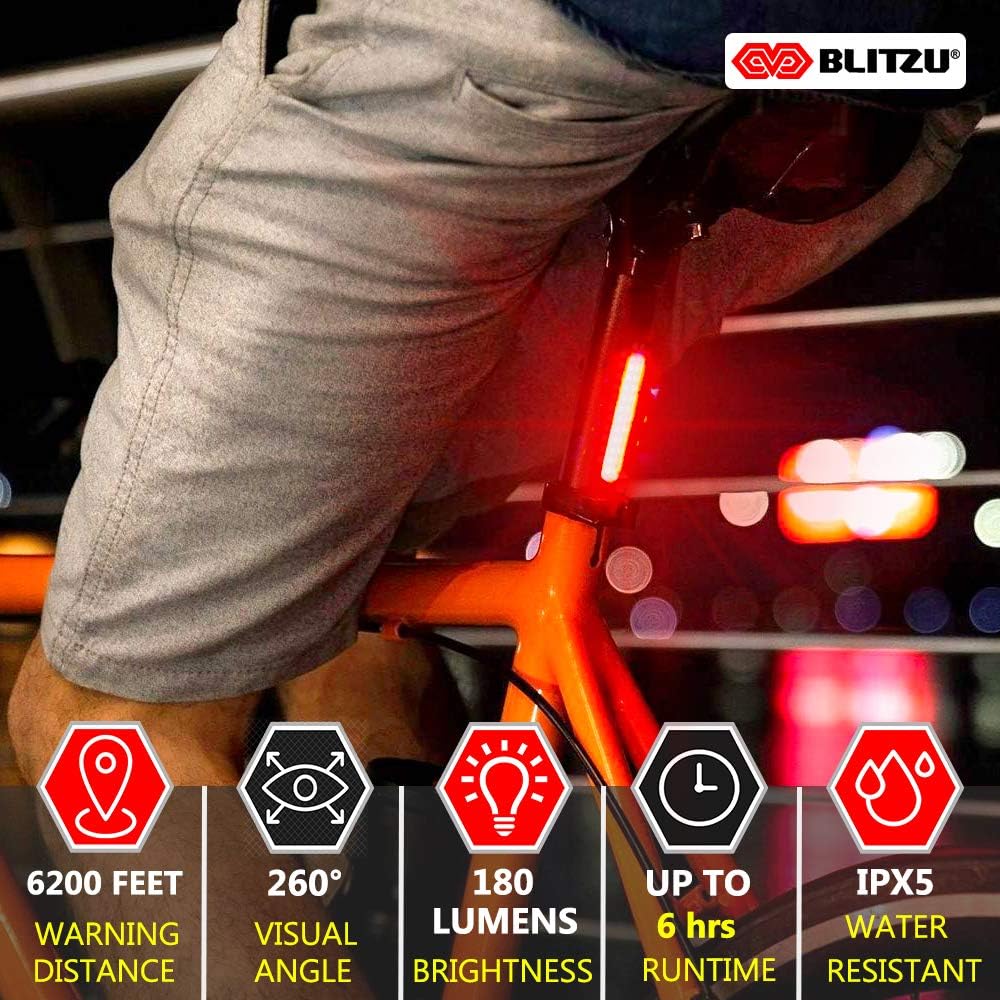
Image: The BLITZU Cyborg 168T Rear Bike Light mounted on a helmet, showing its versatility in placement.
5. Persediaan & Pemasangan
The BLITZU Cyborg 168T is designed for quick and easy installation without the need for any tools. Follow these steps to mount your light:
- Identify the desired mounting location (e.g., seatpost, seatstay, helmet, backpack).
- Attach the flexible rubber strap to the light's mounting bracket.
- Wrap the strap around the chosen mounting point and secure it by hooking the strap into one of the notches. Adjust for a snug fit.
- The light's hinge can be adjusted vertically or horizontally to focus the beam as needed.

Image: A diagram illustrating the simple, tool-free installation process using the flexible rubber strap.
Video: Demonstration of attaching the BLITZU Cyborg 168T light to a helmet and bicycle, and its illumination during night cycling.
6. Arahan Operasi
The BLITZU Cyborg 168T features a single button for easy control of its various lighting modes.
- Hidupkan/Mati Kuasa: Press and hold the power button for approximately 2 seconds to turn the light on or off.
- Tukar Mod: Once the light is on, short press the power button to cycle through the 6 available lighting modes: Steady High, Steady Mid, Steady Low, High Flash, Low Flash, and Strobe.

Image: Visual representation of the 6 lighting modes and their approximate runtimes.
Video: A close-up demonstration of cycling through the different lighting modes of the BLITZU Cyborg 168T.
7. Arahan Mengecas
The BLITZU Cyborg 168T is equipped with a rechargeable battery for convenience.
- Locate the USB charging port on the side of the light, typically covered by a rubber flap for water resistance.
- Buka penutup getah dengan lembut.
- Connect the provided USB charging cable to the light's port and the other end to a USB power source (e.g., computer, wall adapter, power bank).
- A small indicator light will illuminate during charging and turn off or change color when fully charged.
- Once charging is complete, disconnect the cable and firmly close the rubber flap to maintain water resistance.
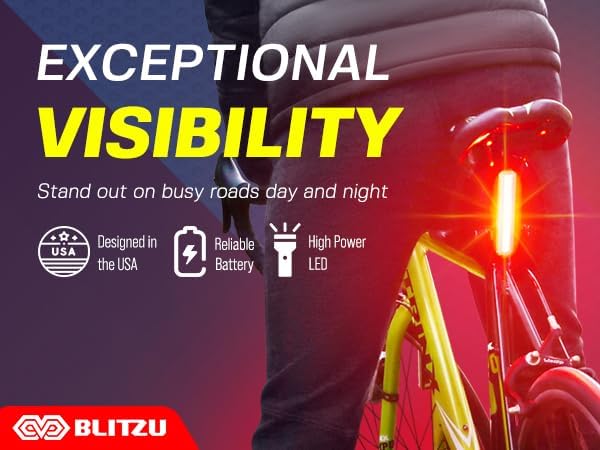
Image: The BLITZU Cyborg 168T light connected to a laptop for USB charging.
8. Penyelenggaraan
- Pembersihan: Lap cahaya dengan lembut, damp kain untuk menghilangkan kotoran dan serpihan. Elakkan menggunakan pembersih atau pelarut yang kasar.
- Storan: Store the light in a cool, dry place when not in use. If storing for an extended period, charge the battery periodically to maintain its health.
- Penjagaan Bateri: To prolong battery life, avoid fully discharging the battery frequently. Recharge when the indicator shows low battery.
9. Penyelesaian masalah
- Lampu tidak menyala: Pastikan bateri telah dicas. Tekan dan tahan butang kuasa selama 2 saat untuk mengaktifkannya.
- Lampu tidak dicas: Check the USB cable and power source connections. Ensure the charging port's rubber flap is fully open.
- Cahaya berkelip-kelip atau malap: The battery may be low. Recharge the light.
- Mounting issues: Ensure the rubber strap is correctly looped and secured into a notch for a tight fit.
10. Spesifikasi
| Ciri | Perincian |
|---|---|
| Jenama | BLITZU |
| Nama Model | Cyborg 168T |
| Kecerahan | 168 Lumen |
| Bilangan Tetapan | 6 |
| Sumber Kuasa | Dikuasakan Bateri |
| bahan | plastik |
| Tahap Ketahanan Air | Kalis Air (IPX4) |
| Berat Barang | 0.02 paun |
| Jenis Pemasangan | Frame Mount (Rubber Strap) |
| warna | merah |
11. Waranti & Sokongan
The BLITZU Cyborg 168T Rear Bike Light comes with a Waranti 1 Tahun from the date of purchase. This warranty covers manufacturing defects and material flaws under normal use. For warranty claims or technical support, please contact BLITZU customer service through their official webtapak atau peruncit tempat produk itu dibeli. Sila simpan bukti pembelian anda untuk pengesahan waranti.


