pengenalan
The Axis M3037-PVE is a compact network surveillance camera designed for versatile monitoring. It delivers high-quality images in various lighting conditions, including daylight and low-light environments. This camera supports multiple viewing modes such as 360° overview, panorama, double panorama, 270° corner, and quad views. It features full-duplex audio with echo cancellation and noise reduction, and integrates with IP phone systems via Session Initiation Protocol (SIP). The M3037-PVE also supports the AXIS Camera Application Platform, enabling advanced video analytics like people counting and cross-line detection to enhance situational awareness.
Kandungan Pakej
Sahkan bahawa semua komponen terdapat dalam pakej:
- Axis M3037-PVE Network Surveillance Camera (fixed dome, outdoor, vandal/weatherproof)
- Kit pemasangan
Persediaan
1. Pemasangan Fizikal
The Axis M3037-PVE camera is designed for wall mounting. Use the provided mounting kit to securely attach the camera to the desired location. Ensure the mounting surface is stable and can support the camera's weight.
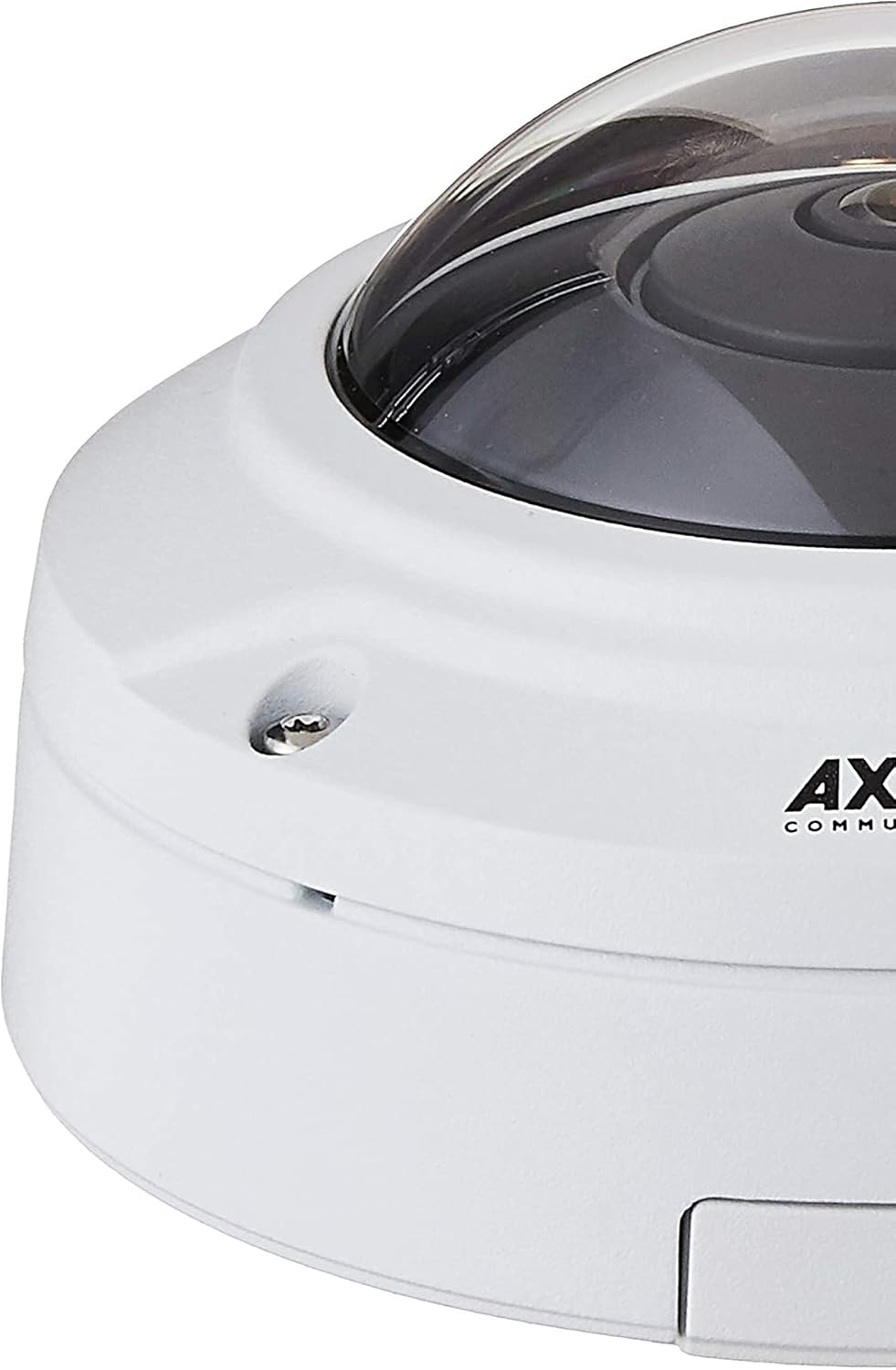
Rajah 1: Close-up of the camera's base, illustrating mounting points.
2. Sambungan Kuasa dan Rangkaian
The camera is powered via Power over Ethernet (PoE). Connect an Ethernet cable from a PoE-enabled switch or injector to the camera's network port. This single connection provides both power and network connectivity. The camera supports Wi-Fi for wireless communication, but a wired Ethernet connection is recommended for initial setup and stable operation.
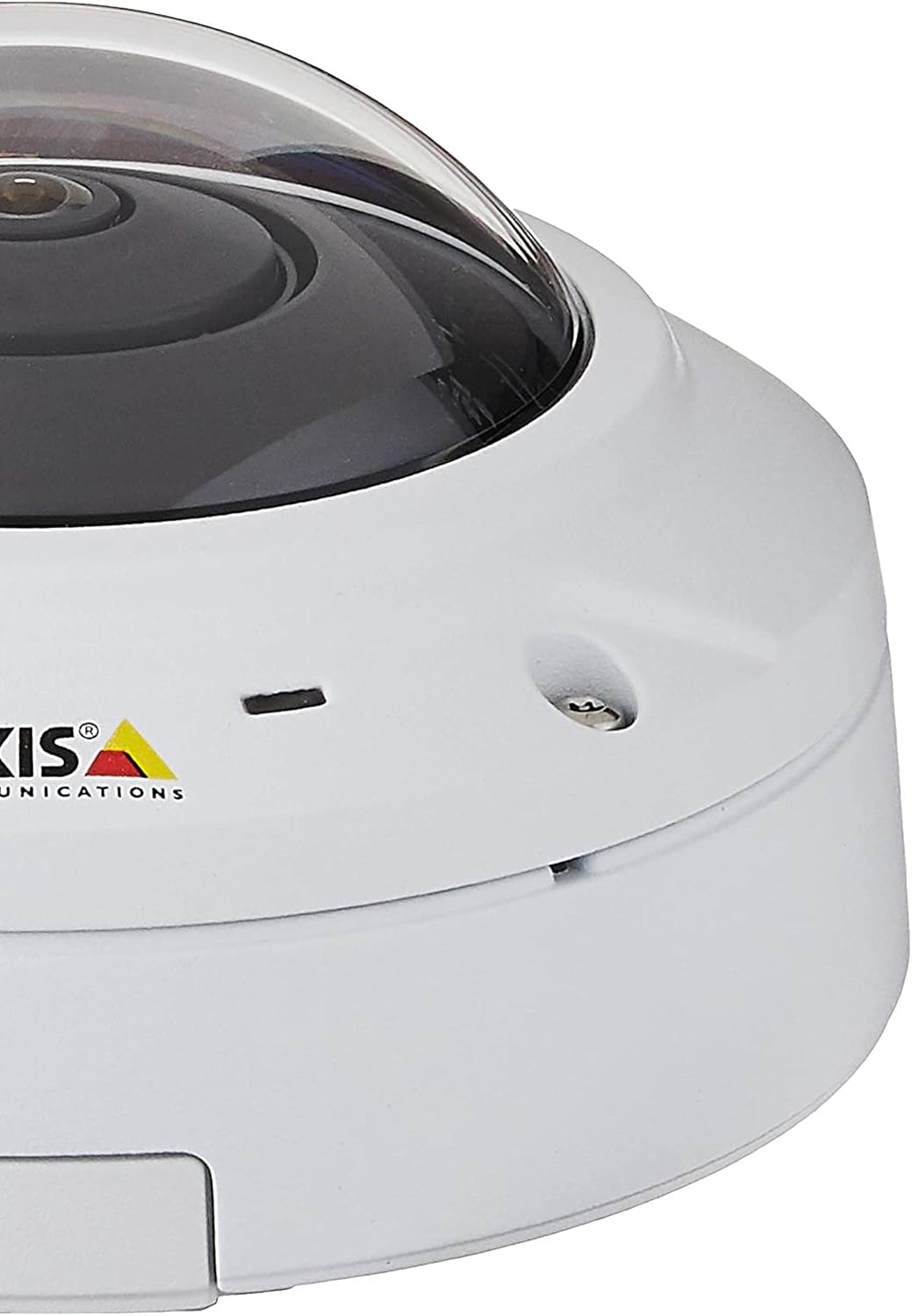
Rajah 2: sebelah view of the camera, highlighting connectivity options.
3. Konfigurasi Awal
Once powered, the camera will acquire an IP address. Use the Axis IP Utility or a network scanner to locate the camera on your network. Access the camera's web antara muka melalui a web browser using its IP address. Follow the on-screen prompts to set up administrator credentials and basic network settings.
Arahan Operasi
ViewMod Pengambilan
The M3037-PVE offers flexible viewpilihan pengambilan:
- 360° Overview: Provides a complete panoramic view daripada kawasan yang dipantau.
- Dewarped Views: The camera's fisheye lens captures a wide field of view, which can be digitally dewarped into various formats:
- Panorama: A wide, stretched view suitable for long corridors.
- Double Panorama: Two panoramic views sebelah menyebelah.
- 270° Corner: Optimized for corner installations.
- empat Views: Divides the 360° view into four distinct sections.
- Digital PTZ: Pan, Tilt, and Zoom digitally within any dewarped view to focus on specific areas of interest without mechanical movement.
- berbilangview Penstriman: Stream multiple dewarped views serentak.
Ciri Audio
The camera includes a built-in weather-proof speaker and microphone, supporting full-duplex audio communication. Echo cancellation and noise reduction features ensure clear audio. Session Initiation Protocol (SIP) support allows for integration with IP phone systems for two-way communication.
Analitis Video
Leverage the AXIS Camera Application Platform for advanced surveillance capabilities:
- Orang Mengira: Monitor the number of individuals entering or exiting an area.
- Cross-line Detection: Trigger alerts when an object crosses a predefined virtual line.
Kaedah Kawalan
The camera can be controlled via its web interface or through compatible surveillance management software and mobile applications.
Penyelenggaraan
Membersihkan Kamera
Regularly clean the camera's dome and lens to ensure optimal image clarity. Use a soft, damp cloth. Avoid abrasive cleaners or solvents that could damage the lens coating or housing.
Kemas kini Perisian Tegar
Periksa Komunikasi Axis secara berkala website for firmware updates. Keeping the camera's firmware up-to-date ensures access to the latest features, security patches, and performance improvements. Follow the instructions provided by Axis for firmware update procedures.
Pertimbangan Alam Sekitar
While the camera is weatherproof, ensure its mounting location does not expose it to extreme conditions beyond its operating specifications. Regularly inspect the mounting for stability and check cables for wear or damage.
Menyelesaikan masalah
No Power/No Image
- Verify the Ethernet cable is securely connected to both the camera and the PoE switch/injector.
- Pastikan suis/penyuntik PoE dihidupkan dan berfungsi dengan betul.
- Check if the PoE port on the switch is active and providing power.
Isu Ketersambungan Rangkaian
- Confirm the camera has a valid IP address. Use the Axis IP Utility to discover devices on the network.
- Check network cable integrity.
- Pastikan tiada konflik alamat IP pada rangkaian anda.
- If using Wi-Fi, verify the camera is connected to the correct network and the signal strength is adequate.
Kualiti Imej Lemah
- Clean the camera lens and dome.
- Adjust camera settings (e.g., exposure, white balance, resolution) via the web antara muka.
- Ensure sufficient lighting in the monitored area, especially for night vision performance.
- Periksa halangan dalam bidang kamera view.
Masalah Audio
- Verify audio settings are enabled in the camera's web antara muka.
- Check microphone and speaker volume levels.
- Ensure no physical obstructions are blocking the microphone or speaker.
Spesifikasi
| Ciri | Perincian |
|---|---|
| Nama Model | 0548-001 (M3037-PVE) |
| Jenama | Komunikasi Paksi |
| Faktor Bentuk | Kubah |
| Penggunaan Dalaman/Luar | Dalaman, Luaran |
| Teknologi Ketersambungan | Ethernet, Wi-Fi |
| Sumber Kuasa | PoE (Kuasa ke atas Ethernet) |
| Resolusi Tangkapan Video | 5 MP |
| Resolusi Video Berkesan | 5 MP |
| Bidang Dari View | 360 Darjah |
| Teknologi Cahaya Rendah | Siang/Malam |
| Audio | Built-in weather-proof speaker and microphone, full-duplex, echo cancellation, noise reduction, SIP support |
| Kaedah Kawalan | apl, Web Antara muka |
| Penilaian Perlindungan Antarabangsa | IP65 (Vandal/Weatherproof) |
| Dimensi Item (LxWxH) | 5.2 x 5.2 x 2.9 inci |
| Berat Barang | 1.63 paun |
| Voltage | 48 Volt |
| Wattage | 3.4 watt |
| Saiz Terpasang Memori Flash | 128 MB |
| Komponen yang Disertakan | Mounting kit, Network surveillance camera |

Rajah 3: Camera dimensions for installation planning.
Maklumat Waranti
The Axis M3037-PVE Network Surveillance Camera comes with a full manufacturer's warranty. For specific terms, conditions, and duration of the warranty, please refer to the official Axis Communications webtapak atau dokumentasi yang disertakan dengan pembelian anda. Simpan bukti pembelian anda untuk tuntutan waranti.
Nota: Any returns or warranty claims may require troubleshooting and a case number from Axis Communications support.
Sokongan
For technical assistance, product documentation, firmware downloads, or further inquiries, please visit the official Axis Communications support website. You can typically find detailed FAQs, troubleshooting guides, and contact information for customer support there.
Pengeluar: Komunikasi Paksi
Webtapak: www.axis.com


