1. Pengenalan
This manual provides detailed instructions for the proper use and maintenance of your Baseus H08 Immersive Virtual 3D Gaming Headset. Please read this manual thoroughly before using the product to ensure optimal performance and safety. Keep this manual for future reference.
2. Maklumat Keselamatan
- Perlindungan Pendengaran: Avoid using the headset at high volume levels for extended periods to prevent hearing damage.
- Keadaan Persekitaran: Jangan dedahkan alat dengar kepada suhu, kelembapan atau cahaya matahari langsung yang melampau.
- Pembersihan: Use a soft, dry cloth for cleaning. Avoid liquid cleaners or abrasive materials.
- Pembongkaran: Jangan cuba membuka atau mengubah suai alat dengar. Ini boleh membatalkan jaminan dan menyebabkan kerosakan.
- Kanak-kanak: Keep the headset and its accessories out of reach of small children to prevent choking hazards.
3. Kandungan Pakej
Sahkan bahawa semua item terdapat dalam pakej:
- Baseus H08 Immersive Virtual 3D Gaming Headset
- Kabel Audio 3.5mm
- Membawa Sarung
- Manual Pengguna (dokumen ini)
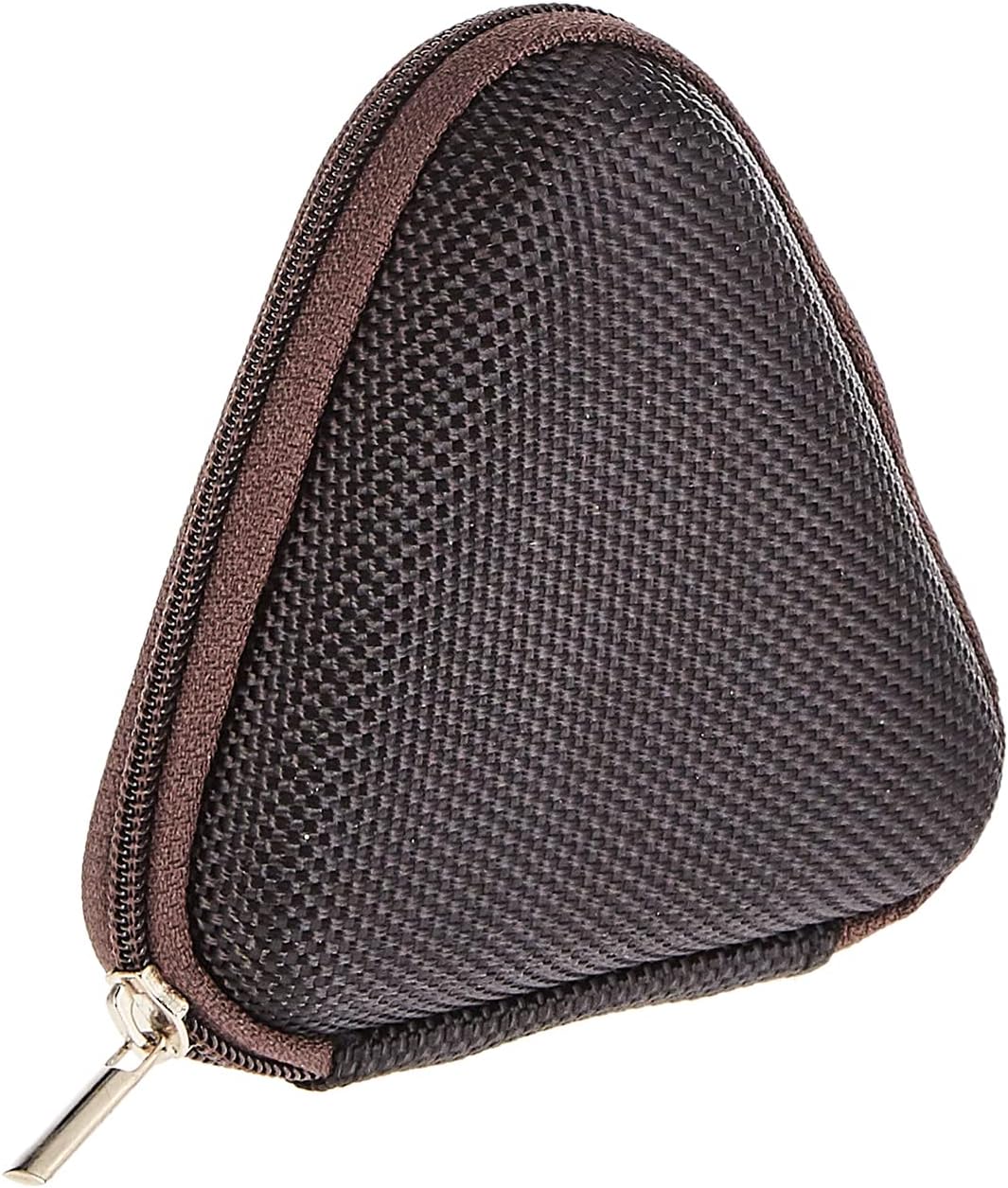
Image: The included triangular carrying case, designed for protecting and transporting the headset.
4. Produk Lebihview
The Baseus H08 headset is designed for an immersive gaming audio experience. It features a comfortable over-ear design and integrated controls.

Image: The Baseus H08 Immersive Virtual 3D Gaming Headset, showcasing reka bentuk dan komponennya.
Komponen:
- Earcup: Padded earcups for comfort and sound isolation.
- ikat kepala: Adjustable headband for a secure fit.
- mikrofon: Integrated microphone for communication.
- Kabel Audio: Detachable 3.5mm audio cable for connection to devices.
- Kawalan Kelantangan: In-line or earcup-mounted volume adjustment.
5. Persediaan
- Bongkar: Carefully remove the headset and all accessories from the packaging.
- Sambungkan Kabel Audio: Insert the 3.5mm audio jack into the corresponding port on your gaming device (PC, console controller, smartphone, etc.). Ensure the connection is secure.
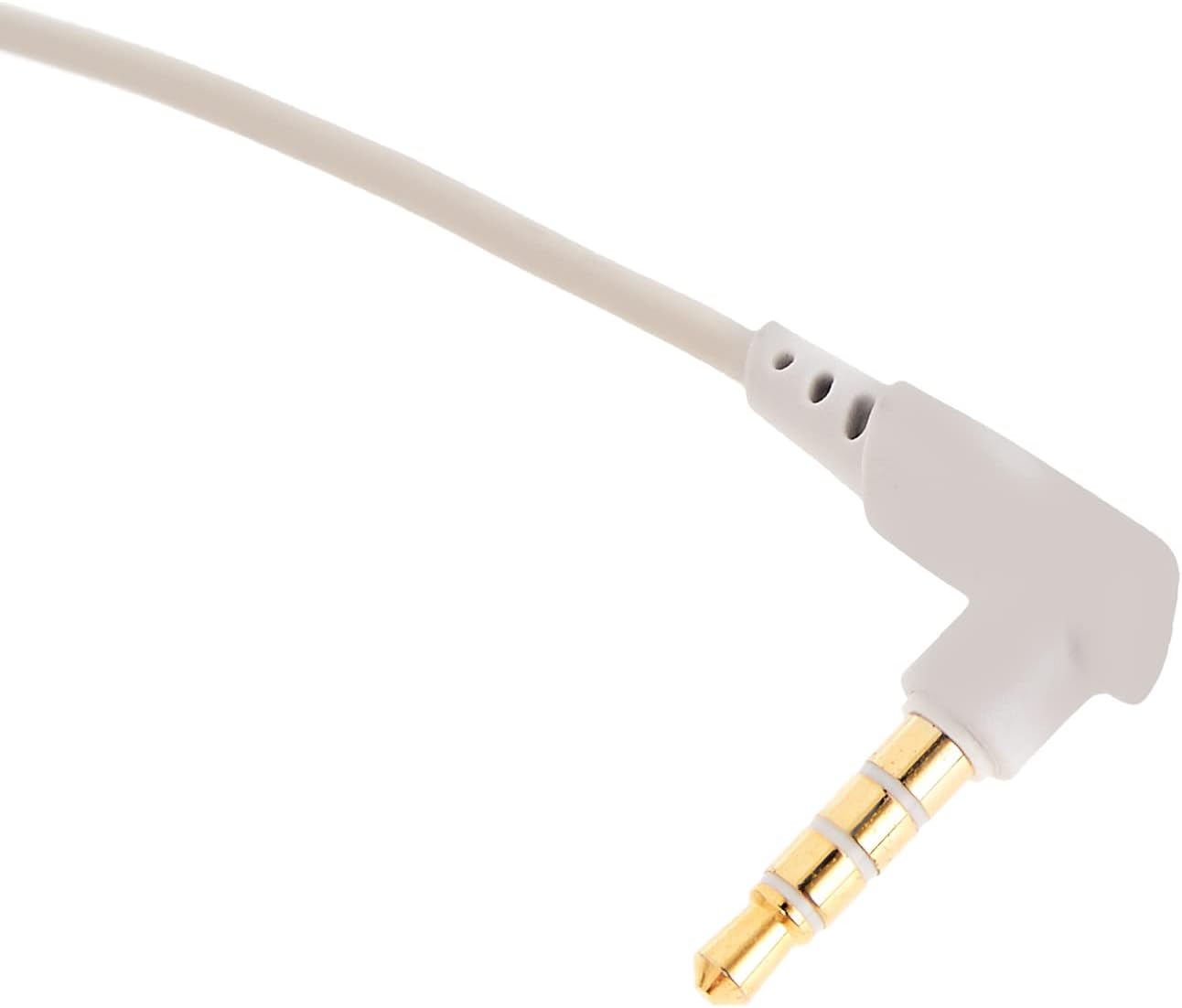
Imej: Dari dekat view of the 3.5mm audio jack, used for connecting the headset to compatible devices.
- Laraskan Alat dengar: Place the headset on your head and adjust the headband for a comfortable and secure fit. Position the earcups over your ears.
- Kedudukan Mikrofon: If the microphone is adjustable, position it appropriately for clear voice capture, typically near the corner of your mouth.
6. Arahan Operasi
- Kawalan Kelantangan: Use the integrated volume control (if present on the cable or earcup) to adjust the audio output level. Rotate or slide the control to increase or decrease volume.
- Redam Mikrofon: If your headset features a microphone mute switch, use it to toggle the microphone on or off as needed during gameplay or calls.
- Virtual 3D Sound: The headset provides an immersive virtual 3D sound experience. This feature is typically active upon connection and enhances spatial audio cues in compatible games. No specific activation is usually required unless indicated by your device's audio settings.
7. Penyelenggaraan
- Pembersihan: Lap alat dengar dengan kain lembut, kering dan tidak berbulu. Jangan gunakan bahan kimia yang keras, pelarut pembersih atau detergen yang kuat.
- Storan: When not in use, store the headset in its carrying case to protect it from dust, scratches, and physical damage. Keep it in a cool, dry place.
- Penjagaan Kabel: Avoid sharp bends or excessive pulling on the audio cable to prevent internal damage.
8. Penyelesaian masalah
Isu dan Penyelesaian Biasa:
- Tiada Bunyi:
- Ensure the 3.5mm audio cable is fully plugged into both the headset and your device.
- Check the volume control on the headset and your device to ensure it is not muted or set too low.
- Sahkan bahawa peranti output audio yang betul dipilih dalam tetapan bunyi peranti anda.
- Kualiti Bunyi Lemah:
- Periksa sambungan yang longgar.
- Uji set kepala dengan peranti lain untuk menolak isu khusus peranti.
- Pastikan sumber audio adalah berkualiti.
- Mikrofon Tidak Berfungsi:
- Pastikan mikrofon tidak diredamkan (jika berkenaan).
- Semak tetapan bunyi peranti anda untuk memastikan mikrofon alat dengar dipilih sebagai peranti input.
- Uji mikrofon dengan aplikasi atau peranti lain.
- Ketidakselesaan Semasa Penggunaan:
- Adjust the headband and earcup positions for a better fit.
- Take breaks during long gaming sessions.
9. Spesifikasi
| Ciri | Perincian |
|---|---|
| Jenama | Baseus |
| Nama Model | NGH08-2G |
| Nombor Model Item | B012LZLE1U |
| Dimensi Produk | 5 x 3 x 10 cm |
| Berat Barang | 200 gram |
| warna | Putih + Kelabu |
| Jenis Kawalan | Kawalan Kelantangan |
| Bilangan Item | 1 |
| Kegunaan Produk Khusus | Tidak tersedia |
| Faktor Bentuk Fon Kepala | Tidak tersedia |
| Bicu Fon Kepala | Tidak tersedia |
| Teknologi Ketersambungan | Tidak tersedia |
| Teknologi Komunikasi Tanpa Wayar | Tidak tersedia |
| Komponen yang Disertakan | Tidak tersedia |
| Julat Umur (Perihalan) | Tidak tersedia |
| bahan | Tidak tersedia |
10. Waranti dan Sokongan
For warranty information and technical support, please refer to the warranty card included with your product or visit the official Baseus weblaman web. Anda juga boleh menghubungi peruncit tempat anda membeli produk tersebut untuk mendapatkan bantuan.
Rasmi Baseus Webtapak: www.baseus.com


