1. Pengenalan
This manual provides essential information for the setup, operation, maintenance, and troubleshooting of your PlayStation 4 Console, Model CUH-1001A. The PlayStation 4 is a home video game console developed by Sony Interactive Entertainment, featuring an integrated AMD Jaguar processor, 8 GB of RAM, and a 500 GB internal storage drive. It supports both wired and wireless internet connectivity and includes a Blu-ray Disc/DVD drive for physical media.
The console comes equipped with a DualShock 4 Wireless Controller, Model CUH-ZCT1U, designed for enhanced gaming interaction. Please read this manual thoroughly to ensure proper use and to maximize your gaming experience.
2. Kandungan Pakej
Sahkan bahawa semua item yang disenaraikan di bawah disertakan dalam pakej anda:
- PlayStation 4 Console (Model CUH-1001A)
- DualShock 4 Wireless Controller (Model CUH-ZCT1U)
- Kabel HDMI
- Kord Kuasa
- USB Charging Cable for Controller
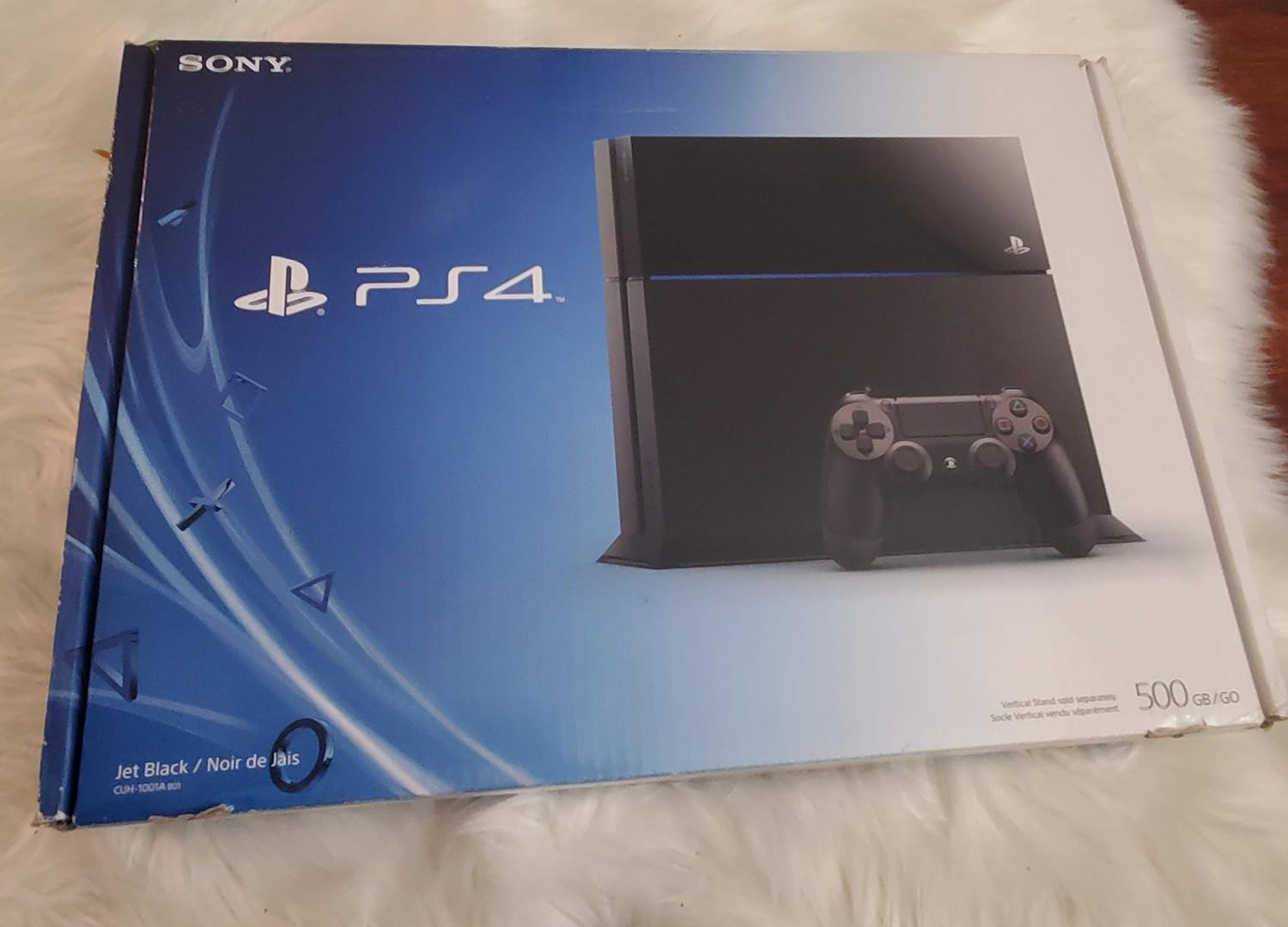
Image 2.1: PlayStation 4 Console and DualShock 4 Controller.

Image 2.2: PlayStation 4 Console with included accessories such as cables and controller.
3. Persediaan
3.1 Menyambungkan Konsol
- Letakkan Konsol: Position your PlayStation 4 Console on a flat, stable surface with adequate ventilation. Ensure there is sufficient space around the console for airflow.
- Sambung ke TV: Connect one end of the supplied HDMI cable to the HDMI OUT port on the back of the PS4 console and the other end to an HDMI input on your television.
- Sambungkan Kuasa: Insert the power cord into the AC IN connector on the back of the PS4 console, then plug the other end into a wall outlet.
3.2 Connecting the DualShock 4 Wireless Controller
- Sambungkan Pengawal: Use the supplied USB charging cable to connect the DualShock 4 controller to a USB port on the front of the PS4 console.
- Pengawal Pasangan: Press the PlayStation button (PS button) on the controller. The controller will pair with the console and the light bar will glow.
3.3 Persediaan Sistem Permulaan
Upon first power-on, follow the on-screen instructions to complete the initial system setup, which includes language selection, internet connection setup (Wi-Fi or Ethernet), date and time settings, and user profile ciptaan.
4. Arahan Operasi
4.1 Menghidupkan/Mematikan
- Untuk Menghidupkan: Press the power button on the front of the console or the PS button on a paired controller.
- Untuk Mematikan: From the function screen, select (Kuasa) > Matikan PS4. Alternatively, press and hold the power button on the console for at least 7 seconds until the system beeps twice.
- Mod Rehat: From the function screen, select (Kuasa) > Masukkan Mod Rehat.
4.2 Menavigasi Antara Muka Pengguna
Use the DualShock 4 controller's directional buttons or left analog stick to navigate the PS4's home screen. The X button typically confirms selections, and the O button cancels or goes back.
4.3 Memasukkan dan Mengeluar Cakera
- Untuk memasukkan: Gently slide a Blu-ray Disc or DVD into the disc slot on the front of the console with the label side facing up. The system will automatically pull the disc in.
- Untuk Mengeluarkan: Select the disc icon from the home screen and press the OPTIONS button, then select Cakera Keluarkan. Alternatively, press the eject button on the front of the console.
4.4 DualShock 4 Wireless Controller Usage
- mengecas: Connect the controller to the PS4 console using the USB charging cable. The light bar will slowly blink orange while charging and turn off when fully charged.
- ciri-ciri: The controller features a six-axis motion sensor, improved vibration, a clickable touchpad, dual analog sticks, and pressure-sensitive buttons.
5. Penyelenggaraan
5.1 Membersihkan Konsol
Regularly clean the console to prevent dust buildup, which can affect performance. Use a soft, dry cloth to wipe the exterior. Do not use liquid cleaners or abrasive materials. Ensure ventilation ports are clear of obstructions.
5.2 Kemas Kini Perisian
Keep your PS4 system software updated to the latest version for optimal performance and access to new features. Updates can be downloaded automatically when connected to the internet or manually via the system settings.
5.3 Hard Drive Replacement
The 2.5-inch 500 GB hard drive in your PS4 console is replaceable. Refer to the official PlayStation support website for detailed instructions if you wish to upgrade or replace the internal storage drive. Improper replacement can void your warranty.
6. Penyelesaian masalah
If you encounter issues with your PlayStation 4 Console, try the following common troubleshooting steps:
- Tiada Kuasa: Ensure the power cord is securely connected to both the console and a working electrical outlet. Try a different outlet.
- Tiada Output Video: Verify that the HDMI cable is firmly connected to both the console and the TV. Ensure your TV is set to the correct HDMI input. Try a different HDMI cable or port.
- Pengawal Tidak Menjawab: Ensure the controller is charged. Reconnect the controller to the console with the USB cable and press the PS button to re-pair it.
- Isu Sambungan Rangkaian: Check your internet router and modem. For Wi-Fi, ensure the console is within range. For wired connections, check the Ethernet cable. You can test your internet connection in the PS4's network settings.
- Sistem Membeku/Ranap: Try restarting the console. If the issue persists, consider rebuilding the database from Safe Mode (power off the console, then press and hold the power button until you hear two beeps).
For more detailed troubleshooting guides and support, please visit the official PlayStation support webtapak.
7. Spesifikasi
| Ciri | Perincian |
|---|---|
| Nombor Model | CUH-1001A |
| Kapasiti Storan | 500 GB HDD (replaceable 2.5-inch) |
| Pemproses | AMD 'Jaguar' x86-64, 8 Cores |
| Pemproses Grafik | 1.84 TFLOPS, AMD Radeon™ based graphics engine |
| Ingatan | 8 GB GDDR5 |
| Pemacu Optik | Blu-ray Disc / DVD Drive |
| Ketersambungan | Ethernet (10BASE-T, 100BASE-TX, 1000BASE-T), Wi-Fi (IEEE 802.11 b/g/n), Bluetooth 2.1 (EDR) |
| Pelabuhan | HDMI OUT, Digital Out (optical), USB 3.0 (x2), AUX port |
| Dimensi (Anggaran) | 22 x 20 x 9 inci (55.88 x 50.8 x 22.86 cm) |
| Berat (Anggaran) | 7.93 paun (3.6 kg) |

Imej 7.1: Belakang view of PlayStation 4 Console, illustrating various ports for connectivity.
8. Waranti dan Sokongan
For information regarding the product warranty, please refer to the warranty card included with your console or visit the official PlayStation website. For additional support, including frequently asked questions, software updates, and service information, please visit the official PlayStation support portal:


