1. Pengenalan
The Parrot Airborne Night MiniDrone is a compact and agile quadcopter designed for both indoor and outdoor flight, featuring integrated headlights for night operation. This manual provides essential information for setting up, operating, and maintaining your MiniDrone to ensure optimal performance and safety.
Ciri-ciri utama termasuk:
- Integrated VGA camera (480x640 resolution) with 1GB flash memory for aerial photos.
- Two powerful headlights with adjustable intensity and multiple modes (Flash, Blink, Light Wave).
- Reka bentuk tahan kejutan dan tahan lama.
- Control via smartphone or tablet using the FreeFlight 3 app.
- Propeller circuit breaker for enhanced safety upon impact.
2. Apa yang ada di dalam Kotak
Sahkan bahawa semua komponen terdapat dalam pakej anda:
- Parrot Airborne Night MiniDrone
- Rechargeable Lithium Polymer Battery (550mAh)
- Kabel Pengecasan USB (tidak disenaraikan secara eksplisit tetapi tersirat untuk pengecasan)
- Propeller Guards (often included for protection)

Image: The Parrot Airborne Night MiniDrone SWAT, shown alongside its retail packaging.
3. Persediaan
3.1. Mengecas Bateri
Before first use, fully charge the drone's battery. The included 550mAh Lithium Polymer battery provides up to 9 minutes of flight time and recharges in approximately 25 minutes when using a 2.6A charger (charger not included).
- Connect the battery to the drone or a compatible charger using the USB cable.
- Plug the USB cable into a power source (e.g., computer USB port, USB wall adapter).
- The charging indicator will show the charging status. Refer to the drone's LED indicators for specific charging signals.
3.2. Installing the FreeFlight 3 App
The Parrot Airborne Night MiniDrone is controlled via a smartphone or tablet. Download the FreeFlight 3 app from your device's app store (iOS or Android).
- Cari untuk "FreeFlight 3" in the App Store or Google Play Store.
- Muat turun dan pasang aplikasi.
3.3. Pairing the MiniDrone
Pastikan Bluetooth telefon pintar atau tablet anda diaktifkan.
- Turn on the MiniDrone.
- Open the FreeFlight 3 app on your device.
- The app will automatically detect and connect to the MiniDrone via Bluetooth. Follow any on-screen prompts to complete the pairing process.

Imej: Atas ke bawah view of the Parrot Airborne Night MiniDrone SWAT, illustrating its compact design and propeller guards.
4. Operating the MiniDrone
4.1. Kawalan Asas Penerbangan
Control the MiniDrone using the virtual joysticks and buttons within the FreeFlight 3 app. Familiarize yourself with the controls in an open, safe area before attempting complex maneuvers.
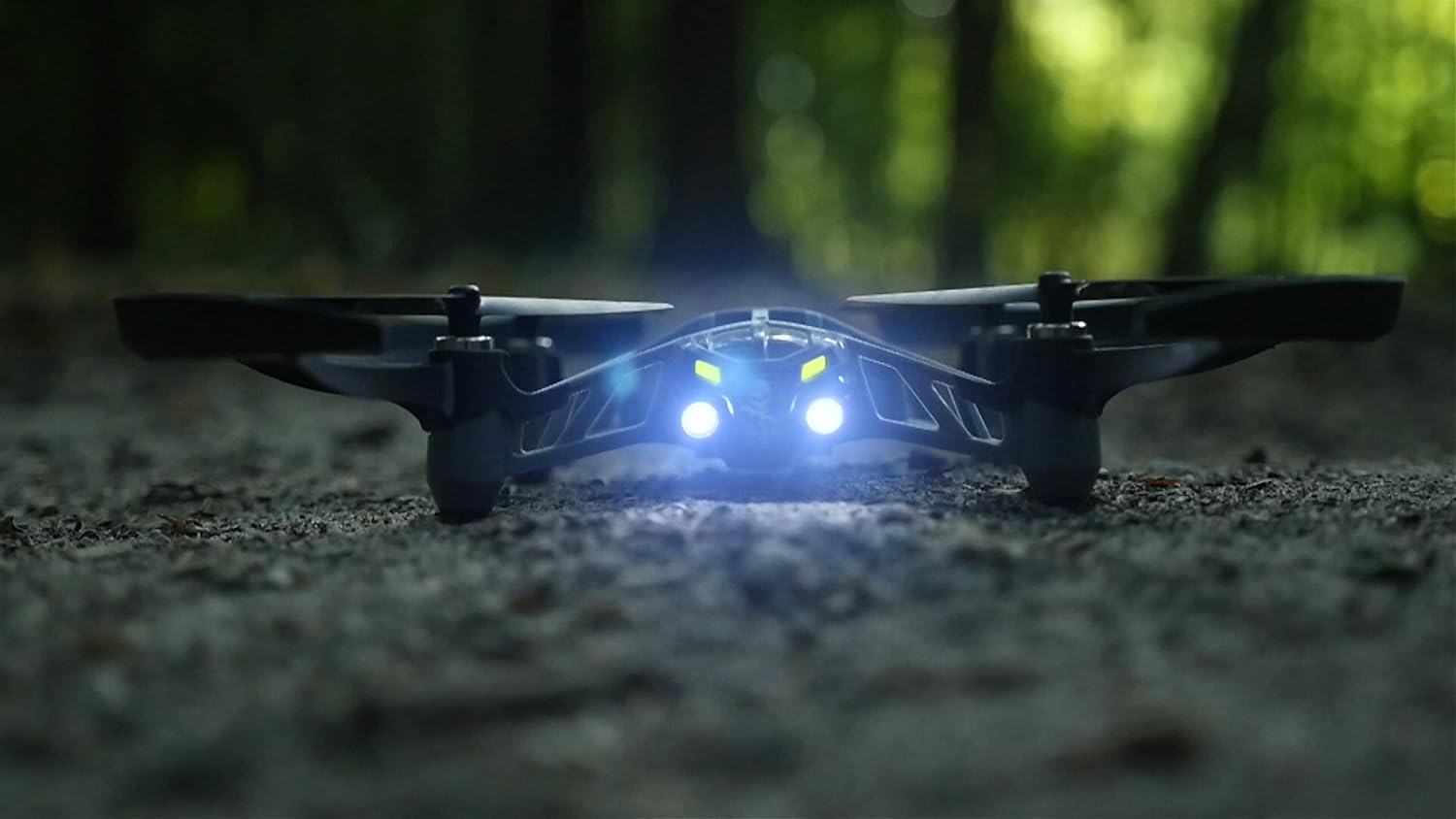
Image: The Parrot Airborne Night MiniDrone SWAT in flight, demonstrating its agility.
4.2. Night Flight and Headlights
The MiniDrone is equipped with two powerful headlights for night exploration. These lights can be adjusted for intensity and feature different modes.
- Laraskan Intensiti: Use the app to control the brightness of the headlights.
- Mod Cahaya: Select from Flash, Blink, or Light Wave modes for various effects or signaling.

Imej: Depan view of the Parrot Airborne Night MiniDrone SWAT with its powerful headlights illuminated, ideal for night operations.
4.3. Taking Aerial Photos
The built-in VGA camera (480x640) allows you to capture aerial photos directly to the drone's 1GB flash memory.
- During flight, use the camera icon in the FreeFlight 3 app to take a photo.
- Photos are saved internally and can be transferred to your device later.

Imej: Bawah view of the Parrot Airborne Night MiniDrone SWAT, highlighting the location of the integrated VGA camera.
4.4. Ciri-ciri Keselamatan
The MiniDrone includes a propeller circuit breaker. In case of contact with an object, the propellers will automatically stop to reduce potential damage to the drone and surroundings.
4.5. Video Produk Rasmi
Video: An official demonstration of the Parrot Airborne Night MiniDrone, showcasing its flight capabilities and features.
5. Penyelenggaraan
5.1. Penjagaan Bateri
- Always use the recommended charging methods.
- Jangan cas berlebihan atau habiskan bateri sepenuhnya.
- Simpan bateri di tempat yang sejuk dan kering apabila tidak digunakan.
5.2. Pembersihan
Gently clean the drone's body and propellers with a soft, dry cloth. Avoid using liquids or harsh chemicals.
5.3. Penggantian Baling-Baling
In case of damage, propellers can be replaced. Ensure new propellers are installed correctly, matching their designated positions (e.g., 'A' and 'B' types if marked) to maintain proper flight stability.
6. Penyelesaian masalah
6.1. Drone Not Connecting to App
- Ensure the drone is powered on and the battery is charged.
- Verify Bluetooth is enabled on your smartphone/tablet.
- Restart both the drone and the app.
- Move closer to the drone to ensure a strong Bluetooth signal.
6.2. Unstable Flight
- Check propellers for damage or debris. Replace any damaged propellers.
- Ensure propellers are installed correctly.
- Calibrate the drone through the FreeFlight 3 app if available.
- Avoid flying in windy conditions.
6.3. Poor Camera Quality
- Pastikan kanta kamera bersih dan bebas daripada sebarang kesan kotoran.
- Optimal lighting conditions are required for best photo results.
- The camera resolution is VGA (480x640), which is standard for this model.
7. Spesifikasi
| Jenama | burung kakak tua |
| Nama Model | PF723100 |
| Ciri Khas | Adjustable headlights for night flight and secret code communication, built-in VGA camera with 1GB flash memory |
| Julat Umur (Perihalan) | Dewasa |
| warna | Swat |
| Resolusi Tangkapan Video | 480p |
| Teknologi Ketersambungan | Bluetooth |
| Komponen yang Disertakan | Battery, Camera |
| Berat Barang | 2.24 auns |
| Kapasiti Bateri | 550 Miliamp jam |
| Format Tangkapan Video | MP4 |
| Teknologi Kawalan Jauh | Bluetooth |
| Jenis Kawalan | Kawalan |
| bahan | Nilon, Plastik |
| Teknologi Komunikasi Tanpa Wayar | Bluetooth |
| Komposisi Sel Bateri | Polimer Litium |
| Adakah Bateri Termasuk | ya |
| Format Gambar yang Disokong | JPEG |
| Resolusi Keluaran Video | 480p |
| Alat Kawalan Jauh Termasuk? | Tidak |
| Teknologi Penderia Optik | CMOS |
| Termasuk Bateri Boleh Dicas Semula | ya |
| Pengeluar | Parrot Inc. |
| Dimensi Produk | 7.28 x 7.08 x 1.57 inci |
| ASIN | B0111O7VBO |
| Nombor model item | PF723100 |
| Bateri | 1 Bateri Litium Polimer diperlukan. (termasuk) |
| Dihentikan Oleh Pengilang | Tidak |
8. Waranti dan Sokongan
The Parrot Airborne Night MiniDrone is covered by a manufacturer's warranty. For specific warranty terms, duration, and conditions, please refer to the documentation included with your product or visit the official Parrot webtapak.
For technical support, troubleshooting assistance beyond this manual, or to inquire about replacement parts, please contact Parrot customer service through their official support channels. Keep your purchase receipt and product model number (PF723100) readily available when seeking support.


