1. Pengenalan
The Rowin LT-23 is a compact and versatile clip-on digital tuner designed for a wide range of string instruments. It offers precise tuning with a clear LCD display and a sensitive vibration clip, making it suitable for guitar, bass, ukulele, chromatic, and violin tuning.
2. Ciri-ciri Produk
- Clear LCD screen with backlight for easy viewing.
- 360-degree rotatable clip for optimal viewsudut-sudut.
- High-precision detection and sensitive vibration clip for accurate tuning.
- Multiple tuning modes: Chromatic, Guitar, Bass, Violin, Ukulele.
- A4 Calibration: 440Hz.
- Detection Range: A0 (27.5Hz) to C8 (4186.00Hz).
- Reka bentuk padat dan ringan.
3. Kandungan Pakej
The Rowin LT-23 package includes:
- 1 x Rowin LT-23 Digital Tuner
- 1 x Bateri CR2032
- 1 x Manual Pengguna
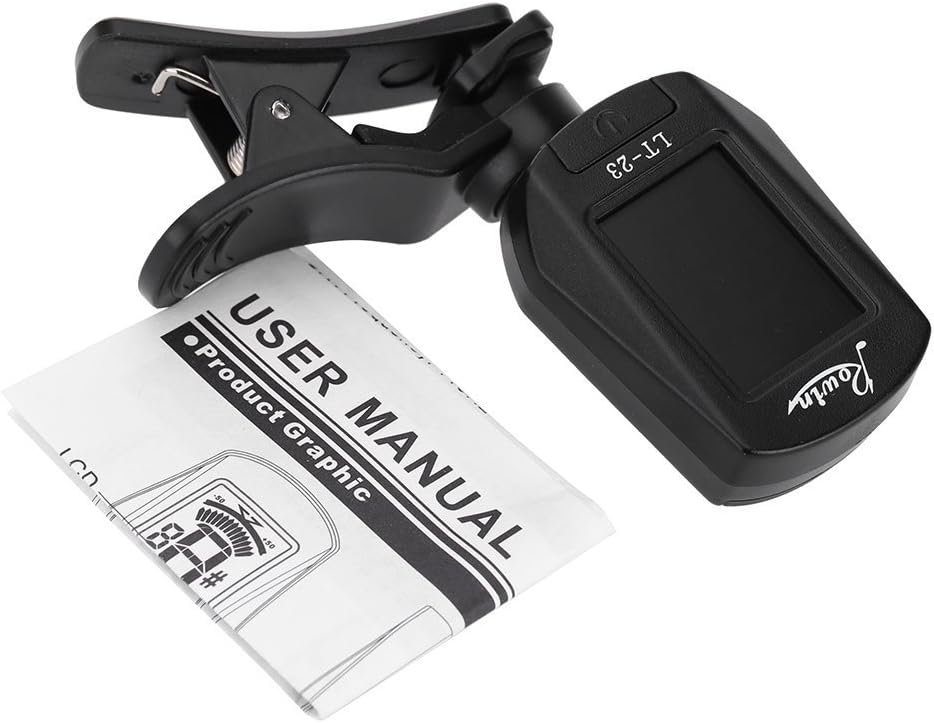
Image: The Rowin LT-23 tuner shown alongside its included user manual.
4. Persediaan
4.1 Pemasangan Bateri
- Cari petak bateri di bahagian belakang penala.
- Luncurkan buka penutup bateri.
- Masukkan satu bateri CR2032 dengan sisi positif (+) menghadap ke atas.
- Tutup penutup bateri dengan selamat.

Imej: View of the Rowin LT-23 tuner with the battery compartment open, showing where to insert the CR2032 battery.
4.2 Memasang Penala
The LT-23 features a clip-on design for easy attachment to your instrument's headstock or other suitable vibrating part.
- Open the clip by pressing the two ends together.
- Attach the tuner securely to the headstock of your guitar, bass, ukulele, or violin. Ensure it is firmly attached to pick up vibrations effectively.
- Adjust the tuner's display angle using its 360-degree swivel clamp untuk penglihatan yang optimum.
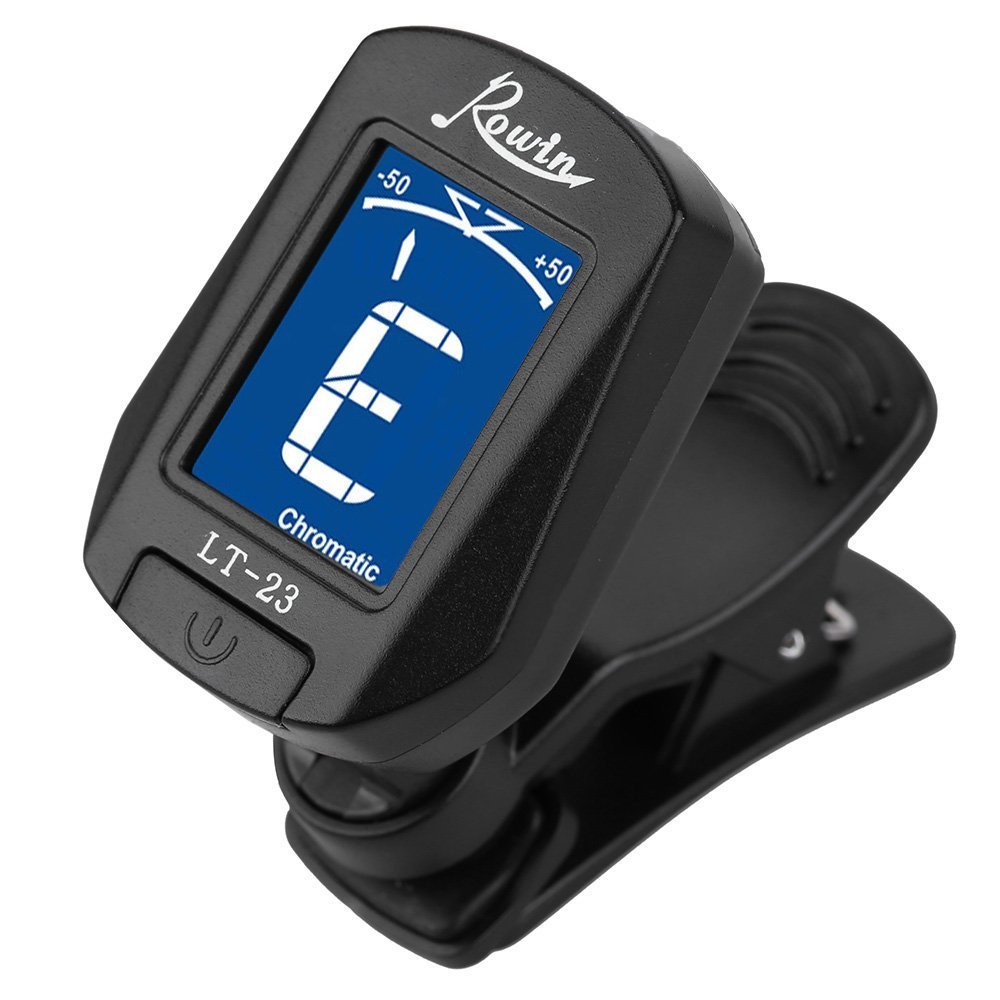
Image: The Rowin LT-23 tuner in its clipped position, ready for use.
5. Operasi
5.1 Hidupkan/Mati Kuasa
- To power on, press and hold the power button (usually marked with a power symbol) located on the front of the tuner.
- To power off, press and hold the power button again. The tuner will also auto-power off after a few minutes of inactivity to conserve battery life.
5.2 Memilih Mod Penalaan
After powering on, the tuner will display the current tuning mode. To cycle through the available modes (Chromatic, Guitar, Bass, Violin, Ukulele):
- Short press the power button. Each short press will advance to the next tuning mode.
- Select the mode appropriate for your instrument. The selected mode will be indicated on the LCD screen.

Image: Close-up of the Rowin LT-23 tuner's LCD display, showing the tuning interface and mode selection.
5.3 Menala Instrumen Anda
- Ensure the tuner is securely clipped to your instrument and powered on, with the correct tuning mode selected.
- Pluck a single string on your instrument. The tuner will detect the vibration and display the note name on the LCD screen.
- The display will show a needle or indicator:
- If the note is flat, the indicator will be to the left of the center.
- If the note is sharp, the indicator will be to the right of the center.
- Adjust your instrument's tuning peg until the indicator is centered.
- When the note is in tune, the LCD backlight will typically change color (e.g., from blue to green) and the indicator will be perfectly centered.
- Repeat this process for all strings until your instrument is fully tuned.
6. Penyelenggaraan
- Pembersihan: Use a soft, dry cloth to clean the tuner. Do not use liquid cleaners or solvents.
- Storan: Store the tuner in a dry place away from extreme temperatures and direct sunlight.
- Penggantian Bateri: When the display becomes dim or the tuner stops responding, replace the CR2032 battery as described in the "Battery Installation" section. Remove the battery if the tuner will not be used for an extended period to prevent leakage.
7. Penyelesaian masalah
- Penala tidak dihidupkan:
- Check if the battery is inserted correctly with the positive (+) side up.
- Gantikan bateri CR2032 dengan yang baharu.
- Ensure the battery contact pins are not bent or obstructed.
- Tuner is not detecting notes accurately:
- Ensure the tuner is securely clipped to a vibrating part of the instrument, such as the headstock.
- Make sure there is no excessive background noise that could interfere with detection.
- Verify that the correct tuning mode (e.g., Guitar for guitar) is selected.
- Difficulty tuning low notes (e.g., low E string on bass):
- Ensure the tuner is firmly attached and the instrument is producing a clear, sustained note.
- Try plucking the string more forcefully or closer to the bridge to enhance vibration.
8. Spesifikasi
| Item Penalaan | Kromatik, Gitar, Bes, Violin, Ukulele |
| A4 Calibration | 440Hz |
| Julat Pengesanan | A0 (27.5Hz) ~ C8 (4186.00Hz) |
| Bekalan Kuasa | 3V (CR2032 Lithium Battery) |
| Dimensi Produk | 11.99 x 5.99 x 5 cm |
| Berat Barang | 40.8 g |
| Nombor Model | LT-23 |
9. Waranti dan Sokongan
This product comes with a 12-month money-back guarantee. For any questions or support needs, please refer to the contact information provided with your purchase or visit the official Rowin webtapak.


