1. Pengenalan
This manual provides essential information for the safe and efficient operation of your Haier 40E3500 40-inch 1080P LED HDTV. Please read these instructions thoroughly before using your television and retain them for future reference.
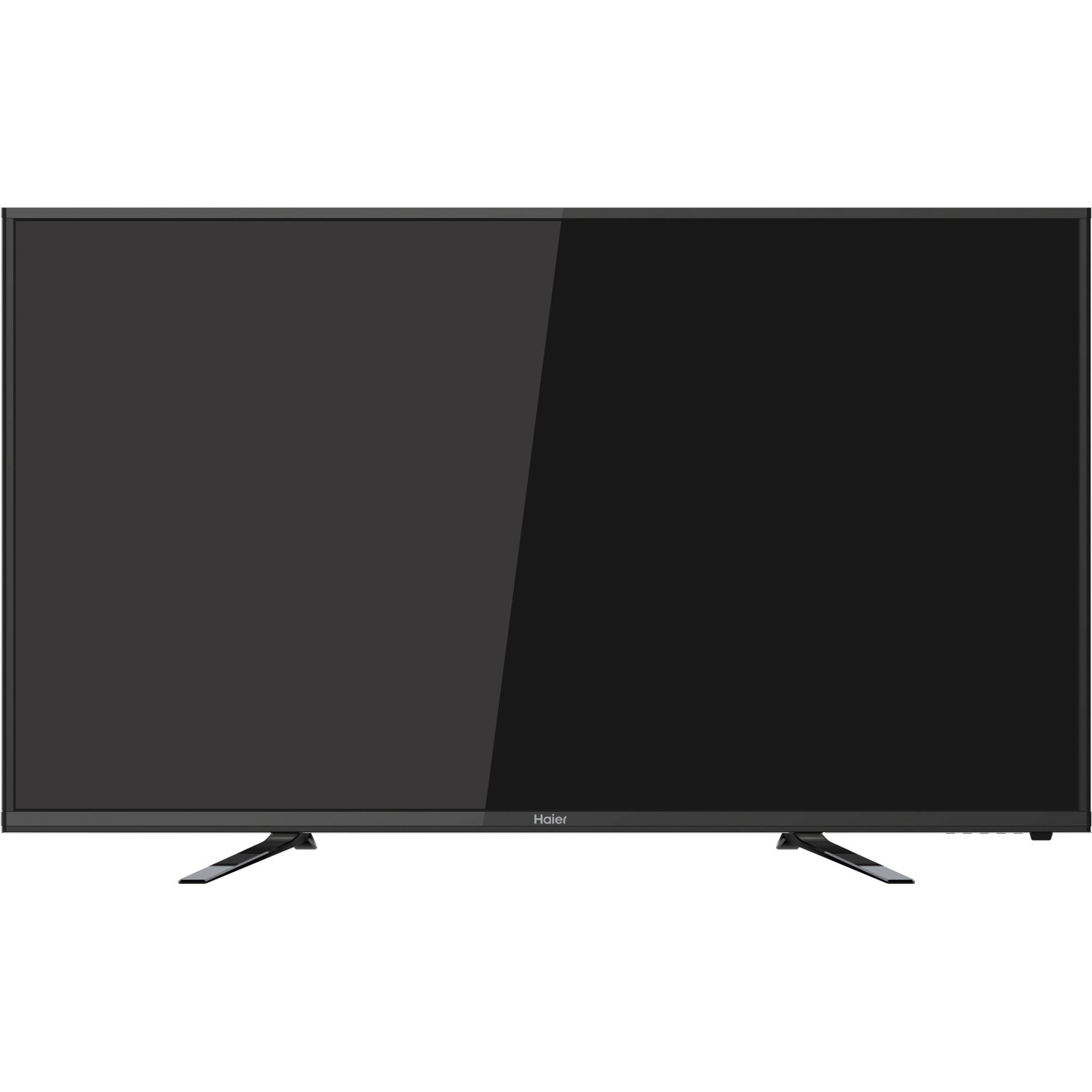
Imej: Depan view of the Haier 40E3500 40-inch LED HDTV, showcasing its slim frame and display.
2. Persediaan
2.1 Membongkar dan Kandungan
Keluarkan televisyen dari pembungkusannya dengan berhati-hati. Pastikan semua komponen ada:
- Haier 40E3500 Television Unit
- Pendirian TV
- Alat Kawalan Jauh (dengan bateri)
- Kord Kuasa
- Manual Pengguna (dokumen ini)
2.2 Memasang Stand
Place the TV screen face down on a soft, clean surface to prevent scratches. Align the stand with the mounting holes on the bottom of the television. Secure the stand using the provided screws. Ensure the stand is firmly attached before placing the TV upright.
2.3 Pemasangan Dinding (Pilihan)
If wall mounting, consult a professional installer. Note that this TV model may use smaller mounting screws than some other TV sets of similar size. Ensure compatible mounting hardware is used.
2.4 Kuasa Penyambung
Connect the power cord to the TV's power input, then plug the other end into a standard AC outlet.
2.5 Menyambung Peranti Luaran
Your Haier 40E3500 HDTV offers multiple connectivity options:
- Port HDMI (x3): For high-definition audio and video sources such as Blu-ray players, game consoles, and cable/satellite boxes. One HDMI port is MHL (Mobile High-Definition Link) enabled, allowing connection of compatible smartphones, tablets, or streaming sticks.
- Port USB (x1): Untuk menyambungkan peranti storan USB untuk memainkan media files.
- Input Video Komponen: Untuk menyambungkan peranti menggunakan kabel video komponen.
- Input Video Komposit: For connecting devices using composite video cables.
- Input RF: Untuk menyambungkan antena atau suapan TV kabel.
Ensure the TV is powered off before connecting or disconnecting any devices.
3. Arahan Operasi
3.1 Wizard Persediaan Awal
Sebaik sahaja TV dihidupkan buat kali pertama, anda akan dibimbing melalui proses persediaan awal. Ini biasanya merangkumi:
- Pemilihan bahasa
- Time zone and clock settings
- Imbasan saluran (untuk sambungan antena/kabel)
3.2 Fungsi Asas
- Hidupkan/Mati Kuasa: Tekan butang Kuasa pada alat kawalan jauh atau pada TV.
- Kawalan Kelantangan: Gunakan butang Kelantangan Naik/Turun pada alat kawalan jauh.
- Pemilihan Saluran: Gunakan butang Saluran Atas/Bawah atau pad nombor pada alat kawalan jauh.
- Pemilihan Input: Press the 'Input' or 'Source' button on the remote to cycle through available input sources (HDMI 1, HDMI 2, HDMI 3, USB, Component, Composite, TV).
3.3 Tetapan Gambar
Access the Picture menu to adjust settings such as Brightness, Contrast, Color, Tint, and Sharpness. Pre-set picture modes (e.g., Standard, Dynamic, Movie) are available for quick adjustments.
3.4 Tetapan Bunyi
Access the Sound menu to adjust settings such as Bass, Treble, and Balance. The TV features two dedicated sound chambers designed to produce enhanced sound quality with improved mid-range response and richer overall sound texture.
3.5 MHL Functionality
Connect MHL-compatible devices (smartphones, tablets, Roku Streaming Stick) to the designated HDMI/MHL port using an MHL cable. This allows you to display content from your mobile device directly on the TV screen and often charges the device simultaneously.
4. Penyelenggaraan
4.1 Membersihkan Skrin
Lap skrin perlahan-lahan dengan kain lembut yang tidak berbulu. Untuk tanda degil, sedikit dampen kain dengan air atau pembersih skrin khusus. Jangan sembur cecair terus ke skrin.
4.2 Penjagaan Am
- Elakkan daripada mendedahkan TV kepada cahaya matahari langsung atau suhu yang melampau.
- Jauhkan TV daripada sumber lembapan.
- Pastikan pengudaraan yang betul di sekeliling TV untuk mengelakkan terlalu panas.
- Cabut palam TV daripada soket kuasa semasa ribut petir atau apabila dibiarkan tanpa pengawasan untuk tempoh yang lama.
5. Penyelesaian masalah
Sebelum menghubungi sokongan pelanggan, cuba penyelesaian berikut untuk isu biasa:
- Tiada Kuasa: Pastikan kord kuasa dipasang dengan selamat pada kedua-dua TV dan alur keluar dinding. Cuba kedai lain.
- Tiada Gambar, Tetapi Bunyi: Check the input source selection. Ensure the connected device is powered on and functioning correctly.
- Tiada Bunyi, Tetapi Gambar: Check the volume level and mute setting. Ensure external audio devices are connected correctly.
- Alat Kawalan Jauh Tidak Berfungsi: Gantikan bateri. Pastikan tiada halangan antara alat kawalan jauh dan penderia IR TV.
- Kualiti Bunyi Lemah: While the TV has dedicated sound chambers, some users may prefer external audio solutions. Adjust sound settings in the menu.
- HDMI Input Issues: If an HDMI input is not functioning, try connecting the device to a different HDMI port. Ensure the HDMI cable is not damaged.
6. Spesifikasi
| Nombor Model | 40E3500 |
| Saiz Skrin | 40 Inci |
| Teknologi Paparan | LED |
| Resolusi | 1080p (HD Penuh) |
| Kadar Segar Semula | 60 Hz |
| Dimensi Produk (L x W x H) | 8.3 x 35.6 x 21.8 inci |
| Berat Barang | 14.84 paun |
| Teknologi Ketersambungan | HDMI (x3, one MHL enabled), USB (x1) |
| warna | Hitam |
7. Waranti dan Sokongan
Untuk maklumat waranti, sila rujuk kad waranti yang disertakan dengan produk anda atau lawati Haier rasmi webtapak. Simpan resit pembelian anda sebagai bukti pembelian untuk tuntutan waranti.
For technical support or service inquiries, please contact Haier customer service. Contact details can typically be found on the manufacturer's webtapak atau dalam pembungkusan produk.


