pengenalan
The AEG Voxtel M250 is a mobile phone designed for straightforward communication, particularly suitable for users who prefer simplicity and ease of use. It features large, illuminated buttons, a clear 1.8-inch color display, and an essential SOS emergency function for added safety. This manual provides detailed instructions for setting up, operating, and maintaining your device.
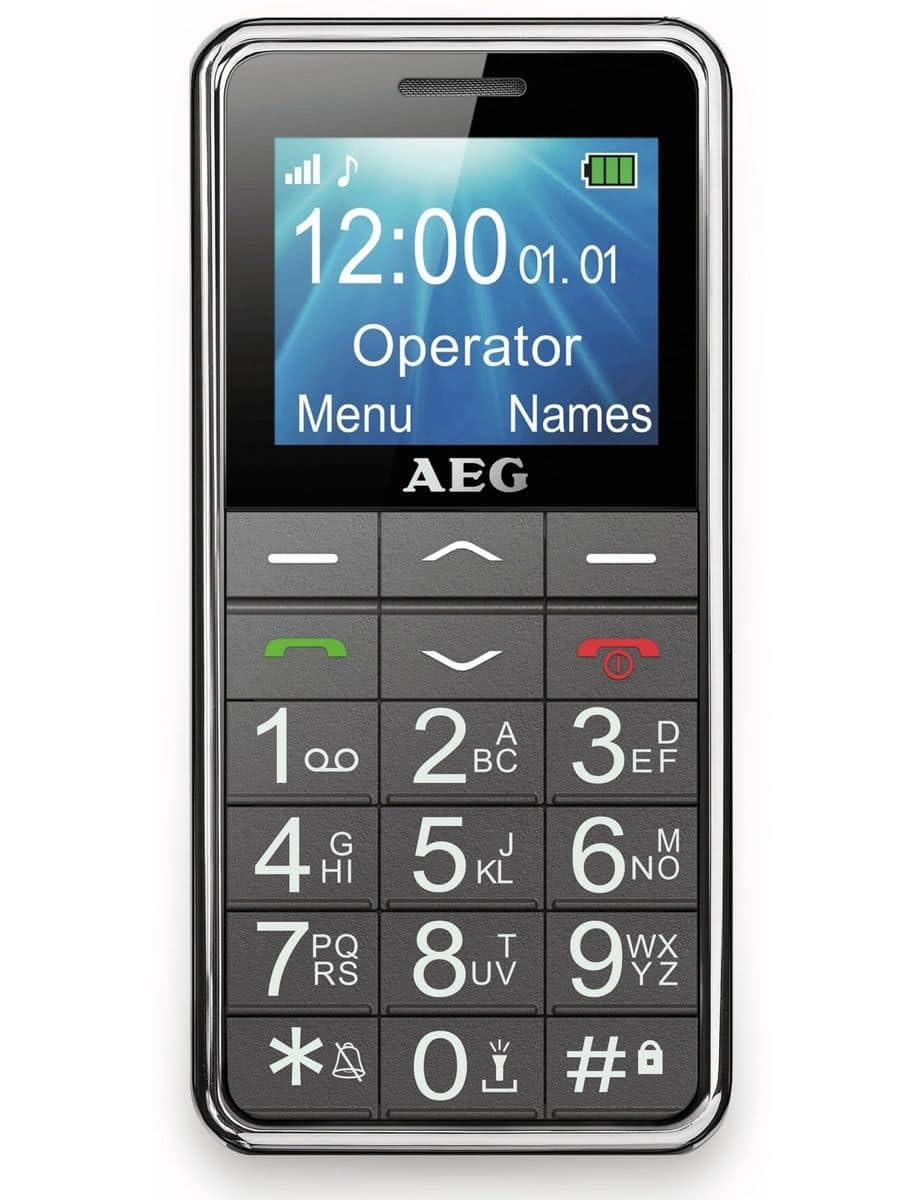
Image: The AEG Voxtel M250 senior mobile phone, showcasing its large buttons and clear display.
1. Persediaan
1.1 Membuka kotak
Carefully unpack your AEG Voxtel M250. The package should contain the following items:
- AEG Voxtel M250 Mobile Phone
- Pek Bateri Li-ion
- Pengecas Utama
- Manual Pengguna (dokumen ini)
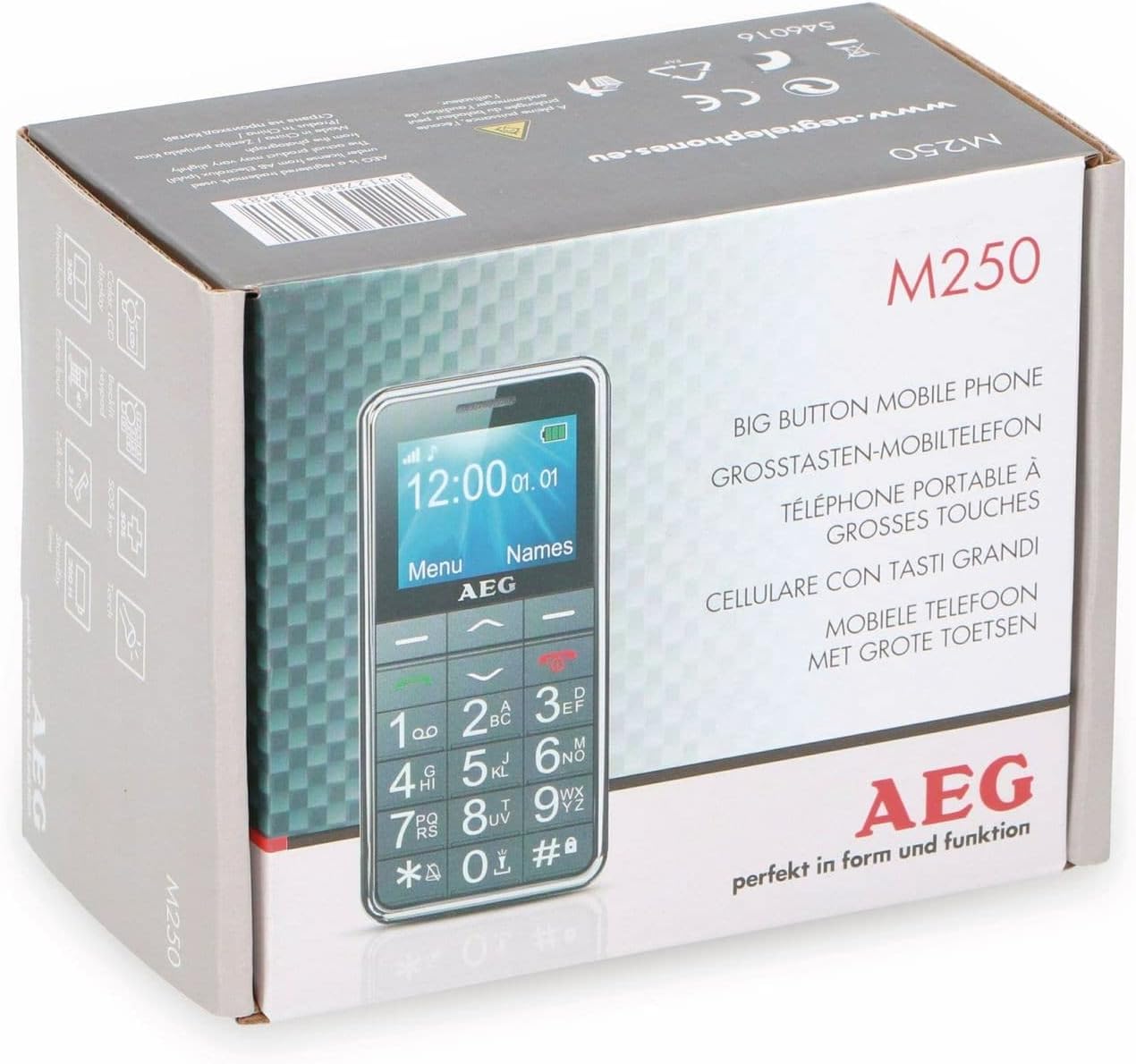
Image: The retail packaging of the AEG Voxtel M250, indicating the product model and key features.
1.2 Pemasangan Bateri
- Tanggalkan penutup belakang telefon dengan membukanya perlahan-lahan dari takuk.
- Insert the Li-ion battery pack into the battery compartment, ensuring the gold contacts align with the phone's terminals.
- Gantikan penutup belakang, tekan dengan kuat sehingga ia berbunyi pada tempatnya.
1.3 Pemasangan Kad SIM
The AEG Voxtel M250 supports a single SIM card.
- Dengan bateri dikeluarkan, cari slot kad SIM.
- Carefully insert your existing SIM card into the slot, ensuring the cut corner is correctly oriented as indicated on the phone.
- Pasang semula bateri dan penutup belakang.
1.4 Mengecas Bateri
Sebelum penggunaan pertama, cas sepenuhnya bateri telefon.
- Connect the mains charger to the charging port on the phone.
- Palamkan pengecas ke salur keluar dinding.
- The battery indicator on the screen will show charging status. Allow approximately 3 hours for a full charge.
- Setelah dicas sepenuhnya, cabut pengecas.
1.5 Menghidupkan/Mematikan
- Untuk Menghidupkan: Tekan dan tahan merah Tamatkan Panggilan/Kuasa butang sehingga skrin menyala.
- Untuk Mematikan: Tekan dan tahan merah Tamatkan Panggilan/Kuasa button until the power-off option appears, then confirm.
2. Mengendalikan Telefon Anda
2.1 Navigasi Asas
The phone features a simple menu structure and large, easy-to-press buttons.
- Kekunci Navigasi: Use the up/down arrow keys to scroll through menu options.
- Left Soft Key (Menu): Akses menu utama.
- Right Soft Key (Names): Access your phonebook contacts.
- Kekunci Panggilan (Hijau): Initiate a call or answer an incoming call.
- Tamatkan Panggilan/Kekunci Kuasa (Merah): End a call or return to the idle screen.
2.2 Membuat dan Menerima Panggilan
- Untuk Membuat Panggilan:
- Masukkan nombor telefon menggunakan pad kekunci.
- Tekan hijau Panggil butang.
- To end the call, press the red Tamatkan Panggilan butang.
- To Call from Phonebook:
- Press the Right Soft Key (Names) to open the phonebook.
- Scroll to the desired contact using the navigation keys.
- Tekan hijau Panggil butang.
- Untuk Menerima Panggilan: When the phone rings, press the green Panggil button to answer. Press the red Tamatkan Panggilan button to reject or end the call.
2.3 Menghantar dan Menerima Mesej SMS
- Untuk Menghantar SMS: Navigate to the 'Messages' menu, select 'Write Message', enter your text, and then select the recipient from your phonebook or enter their number.
- Untuk Membaca SMS: New messages will typically display an alert. Access the 'Messages' menu and select 'Inbox' to view menerima mesej.
2.4 Buku Telefon
Buku telefon boleh menyimpan sehingga 100 kenalan.
- Menambah Kenalan: Go to 'Menu' > 'Phonebook' > 'Add New Contact'. Enter the name and phone number, then save.
- Mengedit/Memadam Kenalan: Select the contact from the phonebook, then choose the appropriate option.
2.5 Fungsi Kecemasan SOS
The SOS button is located on the back of the phone and is designed for emergency situations.
- Tekan dan tahan butang SOS selama 3 saat.
- An audible siren will sound to alert nearby individuals.
- The phone will automatically send an SMS message to up to 5 pre-programmed emergency contacts.
- Immediately after sending the SMS, the phone will call the first emergency contact on the list. If the call is not answered, it will attempt to call the next contact, and so on.
Important: Ensure your emergency contacts are correctly set up and informed about this function.
2.6 Lampu suluh
Telefon ini dilengkapi lampu suluh terbina dalam untuk kemudahan.
- To turn on/off the flashlight, typically press and hold a dedicated button (refer to your phone's specific button layout) or access it via the 'Tools' or 'Utilities' menu.
2.7 Fungsi Lain
The AEG Voxtel M250 includes several useful features:
- Kalkulator: Melakukan operasi aritmetik asas.
- Kalendar: View dates and set reminders.
- Kunci Pad Kekunci: Prevent accidental key presses. Activate/deactivate via a shortcut (e.g., long press '*') or through the settings menu.
- Vibration Signal: Set the phone to vibrate for incoming calls or messages.
- Paparan Masa dan Tarikh: The current time and date are shown on the idle screen.
- Fungsi bebas tangan: Use the loud speakers for hands-free conversations.
3. Penyelenggaraan
3.1 Membersihkan Telefon Anda
To keep your phone in optimal condition:
- Use a soft, dry cloth to wipe the screen and body of the phone.
- Elakkan menggunakan pembersih cecair, aerosol atau bahan kimia yang keras, kerana ini boleh merosakkan peranti.
3.2 Penjagaan Bateri
- Jangan dedahkan bateri kepada suhu yang melampau.
- Only use the original charger provided with the phone.
- If the phone will not be used for an extended period, charge the battery partially before storing it.
4. Penyelesaian masalah
If you encounter issues with your AEG Voxtel M250, try the following solutions:
- Telefon tidak boleh dihidupkan: Pastikan bateri dipasang dengan betul dan dicas sepenuhnya.
- Tidak boleh membuat atau menerima panggilan: Check if the SIM card is properly inserted and if you have network coverage. Ensure your SIM card is active.
- Tiada bunyi: Check the volume settings. Ensure the phone is not in silent or vibrate-only mode.
- Bateri cepat habis: Reduce screen brightness, close unused applications (if applicable), or consider replacing an old battery.
- Papan kekunci tidak responsif: Ensure the keypad lock is not activated. Restart the phone.
Untuk isu yang berterusan, hubungi sokongan pelanggan.
5. Spesifikasi
| Nama Model | M250 |
| Nombor Model | 1042678 |
| Sistem Operasi | Tiada Sistem Operasi |
| Saiz Paparan | 1.8 inci |
| Ketersambungan | Bluetooth |
| Slot Kad SIM | SIM tunggal |
| Jenis Bateri | 1 Litium Ion (termasuk) |
| Masa Berbual | Sehingga 4 Jam |
| Masa Tunggu Sedia | Sehingga 200 Jam |
| Dimensi Produk | 5 x 1.6 x 0.1 cm |
| Berat Barang | 135 g |
| warna | Kelabu |
| Ciri Khas | Large buttons, SOS button, Flashlight, Calculator, Calendar, Keypad lock, Vibration, Time/Date display, Hands-free function |
6. Waranti dan Sokongan
Your AEG Voxtel M250 mobile phone comes with a standard manufacturer's warranty. Please refer to the warranty card included in your package for specific terms and conditions.
For technical support, service, or further inquiries, please contact your retailer or the official AEG customer service channels. Keep your purchase receipt and product model number (M250) handy when contacting support.


