pengenalan
This manual provides instructions for the Jabra Evolve 20 Stereo Headset. It covers setup, operation, maintenance, and troubleshooting to ensure optimal performance and longevity of your device. The Jabra Evolve 20 is designed for professional use, offering clear audio for calls and multimedia, passive noise cancellation, and easy call management.
Kandungan Pakej
Sahkan bahawa semua item terdapat dalam pakej anda:
- Jabra Evolve 20 Stereo On-Ear Headset
- USB Cable with Controller
- Manual Pengguna (dokumen ini)
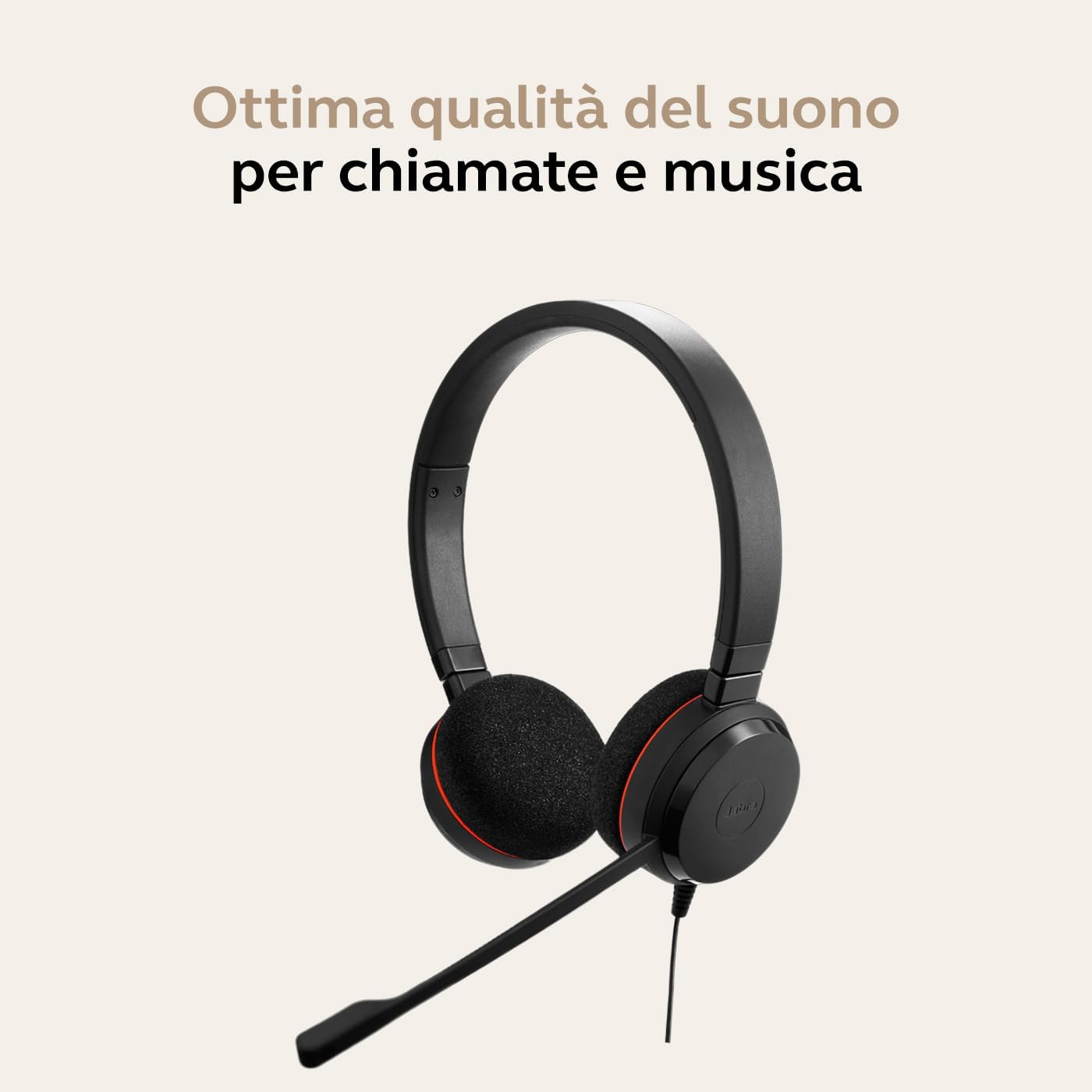
Image: Jabra Evolve 20 Stereo Headset with its USB controller and cable.
Persediaan
Menyambungkan Alat dengar
- Pasangkan kabel USB: Connect the USB-A connector of the headset cable into an available USB port on your computer (laptop or desktop).
- Pengecaman Automatik: Your computer should automatically detect and install the necessary drivers for the Jabra Evolve 20 headset. This is a plug-and-play device.
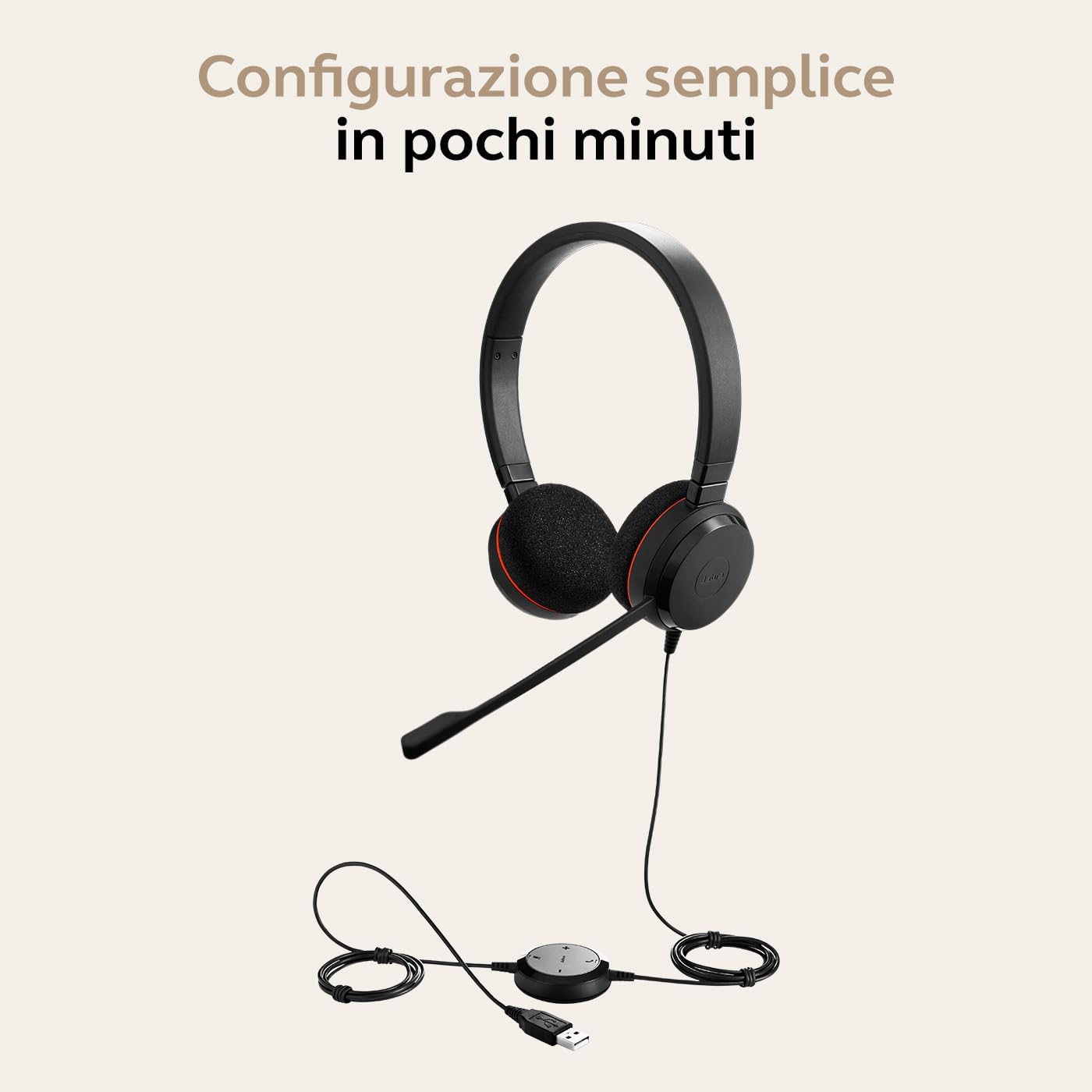
Image: Jabra Evolve 20 headset with its USB cable and controller, ready for connection to a laptop.
Melaraskan Alat dengar
- Pelarasan destar: Adjust the headband to ensure a comfortable and secure fit on your head. The ear cushions should rest gently over your ears.
- Kedudukan Mikrofon: Position the microphone boom approximately 2-3 cm (1 inch) from your mouth. The microphone is flexible and can be adjusted for optimal voice pickup.

Image: A person wearing the Jabra Evolve 20 headset, demonstrating proper microphone positioning.
Video Guide: Using Jabra Evolve 20
Video: A short guide demonstrating how to set up and use the Jabra Evolve 20 headset, including connecting to a laptop, adjusting the headband, and positioning the microphone.
Mengendalikan Alat dengar
The Jabra Evolve 20 features an in-line control unit for easy management of calls and audio.
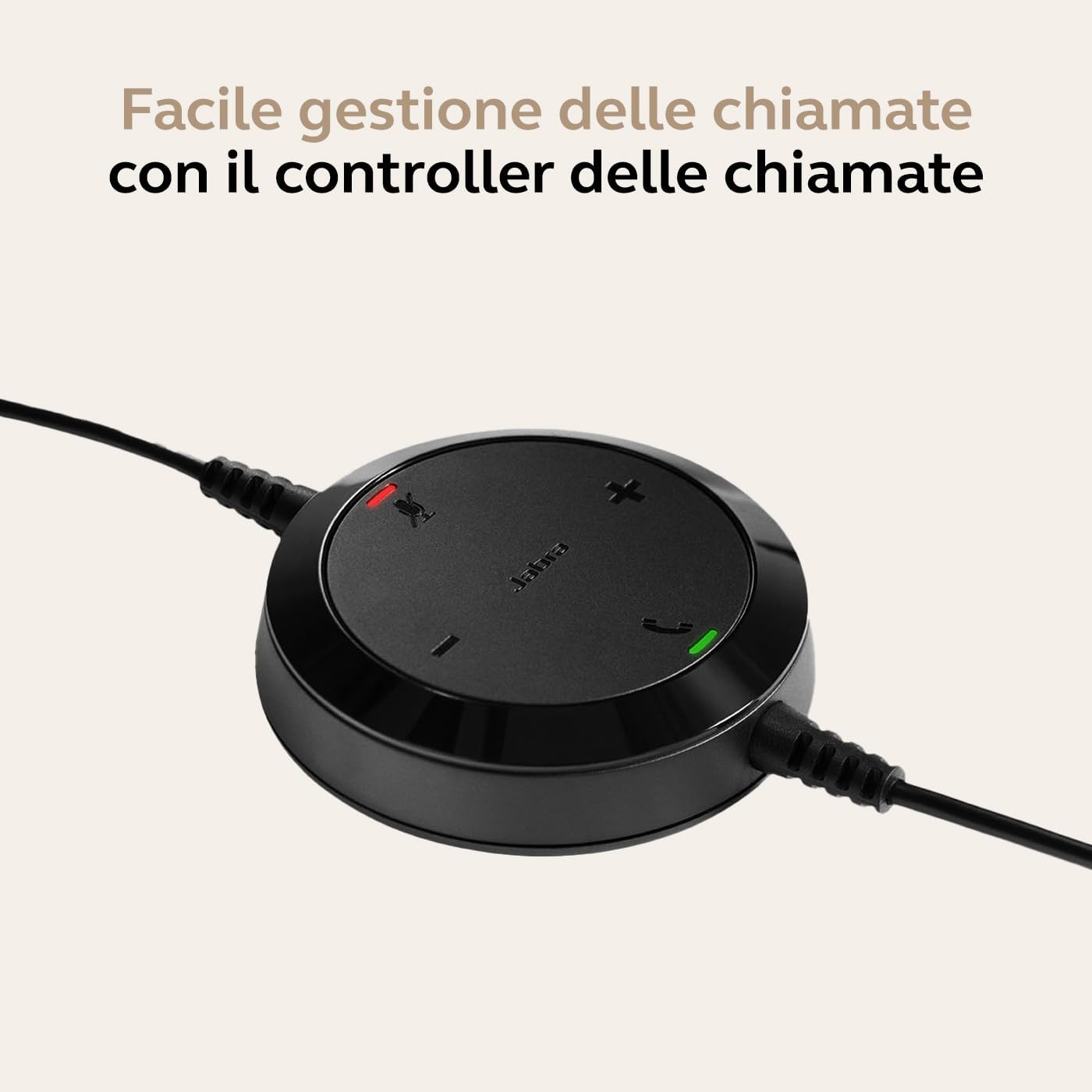
Image: Close-up of the Jabra Evolve 20 in-line controller with buttons for volume, mute, and call control.
Pengurusan Panggilan
- Jawab/Tamatkan Panggilan: Tekan ke Panggil button (phone icon) on the control unit to answer or end a call.
- Redam/Nyahredam Mikrofon: Tekan ke bisu button (microphone icon) to mute or unmute your microphone during a call. An indicator light on the controller will show the mute status.
Kawalan Kelantangan
- Tingkatkan Kelantangan: Tekan ke Kelantangan Naik button (+) to increase the listening volume.
- Kurangkan Kelantangan: Tekan ke Kelantangan Kurang button (-) to decrease the listening volume.
Pembatalan Bunyi Pasif
The headset's design and ear cushions provide passive noise cancellation, reducing ambient noise for improved focus during calls and tasks.
Penyelenggaraan
Pembersihan
- Kusyen Telinga: Gently wipe the ear cushions with a soft, dry cloth. For deeper cleaning, use a slightly damp kain dengan sabun lembut dan air, kemudian keringkan dengan teliti.
- Headband and Microphone: Wipe the headband and microphone boom with a soft, dry cloth. Avoid using harsh chemicals or abrasive materials.
Penyimpanan
When not in use, store the headset in a clean, dry place away from extreme temperatures and direct sunlight. Avoid tangling the cable to prevent damage.
Menyelesaikan masalah
| Masalah | Penyelesaian |
|---|---|
| Tiada audio daripada set kepala |
|
| Mikrofon tidak berfungsi |
|
| Butang kawalan panggilan tidak bertindak balas |
|
Spesifikasi
| Ciri | Perincian |
|---|---|
| Jenama | Jabra |
| Nama Model | Evolve 20 MS Stereo |
| Nombor Model | 4999-823-109 |
| Teknologi Ketersambungan | Berwayar (USB-A) |
| Teknologi Komunikasi Tanpa Wayar | Bluetooth (Note: This specific model is wired USB-A. Bluetooth may refer to other variants or general Jabra technology.) |
| Penempatan Telinga | Pada Telinga (Supra-aural) |
| Kawalan Bunyi | Pembatalan Bunyi Pasif |
| Faktor Bentuk Mikrofon | Boom |
| Impedans | 32 Ohm |
| Respons Kekerapan | 20 KHz (Max) |
| Berat badan | 119 gram |
| Dimensi | 22.4 x 16.1 x 4.5 cm |
| Peranti Serasi | Laptops, Desktops |
| Sistem Operasi | Dioptimumkan untuk Microsoft Teams |
| Ciri-ciri Tambahan | Volume Control, Call Control |
| bahan | Soft headband and comfortable on-the-ear foam ear pads. Evolve 20SE variant comes with leatherette ear cushions. |
Waranti dan Sokongan
The Jabra Evolve 20 Stereo Headset comes with a standard manufacturer's warranty. For detailed warranty information, technical support, or service inquiries, please visit the official Jabra support webtapak atau hubungi perkhidmatan pelanggan mereka.
Sokongan dalam talian: For the latest support information, FAQs, and software updates, please visit www.jabra.com/support.


