1. Pengenalan
This manual provides essential information for the safe and efficient installation, operation, and maintenance of the Wolf HPM Control Board, model 2744777. Please read this manual thoroughly before attempting any installation or operation to ensure proper function and to prevent damage or injury.
2. Maklumat Keselamatan
AMARAN: Electrical shock hazard. Always disconnect power before installing, servicing, or removing this device. Installation should only be performed by a qualified electrician in accordance with all local and national electrical codes.
- Pastikan bekalan kuasa sepadan dengan voltage requirements of the control board.
- Jangan kendalikan peranti jika ia kelihatan rosak.
- Jauhkan daripada air dan kelembapan berlebihan.
- Use only original Wolf replacement parts if servicing is required.
3. Kandungan Pakej
Sahkan bahawa semua item ada dan tidak rosak semasa membuka bungkusan:
- Wolf HPM Control Board (Model 2744777)
- Manual Arahan (dokumen ini)
- Mounting Screws (quantity may vary)
4. Persediaan dan Pemasangan
The Wolf HPM Control Board is designed for screwed installation. Follow these steps carefully:
- Pemutusan Kuasa: Ensure all power to the installation area is disconnected at the main circuit breaker before beginning.
- Lokasi Pemasangan: Select a suitable, dry, and secure location for mounting the control board. Ensure adequate ventilation and clearance for wiring.
- Pemasangan selamat: Position the control board and mark the mounting points. Drill pilot holes if necessary. Secure the board firmly using the provided mounting screws.
- Sambungan Pendawaian: Connect all necessary electrical wiring to the control board terminals according to the system's wiring diagram. Pay close attention to polarity and voltage requirements. If unsure, consult a qualified electrician.
- Pemeriksaan Akhir: Double-check all connections for tightness and correctness. Ensure no bare wires are exposed.
- Pemulihan Kuasa: Once installation is complete and verified, restore power to the system.
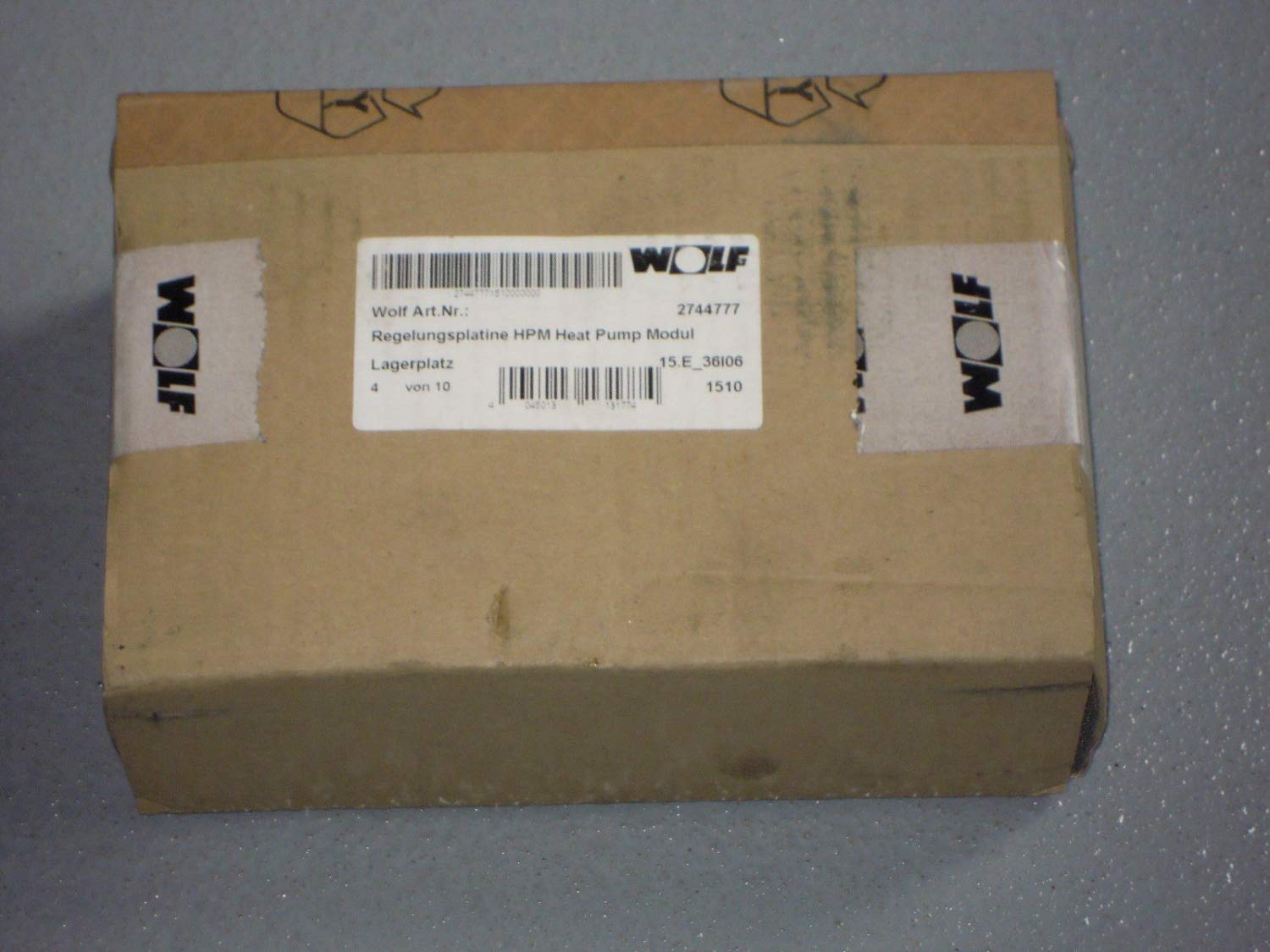
Image 1: Wolf HPM Control Board 2744777. This image shows the control board, highlighting its compact design and connection terminals, ready for screwed installation.
5. Arahan Operasi
The Wolf HPM Control Board typically functions as an interface or control unit within a larger system. Its primary interaction method is via a push-button mechanism.
- Hidupkan kuasa: After successful installation and power restoration, the board will initialize.
- Push Button Functionality: The push button(s) on the board are used to activate specific functions or navigate menus within the connected system. Refer to the main system's manual for detailed button assignments and operational sequences.
- Lampu Penunjuk: Observe any indicator lights (LEDs) on the board. These typically provide status feedback, such as power, operational mode, or error conditions.
6. Penyelenggaraan
The Wolf HPM Control Board requires minimal maintenance to ensure long-term reliability.
- Pembersihan: Periodically clean the exterior of the board with a soft, dry cloth. Do not use liquid cleaners or solvents.
- Pemeriksaan: Annually inspect all wiring connections for tightness and signs of wear or corrosion. Ensure the board is securely mounted.
- Keadaan Persekitaran: Ensure the operating environment remains within specified temperature and humidity ranges to prevent damage.
7. Penyelesaian masalah
If the control board is not functioning as expected, refer to the following common issues and solutions:
| Masalah | Kemungkinan Punca | Penyelesaian |
|---|---|---|
| No power/indicator lights off | No power supply; loose connection; faulty board | Check circuit breaker. Verify all wiring connections. If power is present and connections are secure, the board may be faulty and require replacement. |
| Butang tidak bertindak balas | Incorrect wiring; software issue in connected system; faulty button | Verify wiring to the main system. Consult the main system's manual for troubleshooting software issues. If buttons are physically damaged, the board may need replacement. |
| System not responding to board commands | Communication error; incorrect configuration | Ensure proper communication wiring. Refer to the main system's manual for configuration settings. |
If troubleshooting steps do not resolve the issue, contact Wolf customer support or a qualified service technician.
8. Spesifikasi
- Jenama: Serigala
- Nombor Model: 1903
- Nombor Bahagian Pengilang: 1903
- ASIN: B00NEY4ZQ4
- Jenis Pemasangan: dikacau
- Jenis Suis: Tekan butang
- Tarikh Pertama Tersedia: 31 Ogos 2020
9. Waranti dan Sokongan
Wolf products are manufactured to high-quality standards and are backed by a manufacturer's warranty. For specific warranty terms and conditions, please refer to the documentation included with your purchase or visit the official Wolf website. For technical support, service, or replacement parts, please contact Wolf customer service.


