1. Pengenalan
This instruction manual provides essential information for the safe and effective use of your CTEK 56-926 Lithium US Battery Charger. This fully automatic charger is designed specifically for Lithium Ion Phosphate (LiFePO4) batteries, offering a unique system to recover, charge, and maintain batteries from 5.0Ah to 60Ah, with maintenance charging capabilities up to 120Ah. Please read this manual thoroughly before operating the device.

Image 1.1: The CTEK 56-926 Lithium US Battery Charger, showing its indicator lights and connection cables.
2. Apa yang ada di dalam Kotak
Upon unpacking, please ensure all components listed below are present:
- CTEK LITHIUM US CHARGER 12V unit
- Bateri clamps (merah dan hitam)
- Comfort Connect eyelet terminals
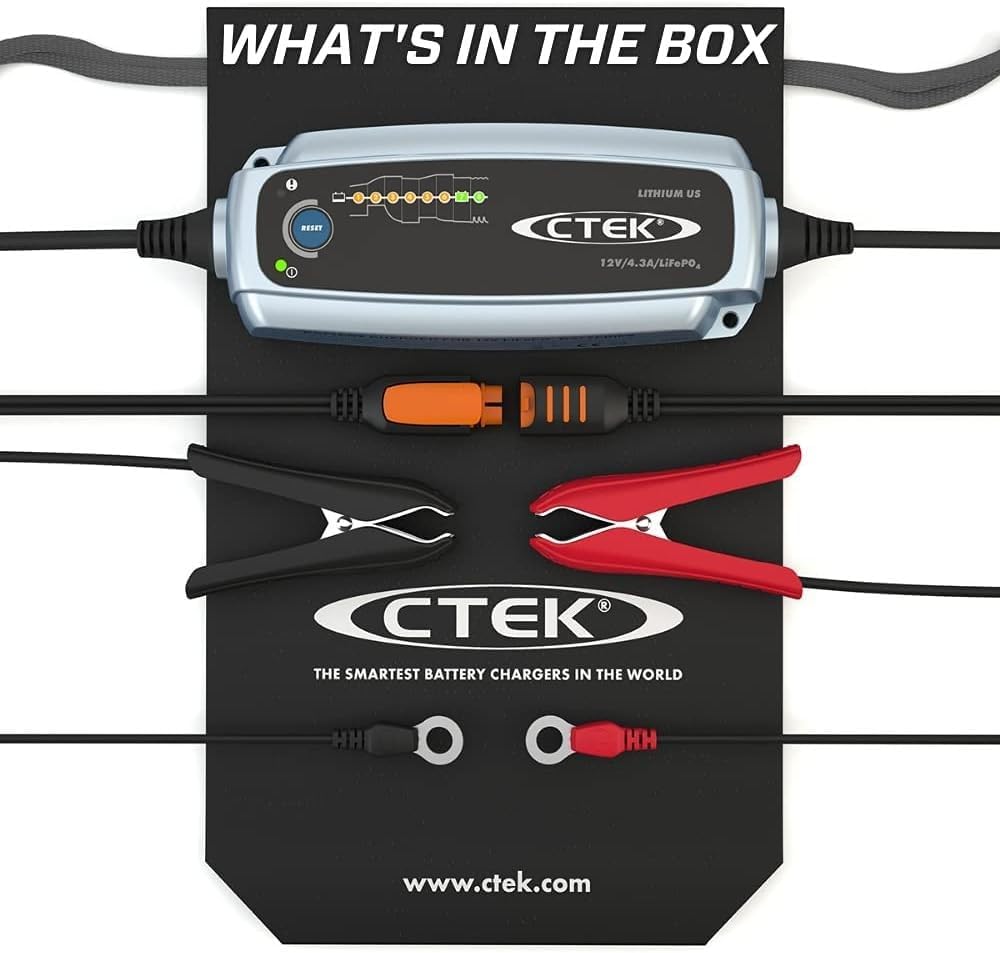
Imej 2.1: Selesaiview of the CTEK 56-926 charger and its included accessories, including battery clamps and eyelet terminals.
3. Maklumat Keselamatan
Adherence to safety guidelines is crucial for preventing injury and damage to the charger or battery. This charger is designed with user safety in mind, featuring spark-free operation and reverse polarity protection. It also ensures vehicle electrical safety through clean voltage and current delivery, free from surges or spikes. Disconnecting the battery from the vehicle is generally not required when charging.
Langkah Keselamatan Am:
- Always read the full instruction manual before use.
- Pastikan pengecas digunakan di kawasan yang mempunyai pengudaraan yang baik.
- Jangan dedahkan pengecas kepada air atau kelembapan berlebihan.
- Elakkan litar pintas terminal output.
- Jauhkan daripada kanak-kanak.
- Jangan cuba mengecas bateri yang tidak boleh dicas semula.
- This charger is designed for 12V LiFePO4 batteries only.
4. Persediaan dan Sambungan
The CTEK 56-926 charger offers simple plug-and-play operation. Follow these steps for safe connection:
- Sambungkan Pengecas ke Bateri:
Attach the red positive (+) clamp or eyelet terminal to the positive battery terminal. Attach the black negative (-) clamp or eyelet terminal to the negative battery terminal. Ensure a secure connection. - Connect the Charger to the Wall Socket:
Plug the charger's power cord into a suitable electrical outlet. - Select Charging Program:
Press the 'MODE' button on the charger to select the appropriate charging program. The charger will automatically detect the battery type and condition.
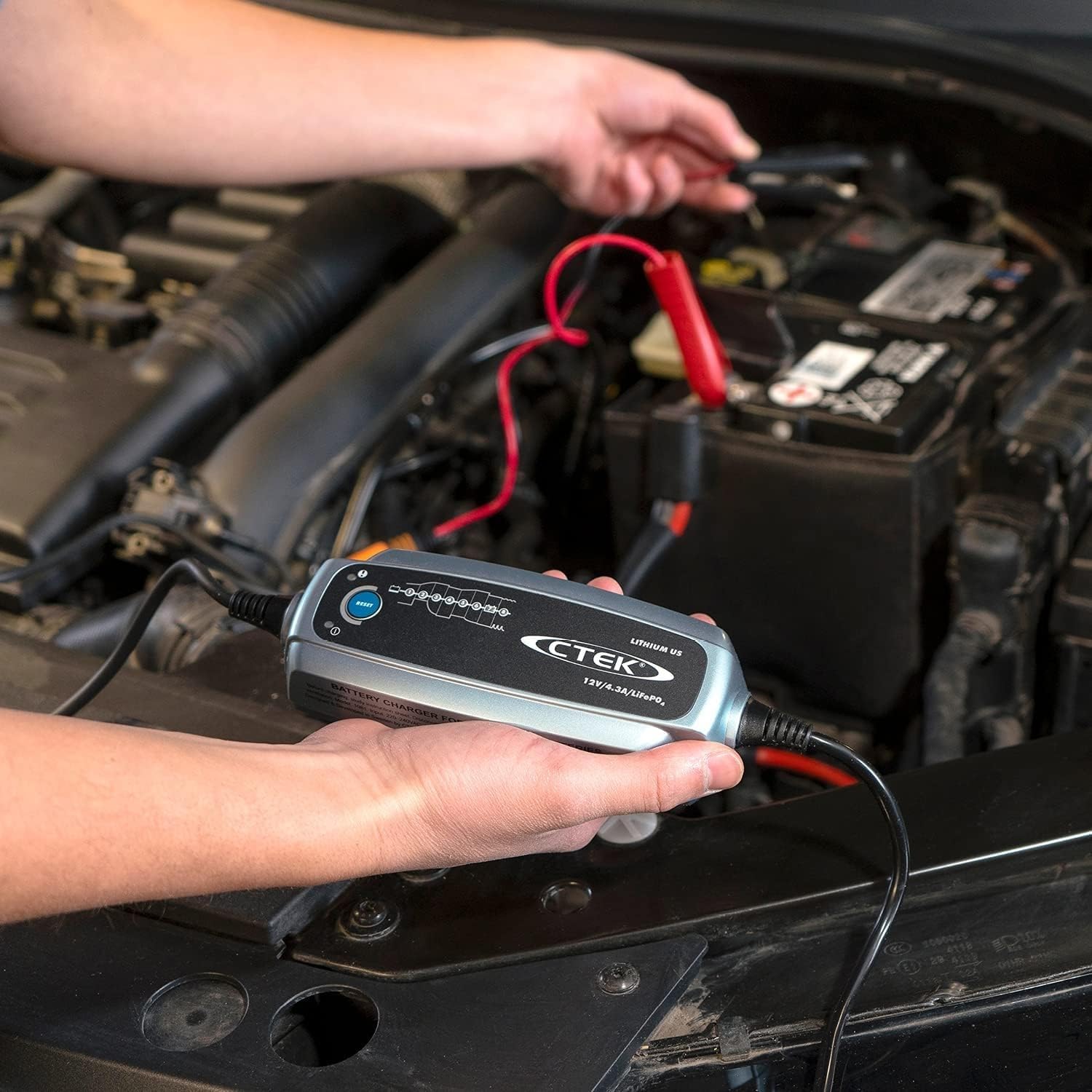
Image 4.1: A user connecting the red positive clamp of the CTEK charger to a vehicle battery's positive terminal.
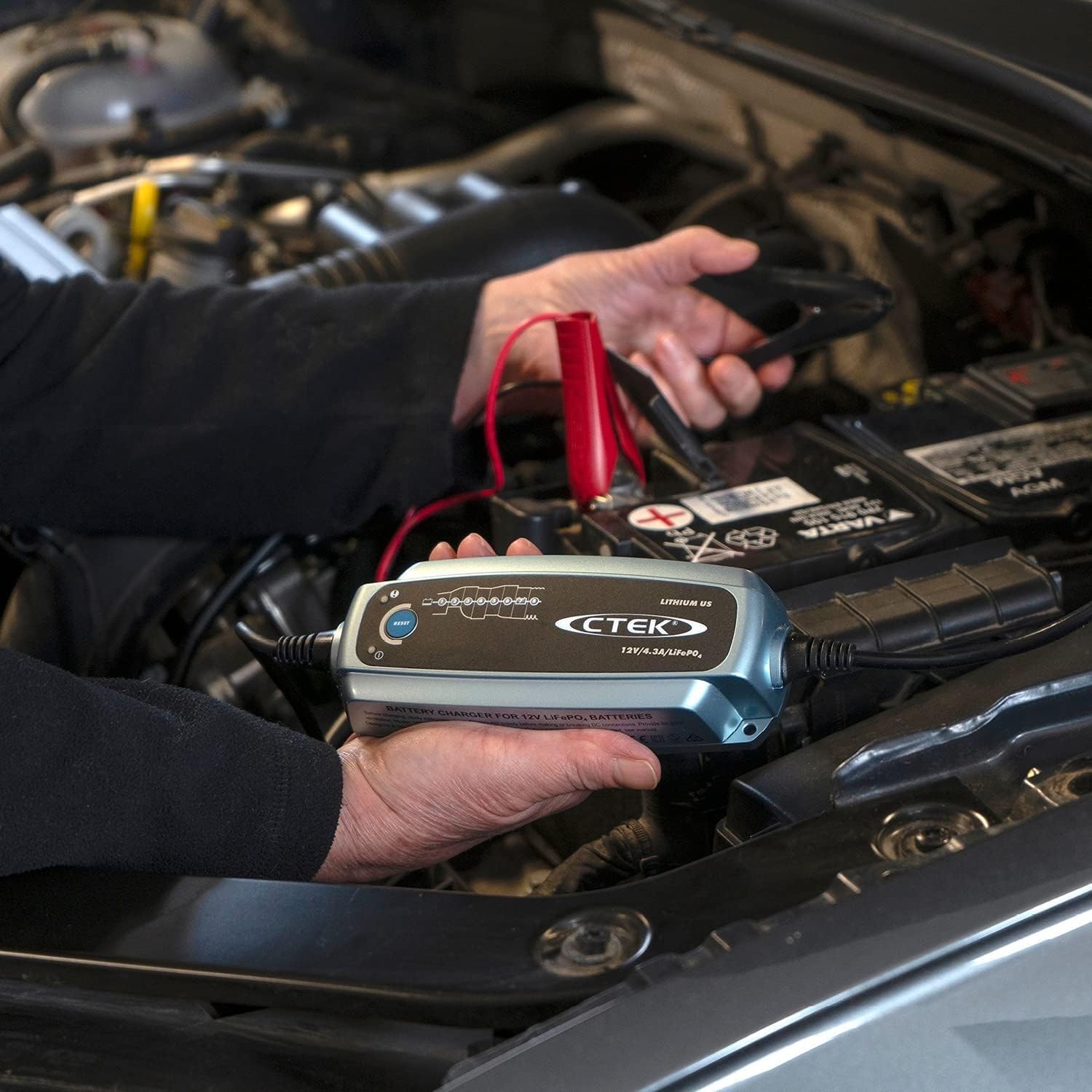
Imej 4.2: Gambar jarak dekat view of hands connecting the CTEK charger's clamps ke terminal bateri, memastikan kekutuban yang betul.

Image 4.3: A visual guide illustrating the three simple steps for connecting the charger: to the battery, to the wall socket, and selecting the mode.
5. Operating Instructions: The 8-Step Charging Process
The CTEK 56-926 utilizes a unique, patented 8-step program to test, charge, and maintain LiFePO4 batteries, maximizing their performance and extending their lifespan. The charger's indicator lights will illuminate to show the current charging stage.
Berakhirview of the 8 Steps:
- Step 1: DESULPHATION - Recovers deeply discharged batteries.
- Step 2: SOFT START - Gently begins the charging process.
- Step 3: BULK - Main charging phase where most of the charge is delivered.
- Step 4: ABSORPTION - Completes the charge up to maximum capacity.
- Step 5: ANALYSE - Tests if the battery can hold a charge.
- Step 6: RECOND - Reconditioning mode for deeply discharged batteries (if applicable).
- Step 7: FLOAT - Maintains the battery at maximum charge.
- Step 8: PULSE - Long-term maintenance charging to keep the battery optimized.
The charger will automatically progress through these steps. A manual reset option is available if needed.

Image 5.1: A detailed diagram illustrating the eight distinct stages of the CTEK charging process, from desulphation to pulse maintenance.
6. Penyelenggaraan
The CTEK 56-926 charger is designed for long-term maintenance. Its Float/Pulse maintenance feature ensures optimal battery care during periods of inactivity, keeping your LiFePO4 battery in peak condition. Once connected, the charger can be left connected indefinitely without overcharging or damaging the battery.
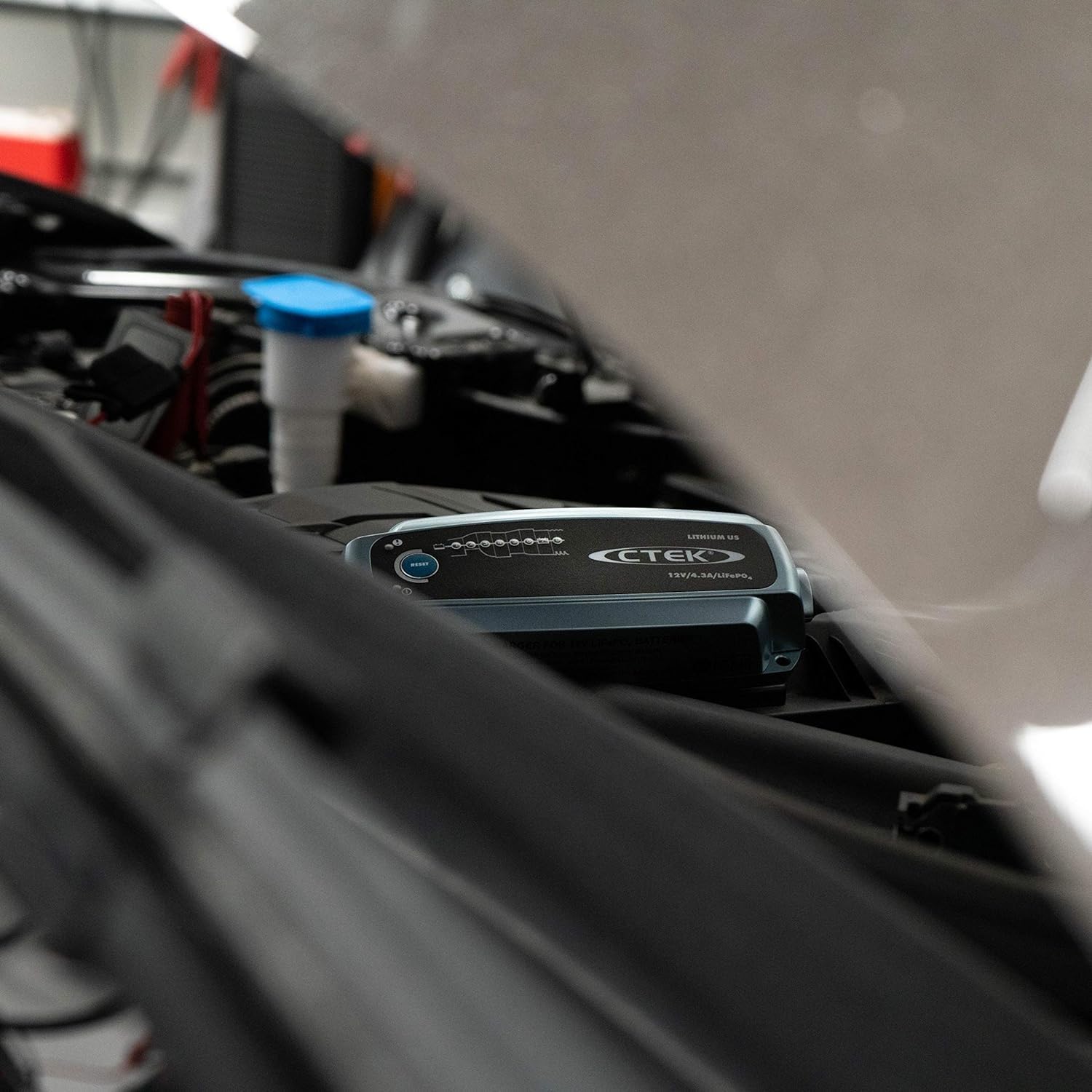
Image 6.1: The CTEK charger discreetly placed within an engine bay, connected to the battery for continuous maintenance charging.
7. Penyelesaian masalah
If you encounter issues with your CTEK 56-926 charger, consider the following common troubleshooting steps:
- Charger Not Starting: Ensure the power cord is securely plugged into a live outlet and the battery connections are correct (positive to positive, negative to negative).
- No Indicator Lights: Check the power supply and all connections. If the battery is severely discharged, it might take a moment for the charger to initiate.
- Incorrect Charging Stage: Press the 'MODE' button to cycle through available programs. The charger typically selects the optimal program automatically.
- Bateri Tidak Dicas: Verify that the battery is a 12V LiFePO4 type. Inspect battery terminals for corrosion and clean if necessary.
For persistent issues, please refer to the contact information in the Support section.
8. Spesifikasi
| Dimensi Produk | 11.8 x 5.6 x 2.1 inci (5.6"D x 11.8"W x 2.1"H) |
| Berat Barang | 1.76 pounds (1.8 Pounds) |
| Nombor Model Item | 56-926 |
| Jenama | CTEK |
| Keluaran Voltage | 14.4 Volt |
| Keserasian Bateri | 12V LiFePO4 (Lithium Ion Phosphate) |
| Kapasiti Pengecasan | 5.0Ah - 60Ah (charging), up to 120Ah (maintenance) |
| warna | Perak/Hitam |
| Pengeluar | CTEK |
9. Waranti dan Sokongan
Untuk maklumat jaminan dan sokongan teknikal, sila rujuk CTEK rasmi website or contact CTEK customer service directly. Keep your purchase receipt as proof of purchase for any warranty claims.
You can find more information and contact details on the official CTEK webtapak: www.ctek.com


