pengenalan
This manual provides comprehensive instructions for setting up, operating, and maintaining your GOgroove BlueSYNC TYM Bluetooth Wireless Stereo Speaker & Wooden Alarm Clock. This versatile device combines a high-fidelity Bluetooth speaker with a digital alarm clock, featuring an LED time and temperature display, and a USB charging port for your mobile devices.
Apa yang ada dalam Kotak
Sahkan bahawa semua item terdapat dalam pakej:
- GOgroove BlueSYNC TYM Speaker
- Penyesuai AC
- Auxiliary Cable (3.5mm audio plug)
- Kabel USB
- Manual Pengguna (dokumen ini)

Figure 1: Included components of the BlueSYNC TYM package.
Produk Selesaiview
Familiarize yourself with the various parts and controls of your BlueSYNC TYM speaker.

Figure 2: Front and top panel features of the BlueSYNC TYM.
Panel Depan:
- Paparan led: Shows time, temperature, and other indicators.
- LED AM/PM Indicator: Indicates AM or PM for the time display.
- LED Alarm Indicator: Lights up when an alarm is set.
- mikrofon: Untuk panggilan bebas tangan.
Kawalan Panel Atas:
- Butang pelbagai fungsi: Used for various operations like power on/off, play/pause, answer/end calls.
- Butang Kurang Kelantangan: Mengurangkan kelantangan audio.
- Butang Naik Kelantangan: Meningkatkan kelantangan audio.
- Butang Tunda: Activates snooze for alarms and can dim the display.
Rear Panel Ports & Controls:
- Port Pengecasan USB: For charging external devices (5V DC, 2.1A).
- Input AUX: 3.5mm audio jack for wired connection to non-Bluetooth devices.
- Alarm Buttons: Untuk menetapkan dan mengurus penggera.
- Butang Masa: For adjusting time and date settings.
- 12/24 Hour Switch: Bertukar antara format masa 12 jam dan 24 jam.
- Pelabuhan DC IN: For connecting the included AC adapter.
Persediaan
1. Sambungan Kuasa:
Connect the included AC adapter to the DC IN port on the rear of the BlueSYNC TYM and plug the adapter into a standard wall outlet. The device will power on and the LED display will illuminate.

Figure 3: Connecting the AC adapter to the BlueSYNC TYM.
2. Menetapkan Masa dan Tarikh:
Use the 'TIME' buttons on the rear panel to adjust the current time and date. Refer to the detailed instructions in the full user manual for specific steps on setting the time, date, and temperature unit (Fahrenheit or Celsius).
Arahan Operasi
1. Berpasangan Bluetooth:
- Ensure the BlueSYNC TYM is powered on.
- Activate Bluetooth on your mobile device (smartphone, tablet, laptop).
- Cari untuk "BlueSYNC TYM" in your device's Bluetooth settings and select it to pair.
- Once paired, the device will confirm the connection, and you can begin streaming audio wirelessly up to 30 feet.
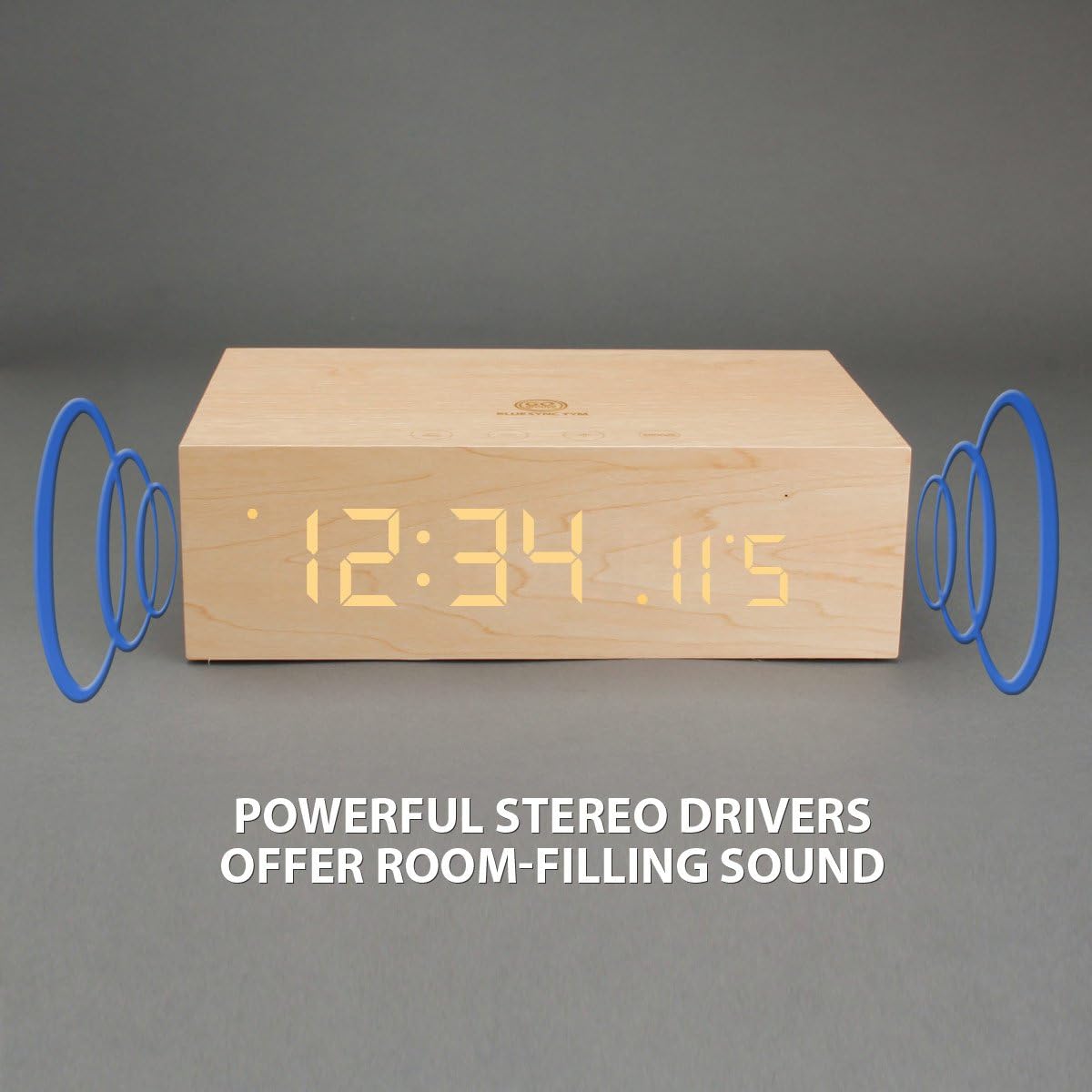
Figure 4: Wireless Bluetooth connectivity and wired AUX connection options.
2. Wired Audio Playback (AUX):
For devices without Bluetooth, use the included 3.5mm auxiliary cable. Connect one end to the AUX input on the rear of the BlueSYNC TYM and the other end to your audio device's headphone jack. The speaker will automatically switch to AUX mode.
3. Alarm Clock Functions:
Use the 'ALARM' buttons on the rear panel to set up to three different alarms. The snooze function can be activated by pressing the 'SNOOZE' button on the top panel when the alarm sounds. Pressing the snooze button also dims the LED display.
4. Panggilan Bebas Tangan:
When connected via Bluetooth, the built-in microphone allows you to answer and end phone calls directly from the speaker using the multifunction button.
5. Pengecasan USB:
The USB port on the rear panel provides 5V DC, 2.1A output, allowing you to charge your smartphone or other USB-powered devices while the speaker is connected to power.
Penyelenggaraan
To ensure the longevity of your GOgroove BlueSYNC TYM, follow these simple maintenance guidelines:
- Bersihkan bahagian luar dengan kain lembut dan kering. Elakkan pembersih atau pelarut yang kasar.
- Jauhkan peranti daripada air, kelembapan dan suhu yang melampau.
- Do not block the speaker grilles or ventilation openings.
Menyelesaikan masalah
| Masalah | Kemungkinan Punca | Penyelesaian |
|---|---|---|
| Peranti tidak dihidupkan. | AC adapter not properly connected or power outlet is faulty. | Ensure AC adapter is securely plugged into the device and a working power outlet. |
| Tiada bunyi dari pembesar suara. | Volume too low; device not paired (Bluetooth); AUX cable not connected. | Increase volume on both the speaker and connected device. Re-pair Bluetooth or ensure AUX cable is fully inserted. |
| Gandingan Bluetooth gagal. | Device out of range; Bluetooth not enabled on source device; interference. | Ensure devices are within 30 ft. Enable Bluetooth on your device. Try restarting both devices. |
| Penggera tidak berbunyi. | Penggera tidak ditetapkan atau kelantangan terlalu rendah. | Sahkan tetapan penggera dan pastikan kelantangan penggera boleh didengar. |
| Paparan terlalu terang/malap. | Brightness setting. | Press the 'SNOOZE' button to adjust display brightness. |
Spesifikasi
- Dimensi Produk: 10 x 8.5 x 3.75 inci
- Berat Barang: 2.28 paun
- Pengeluar: GOGroove
- Nombor Model Item: GG-BLUESYNC-TYM
- Jenama: GOGroove
- warna: Wooden/Neutral
- Ciri Khas: Built-in microphone, Alarm clock, Radio
- Teknologi Ketersambungan: Bluetooth, Tambahan, USB
- gaya: moden
- Sumber Kuasa: Elektrik Bertali
- Komponen yang Disertakan: AC adapter, Auxiliary cable, USB cable, 3.5mm audio cable, User Manual
- Tahap Rintangan Air: Bukan Tahan Air
- Teknologi Paparan: LED
- Kegunaan Disyorkan Untuk Produk: Muzik
- Penceramah: (3w x 2) 6W RMS; 12W Peak
- Pemandu: Stereo 40mm full-range
- Impedans: 4 ohm
- Respons Kekerapan: 90Hz – 20KHz
- Nisbah S/N: >65db
- Versi Bluetooth: 2.1+EDR ; A2DP ; AVRCP
- Jarak Operasi: 30 kaki
Waranti dan Sokongan
The GOgroove BlueSYNC TYM is backed by a Waranti Pengeluar 3 Tahun. For any questions, technical support, or warranty claims, please contact GOgroove customer service. Refer to the contact information provided on the product packaging or the official GOgroove webtapak.


