1. Pengenalan
Thank you for choosing the Marathon CL030033WD Atomic Self-Setting Wall Clock. This clock is designed for accuracy and convenience, automatically synchronizing with the atomic time signal to ensure precise timekeeping. It also features a clear digital display, multiple time zones, and temperature readings. This manual provides detailed instructions for setting up, operating, and maintaining your new clock.

Imej 1.1: Depan view of the Marathon CL030033WD Atomic Self-Setting Wall Clock, displaying time, date, day, and temperature.
2. Ciri-ciri Produk
- Penyegerakan Masa Atom: Automatically sets and adjusts time via the WWVB radio signal for precise accuracy.
- Paparan Besar dan Mudah Dibaca: Clear digital display for time, date, day of the week, and indoor temperature.
- Zon Masa Berbilang: Supports 8 selectable time zones.
- Self-Setting: Simply insert batteries for automatic setup.
- Pemasangan Serbaguna: Includes a built-in table stand and wall-mount option.
- Reka Bentuk Anggun: Features a brushed steel effect frame with a wood tone finish.
- Paparan suhu: Shows indoor temperature in both Celsius and Fahrenheit.

Image 2.1: The Marathon Atomic Wall Clock in a room setting, highlighting its large, easy-to-read display, multiple modes (time, date, temperature), and 8 time zone capability.

Image 2.2: Close-up of the clock face with icons representing its self-setting function, versatile mounting options, and sleek design.

Imej 2.3: Terperinci view of the clock's dynamic display, showing the date, day of the week, and temperature in both Celsius and Fahrenheit.
3. Kandungan Pakej
Sila semak kandungan pakej untuk memastikan semua item ada:
- Marathon CL030033WD Atomic Self-Setting Wall Clock
- 2 x Bateri AA
- Manual Pengguna (dokumen ini)
4. Persediaan
4.1 Pemasangan Bateri
- Cari penutup petak bateri di belakang jam.
- Tanggalkan penutup.
- Insert the two AA batteries, ensuring the correct polarity (+ and -).
- Gantikan penutup petak bateri.
4.2 Initial Power-Up and Atomic Signal Reception
Upon battery installation, the clock will automatically power on and begin searching for the WWVB atomic time signal. This process may take several minutes to several hours, depending on your location and environmental conditions. During this time, the signal reception indicator (often a wave icon) will flash.
- For optimal signal reception, place the clock near a window, away from electronic devices that may cause interference.
- The clock is designed to receive signals primarily in North America. Signal strength may vary in other regions.
- Once the signal is successfully received, the time and date will automatically set, and the signal indicator will become solid.
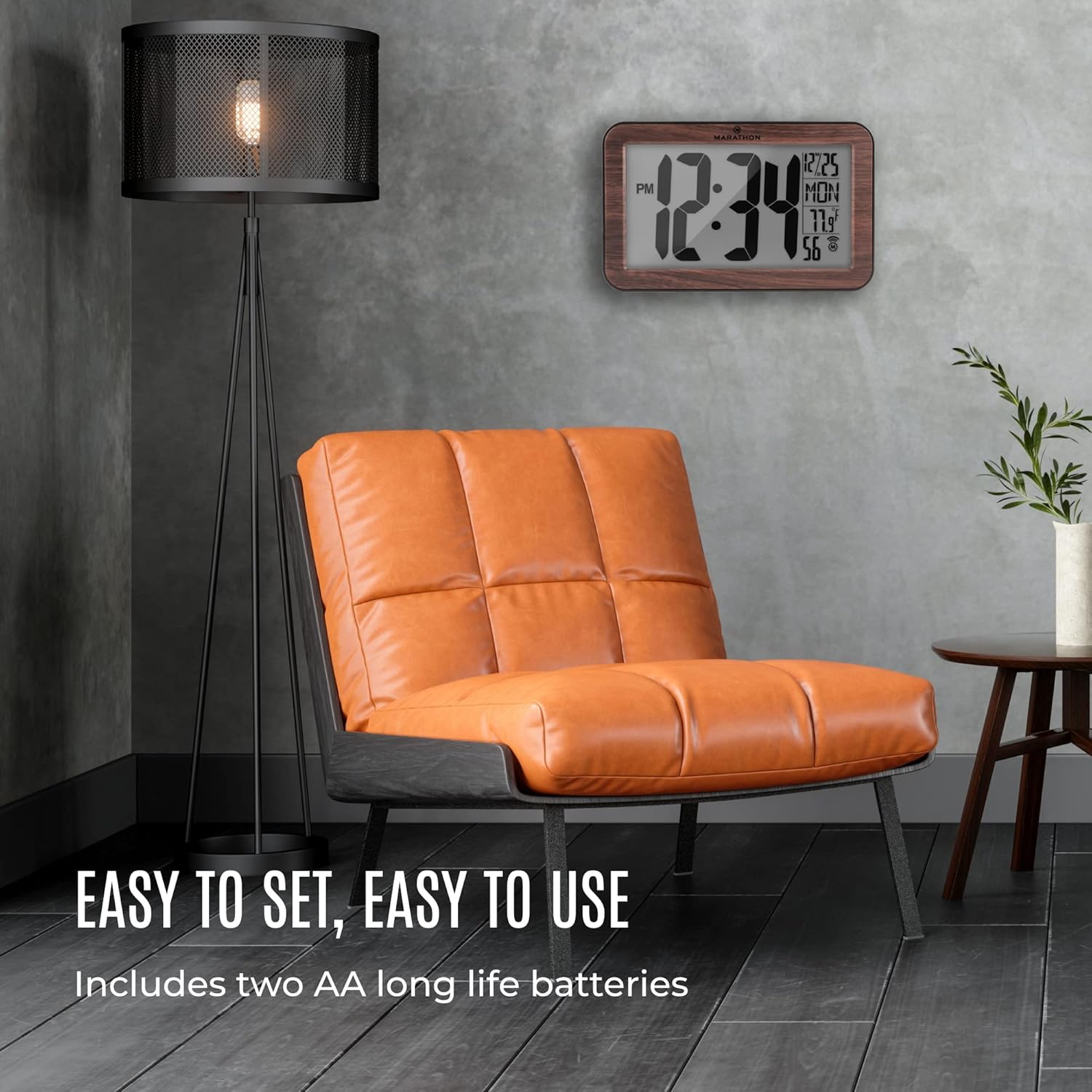
Image 4.1: The Marathon Atomic Wall Clock displayed in a living room, illustrating its ease of setup and use, including battery installation.
5. Arahan Operasi
The clock's display provides the following information:
- Masa: Large digits indicate the current time (12-hour format with AM/PM indicator).
- tarikh: Bulan dan hari.
- Hari dalam seminggu: Abbreviated day name.
- Suhu: Suhu dalaman dalam Celsius atau Fahrenheit.
- Atomic Signal Indicator: Shows the status of atomic signal reception.
5.1 Fungsi Butang
The clock typically has buttons on the back for various settings. Common buttons include:
- SET: Enters or confirms setting modes.
- ARAHAN: Toggles between display modes or setting options.
- WAVE / RCC: Manually initiates atomic signal search.
- ZON MASA: Selects the desired time zone.
- +/C/F: Adjusts values during setting or switches temperature unit (Celsius/Fahrenheit).
6. Penetapan Zon Masa
To set your local time zone:
- Tekan ke ZON MASA button. The current time zone will begin to flash.
- Tekan ke + or - button (if available, or MODE/SET) to cycle through the available time zones (e.g., PST, MST, CST, EST, AST, NST, HST, AKST).
- Once your desired time zone is displayed, press the SET button to confirm. The clock will then adjust to the correct time for that zone after receiving the atomic signal.
7. Tetapan Masa Manual
If the atomic signal is consistently unavailable or if you prefer to set the time manually:
- Tekan dan tahan butang SET button for approximately 3-5 seconds until the hour digits begin to flash.
- Gunakan + or - butang untuk menyesuaikan jam.
- Tekan SET again to move to the minute digits, then adjust with + or -.
- Teruskan menekan SET untuk kitaran melalui tetapan tahun, bulan dan hari, melaraskan setiap satu dengan + or -.
- After setting all desired parameters, press SET one last time to exit the manual setting mode.
Nota: If the atomic signal is enabled, the clock may attempt to override manual settings once a strong signal is received. To prevent this, you may need to disable the atomic synchronization feature if available (refer to specific button functions on your clock).
8. Penyelenggaraan
8.1 Penggantian Bateri
When the display dims or the clock stops functioning, it is time to replace the batteries. Follow the battery installation steps in Section 4.1. Always use fresh AA alkaline batteries.
8.2 Pembersihan
To clean the clock, use a soft, dry cloth. Do not use abrasive cleaners or chemical solvents, as these may damage the clock's finish or display.
9. Penyelesaian masalah
| Masalah | Kemungkinan Punca | Penyelesaian |
|---|---|---|
| Clock not setting time automatically | Weak or no atomic signal reception. | Relocate the clock near a window, away from electronic interference. Manually initiate signal search using the WAVE/RCC button. Ensure you are within the WWVB signal range (North America). |
| Masa yang salah dipaparkan | Incorrect time zone selected; temporary signal loss. | Verify the time zone setting (Section 6). Allow time for the clock to re-synchronize with the atomic signal. If persistent, try manual time setting (Section 7). |
| Paparan malap atau kosong | Bateri rendah atau kehabisan bateri. | Replace batteries with fresh AA alkaline batteries (Section 8.1). |
| Bacaan suhu tidak tepat | Clock exposed to direct sunlight or heat source. | Move the clock to a location with stable ambient temperature. |
10. Spesifikasi
| Ciri | Perincian |
|---|---|
| Nombor Model | CL030033WD |
| Jenama | Marathon |
| Jenis Paparan | Digital (Analog style digits) |
| Ciri Khas | Atomic Time Synchronization, Temperature Display |
| Sumber Kuasa | 2 x Bateri AA (termasuk) |
| bahan | Wood (Frame) |
| Dimensi (LxWxH) | 22.9 x 14 x 2.5 Sentimeter (lebih kurang 9 x 5.7 x 1 inci) |
| Berat Barang | 531 gram (lebih kurang 1.17 paun) |
| Jenis Pemasangan | Pemasangan Dinding, Penyangga Meja |

Image 10.1: The Marathon Atomic Wall Clock illustrating its physical dimensions, including overall width (9 inches / 23 cm), height (5.7 inches / 14.5 cm), and digit height (4 inches / 10 cm).
11. Waranti dan Sokongan
Marathon products are manufactured to high-quality standards. For specific warranty information, please refer to the warranty card included with your product or visit the official Marathon website. For technical support or inquiries, please contact Marathon customer service through their official channels.


