1. Pengenalan
This manual provides detailed instructions for the safe installation, operation, and maintenance of your Hampton Bay HD285314 Sidewinder 54-inch Ceiling Fan. Please read all instructions carefully before beginning installation and retain this manual for future reference.
Hampton Bay HD285314 is a 54-inch ceiling fan featuring a brushed nickel finish, designed for indoor use. It includes a light kit and a remote control for convenient operation.
2. Maklumat Keselamatan
AMARAN: To reduce the risk of fire, electric shock, or personal injury, always turn off power to the circuit at the main fuse box or circuit breaker before installation or servicing.
AMARAN: Semua pendawaian mestilah mengikut kod elektrik nasional dan tempatan. Jika anda tidak biasa dengan pendawaian, rujuk juruelektrik yang bertauliah.
AMARAN: The ceiling fan must be mounted to a ceiling joist or support structure capable of supporting a minimum of 35 lbs (15.9 kg).
PERHATIAN: Do not use a dimmer switch to control the fan speed. Use only the provided remote control.
PERHATIAN: Ensure all connections are tight and secure to prevent loose wiring and potential electrical hazards.
3. Kandungan Pakej
Carefully unpack all components and ensure you have received all items listed below. If any parts are missing or damaged, contact Hampperkhidmatan pelanggan ton Bay.
- Perhimpunan Perumahan Bermotor
- Bilah Kipas (5)
- Kurungan Bilah (5)
- Light Kit Assembly with Glass Shade
- Alat Kawalan Jauh dan Penerima
- Pendakap Pemasangan
- Pemasangan Downrod
- Pek Perkakasan (skru, pencuci, kacang dawai)
- Manual Arahan

Imej: Selesaiview of the fan components as packaged in the box.

Image: Instruction manual and hardware pack.
4. Persediaan dan Pemasangan
4.1 Pra-Pemasangan
- Matikan kuasa pada pemutus litar atau kotak fius.
- Pastikan lokasi pemasangan dapat menyokong berat kipas.
- Gather all necessary tools (screwdriver, wire strippers, ladder, etc.).
4.2 Memasang Kipas
- Pasang pendakap pelekap pada kotak simpang siling menggunakan skru yang disediakan. Pastikan ia diikat dengan selamat.
- Feed the electrical wires from the ceiling through the center hole of the mounting bracket.
- Assemble the downrod to the motor housing, ensuring the set screw is tightened.
- Carefully lift the fan assembly and hang it from the mounting bracket using the ball joint.

Image: Motor housing, remote control, and receiver unit.
4.3 Sambungan Pendawaian
- Sambungkan wayar pembumian kipas ke wayar pembumian rumah.
- Connect the fan's neutral wire to the household neutral wire.
- Connect the fan's live wire to the household live wire.
- Connect the remote receiver wires according to the diagram in the full manual. Ensure all wire nuts are securely twisted.

Imej: Bawah view of motor housing with wiring.
4.4 Memasang Bilah Kipas
- Attach each fan blade to a blade bracket using the provided screws.
- Secure each blade assembly to the motor housing. Ensure all screws are tightened.
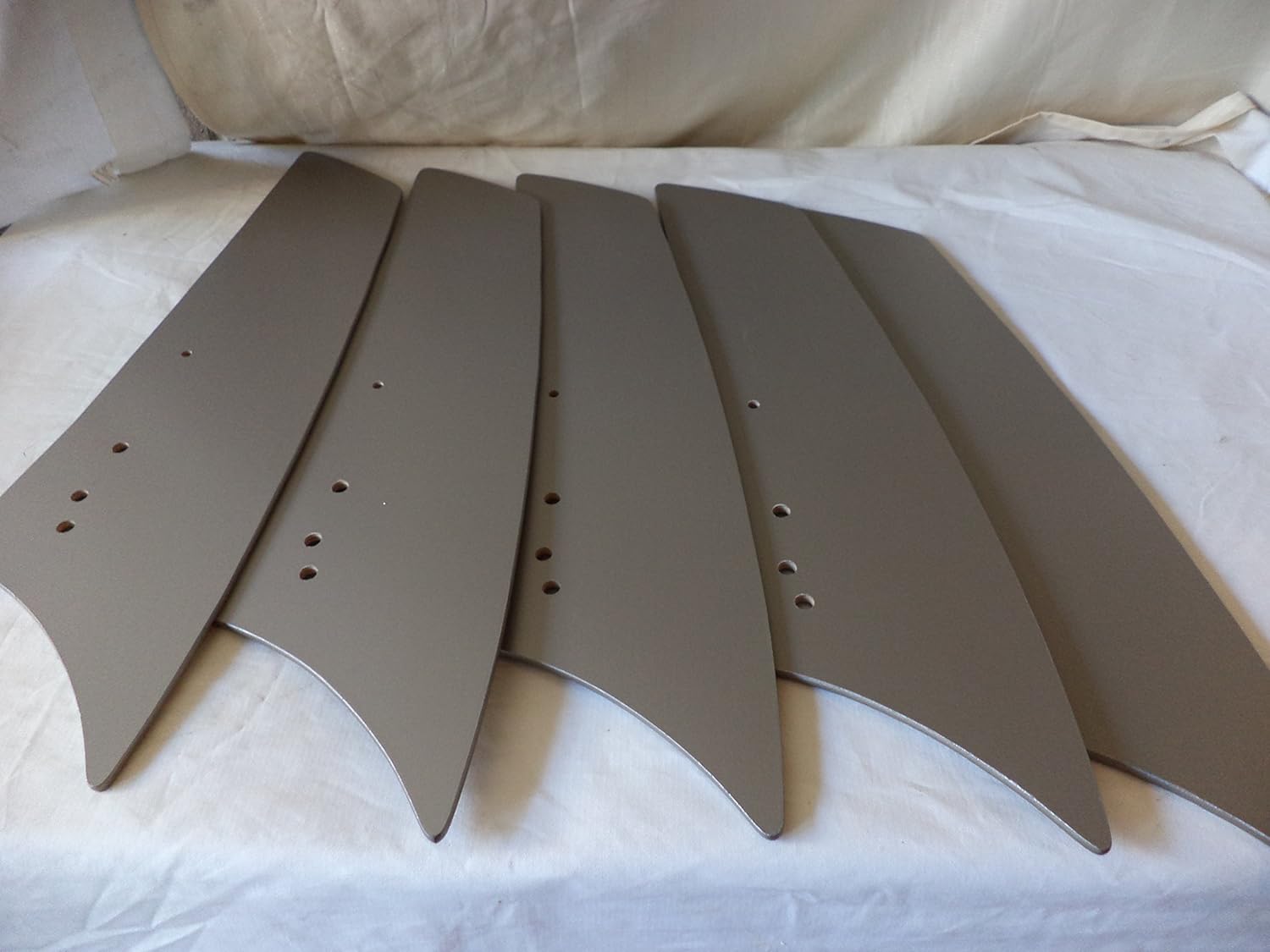
Image: Individual fan blades.
4.5 Memasang Kit Cahaya
- Connect the light kit wires to the corresponding wires from the fan motor.
- Attach the light kit assembly to the bottom of the motor housing.
- Install the recommended halogen bulbs (not included).
- Secure the glass shade to the light kit.
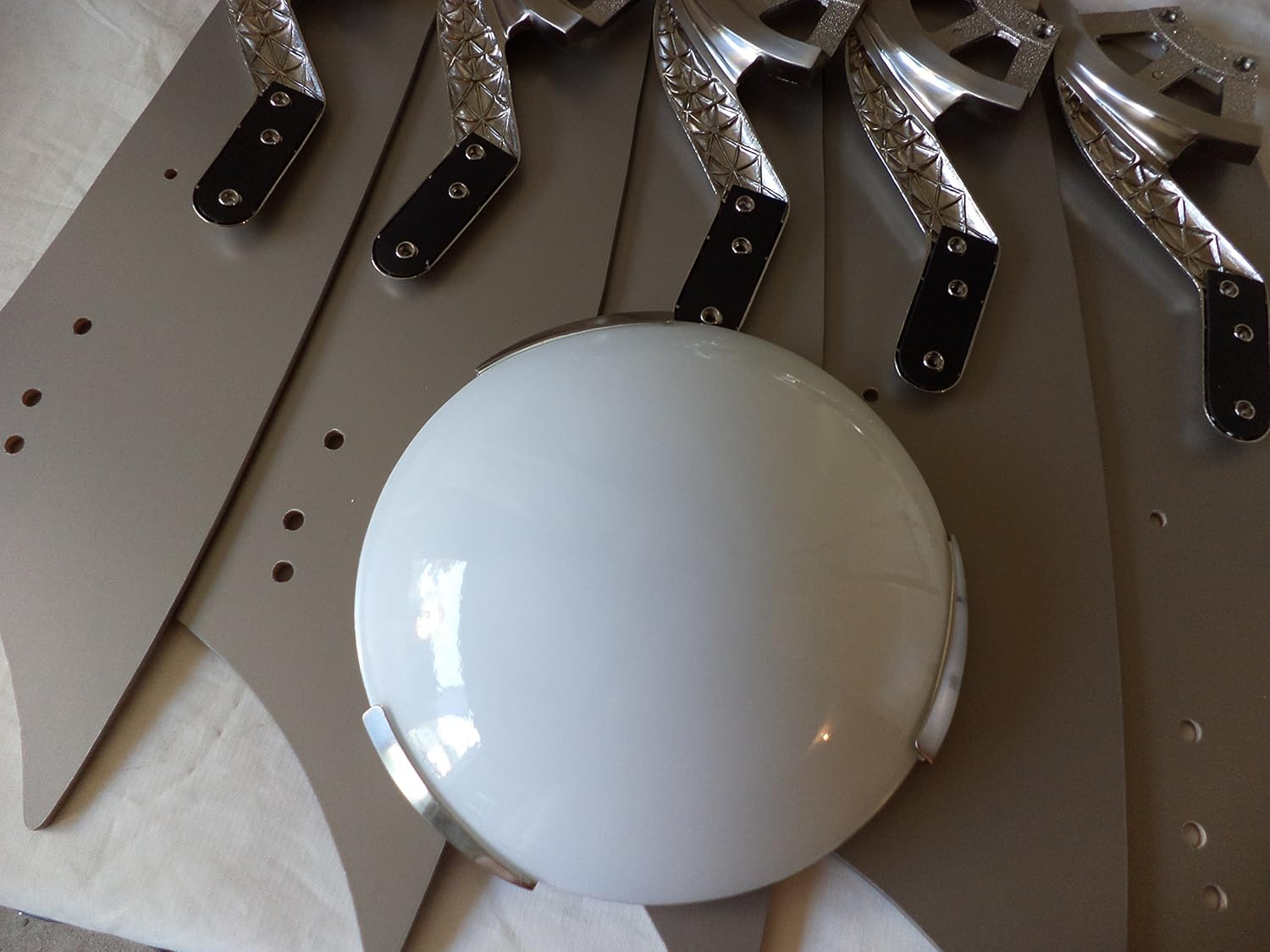
Image: Light kit glass shade.
5. Arahan Operasi
H andaampton Bay HD285314 ceiling fan is operated using the included remote control.
5.1 Fungsi Kawalan Jauh
- Kipas HIDUP/MATI: Tekan butang kipas untuk menghidupkan atau mematikan kipas.
- Kelajuan Kipas: Use the speed buttons (typically 1, 2, 3 for low, medium, high) to adjust fan speed.
- Light ON/OFF/Dimming: Press the light button to turn the light on or off. Hold the light button to dim or brighten the light.
- Fungsi terbalik: Locate the reverse switch on the fan motor housing (usually a small slide switch). This changes the direction of airflow for summer (downward airflow) or winter (upward airflow). Adjust this switch only when the fan is off.
Image: Remote control unit.
6. Penyelenggaraan
Penyelenggaraan tetap memastikan prestasi optimum dan memanjangkan hayat kipas siling anda.
- Pembersihan: Clean the fan periodically with a soft, damp kain. Jangan gunakan pembersih atau pelarut yang melelas, kerana ini boleh merosakkan kemasan.
- Keketatan Bilah: Check blade screws annually to ensure they are tight. Loose blades can cause wobbling and noise.
- Penggantian mentol: When replacing bulbs, ensure the power is off. Use halogen bulbs as specified for the light kit.
7. Penyelesaian masalah
Jika anda mengalami masalah dengan kipas anda, rujuk masalah dan penyelesaian biasa berikut:
| Masalah | Kemungkinan Punca | Penyelesaian |
|---|---|---|
| Kipas tidak bermula | Tiada kuasa kepada kipas; Sambungan wayar longgar; Bateri kawalan jauh lemah. | Check circuit breaker/fuses; Verify all wire connections are secure; Replace remote control battery. |
| Kipas bergoyang | Skru bilah longgar; Bilah yang tidak seimbang; Pendakap pelekap longgar. | Tighten all blade screws; Use a balancing kit (sold separately) to balance blades; Ensure mounting bracket is securely fastened. |
| Cahaya tidak berfungsi | Bulb faulty or loose; Loose wire connection in light kit; Remote control battery low. | Replace bulb; Check light kit wiring; Replace remote control battery. |
| Operasi bising | Loose screws; Motor not seated properly; Blades hitting an obstruction. | Check and tighten all screws; Ensure motor housing is properly installed; Verify no obstructions are in the fan's path. |
8. Spesifikasi
| Ciri | Spesifikasi |
|---|---|
| Nombor Model | HD285314 |
| Jenama | Hampton Bay |
| Saiz Kipas | 54 inci |
| Selesai | Nikel Berus |
| Bilangan Bilah | 5 |
| Kapasiti Aliran Udara | 5600 Kaki Kubik Seminit |
| Voltage | 120 Volt |
| Sumber Kuasa | Elektrik Bertali |
| Ciri Khas | Alat Kawalan Jauh |
| Jenis Mentol | Halogen |
| Berat Barang | 28 paun |
| UPC | 718212348895 |
9. Waranti dan Sokongan
Warranty information for the Hampton Bay HD285314 ceiling fan is not explicitly provided in the product specifications. Please refer to the manufacturer's official weblaman web atau hubungi khidmat pelanggan mereka untuk terma dan syarat jaminan terperinci.
For technical support or assistance with parts, please contact Hampton Bay customer service directly. Contact information can typically be found on the manufacturer's webtapak atau pada pembungkusan produk.