1. Pengenalan
This instruction manual provides essential information for the safe and effective use of your Thor AC Power Adapter Cord. This adapter is designed to provide reliable power to compatible Sylvania Portable DVD Players. Please read this manual thoroughly before use and retain it for future reference.
2. Produk Lebihview
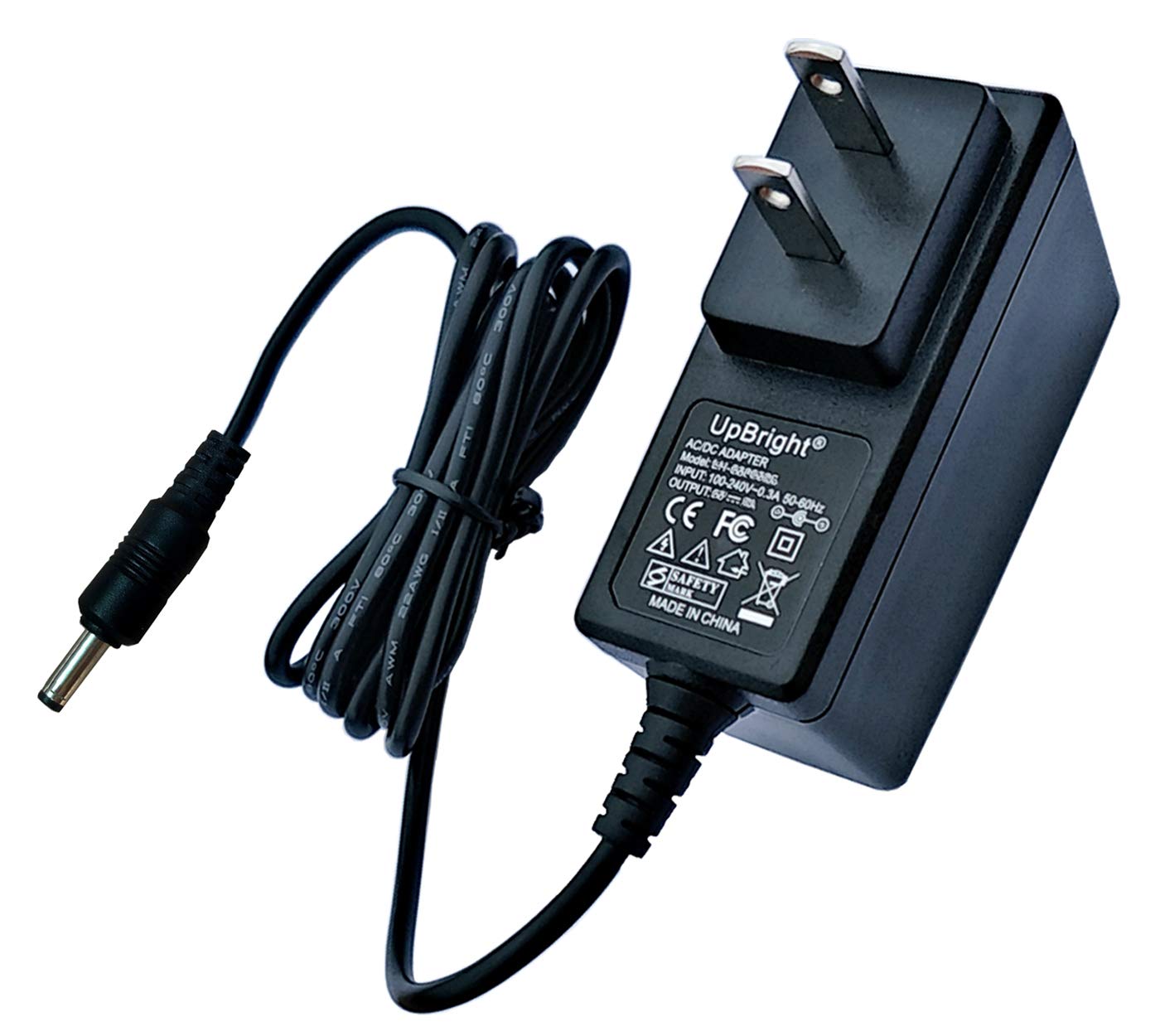
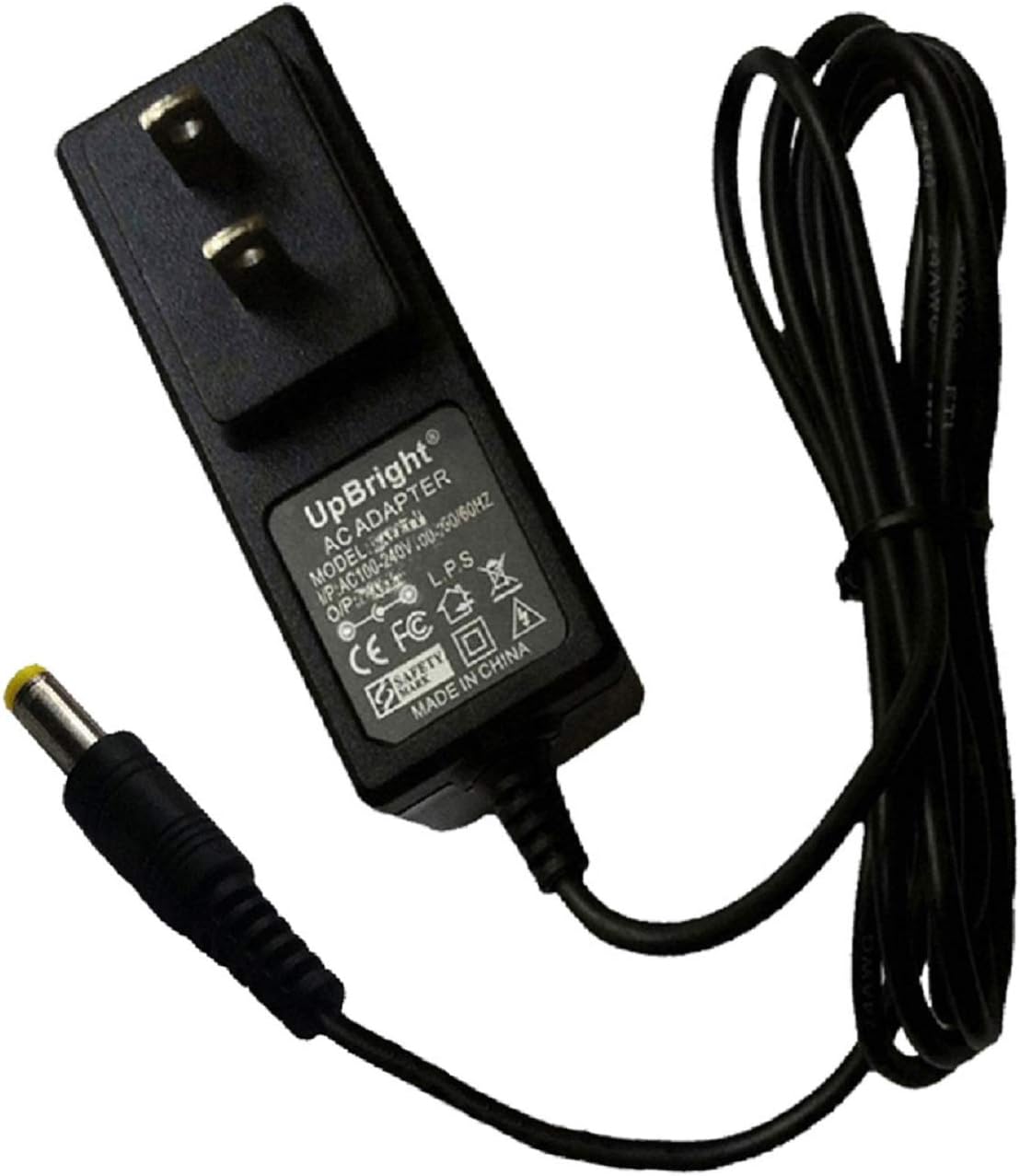
The Thor AC Power Adapter Cord is a UL Listed power supply designed for specific Sylvania Portable DVD Player models. It features a 5-foot cord for convenient use.
Ciri-ciri Utama:
- UL Listed Quality: Memastikan keselamatan dan kebolehpercayaan.
- Panjang Kord Lanjutan: Features a 5-foot (approximately 1.5 meters) cord.
- Keserasian: Specifically designed for Sylvania Portable DVD Player models SDVD1023, SDVD1023bj, SDVD1030, SDVD7011, SDVD7012, and SDVD7014.
Imej Produk:

3. Arahan Persediaan
Follow these steps to properly connect your AC Power Adapter Cord to your Sylvania Portable DVD Player.
- Identify the Power Port: Locate the DC input power port on your Sylvania Portable DVD Player. This is typically a small, round port.
- Connect to DVD Player: Insert the barrel connector end of the AC Power Adapter Cord firmly into the DC input power port of your portable DVD player. Ensure a snug fit.
- Sambung ke Alur Kuasa: Plug the two-pronged adapter block into a standard AC wall outlet (100-240V, 50/60Hz).
- Sahkan Sambungan: Once connected, your DVD player should indicate that it is receiving power or charging (e.g., via an LED indicator).
4. Arahan Operasi
Once the AC Power Adapter Cord is connected, your Sylvania Portable DVD Player can be operated or charged.
- Mengkuasakan Peranti: With the adapter connected to both the DVD player and a power outlet, you can power on your DVD player for immediate use.
- Mengecas Bateri: If your portable DVD player has a rechargeable battery, the adapter will automatically charge the battery while connected and the device is either on or off. Refer to your DVD player's manual for specific charging indicators and times.
5. Penyelenggaraan
Proper care and maintenance will extend the life of your AC Power Adapter Cord.
- Pembersihan: Disconnect the adapter from the power outlet and the DVD player before cleaning. Use a soft, dry cloth to wipe the adapter and cord. Do not use liquid cleaners or abrasive materials.
- Storan: When not in use, store the adapter in a cool, dry place, away from direct sunlight and extreme temperatures. Avoid tightly coiling the cord to prevent damage.
- Pengendalian: Do not pull the cord to disconnect from the outlet or DVD player; always grasp the plug or connector. Avoid placing heavy objects on the cord or exposing it to sharp edges.
6. Penyelesaian masalah
If you encounter issues with your AC Power Adapter Cord, refer to the following common solutions.
- Device Not Powering On or Charging:
- Ensure the adapter is securely plugged into a functional wall outlet. Test the outlet with another device.
- Verify that the barrel connector is fully inserted into the DVD player's power port.
- Check the cord for any visible damage, kinks, or frayed wires. If damaged, discontinue use and replace the adapter.
- Sambungan longgar:
- If the connector feels loose in the DVD player's port, ensure it is pushed in firmly. Avoid moving the DVD player excessively while connected to prevent accidental disconnection.
- If the connection remains consistently loose, the port on the DVD player or the adapter's connector may be worn.
7. Spesifikasi
| Spesifikasi | Nilai |
|---|---|
| Nombor Model | zbe-100 |
| Input Voltage | 100-240 Voltan AC |
| Keluaran Voltage | 12 Volt DC |
| Arus Keluaran | 0.83 Amps |
| Jenis Penyambung | Penyambung tong |
| Panjang Kord | 5 Kaki (lebih kurang 1.5 meter) |
| Dimensi Produk | 5 x 3 x 3 inci |
| Berat Barang | 0.352 auns |
8. Waranti dan Sokongan
Your Thor AC Power Adapter Cord comes with a Waranti 7 Tahun dan a 100% Jaminan Kepuasan.
For any questions, concerns, or support needs regarding this product, please refer to the 'Customer Questions & Answers' section on the product's purchase page or contact the seller directly. When contacting support, please provide your product model number (zbe-100) and the specific Sylvania DVD player model you are using.


