pengenalan
Thank you for choosing the Holmes Lil' Blizzard 8-Inch Oscillating Table Fan. This fan is designed to provide powerful and refreshing airflow, enhancing comfort in small rooms. Its compact design, adjustable features, and ease of maintenance make it an ideal solution for personal cooling. Please read this manual thoroughly before operating your fan to ensure safe and efficient use.
Arahan Keselamatan Penting
Semasa menggunakan peralatan elektrik, langkah berjaga-jaga keselamatan asas harus sentiasa dipatuhi untuk mengurangkan risiko kebakaran, renjatan elektrik dan kecederaan kepada orang ramai. Ini termasuk:
- Baca semua arahan sebelum menggunakan kipas ini.
- Use this fan only as described in this manual. Other uses not recommended by the manufacturer may cause fire, electric shock, or injury to persons.
- To protect against electrical shock, do not place the fan in water or other liquids.
- Pengawasan rapi diperlukan apabila sebarang perkakas digunakan oleh atau berhampiran kanak-kanak.
- Cabut palam dari soket apabila tidak digunakan, semasa mengalihkan kipas dari satu lokasi ke lokasi lain dan sebelum membersihkan.
- Jangan kendalikan kipas jika terdapat asap meletup dan/atau mudah terbakar.
- Jangan letakkan kipas atau bahagian lain di dekat api terbuka, alat memasak atau alat pemanas lain.
- Jangan kendalikan kipas dengan kord atau palam yang rosak, atau selepas kipas tidak berfungsi atau terjatuh atau rosak dalam apa jua cara.
- Elakkan sentuhan dengan bahagian yang bergerak.
- Kipas ini bertujuan untuk kegunaan dalaman sahaja.
Ciri-ciri Produk
- Two powerful speed settings for customized airflow.
- Oscillation function for wide coverage area.
- Tilt-adjustable head to direct airflow precisely.
- Portable, lightweight design for easy relocation.
- Removable front grill for convenient cleaning.
- Ideal for small rooms up to 155 sq. ft.
Pengenalan Bahagian
Familiarize yourself with the main components of your Holmes Lil' Blizzard Table Fan:
- Ketua Kipas: Contains the blades and front grill.
- Tombol kawalan: Located on the rear of the fan head, used to select speed settings and turn the fan off.
- Butang ayunan: A push-button switch on top of the fan body to activate or deactivate oscillation.
- Mekanisme Kecondongan Boleh Laras: Allows manual adjustment of the fan head's vertical angle.
- Pangkalan: Provides stability for the fan.
- Kord Kuasa: Connects the fan to an electrical outlet.

Rajah 1: Belakang view of the fan, highlighting the control knob and oscillation switch.
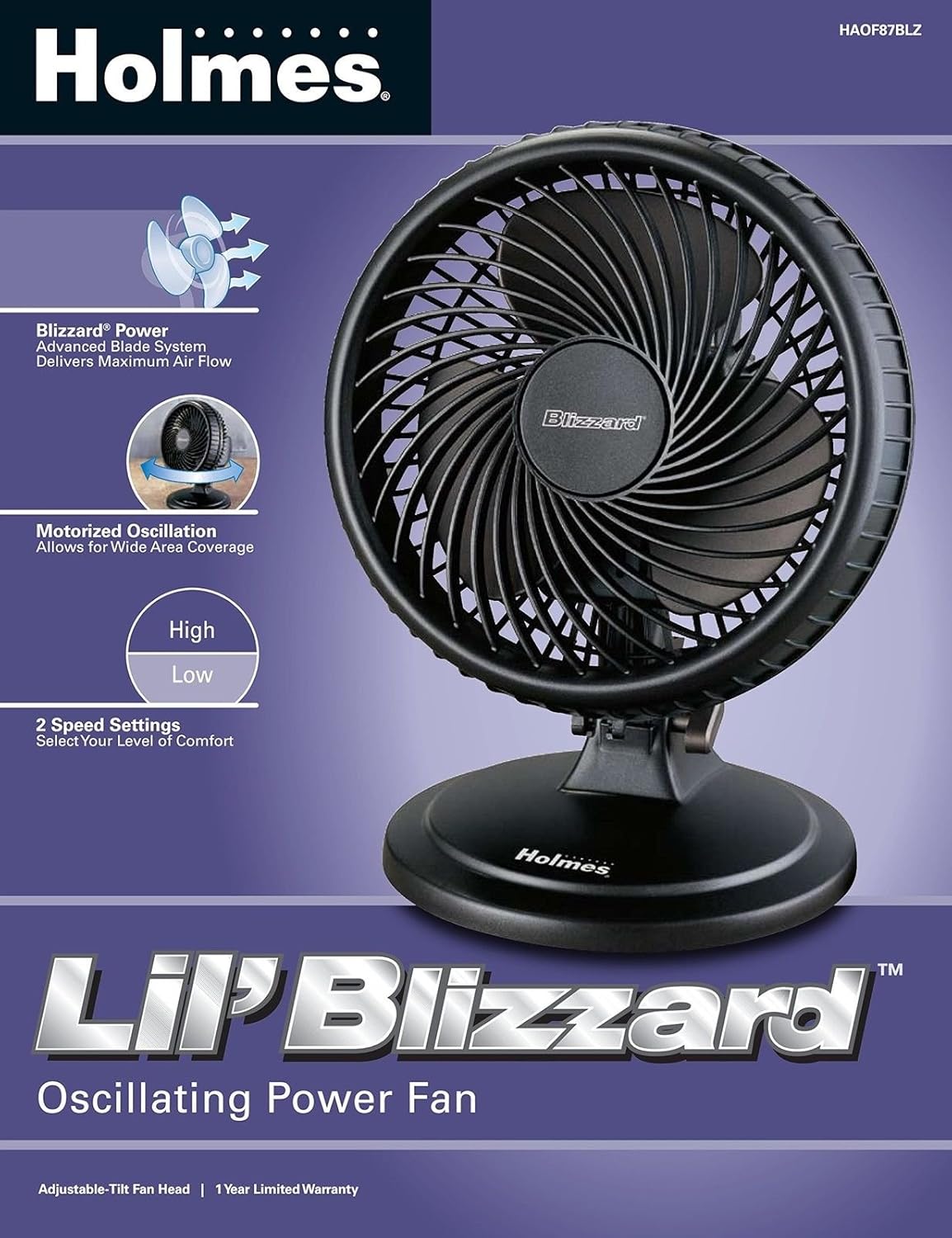
Rajah 2: Depan view of the fan, illustrating its key features like speed settings and oscillation.
Persediaan
Your Holmes Lil' Blizzard Table Fan requires minimal setup:
- Bongkar: Keluarkan kipas dari bungkusannya dengan berhati-hati. Simpan pembungkusan untuk penyimpanan atau pengangkutan masa hadapan.
- penempatan: Place the fan on a firm, level surface. Ensure there are no obstructions to airflow.
- Sambungan Kuasa: Palamkan kord kuasa ke soket elektrik 120V AC standard.
Arahan Operasi
Follow these steps to operate your fan:
- Pilihan Hidup/Kelajuan: Locate the control knob on the rear of the fan. Turn the knob clockwise to select your desired speed setting: 'I' for Low, 'II' for High.
- Pengayun: To activate the oscillation feature, press the oscillation button located on top of the fan body. The fan head will begin to sweep from side to side. To stop oscillation, press the button again.
- Melaraskan Kecondongan: To adjust the vertical angle of the fan head, gently grasp the fan head and tilt it up or down to the desired position. The fan head will hold its adjusted angle.
- Matikan: To turn the fan off, turn the control knob counter-clockwise to the 'O' position.
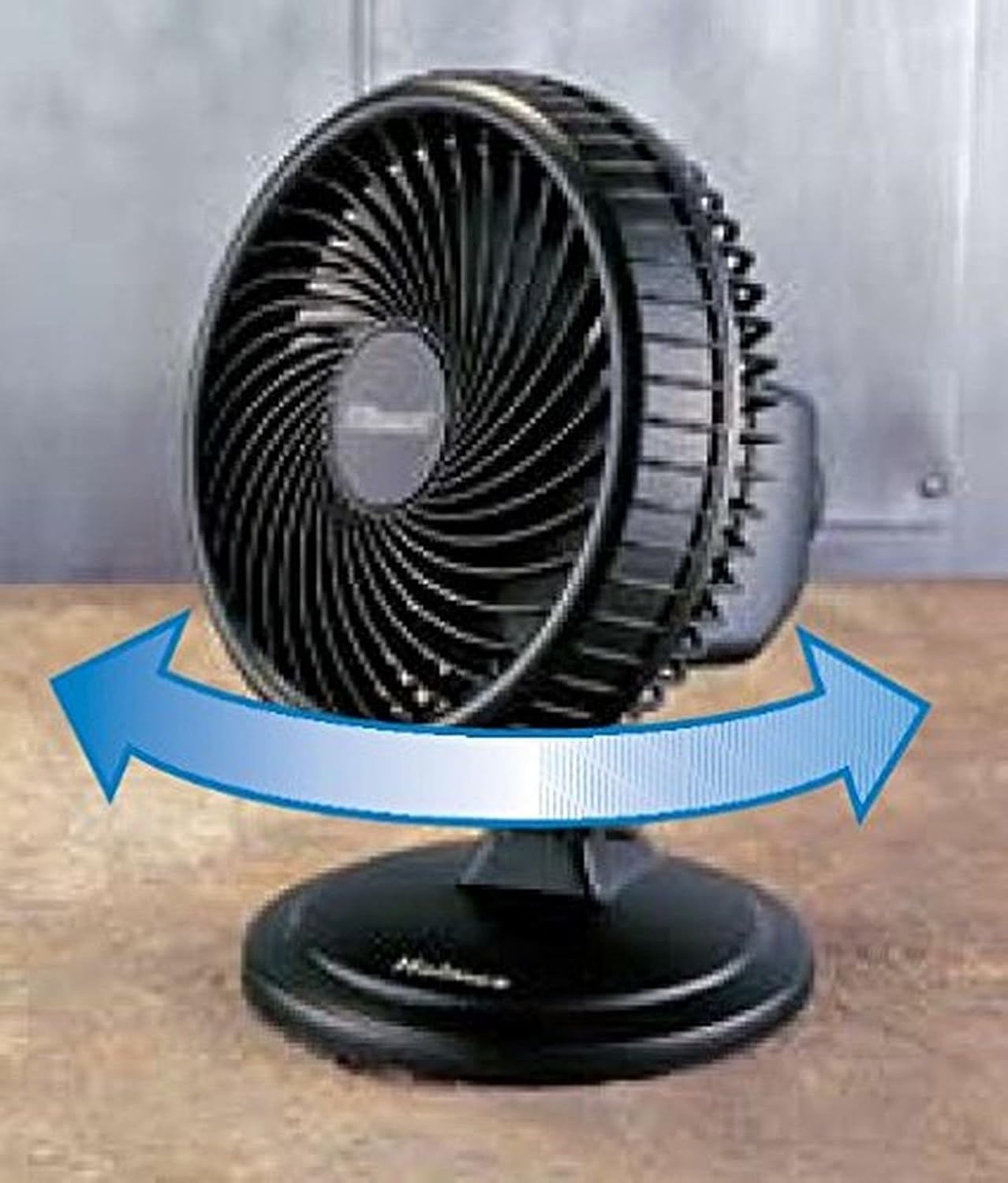
Figure 3: The fan demonstrating its oscillation capability.
Penyelenggaraan
Regular cleaning helps maintain your fan's performance and appearance:
- Sebelum Pembersihan: Sentiasa cabut plag kipas dari soket elektrik sebelum membersihkannya.
- Membersihkan Bahagian Luar: Gunakan yang lembut, damp cloth to wipe the exterior surfaces of the fan. Do not use abrasive cleaners or solvents as they may damage the finish.
- Cleaning the Front Grill: The front grill is removable for easier cleaning of the blades. Gently unclip or unscrew the front grill (refer to specific model instructions if needed) and wipe the blades with a soft, damp cloth. Ensure the grill is securely reattached before operating the fan.
- Storan: When storing the fan, keep it in a cool, dry place. It is recommended to store it in its original box to protect it from dust and damage.
Menyelesaikan masalah
If your fan is not operating correctly, check the following common issues:
| Masalah | Kemungkinan Punca | Penyelesaian |
|---|---|---|
| Kipas tidak beroperasi. | Tiada kuasa kepada unit. | Ensure the fan is plugged into a live electrical outlet. Check if the outlet is working by plugging in another appliance. |
| Kipas membuat bunyi yang berlebihan. | Bahagian atau serpihan yang longgar. | Unplug the fan and check for any loose parts or foreign objects obstructing the blades. Clean the fan as per maintenance instructions. |
| Aliran udara lemah. | Fan speed is too low or dirty blades/grill. | Increase the fan speed using the control knob. Clean the fan blades and grill to remove dust buildup. |
Spesifikasi
| Ciri | Perincian |
|---|---|
| Jenama | HOLMES |
| Nombor Model | HAOF87BLZ-NUC |
| Reka Bentuk Kipas Elektrik | Kipas Meja |
| Sumber Kuasa | Elektrik Bertali |
| Gaya | Kawalan Manual |
| Dimensi Produk | 8"D x 8.8"W x 11.8"H |
| Berat Barang | 3 paun |
| Bilangan Bilah | 3 |
| Bilangan Tahap Kuasa | 2 |
| Voltage | 120 Volt |
| Wattage | 7 watt |
| Ciri Khas | Adjustable Tilt, Lightweight, Oscillating, Removable Grill |
| Penggunaan yang Disyorkan | Dalaman |
Waranti dan Sokongan Pelanggan
This Holmes Lil' Blizzard 8-Inch Oscillating Table Fan comes with a Waranti terhad 1 tahun. For warranty claims, technical assistance, or customer support, please refer to the contact information provided on the product packaging or visit the official Holmes website. Please have your model number (HAOF87BLZ-NUC) and proof of purchase ready when contacting support.


