pengenalan
This manual provides detailed instructions for the setup, operation, maintenance, and troubleshooting of your Escali Primo Digital Food Scale, Model P115. Designed for precise weight measurement in the kitchen, this scale is a versatile tool for cooking, baking, and portion control. Please read this manual thoroughly before using your scale to ensure optimal performance and longevity.
Produk Selesaiview
The Escali Primo Digital Food Scale features a simple two-button operation, a sealed control panel for easy cleaning, and a compact design. It offers accurate measurements for various ingredients.
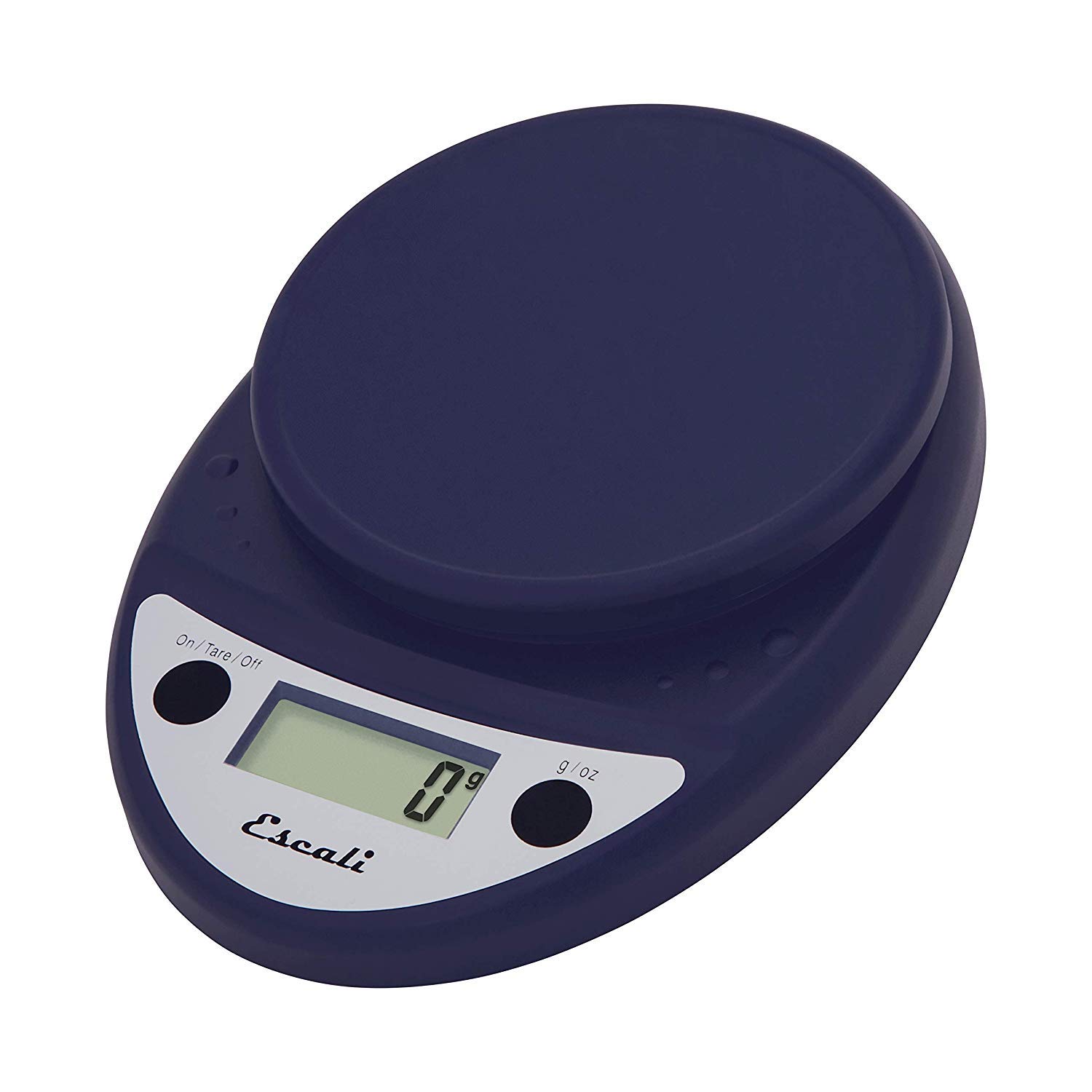
This image displays the Escali Primo Digital Food Scale in royal blue, showcasing its oval shape, weighing platform, digital display, and two control buttons.
Ciri-ciri Utama:
- Reka bentuk tahan lasak: Lightweight and rounded for enhanced durability.
- Accurate & Capable: Measures up to 11 lb (5,000 g) in 0.1 oz (1 g) increments.
- Ciri Tare: Allows you to reset the scale to zero weight to measure multiple items or subtract container weight.
- Mudah Dibaca: Features a crisp digital display.
- Pemilihan Unit: Measures in pounds + ounces, ounces, and grams.
- Spill Guard: A clear plastic shield covers the control panel for easy cleaning.
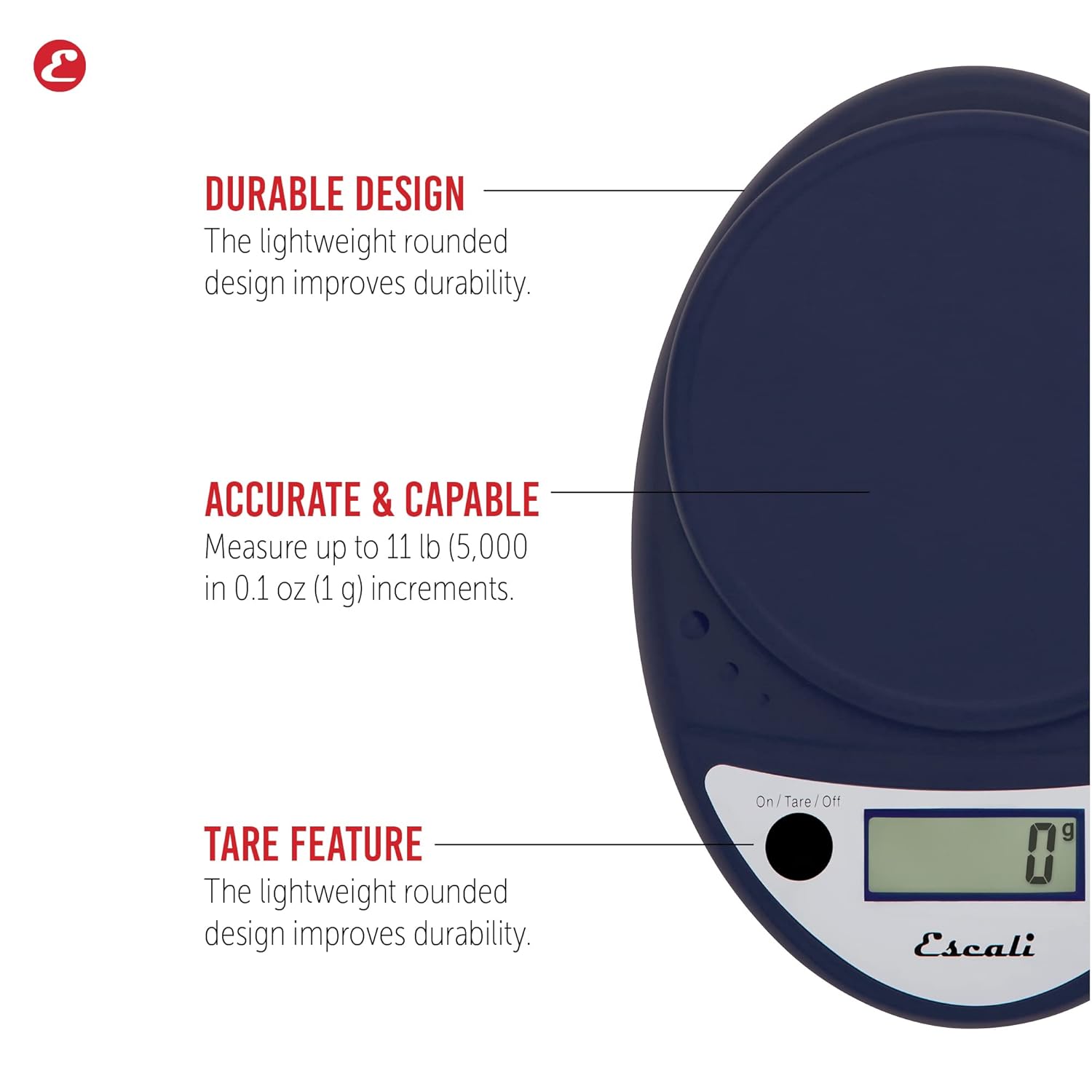
This image highlights the durable design, accurate measurement capabilities (up to 11 lbs / 5000g in 0.1 oz / 1g increments), and the tare feature of the scale.

This image illustrates the easy-to-read digital display, the unit selection function (pounds+ounces, ounces, grams), and the spill guard protecting the control panel.
Persediaan
- Pemasangan Bateri: The scale requires two (2) AA batteries, which are included. Open the battery compartment on the underside of the scale, insert the batteries according to the polarity indicators (+/-), and close the compartment securely.
- penempatan: Letakkan penimbang pada permukaan yang keras, rata dan stabil. Permukaan yang tidak rata boleh menjejaskan ketepatan.
Arahan Operasi
Hidupkan/Mati Kuasa
- Untuk memusingkan skala ON, tekan butang On/Tare/Off button. The display will show "0".
- Untuk memusingkan skala DIMATIKAN, tekan dan tahan butang On/Tare/Off button for approximately 3 seconds. The scale also features an automatic shut-off after four minutes of inactivity to conserve battery life.
Pemilihan Unit
- Tekan ke g/oz button to cycle through the available measurement units: grams (g), ounces (oz), and pounds:ounces (lb:oz). Select your desired unit before weighing.
Item Berat
- Turn on the scale. Ensure the display shows "0" in your desired unit.
- Carefully place the item(s) to be weighed onto the center of the weighing platform.
- Baca berat yang dipaparkan pada skrin.
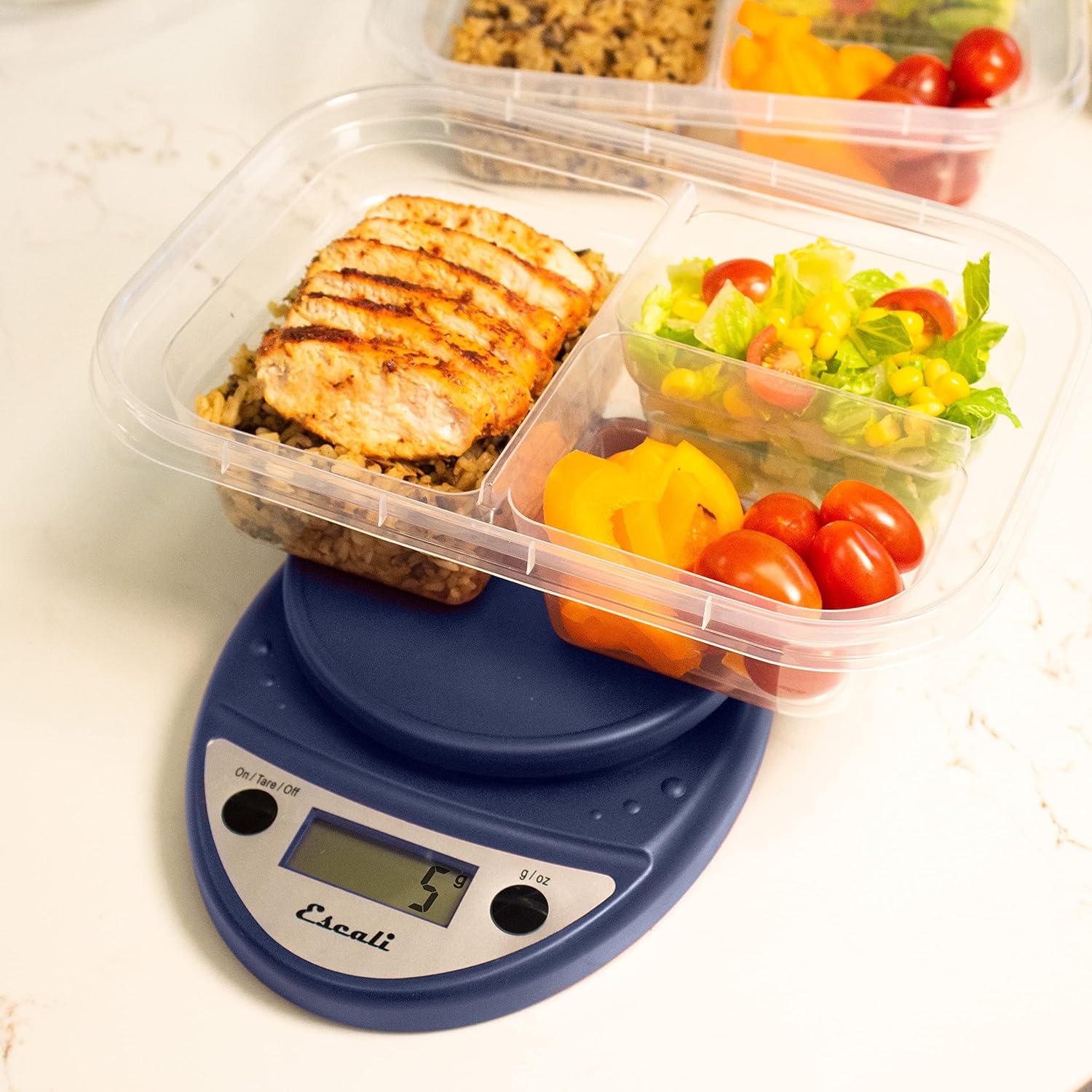
This image shows the Escali Primo Digital Food Scale being used to weigh meal prep containers filled with food, demonstrating its practical application for portion control.
Fungsi Tare
The tare function allows you to subtract the weight of a container or to weigh multiple ingredients consecutively in the same bowl.
- Letakkan bekas kosong di atas platform penimbang. Paparan akan menunjukkan beratnya.
- Tekan ke On/Tare/Off butang. Paparan akan ditetapkan semula kepada "0".
- Add the ingredient(s) to the container. The display will show only the weight of the added ingredient(s).
- Repeat step 2 and 3 for additional ingredients.

This image illustrates the scale being used to weigh flour in a glass bowl, demonstrating the tare function's utility in baking by zeroing out the bowl's weight.
Penyelenggaraan dan Penjagaan
- Pembersihan: The sealed control panel and rounded design make the scale easy to clean. Wipe the scale with a damp kain. Jangan rendam skala dalam air atau gunakan pembersih yang melelas.
- Storan: Simpan penimbang di tempat kering pada suhu bilik.
- Penggantian Bateri: When the battery indicator appears on the display, replace the two AA batteries.
Menyelesaikan masalah
| Masalah | Kemungkinan Punca | Penyelesaian |
|---|---|---|
| Skala tidak dihidupkan | Bateri mati atau tidak dipasang dengan betul | Gantikan bateri atau pastikan polariti yang betul. |
| Bacaan tidak tepat | Uneven surface, overloaded scale, or interference | Place on a flat, stable surface. Do not exceed maximum capacity. Remove any electronic devices nearby. |
| Paparan menunjukkan "Err" | Skala terlampau beban | Remove items immediately. Do not exceed 11 lb (5,000 g). |
If you encounter issues not listed here, please refer to the support section for assistance.
Spesifikasi
- model: P115
- kapasiti: 11 lb (5,000 g)
- Kenaikan: 0.05 oz (1 g)
- Unit: oz, lb:oz, g
- Dimensi: 8.5 x 6 x 1.5 inci
- Sumber Kuasa: 2 bateri AA (termasuk)
- Jenis Paparan: LED
- Ciri Khas: Auto Shut Off, Sealed Control Panel, Tare Function
Waranti dan Sokongan
Maklumat Waranti
The Escali Primo Digital Food Scale is backed by a Waranti Seumur Hidup. Waranti ini melindungi kecacatan pada bahan dan mutu kerja di bawah penggunaan biasa. Sila simpan bukti pembelian anda untuk tuntutan waranti.
Sokongan Pelanggan
For further assistance, technical support, or warranty inquiries, please visit the official Escali webtapak atau hubungi bahagian perkhidmatan pelanggan mereka. Maklumat hubungan biasanya boleh didapati pada pembungkusan produk atau rasmi jenama webtapak: www.escali.com


