pengenalan
Selamat datang ke manual arahan untuk Robotica, a first-person shooter game developed for the Sega Saturn console. This manual provides essential information for setting up, operating, maintaining, and troubleshooting your game to ensure an optimal experience. Navigate through a deep-space station, confront robotic adversaries, and complete your mission.
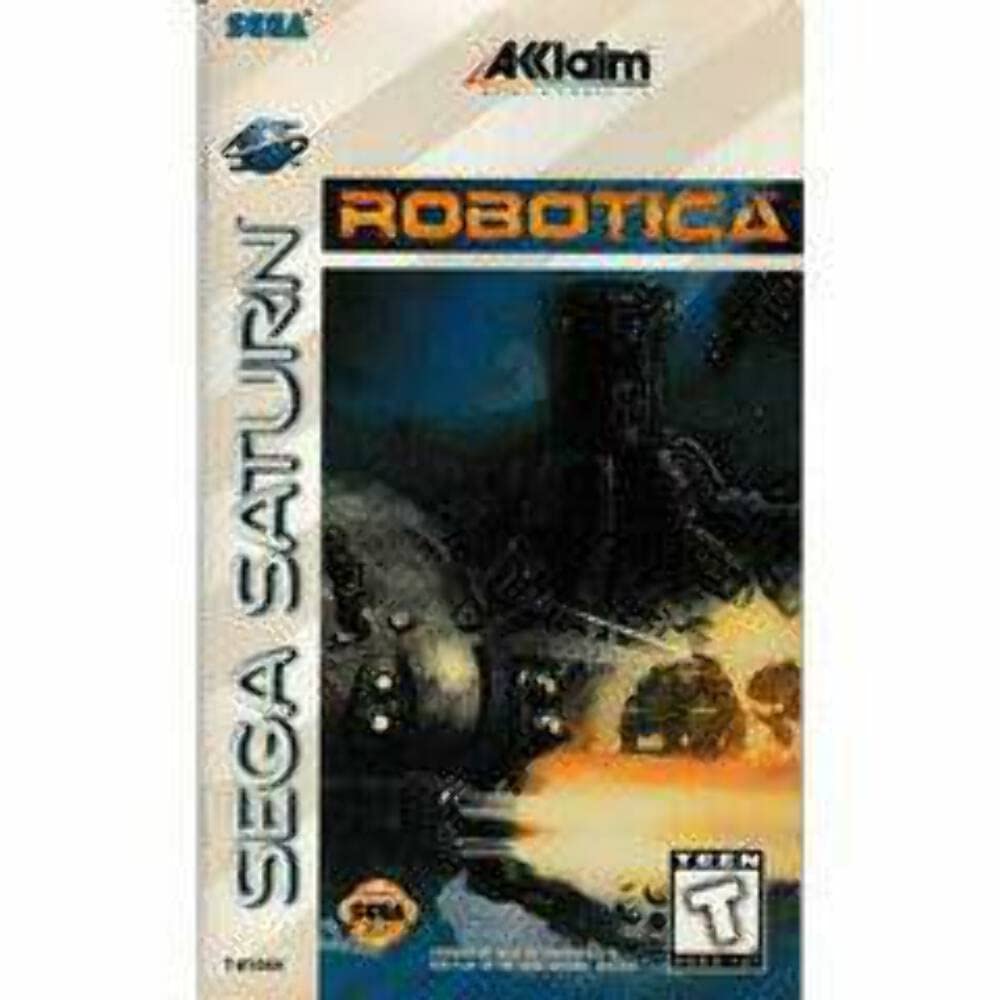
Image: Robotica game cover for Sega Saturn. The cover features a stylized robot in a dark, industrial setting, indicative of the game's sci-fi, action theme.
Persediaan
Console and Controller Connection
- Connect your Sega Saturn console to your television using the appropriate audio/video cables. Ensure the cables are securely plugged into both the console and the TV.
- Connect the console's power adapter to a power outlet and to the console's power input.
- Plug your Sega Saturn controller(s) into the controller ports on the front of the console.
Inserting the Game Disc
- Gently press the OPEN button on the Sega Saturn console to open the disc tray.
- Carefully place the Robotica game disc onto the spindle in the disc tray, ensuring the label side is facing up.
- Close the disc tray by gently pressing down on the lid until it clicks into place. Do not force the lid.
Memulakan Permainan
- Turn on your television and select the correct input channel for your Sega Saturn console.
- Press the POWER button on the Sega Saturn console. The console will boot up, and the game should load automatically.
- If the game does not start, ensure the disc is clean and properly inserted, and that all cables are connected.
Arahan Operasi
Kawalan Asas
The following are typical control assignments for first-person shooter games on the Sega Saturn. Specific in-game control mapping may be available in the game's options menu.
- D-Pad: Movement (Forward, Backward, Strafe Left, Strafe Right)
- Butang: Senjata Api
- Butang B: Action / Interact
- Butang C: Jump / Alternate Action
- Butang X, Y, Z: Weapon Select / Menu Navigation
- Pencetus L: Look Left / Strafe Left (context-dependent)
- Pencetus R: Look Right / Strafe Right (context-dependent)
- Butang MULA: Pause Game / Access Menu
Objektif Permainan
In Robotica, your primary objective is to navigate through complex, maze-like corridors within a deep-space station. You must defeat various robotic enemies, locate key items, and find the exit to progress through each level. Success often requires careful exploration and resource management.
User Interface (HUD)
The Heads-Up Display (HUD) provides critical information during gameplay. Common elements include:
- Health Indicator: Displays your current health status.
- Ammo Count: Shows the remaining ammunition for your equipped weapon.
- Weapon Display: Indicates your currently selected weapon.
- Map/Radar: May provide a mini-map or radar to help with navigation and enemy detection.
Menyimpan Kemajuan
Sila ambil perhatian bahawa Robotica for Sega Saturn does not feature an in-game save function. Progress is typically maintained through level completion or by playing through the game in a single session. Plan your gameplay accordingly.
Penyelenggaraan
Penjagaan Cakera Permainan
- Always hold the game disc by its edges to avoid touching the playing surface.
- Keep the disc clean. If necessary, gently wipe the playing surface with a soft, lint-free cloth from the center outwards. Do not use abrasive cleaners or solvents.
- Simpan cakera dalam bekas asalnya apabila tidak digunakan untuk melindunginya daripada habuk, calar dan cahaya matahari langsung.
Penjagaan Konsol
- Keep your Sega Saturn console in a clean, dust-free environment.
- Ensure proper ventilation around the console to prevent overheating. Do not block air vents.
- Avoid placing heavy objects on the console.
Menyelesaikan masalah
Isu dan Penyelesaian Biasa
- Ralat Bacaan Cakera:
- Pastikan cakera permainan bersih dan bebas daripada calar.
- Sahkan cakera dimasukkan dengan betul, bahagian label menghadap ke atas.
- Try restarting the console.
- Permainan Tidak Bermula:
- Check all console power and A/V connections.
- Confirm the TV is on the correct input channel.
- Ensure the disc tray is fully closed.
- Pengawal Tidak Menjawab:
- Verify the controller is securely plugged into the console.
- Try using a different controller if available to rule out a faulty controller.
- Mulakan semula konsol.
Spesifikasi
| ASIN | B00002STUM |
| Pengeluar | Pujian |
| Berat Barang | 11.2 auns |
| Dimensi Produk | 8.2 x 5.6 x 0.6 inci |
| Dinilai | remaja |
| Jenis Barang | Permainan Video |
| Tarikh Mula-mula Tersedia | 9 Julai 2006 |
| Platform | Sega Zuhal |
Waranti dan Sokongan Pelanggan
For specific warranty information regarding the Robotica game disc, please refer to the original packaging or contact the game publisher, Acclaim. For support related to your Sega Saturn console, please consult the console's official documentation or contact SEGA customer support.