1. Pengenalan
Einhander is a 2D side-scrolling shooter game developed for the PlayStation console. Players control a spacecraft from the moon, engaging in combat against Earth's defenses. The game features various weapon systems, diverse enemy types, and challenging boss encounters across multiple stages.
2. Bermula
Follow these steps to begin playing Einhander on your PlayStation console:
- Masukkan Cakera Permainan: Open the disc tray of your PlayStation console and carefully place the Einhander game disc onto the spindle, label side up. Close the disc tray.
- Power On the Console: Ensure your PlayStation console is connected to a power source and a television. Press the power button to turn on the console.
- Mulakan Permainan: The console should automatically detect the game disc and display the game's title screen. If not, navigate to the 'CD Player' or 'Game' option in the PlayStation menu and select Einhander to start.

Figure 2.1: The Einhander game disc. Handle the disc by its edges to prevent scratches.
3. Permainan Tamatview
3.1 Kawalan Asas
The game utilizes the PlayStation controller's directional pad for movement and face buttons for actions. Specific button assignments may vary slightly based on in-game settings, but generally:
- Pad Arah: Controls spacecraft movement (up, down, left, right).
- Action Buttons (e.g., X, Circle, Square, Triangle): Used for firing the primary weapon, activating special weapons, and other in-game functions. Refer to the in-game pause menu for detailed control mapping.
3.2 Pilot and Ship Selection
At the start of the game, players can choose from three distinct spacecraft, each possessing unique characteristics and weapon hardpoints. Two additional hidden ships can be unlocked through gameplay progression. Each ship offers different strategic advantages.
3.3 Weapon Systems
Your spacecraft is equipped with a standard primary weapon, referred to as the 'manipulator,' which provides continuous fire. Additionally, a variety of special weapons can be acquired from defeated enemies. These special weapons have limited ammunition and can be switched between two positions on your ship, affecting their firing angle and utility.
Examples of special weapons include:
- Vulcan/Juno: Rapid-fire machine guns, with the Juno being a more powerful variant.
- Cannon: Fires large, powerful slugs capable of penetrating multiple targets.
- Wasp: Launches swarms of seeking missiles.
- bilah: A short-range, powerful laser sword that can rotate around the ship.
- Riot: A lightning gun that increases in power when charged.
3.4 Enemy Encounters
Players will face a wide array of enemy fighters, ground units, and robotic adversaries. Stages feature mid-level bosses and end-level bosses, which are large, complex machines with varied attack patterns. Defeating certain enemies allows for the acquisition of their weapon systems.
3.5 Game Progression and Difficulty
Einhander features a linear progression through several interconnected stages. The difficulty increases progressively, introducing more numerous and challenging enemies. Multiple difficulty settings are available to accommodate players of varying skill levels. The game utilizes a continue system, typically providing 3 lives and 10 continues per play session.
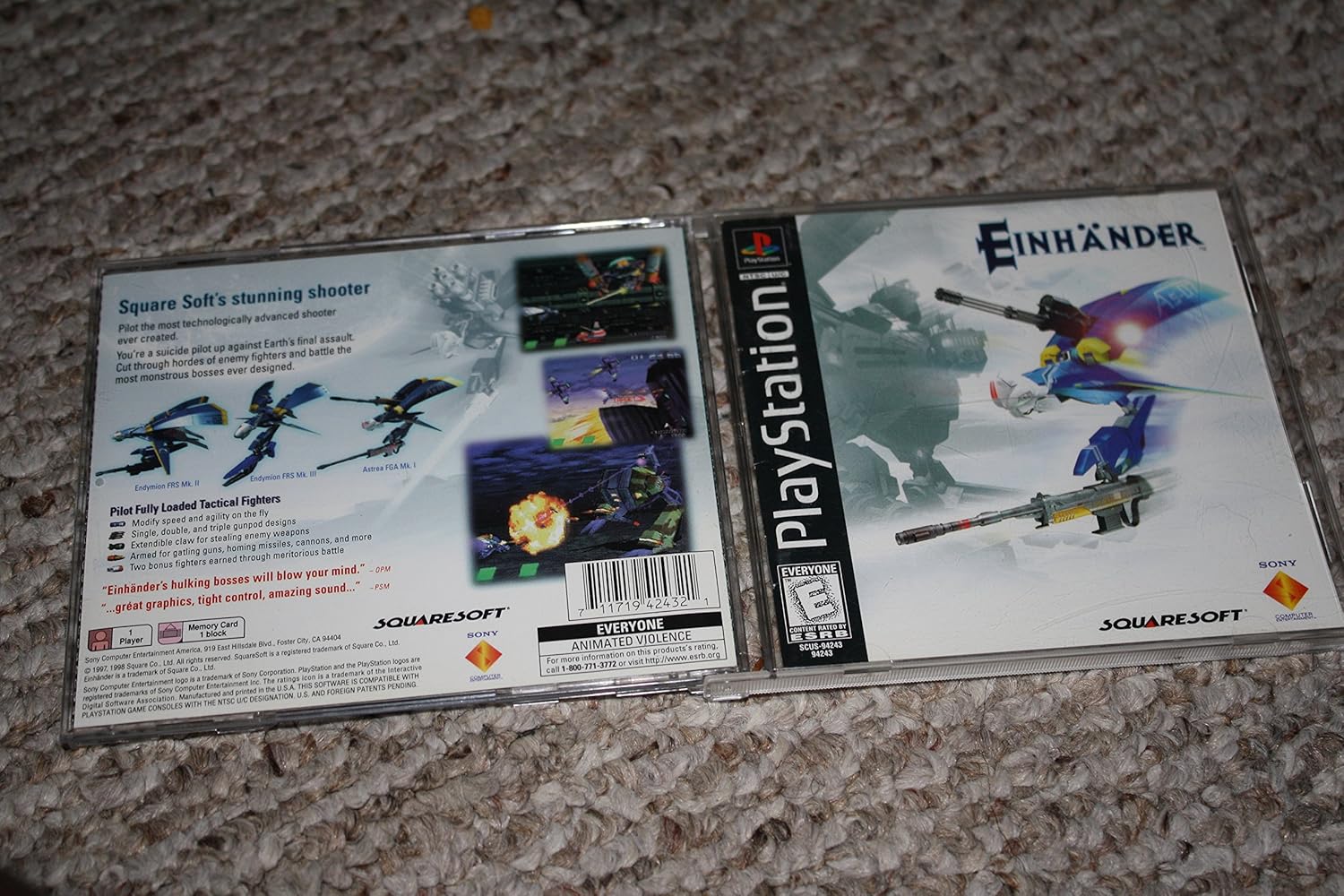
Figure 3.1: The back cover of the game case, illustrating various gameplay elements and enemy types.
4. Penjagaan dan Penyelenggaraan
4.1 Penjagaan Cakera
Proper care of your game disc ensures optimal performance and longevity:
- Pengendalian: Always hold the disc by its edges or by placing a finger through the center hole. Avoid touching the reflective surface.
- Pembersihan: Jika cakera menjadi kotor, lap perlahan-lahan menggunakan kain lembut dan tidak berbulu dari tengah ke luar. Jangan gunakan pembersih atau pelarut yang kasar.
- Storan: Simpan cakera dalam bekas asalnya apabila tidak digunakan untuk melindunginya daripada habuk, calar dan cahaya matahari langsung.
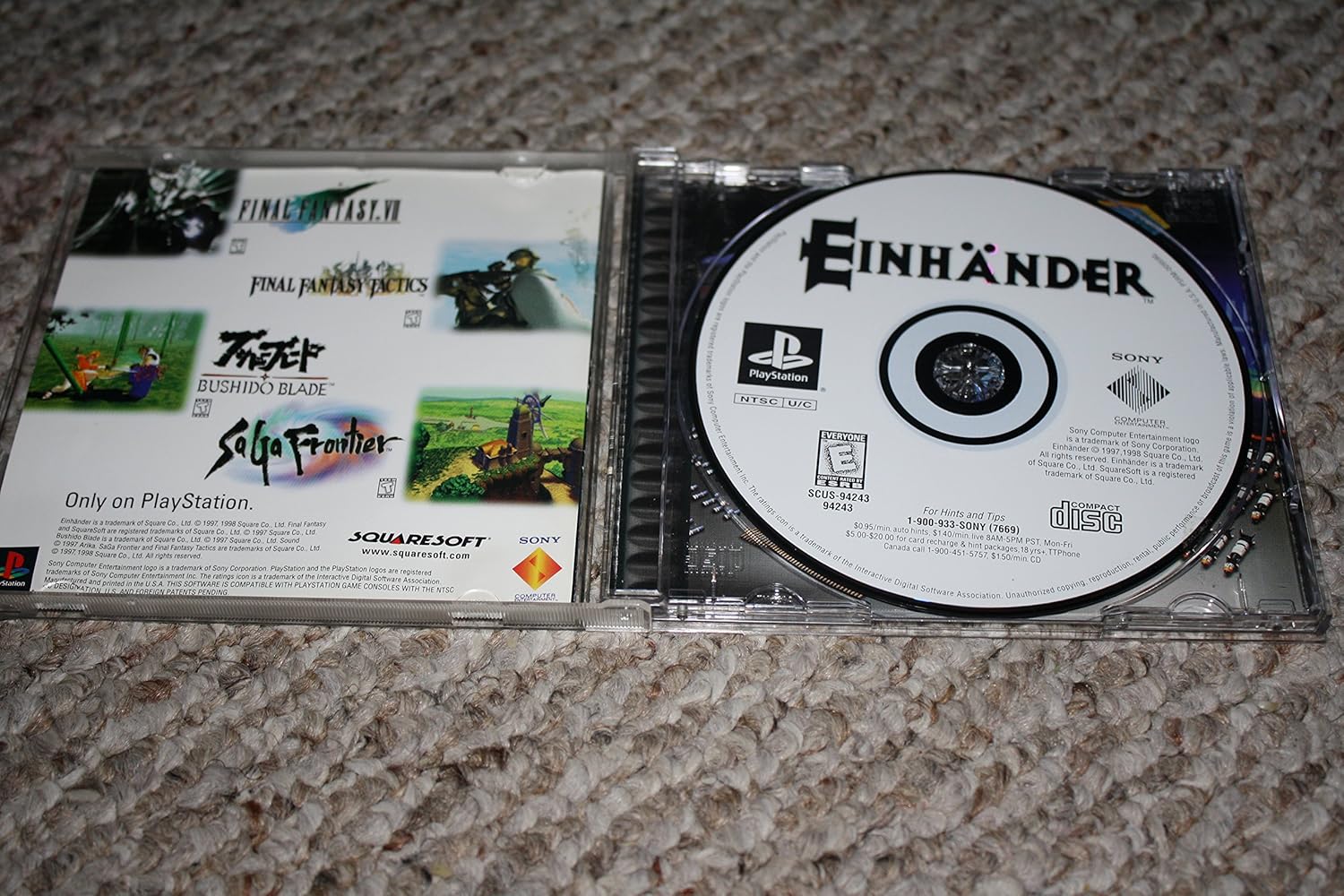
Figure 4.1: The Einhander game disc stored securely within its original case.
4.2 Console Care
Ensure your PlayStation console is well-maintained for consistent gameplay:
- Kebersihan: Keep the console free of dust by regularly wiping its exterior with a soft cloth.
- Pengudaraan: Ensure the console's ventilation ports are unobstructed to prevent overheating.
5. Penyelesaian masalah
If you encounter issues while playing Einhander, consider the following common solutions:
- Ralat Bacaan Cakera: If the console struggles to read the disc, remove the disc and inspect it for scratches or smudges. Clean the disc as described in Section 4.1. If the problem persists, the console's laser lens may require cleaning or servicing.
- Pembekuan Permainan: If the game freezes during play, try restarting the console. Ensure the disc is clean and free from damage. Persistent freezing may indicate an issue with the game disc or console hardware.
- Kawalan Tidak Responsif: Check that your controller is properly connected to the console. If using a wired controller, ensure the cable is securely plugged in. If using a wireless controller, verify battery levels and connection.
6. Spesifikasi Produk
| Spesifikasi | Perincian |
|---|---|
| ASIN | B00002STPM |
| Berat Barang | 3.2 auns |
| Dimensi Pakej | 5.5 x 4.8 x 0.4 inci |
| Jenis Barang | Permainan Video |
| Dinilai | Semua orang |
7. Waranti dan Sokongan
7.1 Maklumat Waranti
For specific warranty details regarding the Einhander game disc, please refer to the original product packaging or contact the retailer from whom the game was purchased. Warranty terms for video game software typically cover manufacturing defects.
7.2 Sokongan Teknikal
For technical assistance related to the Einhander game, please contact Sony Computer Entertainment or Squaresoft (now Square Enix), the original publisher and developer. Support contact information may be available on the game's packaging or their official webtapak.
Nota: As this is a legacy title for an older console, direct manufacturer support may be limited. Online communities and fan resources can also be valuable for troubleshooting and gameplay tips.