
1. Produk Lebihview
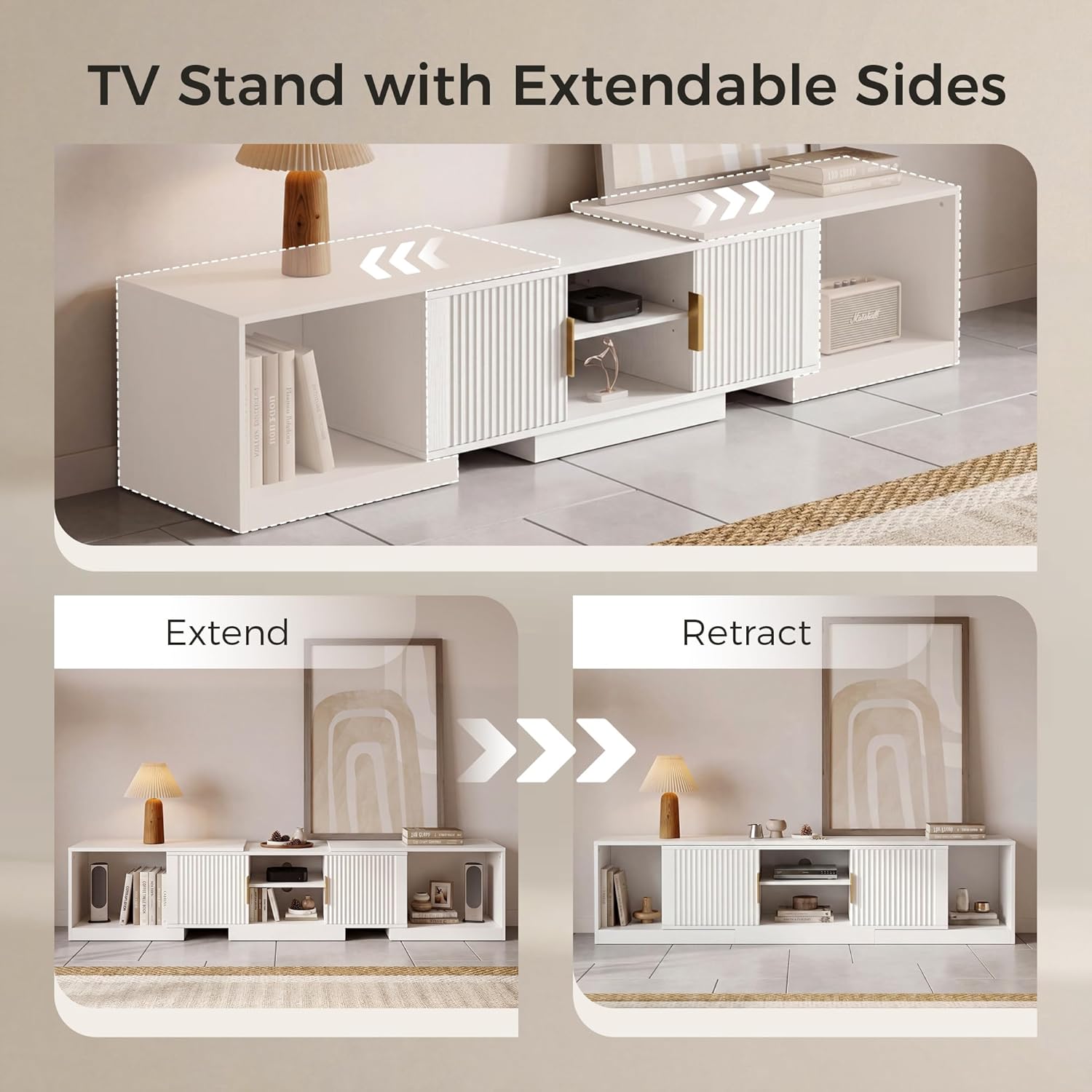
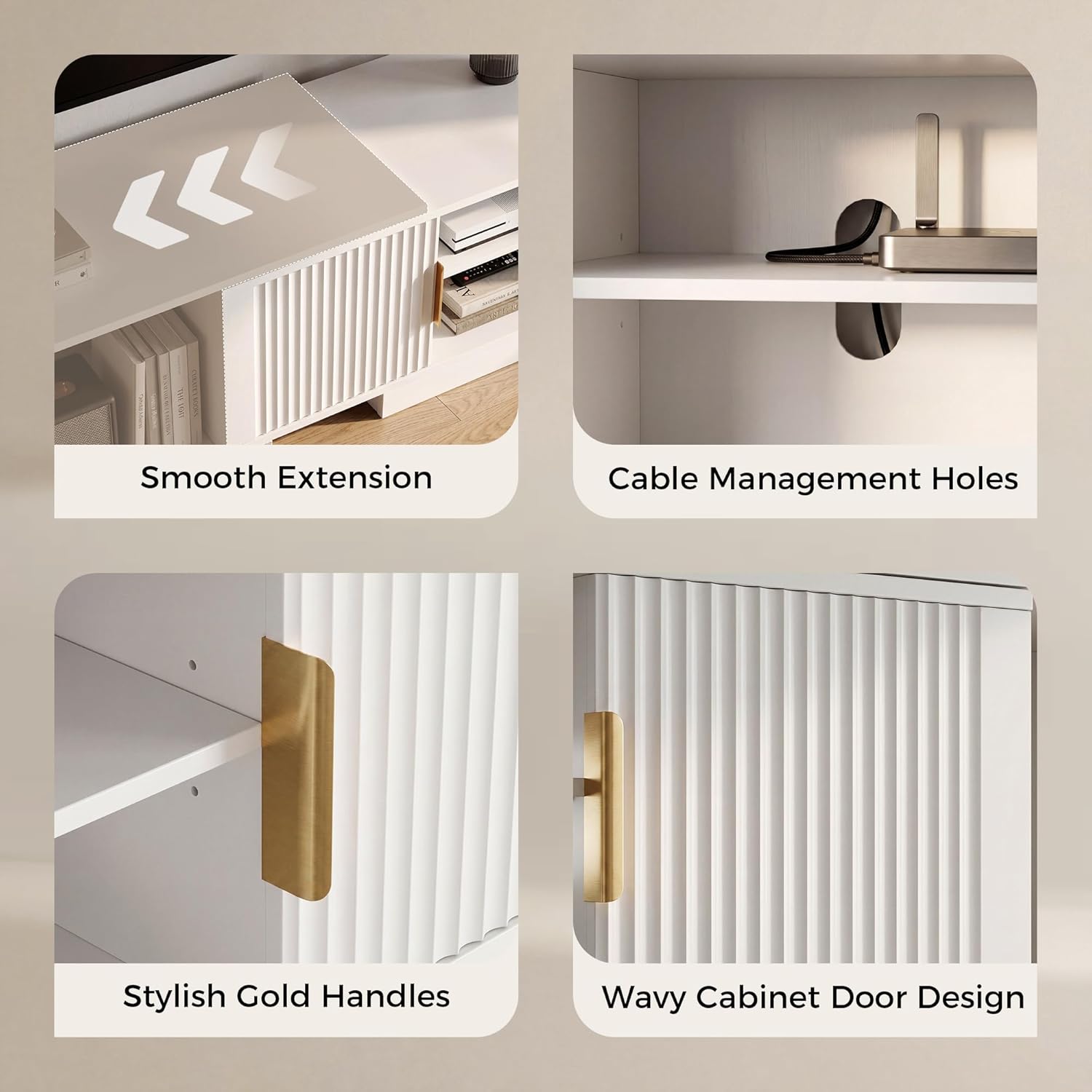
The IRONCK HK-YYAZDSG-01 is an adjustable and extendable TV stand designed to accommodate televisions ranging from 55 to 80 inches. Its versatile design allows for straight wall placement with an adjustable length from 63 to 84.6 inches, or it can be configured as a corner entertainment unit. This media console features fluted doors, integrated storage cabinets, and open shelving for organizing media devices and accessories.

2. Maklumat Keselamatan
- Sentiasa pasang unit pada permukaan yang lembut dan bersih untuk mengelakkan calar.
- Pastikan semua skru dan pengikat diketatkan dengan kukuh sebelum digunakan. Periksa secara berkala dan ketatkan semula jika perlu.
- Do not exceed the maximum weight capacity of the TV stand. The top surface is designed to support up to 66 lbs.
- For safety, it is recommended to assemble this unit with two people.
- To prevent tipping, especially with children or pets in the household, consider securing the TV stand to the wall using an anti-tip kit (not included).
- Jauhkan bahagian kecil dan bahan pembungkusan daripada kanak-kanak.
3. Kandungan Pakej
All necessary hardware, tools, and components for assembly are included in the package. Please verify all parts are present and undamaged before beginning assembly. Refer to the included assembly diagram for a complete list of parts.
4. Arahan Persediaan
Follow the step-by-step instructions provided in the assembly guide included with your product. Ensure all connections are firm and stable. The stand can be configured for straight wall placement or as a corner unit.



This video provides a visual guide to the IRONCK TV Stand, showcasing its adjustable design, storage capabilities, and how it can be configured for various room layouts.
5. Arahan Operasi
5.1 Adjusting Length and Configuration
The TV stand features an extendable design. To adjust the length, gently slide the side cabinet units outwards or inwards along the base. This allows the stand to extend from 63 inches to 84.6 inches for straight wall placement. For corner configurations, position the side units at an angle to the central unit, creating a suitable corner fit.
5.2 Menggunakan Storan
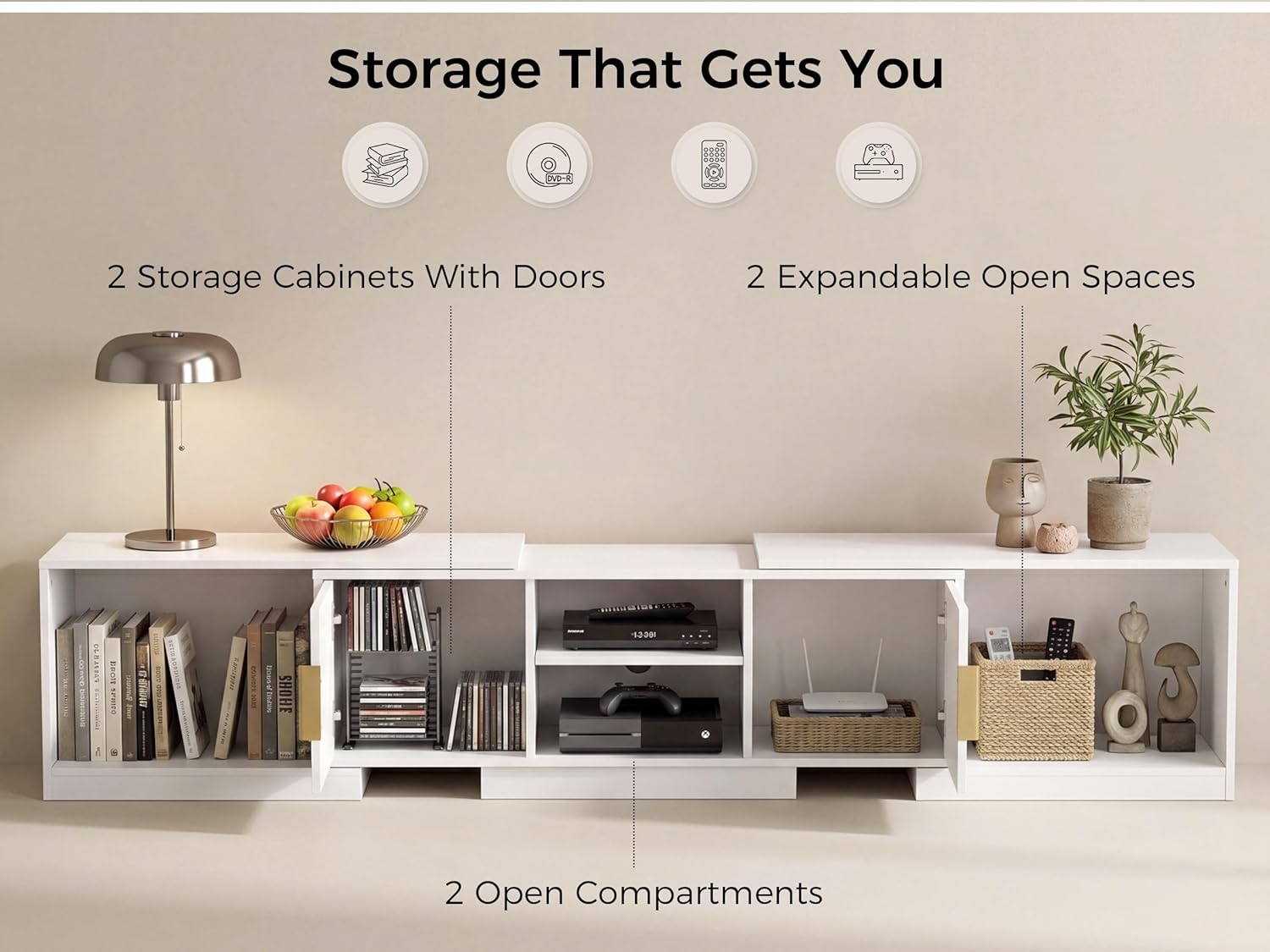
The unit includes two storage cabinets with fluted doors for concealed storage. The central section offers two open compartments ideal for media players, gaming consoles, or soundbars. Additionally, the extendable side units provide two expandable open spaces for books, decor, or other items.
6. Penyelenggaraan
- Pembersihan: Lap permukaan dengan iklanamp kain. Elakkan bahan kimia yang keras atau pembersih kasar yang boleh merosakkan kemasan.
- Tumpahan: Promptly wipe up any spills to prevent water stains, as the material is water-resistant but not waterproof for prolonged exposure.
- Pemeriksaan: Periodically check all hardware connections to ensure they remain tight and secure. Re-tighten if necessary.
- penempatan: Avoid placing the unit in direct sunlight or near heat sources to prevent material degradation or discoloration.
7. Penyelesaian masalah
- Bergoyang-goyang: If the stand wobbles, ensure it is placed on a level surface. Check that all assembly screws are fully tightened.
- Doors not aligning: If cabinet doors are misaligned, check the hinge adjustments. Most hinges allow for minor adjustments to align doors properly.
- Difficulty extending/retracting: Ensure the sliding mechanism is clear of obstructions. Apply a small amount of silicone lubricant if movement is stiff.
- Bahagian yang hilang: If any parts are missing upon unboxing, refer to the contact information in the Customer Support section.
8. Spesifikasi
| Ciri | Perincian |
|---|---|
| Jenama | IRONCK |
| Nombor Model | HK-YYAZDSG-01 |
| warna | putih |
| Jenis Bahan | Kayu Kejuruteraan |
| Panjang boleh laras | 63" - 84.6" |
| Item Dimensions (Extended) | 84.6 x 15.7 x 15.7 inci (L x P x H) |
| Berat Barang | 90.3 paun |
| Keserasian Saiz TV | 55-80 Inci |
| Perhimpunan Diperlukan | ya |
| Tahan Air | ya |
| Arahan Penjagaan Produk | Lap dengan Damp kain |
9. Maklumat Waranti
This product comes with a standard manufacturer's warranty. For specific details regarding warranty coverage, duration, and terms, please refer to the warranty card included in your product packaging or contact IRONCK customer support directly.
10. Sokongan Pelanggan
If you have any questions, require assistance with assembly, or need to report missing/damaged parts, please contact IRONCK customer support. Contact information can typically be found on the product packaging, the IRONCK official weblaman web, atau melalui saluran sokongan peruncit anda.